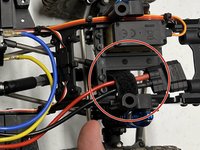
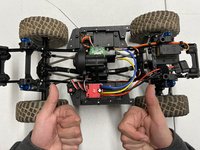
RC Vehicle Electronic Speed Control Replacement

What you need

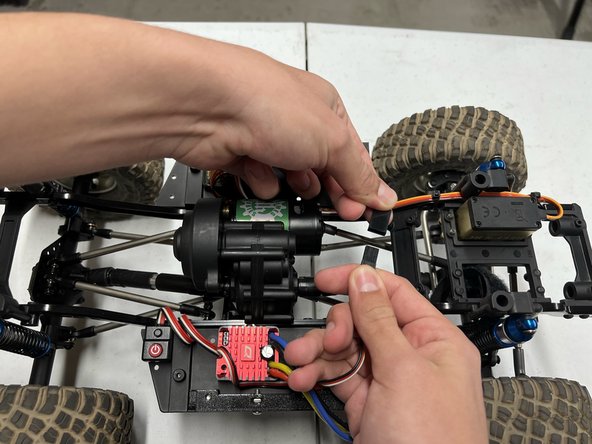
  1. RC Vehicle Electronic Speed Control Replacement, Electronic Speed Control: step 1, image 1 of 2 RC Vehicle Electronic Speed Control Replacement, Electronic Speed Control: step 1, image 2 of 2
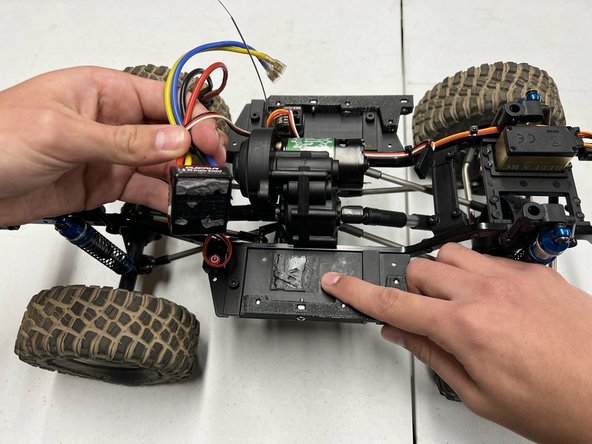
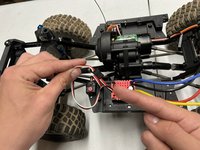
    • Position the car so that the wires are facing upwards.

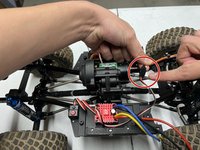
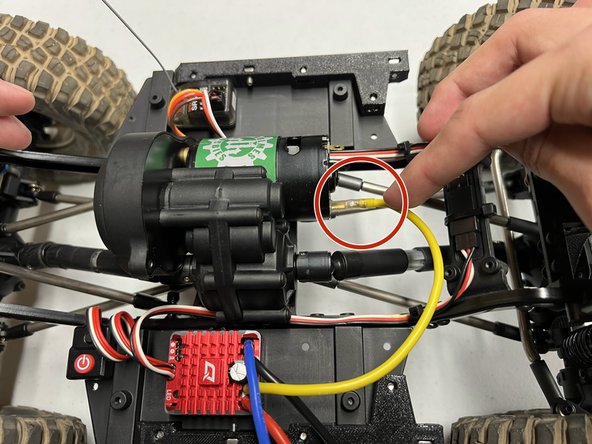
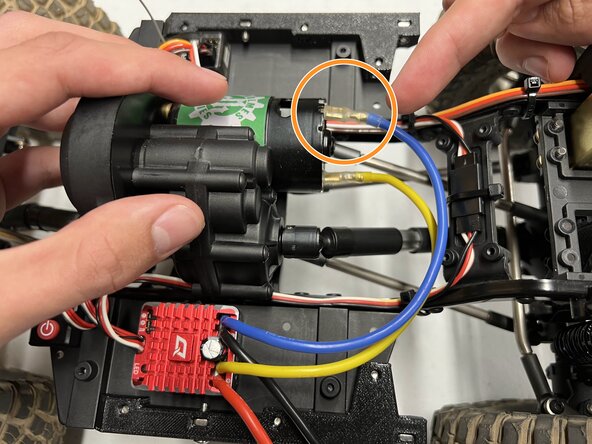
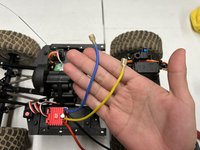
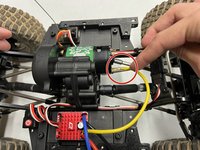
  2. RC Vehicle Electronic Speed Control Replacement: step 2, image 1 of 3 RC Vehicle Electronic Speed Control Replacement: step 2, image 2 of 3 RC Vehicle Electronic Speed Control Replacement: step 2, image 3 of 3
    • Unplug the blue wire.

    • Unplug the yellow wire.

    • To unplug these wires, firmly grasp the metal connector, then pull straight out.

    • Grab the wires by their metal connector, not the wire itself, to prevent any damage to the wires.

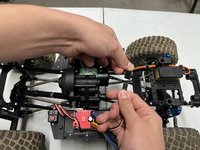
  3. RC Vehicle Electronic Speed Control Replacement: step 3, image 1 of 2 RC Vehicle Electronic Speed Control Replacement: step 3, image 2 of 2
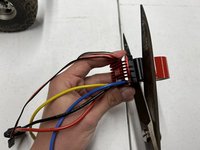
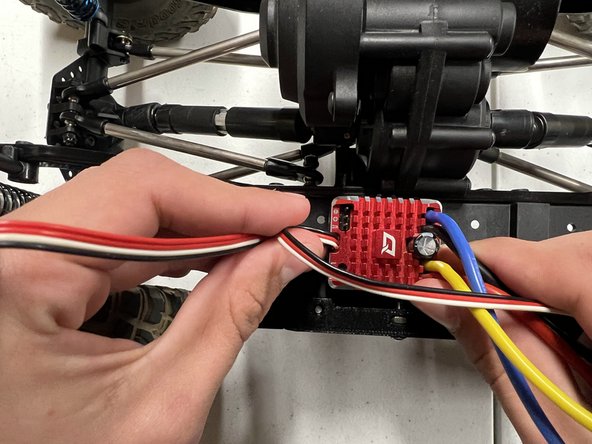
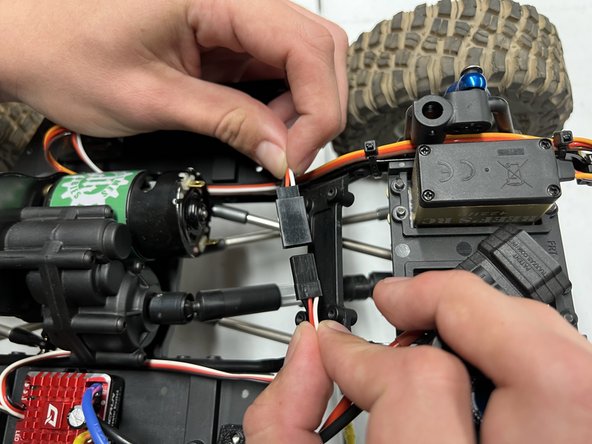
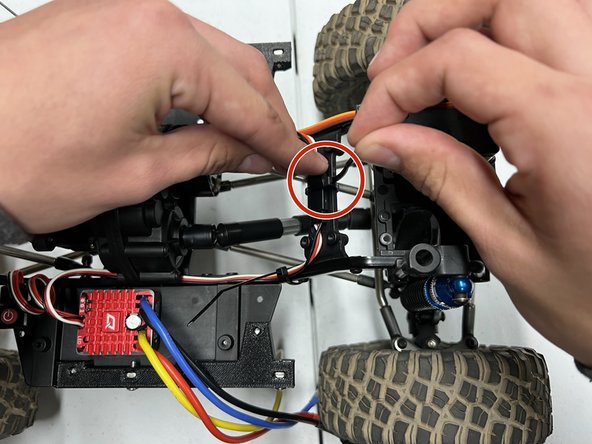
    • Unplug the thin bundle of black, white, and red wires.

    • Move both ends to the side of the car to clear your workspace.

    • Grab the wires by their metal connector, not the wire itself, to prevent any damage to the wires.

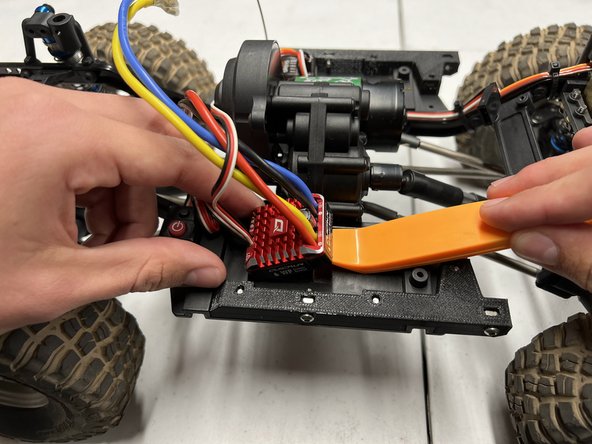
  4. RC Vehicle Electronic Speed Control Replacement: step 4, image 1 of 3 RC Vehicle Electronic Speed Control Replacement: step 4, image 2 of 3 RC Vehicle Electronic Speed Control Replacement: step 4, image 3 of 3
    Tool used on this step:
    iFixit Opening Tool
    $1.99
    Buy
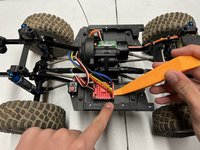
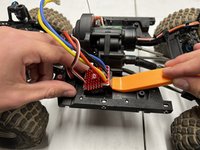
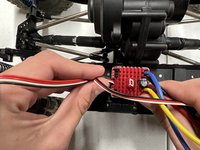
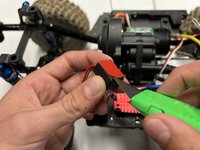
    • Slide an opening tool beneath the red controller unit.

    • Pry upwards with moderate force until the controller unit is detached.

  5. RC Vehicle Electronic Speed Control Replacement: step 5, image 1 of 3 RC Vehicle Electronic Speed Control Replacement: step 5, image 2 of 3 RC Vehicle Electronic Speed Control Replacement: step 5, image 3 of 3
    Tool used on this step:
    iFixit Opening Tool
    $1.99
    Buy
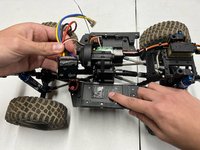
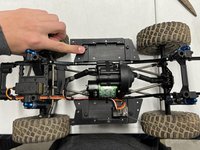
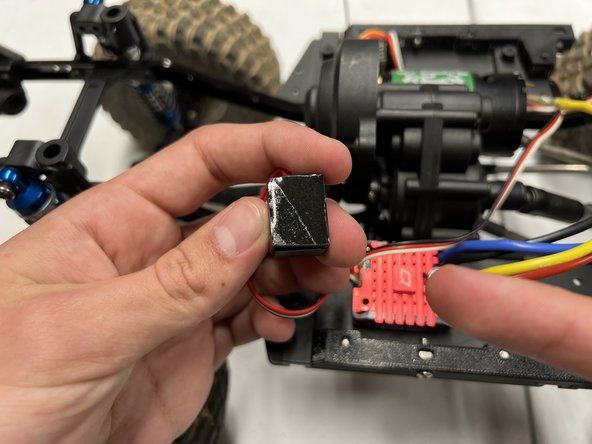
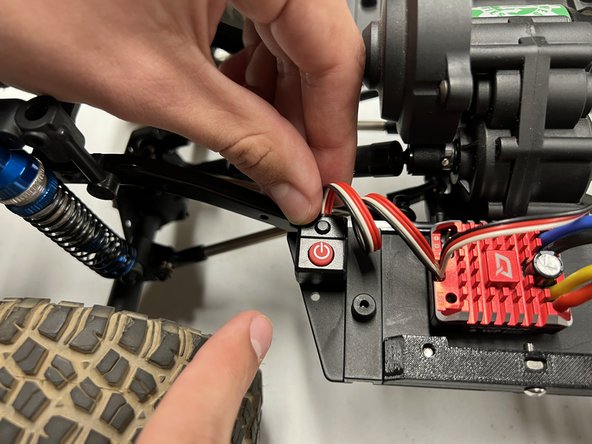
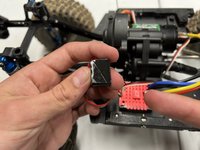
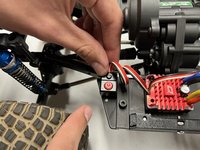
    • Slide an opening tool beneath the power button.

    • Pry upwards with moderate force until the power button is detached.

  6. RC Vehicle Electronic Speed Control Replacement: step 6, image 1 of 3 RC Vehicle Electronic Speed Control Replacement: step 6, image 2 of 3 RC Vehicle Electronic Speed Control Replacement: step 6, image 3 of 3
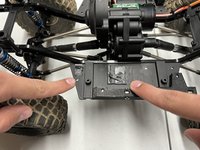
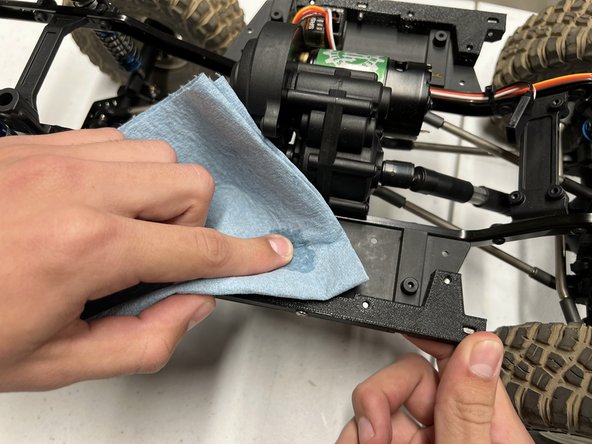
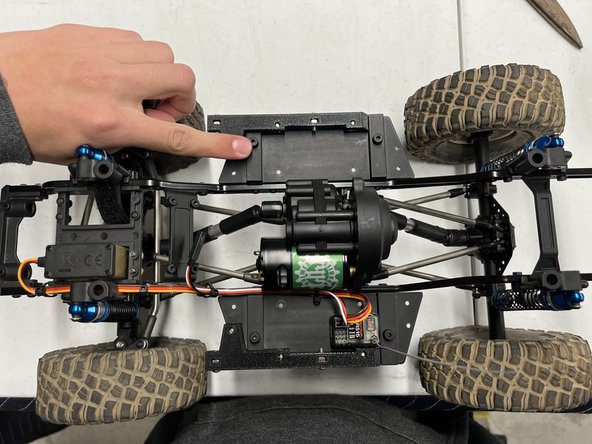
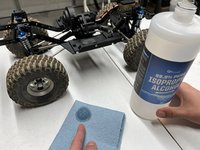
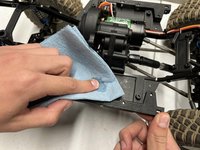
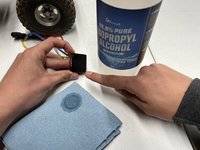
    • Dampen a shop towel with 99.9% pure isopropyl alcohol.

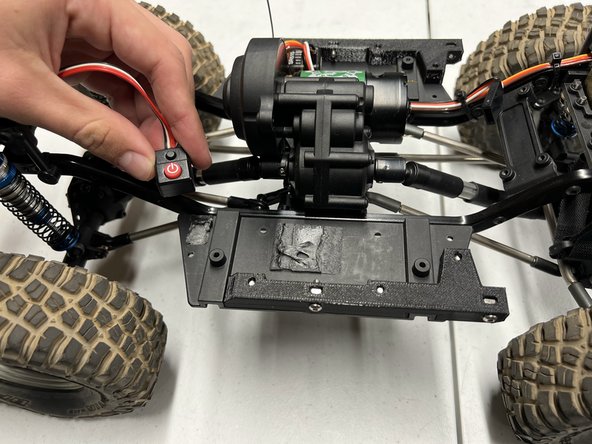
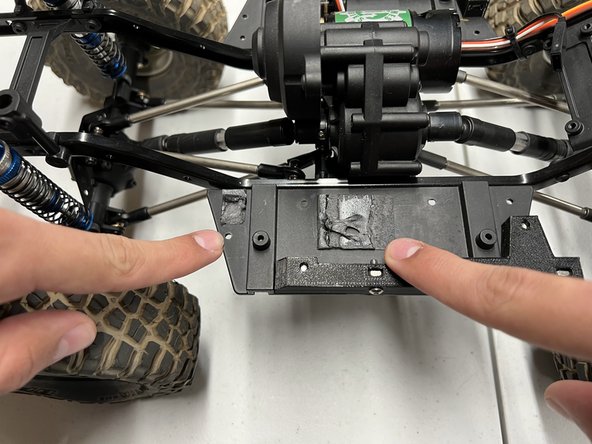
    • Rub the dampened towel over any residual adhesive on the car.

    • Clean the residue until the surface is smooth.

    • Isopropyl alcohol is extremely flammable. Work away from heat sources to prevent serious fires.

  7. RC Vehicle Electronic Speed Control Replacement: step 7, image 1 of 3 RC Vehicle Electronic Speed Control Replacement: step 7, image 2 of 3 RC Vehicle Electronic Speed Control Replacement: step 7, image 3 of 3
    • From this step onwards, work with your new controller unit, not the old one.

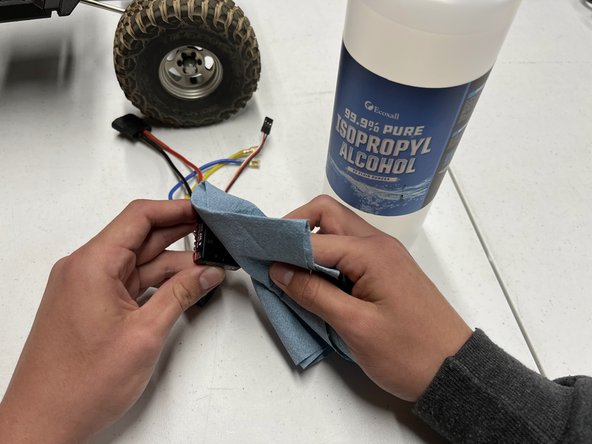
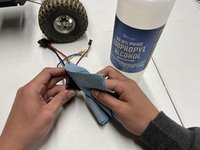
    • Dampen a shop towel with 99.9% pure isopropyl alcohol.

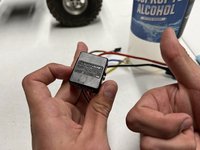
    • Rub the dampened towel over the bottom of the controller unit.

  8. RC Vehicle Electronic Speed Control Replacement: step 8, image 1 of 1
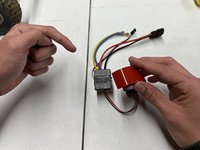
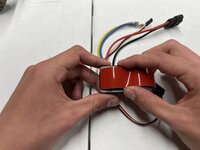
  9. RC Vehicle Electronic Speed Control Replacement: step 9, image 1 of 2 RC Vehicle Electronic Speed Control Replacement: step 9, image 2 of 2
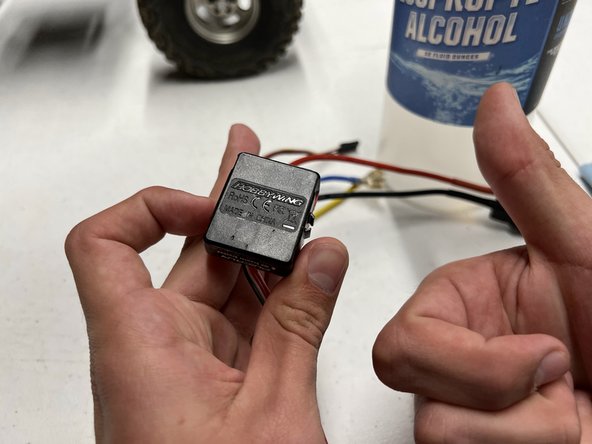
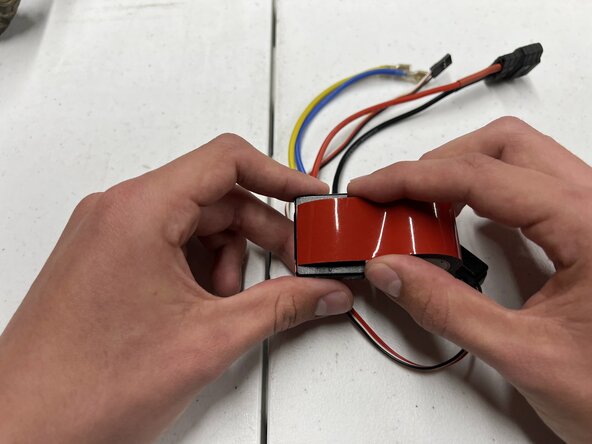
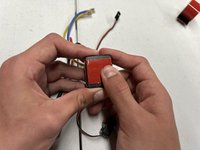
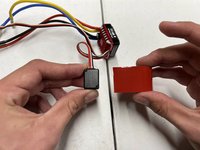
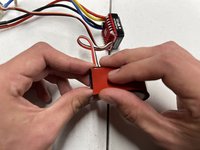
    • Position the controller unit so that the bottom faces upwards.

    • Unwind 1 inch of double-sided adhesive.

    • Center the adhesive on the bottom and press down to secure it.

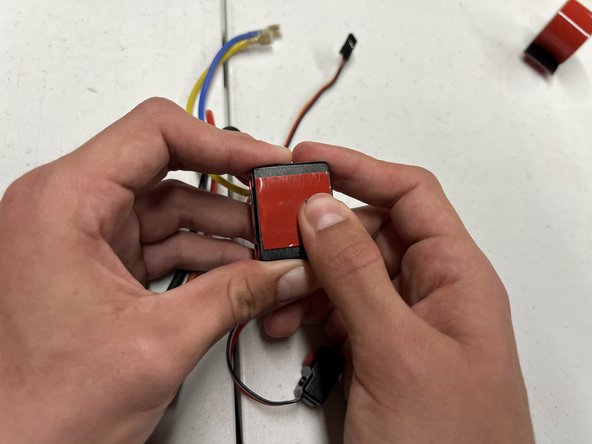
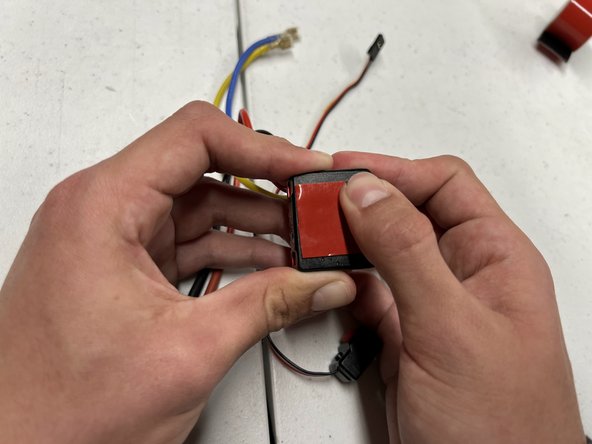
  10. RC Vehicle Electronic Speed Control Replacement: step 10, image 1 of 3 RC Vehicle Electronic Speed Control Replacement: step 10, image 2 of 3 RC Vehicle Electronic Speed Control Replacement: step 10, image 3 of 3
    Tool used on this step:
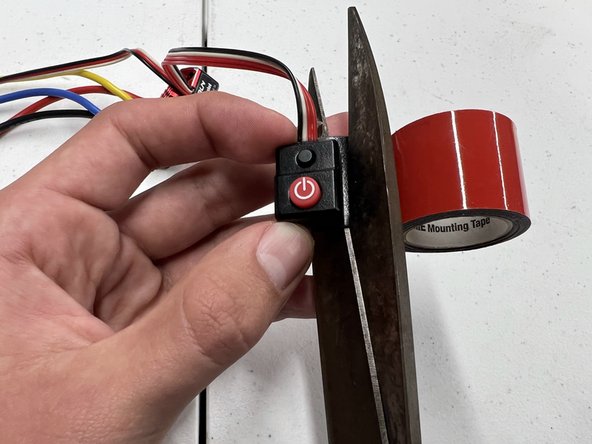
    Utility Scissors
    $5.59
    Buy
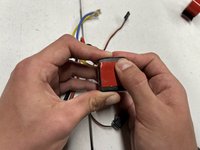
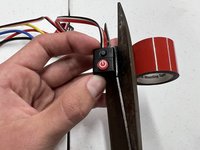
    • Trim any excess adhesive from the bottom of the controller unit.

    • Smooth the adhesive by rubbing it with your thumb.

  11. RC Vehicle Electronic Speed Control Replacement: step 11, image 1 of 3 RC Vehicle Electronic Speed Control Replacement: step 11, image 2 of 3 RC Vehicle Electronic Speed Control Replacement: step 11, image 3 of 3
    • Repeat Steps 9 and 10 with the power button instead of the controller unit.

  12. RC Vehicle Electronic Speed Control Replacement: step 12, image 1 of 1
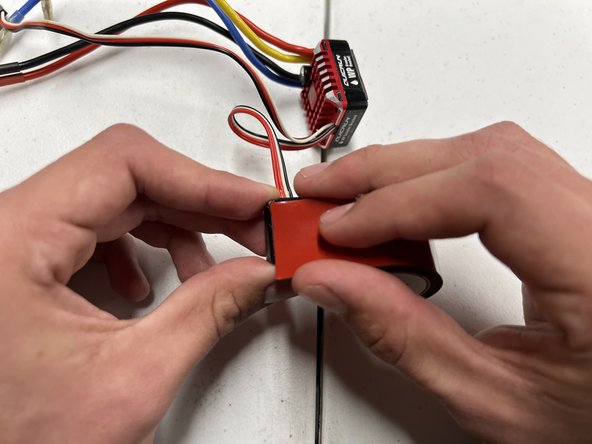
    • The bottom of your controller unit and power button should look like the given image.

  13. RC Vehicle Electronic Speed Control Replacement: step 13, image 1 of 3 RC Vehicle Electronic Speed Control Replacement: step 13, image 2 of 3 RC Vehicle Electronic Speed Control Replacement: step 13, image 3 of 3
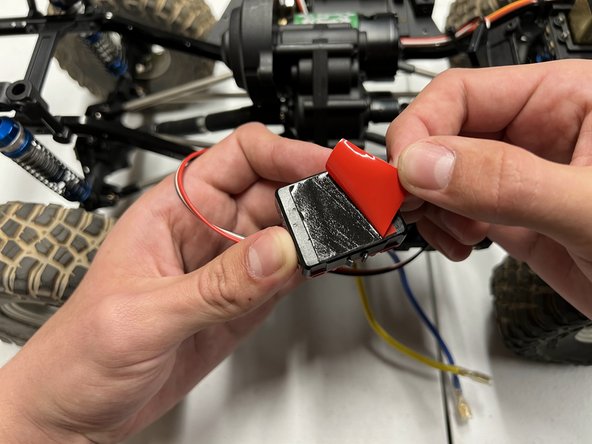
    • Peel off the red layer from the adhesive attached to the controller unit.

    • Secure it to the original spot of the old controller unit.

    • Use a precision knife to easily remove the layer on your double-sided adhesive.

  14. RC Vehicle Electronic Speed Control Replacement: step 14, image 1 of 3 RC Vehicle Electronic Speed Control Replacement: step 14, image 2 of 3 RC Vehicle Electronic Speed Control Replacement: step 14, image 3 of 3
    • Peel off the red layer from the double-sided adhesive attached to the power button.

    • Secure it to the original spot of the old power button.

    • Use a precision knife to easily remove the layer on your double-sided adhesive.

  15. RC Vehicle Electronic Speed Control Replacement: step 15, image 1 of 2 RC Vehicle Electronic Speed Control Replacement: step 15, image 2 of 2
    • Locate the thin bundle of black, white, and red wires and reconnect their heads.

  16. RC Vehicle Electronic Speed Control Replacement: step 16, image 1 of 2 RC Vehicle Electronic Speed Control Replacement: step 16, image 2 of 2
    • Secure the black, white, and red wires to the frame of your car using two 4-inch zip ties.

  17. RC Vehicle Electronic Speed Control Replacement: step 17, image 1 of 3 RC Vehicle Electronic Speed Control Replacement: step 17, image 2 of 3 RC Vehicle Electronic Speed Control Replacement: step 17, image 3 of 3
    • Plug the yellow wire into the connector at the bottom of the motor (Image 2).

    • Plug the blue wire into the connector at the top of the motor (Image 3).

  18. RC Vehicle Electronic Speed Control Replacement: step 18, image 1 of 3 RC Vehicle Electronic Speed Control Replacement: step 18, image 2 of 3 RC Vehicle Electronic Speed Control Replacement: step 18, image 3 of 3
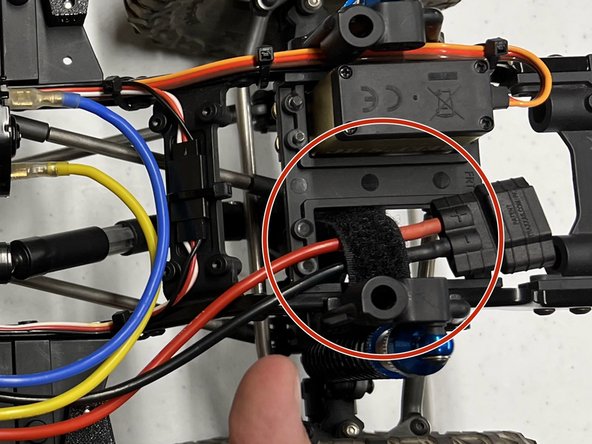
    • Tuck away the thick red and black charging wires.

    • Securing the charging wires using Velcro is optional but recommended to keep the wires from moving while driving your vehicle.

Finish Line

Maxwell Limon

Member since: 11/11/22

277 Reputation

1 Guide authored

0 Guide Comments

Add Comment

View Statistics:

Past 24 Hours: 1

Past 7 Days: 13

Past 30 Days: 62

All Time: 1,077