Free Shipping on Domestic Orders $75+

Protocol Galileo Motor Replacement

What you need

  1. Protocol Galileo Motor Replacement, Battery: step 1, image 1 of 1
    • Find door on the underside of drone. Open the door.

    Ask FixBot

    Add Comment

  2. Protocol Galileo Motor Replacement: step 2, image 1 of 2 Protocol Galileo Motor Replacement: step 2, image 2 of 2
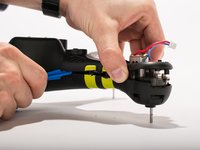
    • Carefully pull out battery, pulling out wires first.

    Ask FixBot
    Add Comment

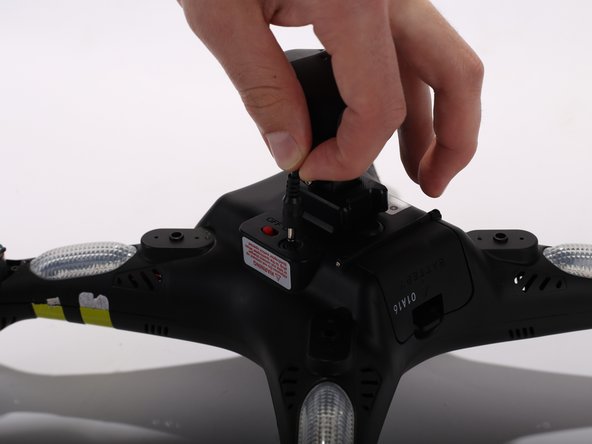
  3. Protocol Galileo Motor Replacement: step 3, image 1 of 1
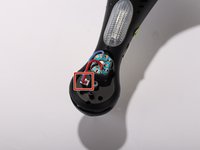
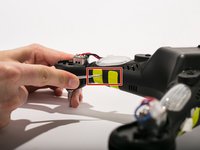
    • Disconnect the connecter.

    • When reconnecting, remember to match up the black wire with the black wire and the red with red.

    Ask FixBot
    Add Comment

  4. Protocol Galileo Motor Replacement, Propeller: step 4, image 1 of 2 Protocol Galileo Motor Replacement, Propeller: step 4, image 2 of 2
    Tool used on this step:
    Heavy-Duty Spudger
    $4.99
    Buy
    • Use the heavy duty spudger tool to pry off metal caps by pushing the spudger up into the cap.

    Ask FixBot
    Add Comment

  5. Protocol Galileo Motor Replacement: step 5, image 1 of 1
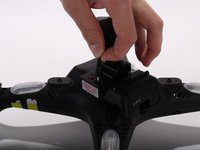
    • Twist the white spindle sleeve counter clockwise to align locking pin inside with the opening.

    Ask FixBot
    Add Comment

  6. Protocol Galileo Motor Replacement: step 6, image 1 of 1
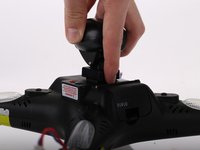
    Tool used on this step:
    Tweezers
    $4.99
    Buy
    Ask FixBot
    Add Comment

  7. Protocol Galileo Motor Replacement: step 7, image 1 of 1
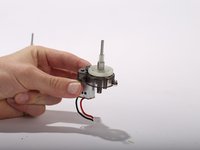
    • Pull off white spindle sleeve.

    • Take note of which side of the spindle sleeve is the top.

    Ask FixBot

    Add Comment

  8. Protocol Galileo Motor Replacement: step 8, image 1 of 2 Protocol Galileo Motor Replacement: step 8, image 2 of 2
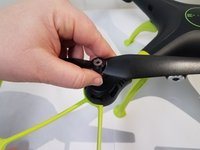
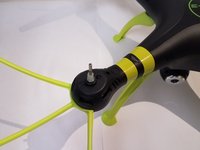
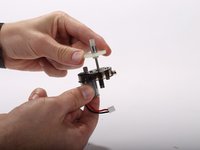
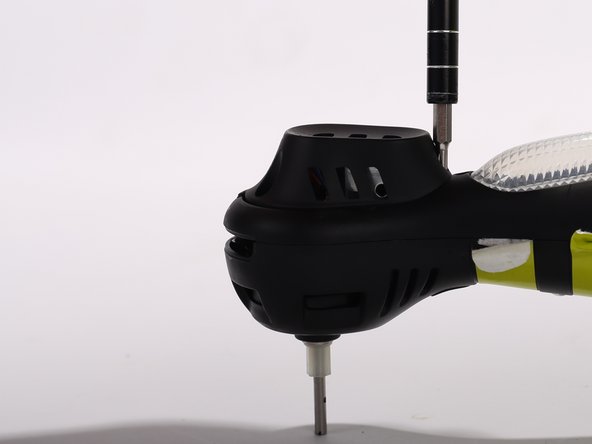
    • Pull off propeller.

    Ask FixBot
    Add Comment

  9. Protocol Galileo Motor Replacement, Top Shell: step 9, image 1 of 3 Protocol Galileo Motor Replacement, Top Shell: step 9, image 2 of 3 Protocol Galileo Motor Replacement, Top Shell: step 9, image 3 of 3
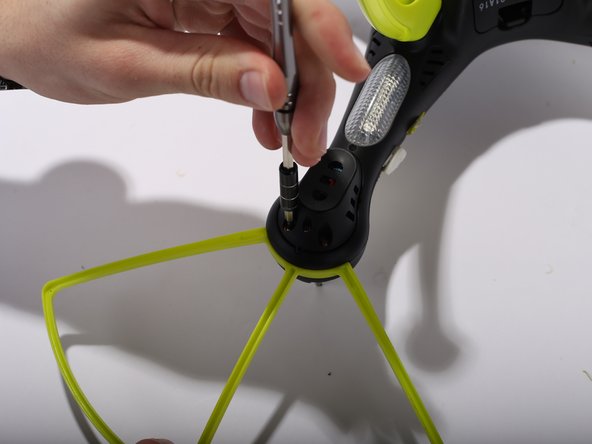
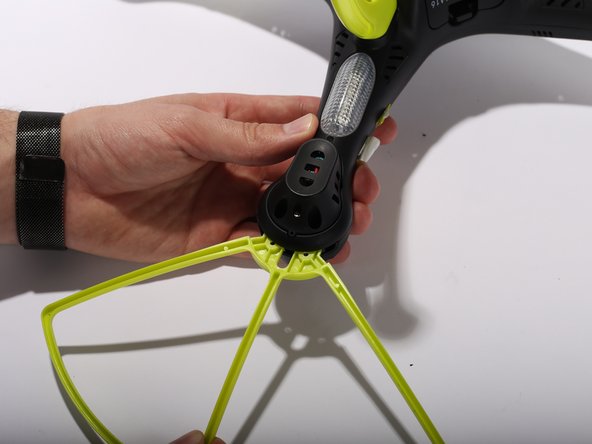
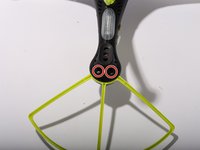
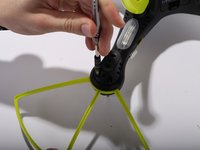
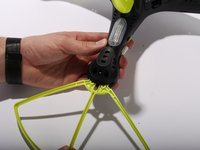
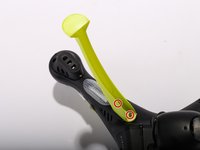
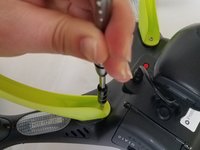
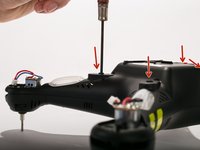
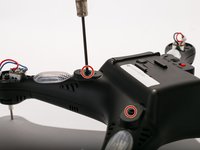
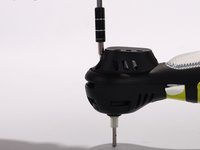
    • Remove Blade Guards by unscrewing two 13 millimeter screws using Philips #0. Pull out the guards. Repeat the steps for the other three corners.

    Ask FixBot
    Add Comment

  10. Protocol Galileo Motor Replacement: step 10, image 1 of 2 Protocol Galileo Motor Replacement: step 10, image 2 of 2
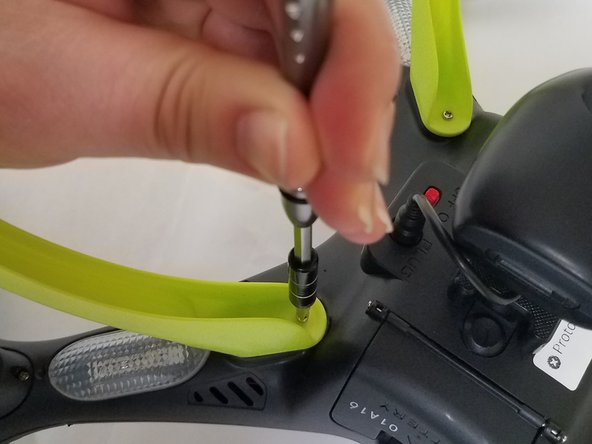
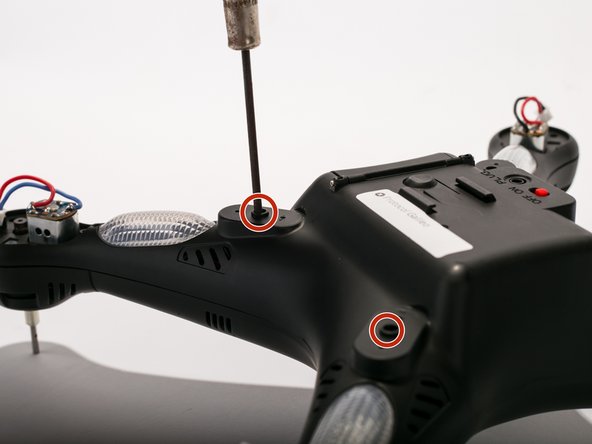
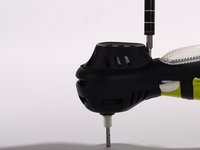
    • Unscrew two 9 mm screws located inside the legs. Repeat the same procedure for the other three legs

    Ask FixBot
    Add Comment

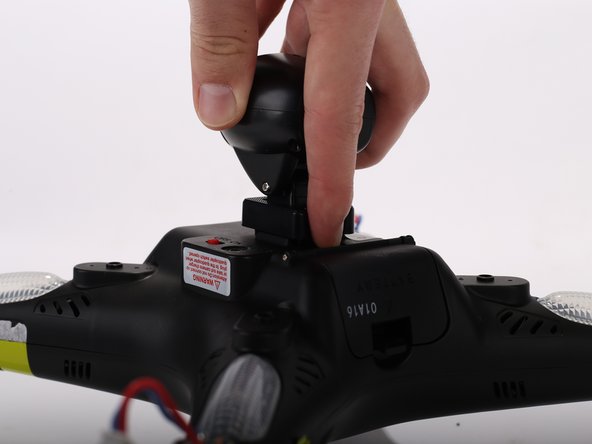
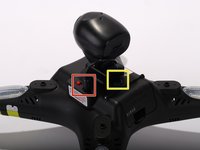
  11. Protocol Galileo Motor Replacement: step 11, image 1 of 3 Protocol Galileo Motor Replacement: step 11, image 2 of 3 Protocol Galileo Motor Replacement: step 11, image 3 of 3
    • Unplug the camera wire.

    • Press the hold release button and slide out the camera module away from the button.

    Ask FixBot

    Add Comment

  12. Protocol Galileo Motor Replacement: step 12, image 1 of 2 Protocol Galileo Motor Replacement: step 12, image 2 of 2
    • Remove the motor protection cover by unscrewing two 9 mm screws using Philips #0. When the screws are off, use your fingers to pull the motor protection cover off. Repeat the procedure for the other three arms.

    Ask FixBot

    Add Comment

  13. Protocol Galileo Motor Replacement: step 13, image 1 of 3 Protocol Galileo Motor Replacement: step 13, image 2 of 3 Protocol Galileo Motor Replacement: step 13, image 3 of 3
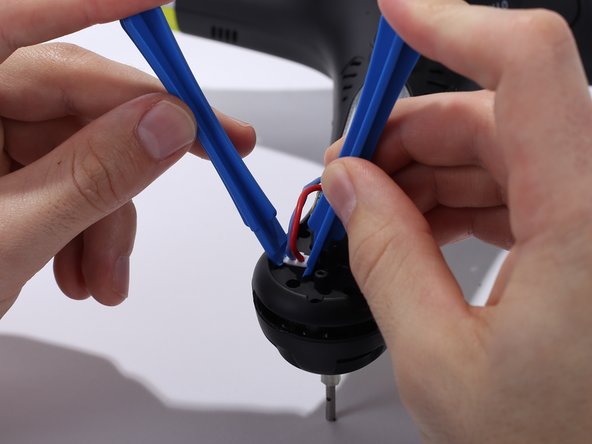
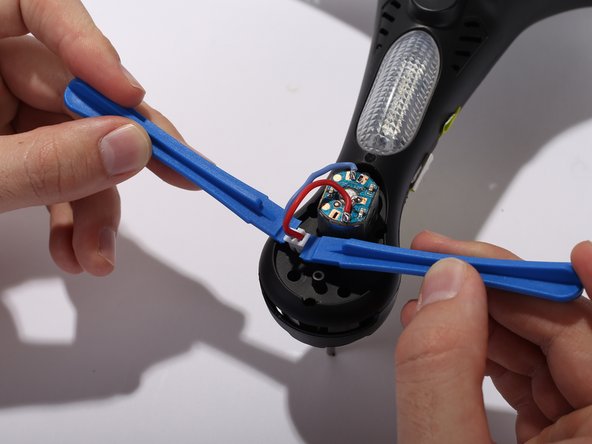
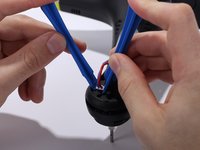
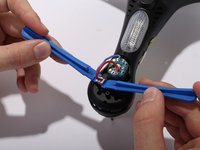
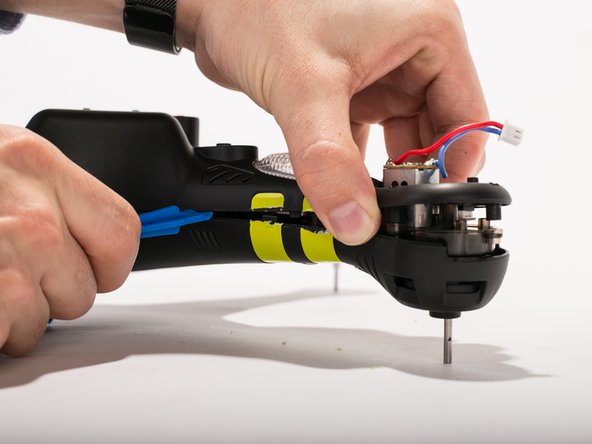
    • Unclip the motor cable from the shells housing using two pry tools. Repeat the same procedure for the other three arms.

    Ask FixBot

    Add Comment

  14. Protocol Galileo Motor Replacement: step 14, image 1 of 1
    • Remove 3 9mm screws around the motor housing. Repeat the steps for the three other arms.

    Ask FixBot

    Add Comment

  15. Protocol Galileo Motor Replacement: step 15, image 1 of 2 Protocol Galileo Motor Replacement: step 15, image 2 of 2
    • Remove four 9 mm screws located where the legs originally are placed. (Use a thin head screwdriver)

    Ask FixBot

    Add Comment

  16. Protocol Galileo Motor Replacement: step 16, image 1 of 3 Protocol Galileo Motor Replacement: step 16, image 2 of 3 Protocol Galileo Motor Replacement: step 16, image 3 of 3
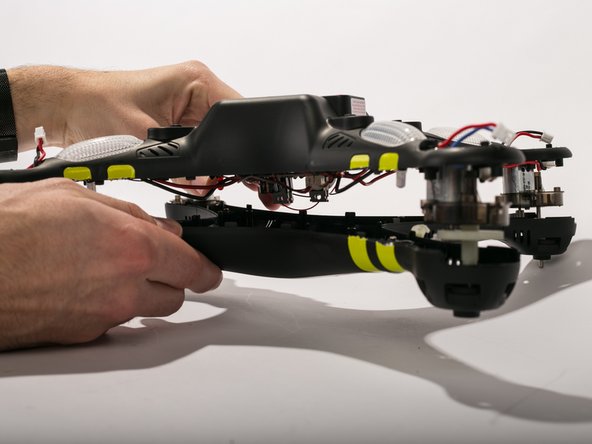
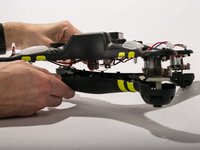
    • Cut the yellow strips using a scalpel. Pry open the casing using pry tools working gently around the corners.

    Ask FixBot

    Add Comment

  17. Protocol Galileo Motor Replacement, Pinion Gear: step 17, image 1 of 1
    • Remove the motor assembly from the bottom shell.

    Ask FixBot

    Add Comment

  18. Protocol Galileo Motor Replacement: step 18, image 1 of 2 Protocol Galileo Motor Replacement: step 18, image 2 of 2
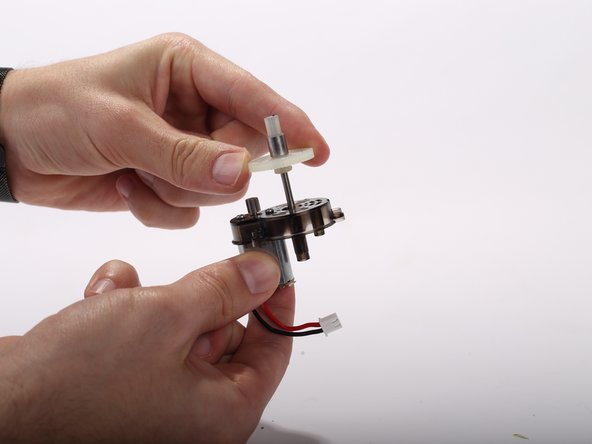
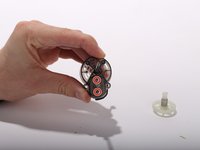
    • Slide the pinion gear off of the motor assembly.

    Ask FixBot

    Add Comment

  19. Protocol Galileo Motor Replacement, Motor: step 19, image 1 of 2 Protocol Galileo Motor Replacement, Motor: step 19, image 2 of 2
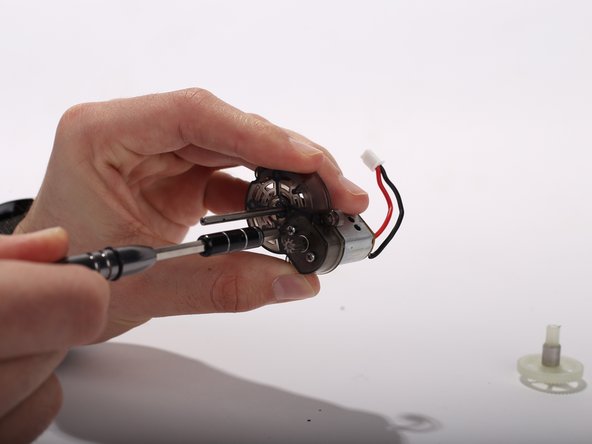
    • Remove the two 4mm Philips screws from the motor.

    • Separate the motor from the plastic motor holder.

    Ask FixBot

    Add Comment

Conclusion

To reassemble your device, follow these instructions in reverse order.

Cancel: I did not complete this guide.

Thomas Ramey

Member since: 02/03/17

301 Reputation

3 Guides authored

Team

UW Tacoma, Team 2-3, Rose Winter 2017 Member of UW Tacoma, Team 2-3, Rose Winter 2017

UWT-ROSE-W17S2G3

4 Members

5 Guides authored

1 Guide Comment

what I need to know is where can I buy the plastic motor holder. This would be for a Galileo stealth drone. can someone please help me with this. markkermoyan@gmail.com

mark kermoyan - Reply Share

Add Comment

View Statistics:

Past 24 Hours: 0

Past 7 Days: 6

Past 30 Days: 22

All Time: 886