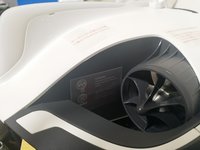
PowerRay Camera Module Replacement

What you need

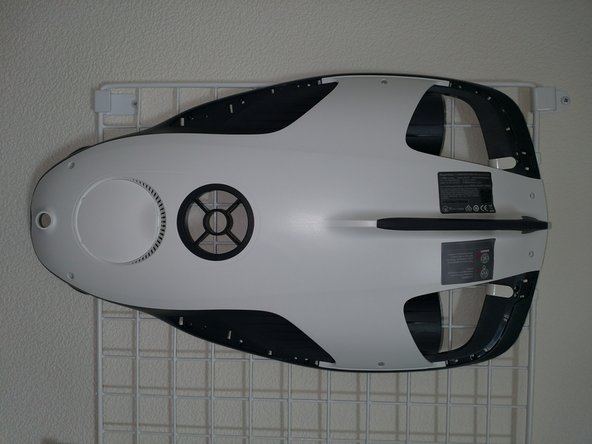
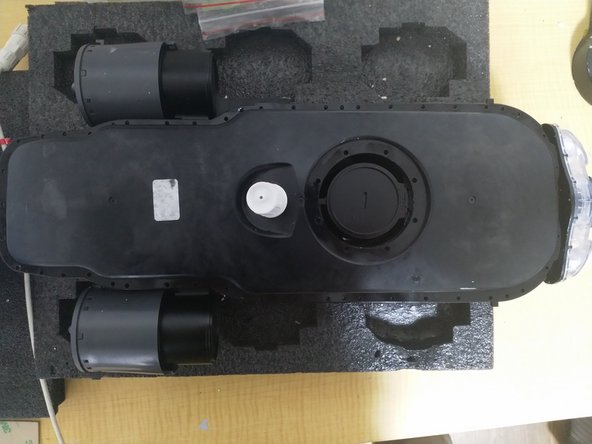
  1. PowerRay Camera Module Replacement, Removing exterior parts: step 1, image 1 of 1
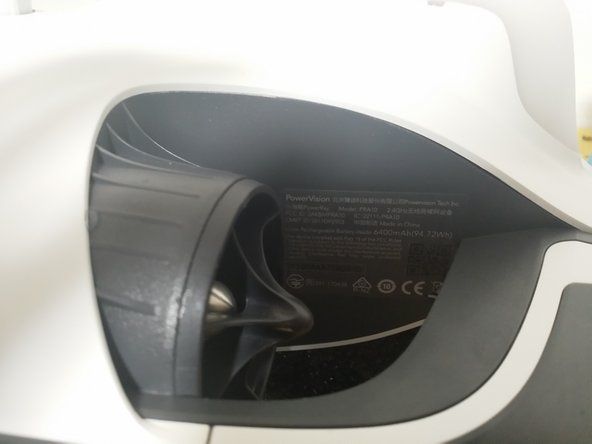
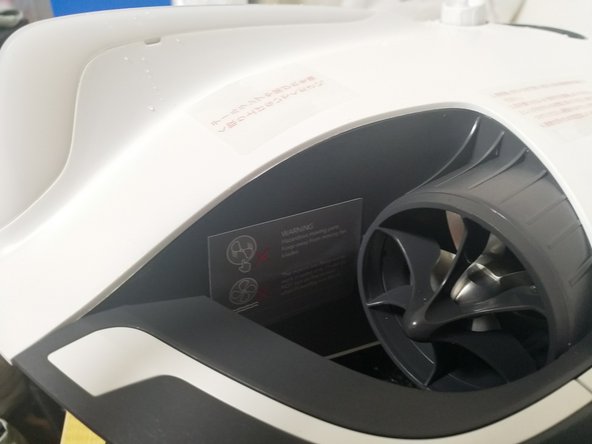
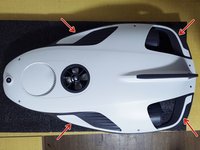
    • Remove the four protective parts on the back of the unit.

    • Check the position of the claws and be careful not to break any parts.

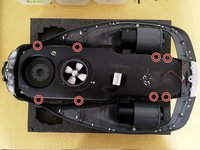
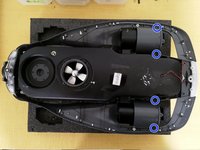
  2. PowerRay Camera Module Replacement, Removing the rear panel: step 2, image 1 of 2 PowerRay Camera Module Replacement, Removing the rear panel: step 2, image 2 of 2
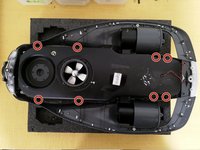
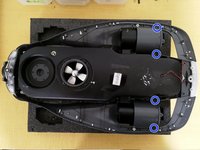
    • Remove all the following screws:

    • Red M2.5×6 (16 pieces)

    • 青 M2×5 (2本)

  3. PowerRay Camera Module Replacement, Removing the bottom panel: step 3, image 1 of 2 PowerRay Camera Module Replacement, Removing the bottom panel: step 3, image 2 of 2
    • Remove the warning label and S/N label.

    • Remove the bottom exterior

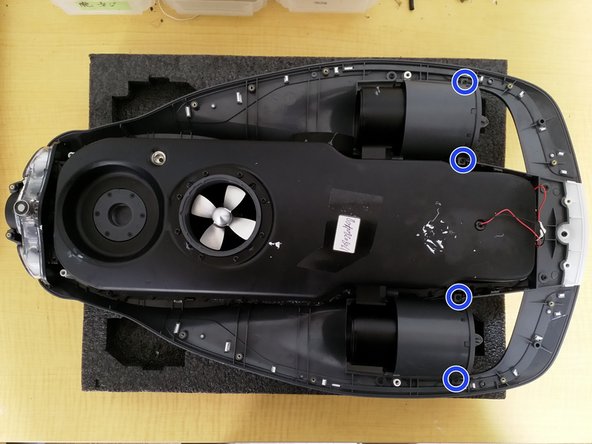
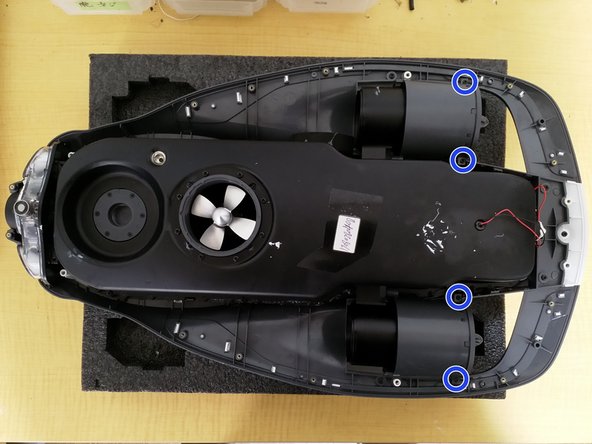
  4. PowerRay Camera Module Replacement, Removing the airtight module: step 4, image 1 of 2 PowerRay Camera Module Replacement, Removing the airtight module: step 4, image 2 of 2
    • Remove all screws that secure the airtight module to the housing

    • Red M2.5×12 (8 pieces)

    • Blue M2 x 5 (4 pieces)

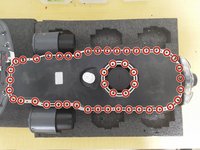
  5. PowerRay Camera Module Replacement, Disassembly of the airtight module: step 5, image 1 of 2 PowerRay Camera Module Replacement, Disassembly of the airtight module: step 5, image 2 of 2
    • Remove all screws from the airtight module

    • M2.5x8 (48 pieces)

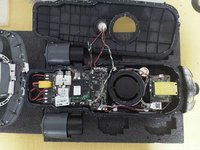
    • Be careful not to cut the cables when removing the upper housing.

  6. PowerRay Camera Module Replacement, Removing the Camera Module: step 6, image 1 of 1
    • Remove all the screws that attach the camera module

    • M2x5 (8 Pieces)

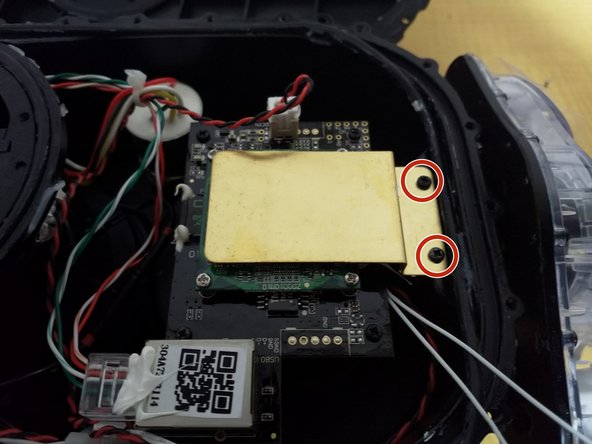
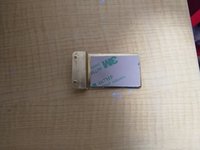
  7. PowerRay Camera Module Replacement, Removing the Camera Module: step 7, image 1 of 2 PowerRay Camera Module Replacement, Removing the Camera Module: step 7, image 2 of 2
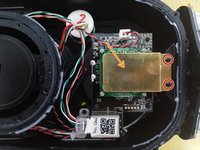
    • Remove the screws circled in red. M2×5 (2 pieces)

    • Remove the heatsink indicated by the orange arrow.

  8. PowerRay Camera Module Replacement, Camera Module Removal: step 8, image 1 of 2 PowerRay Camera Module Replacement, Camera Module Removal: step 8, image 2 of 2
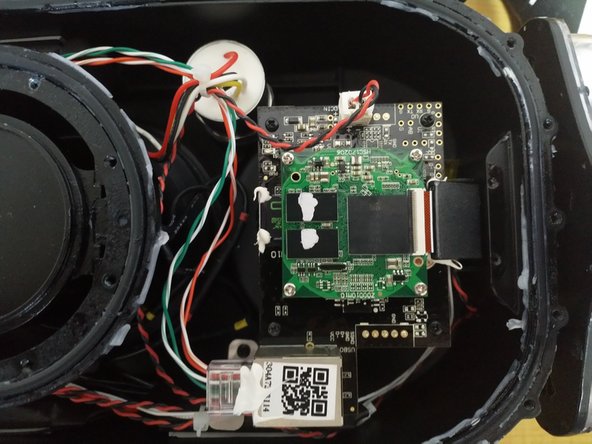
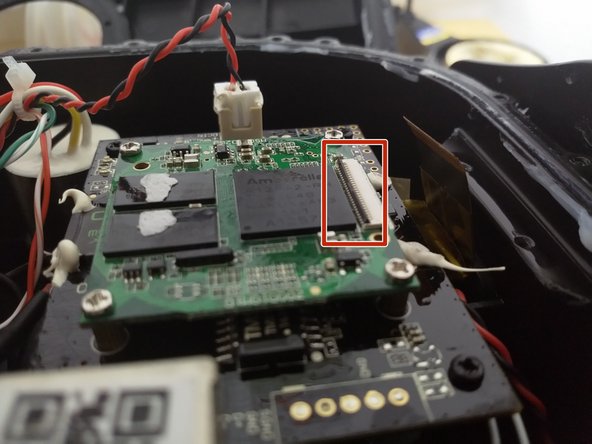
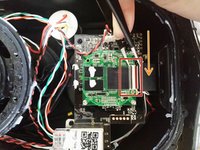
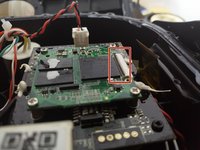
    • Unlock the flexible cable connector (raise the black lock)

    • Pull the flexible cable straight out.

    • The ferrite core indicated by the orange arrow will be reused, so keep it.

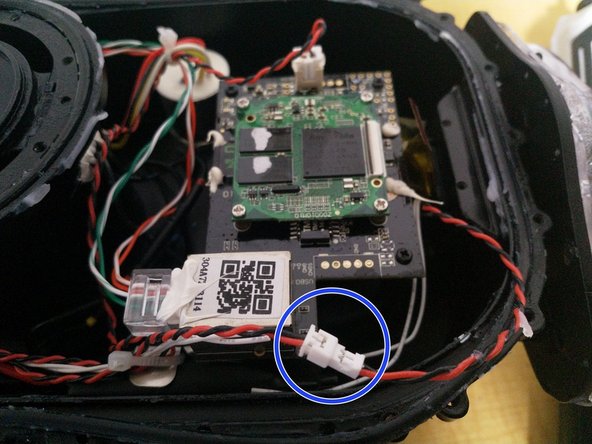
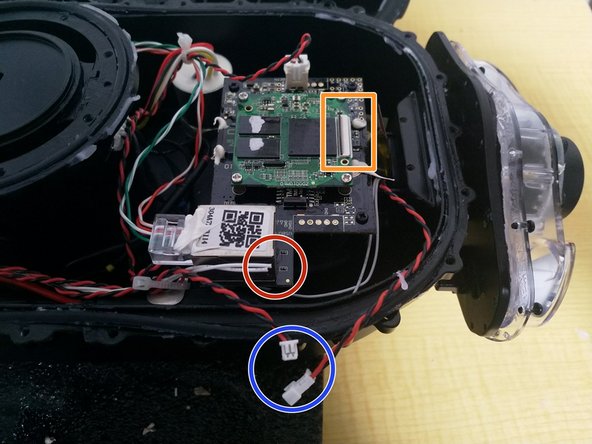
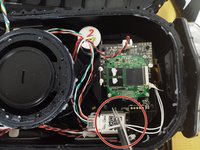
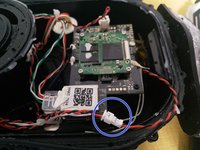
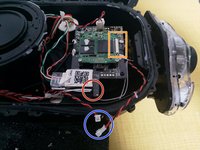
  9. PowerRay Camera Module Replacement, Camera Module Removal: step 9, image 1 of 3 PowerRay Camera Module Replacement, Camera Module Removal: step 9, image 2 of 3 PowerRay Camera Module Replacement, Camera Module Removal: step 9, image 3 of 3
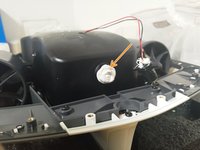
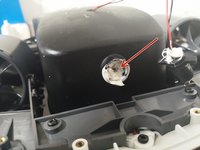
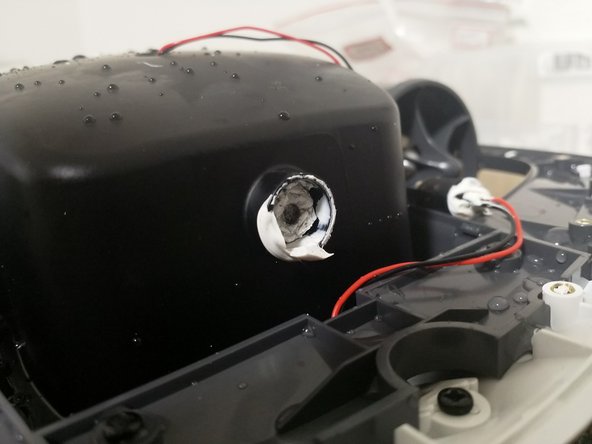
    • Cut the white magnet cable (red circle position)

    • Remove the LED connector (blue circle position)

    • After confirming that the flexible cable, magnet cable, and LED cable have been removed, pull out the camera module.

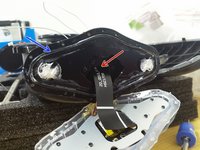
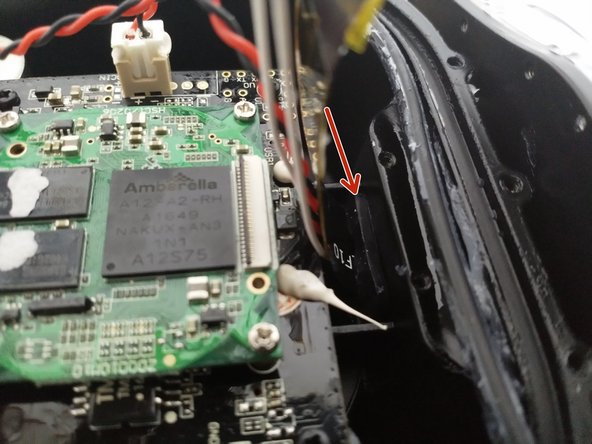
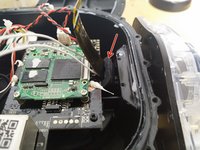
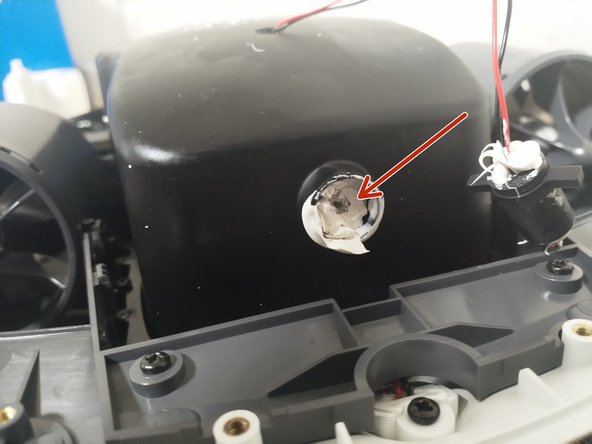
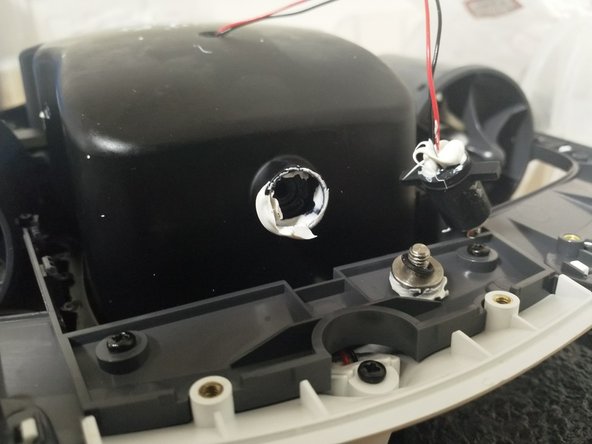
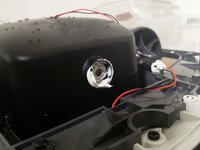
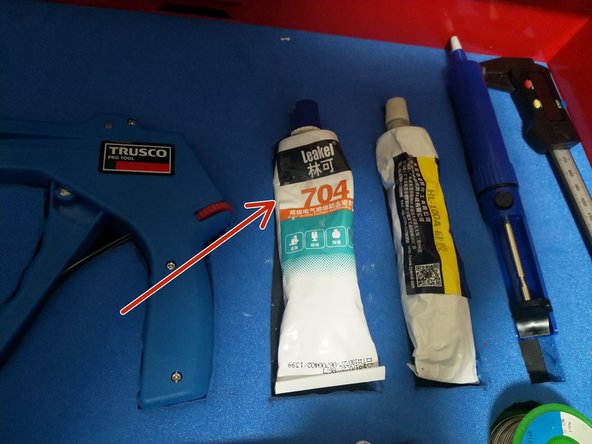
  10. PowerRay Camera Module Replacement, First lot of camera modules: step 10, image 1 of 1
    • Modules that have been waterproofed with sealant at the position indicated by the arrow, are defective products from the initial lot and must be replaced.

  11. PowerRay Camera Module Replacement, Installing the Camera Module: step 11, image 1 of 2 PowerRay Camera Module Replacement, Installing the Camera Module: step 11, image 2 of 2
    • Insert the camera cable into the main unit from the arrow position (flexible cable, magnet cable, LED cable)

    • Check that the O-ring is not scratched, cut, or damaged, apply grease to it and fit it firmly into the groove.

  12. PowerRay Camera Module Replacement, Installing the Camera Module: step 12, image 1 of 2 PowerRay Camera Module Replacement, Installing the Camera Module: step 12, image 2 of 2
    • Attach the silicone cover at the arrow position.

    • Be careful when using tweezers not to damage the cable.

  13. PowerRay Camera Module Replacement, Installing the Camera Module: step 13, image 1 of 1
    • Attach the camera module to the mount

    • Tighten diagonally a little at a time, tightening to a torque of 4.9 [cN・m].

    • Finally, tighten it one more time at 4.9 [cN・m]

    • Be careful not to pinch the O-ring or any debris when fixing.

  14. PowerRay Camera Module Replacement, Installing the Camera Module: step 14, image 1 of 1
    • Connect the LED cable connector

  15. PowerRay Camera Module Replacement, Installing the Camera Module: step 15, image 1 of 2 PowerRay Camera Module Replacement, Installing the Camera Module: step 15, image 2 of 2
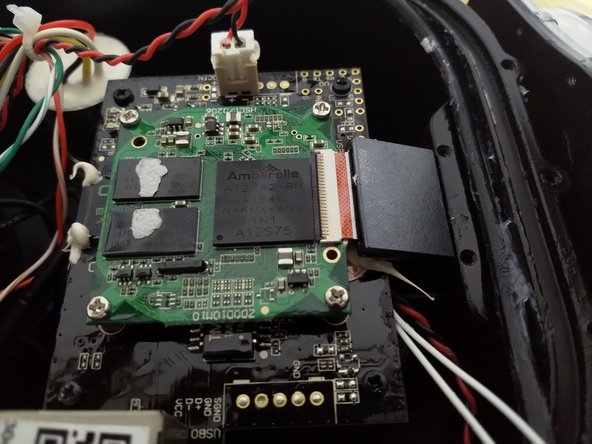
    • Insert the ferrite core that you removed earlier.

    • Remove the Kapton tape from the end of the cable.

    • Install the flexible cable

    • Be careful not to touch the terminals after removing the Kapton tape.

    • When fastening the connector tabs, make sure the cables are inserted parallel to each other.

  16. PowerRay Camera Module Replacement, Installing the Camera Module: step 16, image 1 of 2 PowerRay Camera Module Replacement, Installing the Camera Module: step 16, image 2 of 2
    • Replace the double-sided tape on the back of the heat sink

    • Remove the release paper from the double-sided tape and secure it with M2 x 5 (2 pieces).

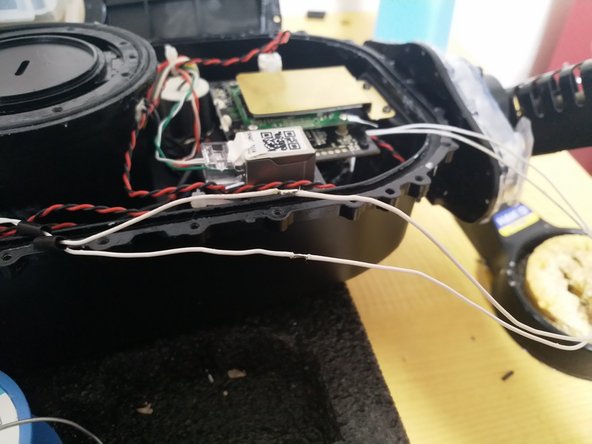
  17. PowerRay Camera Module Replacement, Installing the Camera Module: step 17, image 1 of 3 PowerRay Camera Module Replacement, Installing the Camera Module: step 17, image 2 of 3 PowerRay Camera Module Replacement, Installing the Camera Module: step 17, image 3 of 3
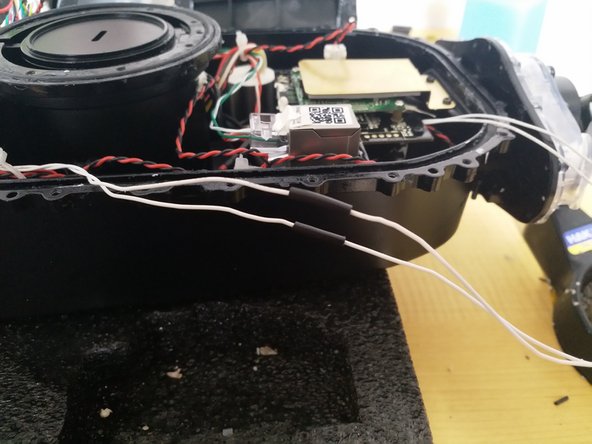
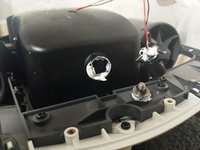
    • Peel off the coating of the magnetic cable on the main unit and insert the shrink tube.

    • Solder the cable on the main unit and the cable on the camera.

    • Fix the shrink tube with a heat gun

  18. PowerRay Camera Module Replacement, Connection Test: step 18, image 1 of 1
    • The LED lights up just like in the picture.

    • Startup sound is normal

    • All motors and cameras are functioning normally.

  19. PowerRay Camera Module Replacement, Upper module installation: step 19, image 1 of 2 PowerRay Camera Module Replacement, Upper module installation: step 19, image 2 of 2
    • Check that both O-rings are free of scratches, damage, and dirt, and apply grease to them and align them with the grooves.

    • Close the upper module, being careful not to catch any cables or debris.

  20. PowerRay Camera Module Replacement, Upper module installation: step 20, image 1 of 1
    • Place the plate on and tighten all 48 screws

    • M2.5 x 8 (48 pieces)

    • Tightening torque = 39 [cN・m]

    • When tightening, always tighten diagonally

  21. PowerRay Camera Module Replacement, Installing the upper exterior: step 21, image 1 of 2 PowerRay Camera Module Replacement, Installing the upper exterior: step 21, image 2 of 2
    • Install the M2.5 x 12 (8) screws.

    • Insert translation here

  22. PowerRay Camera Module Replacement, Removing the airtight bolts: step 22, image 1 of 3 PowerRay Camera Module Replacement, Removing the airtight bolts: step 22, image 2 of 3 PowerRay Camera Module Replacement, Removing the airtight bolts: step 22, image 3 of 3
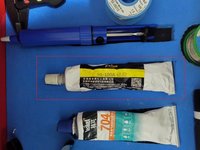
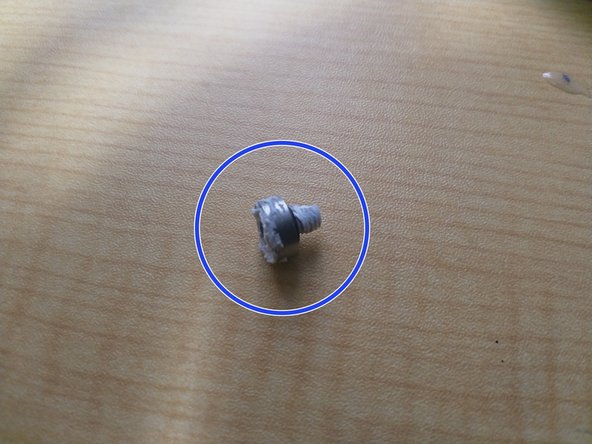
    • Remove the silicone sealant

    • Remove the airtight bolt with a 3mm hexagonal wrench

  23. PowerRay Camera Module Replacement, Airtight test: step 23, image 1 of 3 PowerRay Camera Module Replacement, Airtight test: step 23, image 2 of 3 PowerRay Camera Module Replacement, Airtight test: step 23, image 3 of 3
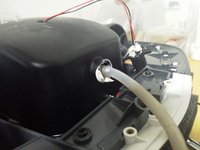
    • Install the airtight test bolt in the place where the airtight bolt was removed.

    • Attach the hose and pump to the airtight test bolt

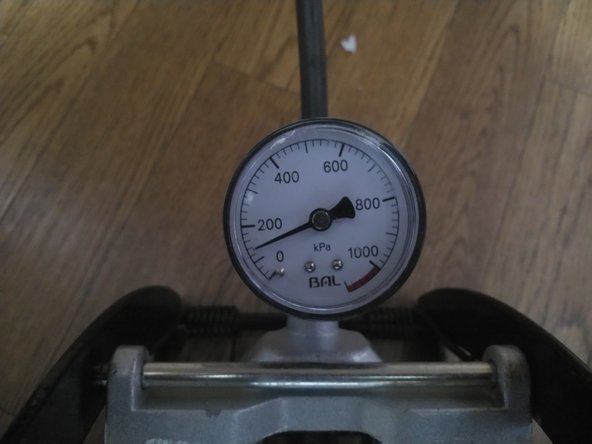
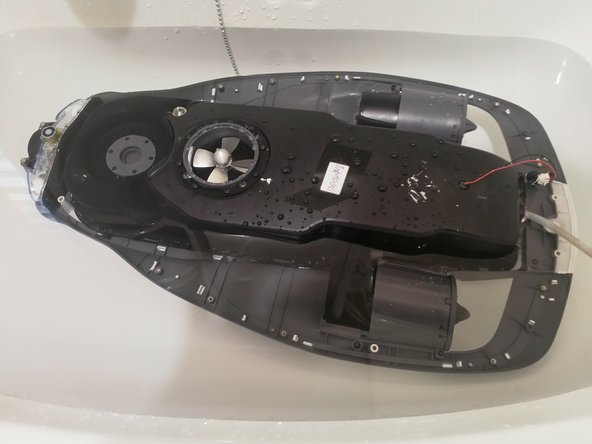
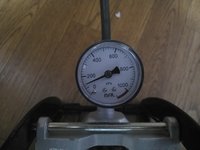
    • Pressurize to 140kPa, submerge in water, and check for no leaks for 3 minutes.

  24. PowerRay Camera Module Replacement, Airtight bolt installation: step 24, image 1 of 3 PowerRay Camera Module Replacement, Airtight bolt installation: step 24, image 2 of 3 PowerRay Camera Module Replacement, Airtight bolt installation: step 24, image 3 of 3
    • Remove the airtight test bolt

    • Wrap the O-ring and sealing tape around the airtight bolt that you just removed and install it.

  25. PowerRay Camera Module Replacement, Airtight bolt installation: step 25, image 1 of 2 PowerRay Camera Module Replacement, Airtight bolt installation: step 25, image 2 of 2
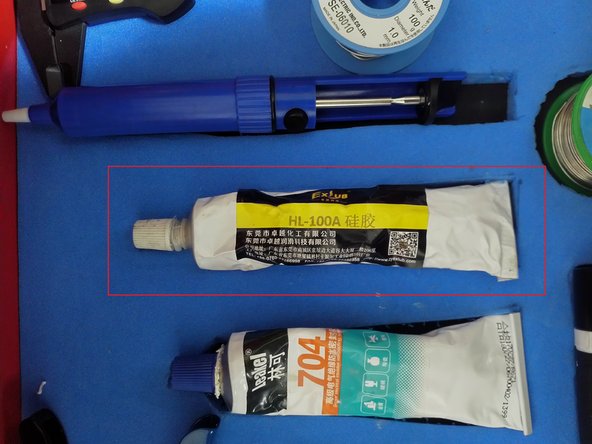
    • Seal the installed airtight bolts with sealant.

  26. PowerRay Camera Module Replacement, Exterior installation: step 26, image 1 of 1
    • Attach M2.5 x 6 (14 pieces)

    • Attach M2×5 (2 pieces)

  27. PowerRay Camera Module Replacement, Installation of exterior parts: step 27, image 1 of 3 PowerRay Camera Module Replacement, Installation of exterior parts: step 27, image 2 of 3 PowerRay Camera Module Replacement, Installation of exterior parts: step 27, image 3 of 3
    • Attach the four exterior parts

    • Attach the safety seal and S/N seal

Finish Line

Special thanks to these translators:

jp en

100%

BTL Repair AU is helping us fix the world! Want to contribute?
Start translating ›

Kenta Uematsu

Member since: 04/11/18

505 Reputation

2 Guides authored

0 Guide Comments

Add Comment

View Statistics:

Past 24 Hours: 0

Past 7 Days: 4

Past 30 Days: 20

All Time: 347