Free Shipping on Domestic Orders $75+

PowerLead Puto PLD003 Screen Replacement

What you need

  1. PowerLead Puto PLD003 Screen Replacement, Side Panel: step 1, image 1 of 1
    • Slide the battery eject button open to release the battery door.

    Ask FixBot

    Add Comment

  2. PowerLead Puto PLD003 Screen Replacement: step 2, image 1 of 1
    • With the battery door open, carefully remove all four 5 mm Phillips #1 screws.

    Ask FixBot

    Add Comment

  3. PowerLead Puto PLD003 Screen Replacement: step 3, image 1 of 1
    • Rotate the camera so that the underside is facing up.

    • Remove the four 5 mm Phillips #1 screws.

    Ask FixBot

    Add Comment

  4. PowerLead Puto PLD003 Screen Replacement: step 4, image 1 of 1
    • Place the camera on a flat surface, with its underside facing you.

    • Gently pull up on the side panel to remove it from the camera.

    Ask FixBot

    Add Comment

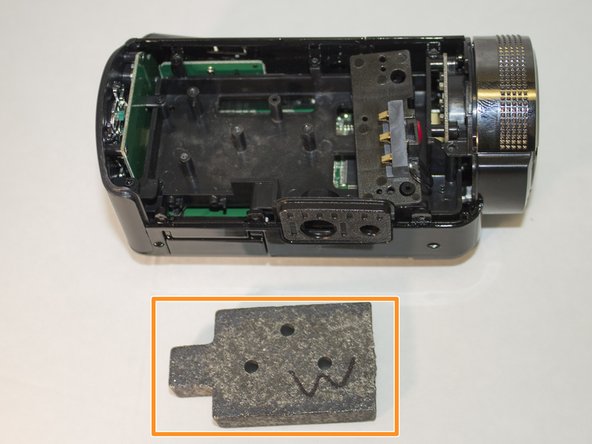
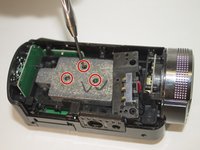
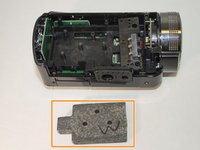
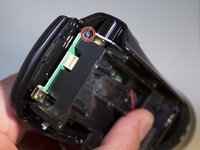
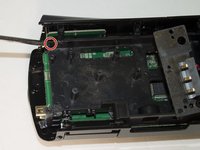
  5. PowerLead Puto PLD003 Screen Replacement, Screen: step 5, image 1 of 2 PowerLead Puto PLD003 Screen Replacement, Screen: step 5, image 2 of 2
    • Remove the three 4 mm Phillips #1 screws holding the weight.

    • Remove the weight.

    Ask FixBot

    Add Comment

  6. PowerLead Puto PLD003 Screen Replacement: step 6, image 1 of 1
    • Remove the two 4 mm Phillips #1 screws holding the back panel in place.

    Ask FixBot

    Add Comment

  7. PowerLead Puto PLD003 Screen Replacement: step 7, image 1 of 1
    • Remove the back panel away from the camera by applying pressure to it.

    Ask FixBot

    Add Comment

  8. PowerLead Puto PLD003 Screen Replacement: step 8, image 1 of 2 PowerLead Puto PLD003 Screen Replacement: step 8, image 2 of 2
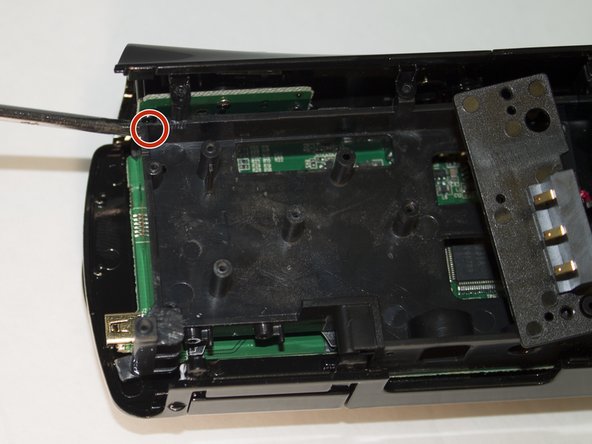
    • Set aside back panel for now.

    • Remove the final 4 mm Phillips #1 screw holding the screen in place. It is very small and hard to see.

    Ask FixBot

    Add Comment

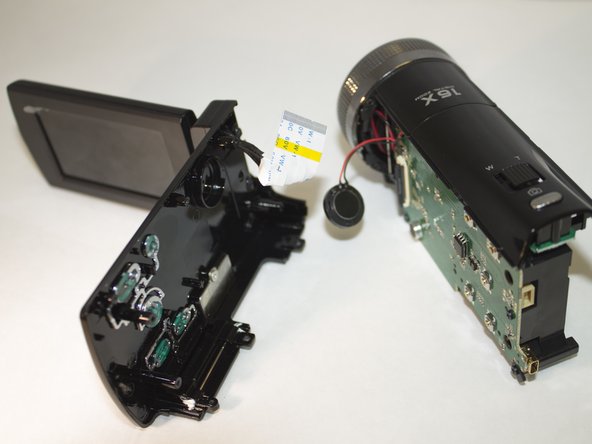
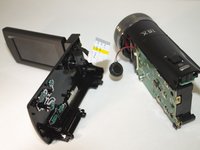
  9. PowerLead Puto PLD003 Screen Replacement: step 9, image 1 of 1
    • Carefully apply pressure, away from the camera, to the screen to detach it from the body.

    • The white cord should still be connected to the body.

    Ask FixBot

    Add Comment

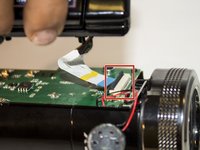
  10. PowerLead Puto PLD003 Screen Replacement: step 10, image 1 of 2 PowerLead Puto PLD003 Screen Replacement: step 10, image 2 of 2
    • Lift the black clip upward.

    • With the clip up, pull the white cord to the left. This will detach the screen from the body.

    Ask FixBot

    Add Comment

Conclusion

To reassemble your device, follow these instructions in reverse order.

Cancel: I did not complete this guide.

0 Guide Comments

Add Comment

View Statistics:

Past 24 Hours: 0

Past 7 Days: 5

Past 30 Days: 30

All Time: 500