PowerA Spectra Infinity Enhanced Vibration Motors Replacement

What you need
  1. PowerA Spectra Infinity Enhanced Vibration Motors Replacement, Motherboard: step 1, image 1 of 2 PowerA Spectra Infinity Enhanced Vibration Motors Replacement, Motherboard: step 1, image 2 of 2
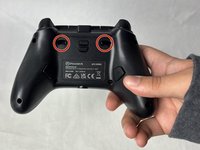
    • Flip the controller so the back is facing up.

  2. PowerA Spectra Infinity Enhanced Vibration Motors Replacement: step 2, image 1 of 1
    • Remove the eight 10 mm screws from the back of the controller using a Phillips #0 screwdriver.

  3. PowerA Spectra Infinity Enhanced Vibration Motors Replacement: step 3, image 1 of 2 PowerA Spectra Infinity Enhanced Vibration Motors Replacement: step 3, image 2 of 2
    • Unlock the trigger locks before removing the backplate.

    • This will make taking the plate off easier.

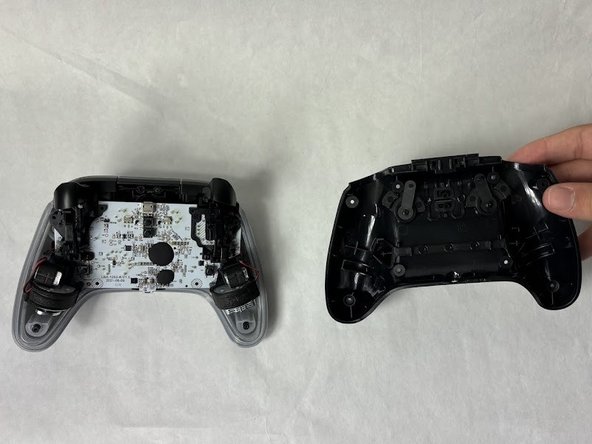
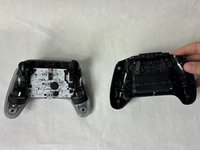
    • Use your fingers and carefully remove the backplate.

  4. PowerA Spectra Infinity Enhanced Vibration Motors Replacement: step 4, image 1 of 1
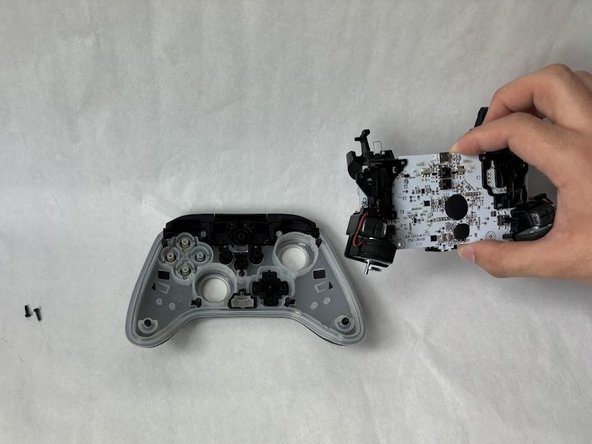
    • Remove the two 10 mm screws connecting the motherboard to the faceplate using a Phillips #0 screwdriver.

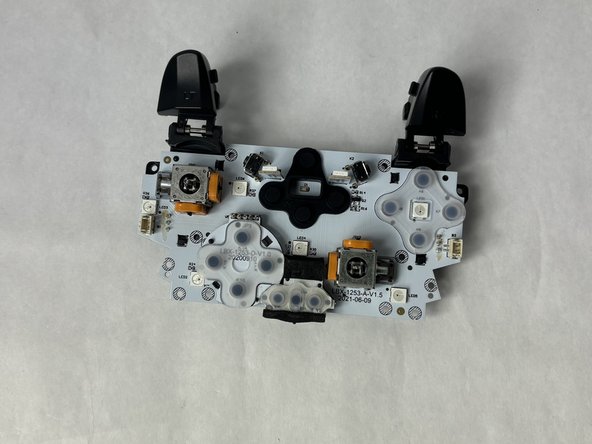
  5. PowerA Spectra Infinity Enhanced Vibration Motors Replacement: step 5, image 1 of 2 PowerA Spectra Infinity Enhanced Vibration Motors Replacement: step 5, image 2 of 2
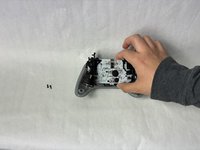
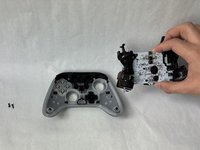
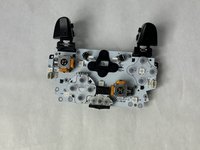
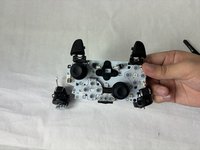
    • Use your hand to separate the motherboard from the face plate.

  6. PowerA Spectra Infinity Enhanced Vibration Motors Replacement, Vibration Motors: step 6, image 1 of 2 PowerA Spectra Infinity Enhanced Vibration Motors Replacement, Vibration Motors: step 6, image 2 of 2
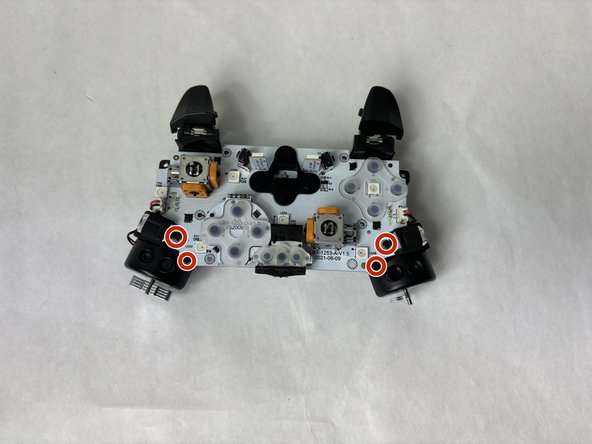
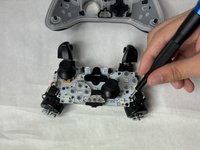
    • Remove the four 7.9 mm screws using a Phillips #0 screwdriver.

  7. PowerA Spectra Infinity Enhanced Vibration Motors Replacement: step 7, image 1 of 2 PowerA Spectra Infinity Enhanced Vibration Motors Replacement: step 7, image 2 of 2
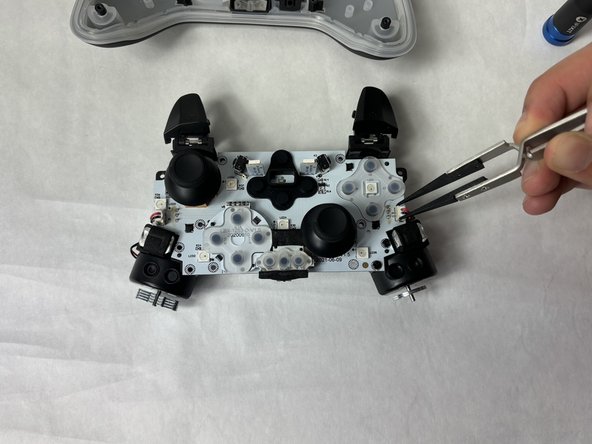
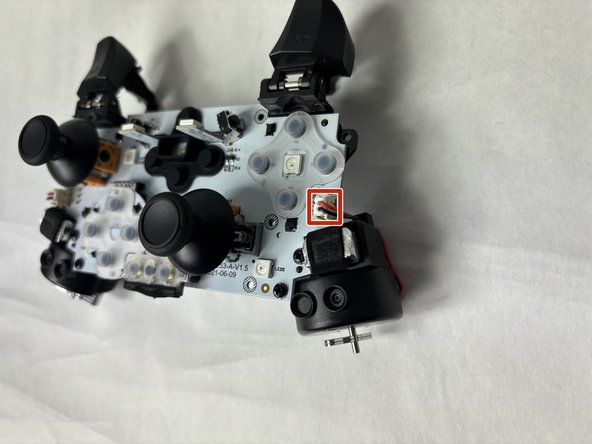
    • Use tweezers to unplug the small plug connecting the motors to the motherboard.

    • A firm grip may be necessary for this step.

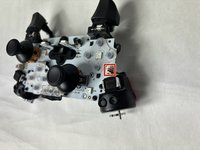
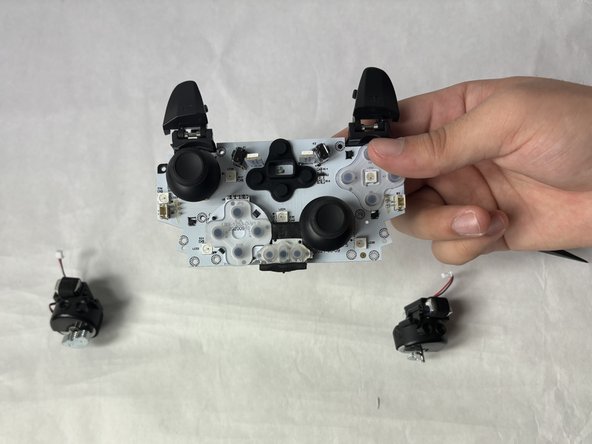
  8. PowerA Spectra Infinity Enhanced Vibration Motors Replacement: step 8, image 1 of 3 PowerA Spectra Infinity Enhanced Vibration Motors Replacement: step 8, image 2 of 3 PowerA Spectra Infinity Enhanced Vibration Motors Replacement: step 8, image 3 of 3
    • Remove the completely freed vibration motor from the motherboard.

Conclusion

To reassemble your device, follow these instructions in reverse order.

2 other people completed this guide.

Kevyn Jorge

Member since: 03/22/24

1,012 Reputation

6 Guides authored

Team

0 Guide Comments

Add Comment

View Statistics:

Past 24 Hours: 1

Past 7 Days: 8

Past 30 Days: 24

All Time: 344