Introduction
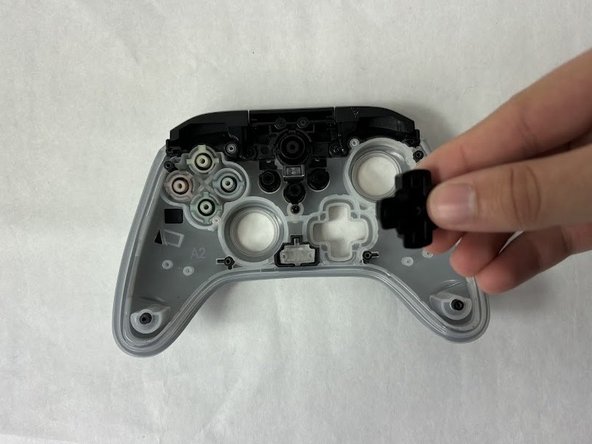
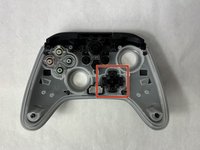
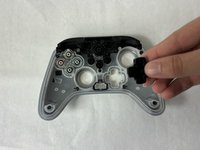
If your PowerA Spectra Infinity Enhanced (model number 1522360-01) D-pad is unresponsive, use this guide to replace the D-pad.
You may also want to replace your D-pad with a different customized D-pad in which case you can also use this guide to do! Please ensure that the controller is not plugged in while disassembling it.
What you need
-
-
-
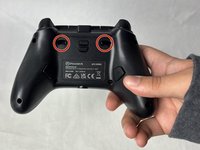
Remove the eight 10 mm screws from the back of the controller using a Phillips #0 screwdriver.
-
-
-
-
Unlock the trigger locks before removing the backplate.
-
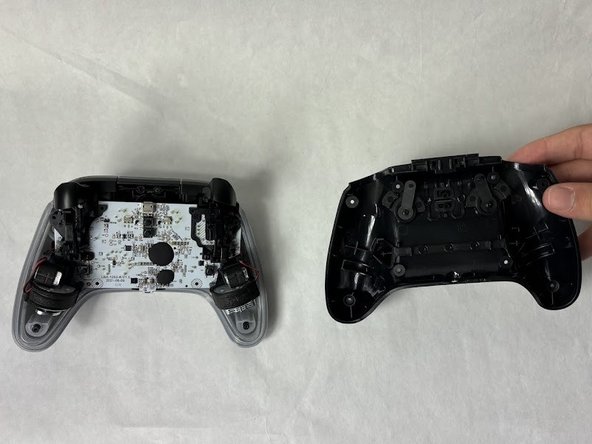
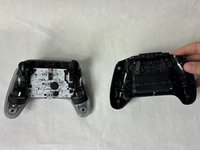
Use your fingers and carefully remove the backplate.
-
-
-
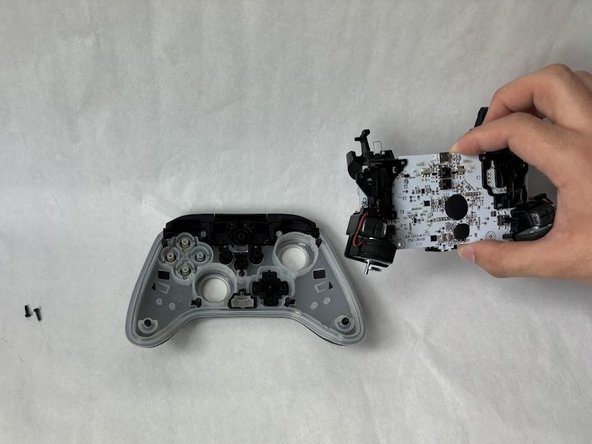
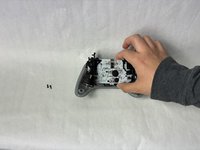
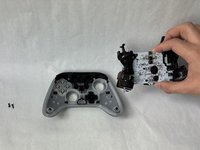
Remove the two 10 mm screws connecting the motherboard to the faceplate using a Phillips #0 screwdriver.
-
-


 Ask FixBot





To reassemble your device, follow these instructions in reverse order.
Cancel: I did not complete this guide.
One other person completed this guide.

Team

UMass Dartmouth, Team 6-5, Botvin Spring 2024 Member of UMass Dartmouth, Team 6-5, Botvin Spring 2024
UMASSD-BOTVIN-S24S6G5
3 Members
72 Guides authored
