Free Shipping on Domestic Orders $75+

Power Cord Removal

Prerequisite Only
This is a prerequisite-only guide! This guide is part of another procedure and isn’t meant to be used alone.

What you need

  1. Power Cord Removal, Safety precautions: step 1, image 1 of 1
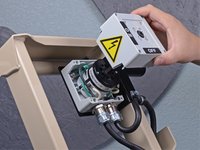
    • Before you begin, ensure the device is powered down and cool to the touch.

    • Ensure the machine is unplugged.

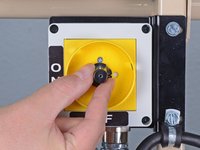
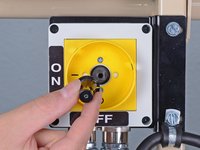
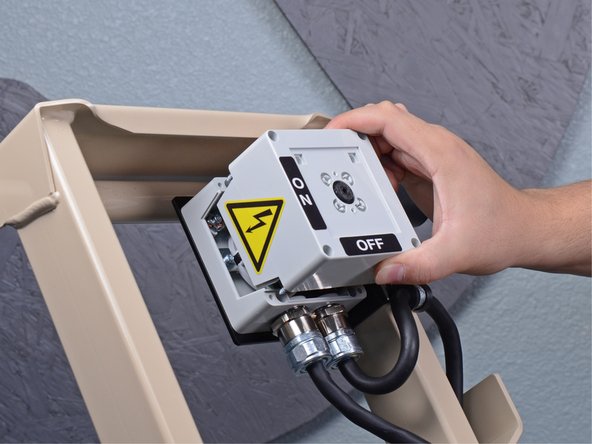
    • Turn the power switch counterclockwise into the OFF position.

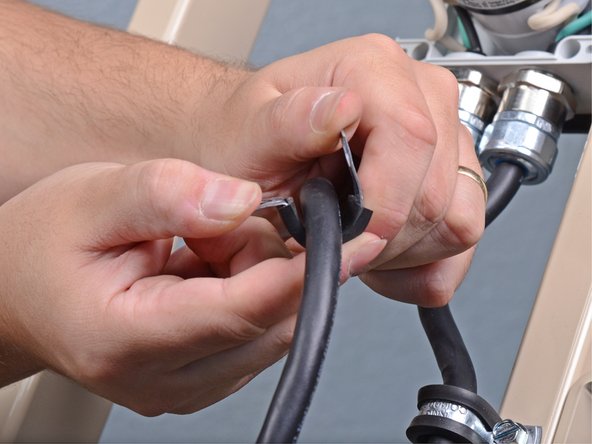
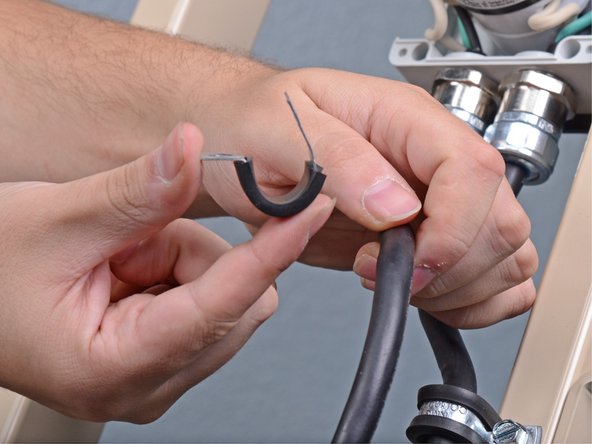
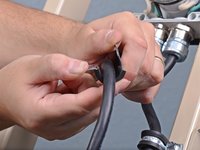
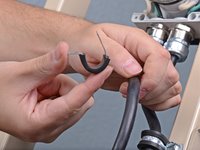
  2. Power Cord Removal, Unwrap the power cord: step 2, image 1 of 3 Power Cord Removal, Unwrap the power cord: step 2, image 2 of 3 Power Cord Removal, Unwrap the power cord: step 2, image 3 of 3
    • Unwrap the power cord from the device completely.

  3. Power Cord Removal, Remove the on/off lever screw: step 3, image 1 of 1
    • Use a Phillips screwdriver to remove the screw securing the red on/off lever.

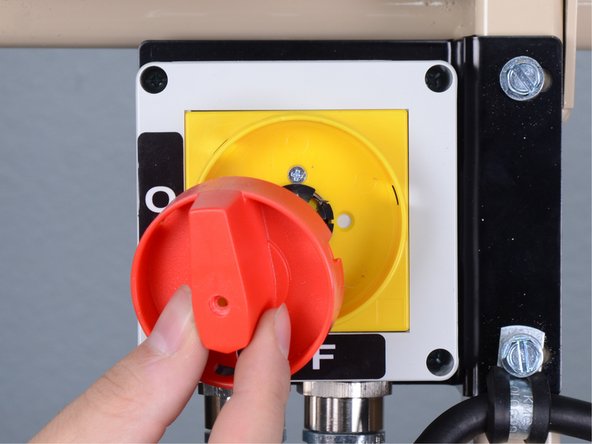
  4. Power Cord Removal, Remove the lever: step 4, image 1 of 2 Power Cord Removal, Remove the lever: step 4, image 2 of 2
    • Remove the red lever from the on/off switch.

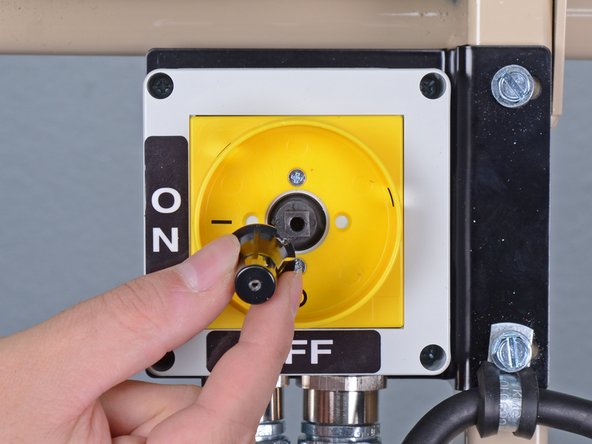
  5. Power Cord Removal: step 5, image 1 of 2 Power Cord Removal: step 5, image 2 of 2
    • Remove the black plastic cap from the center of the switch assembly.

  6. Power Cord Removal: step 6, image 1 of 1
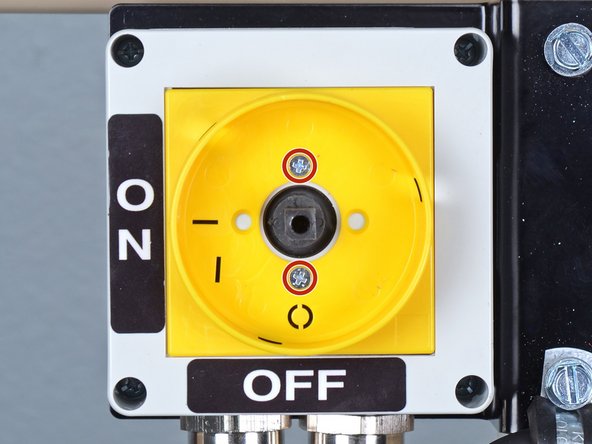
    • Use a Phillips screwdriver to remove the two screws securing the yellow switch guide to the switch assembly.

    • During reassembly, ensure this component is installed in the same orientation, with the circle in the 6 o'clock "OFF" position.

  7. Power Cord Removal: step 7, image 1 of 3 Power Cord Removal: step 7, image 2 of 3 Power Cord Removal: step 7, image 3 of 3
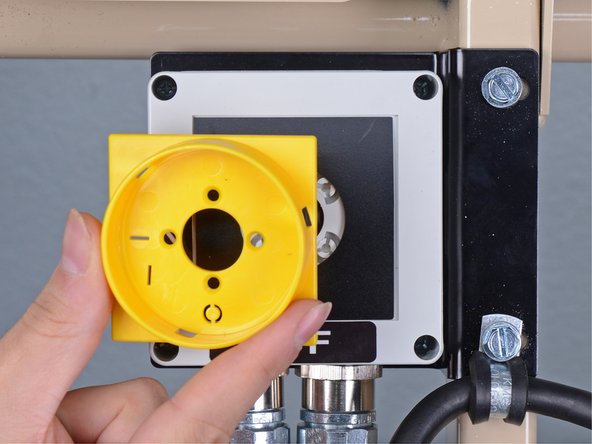
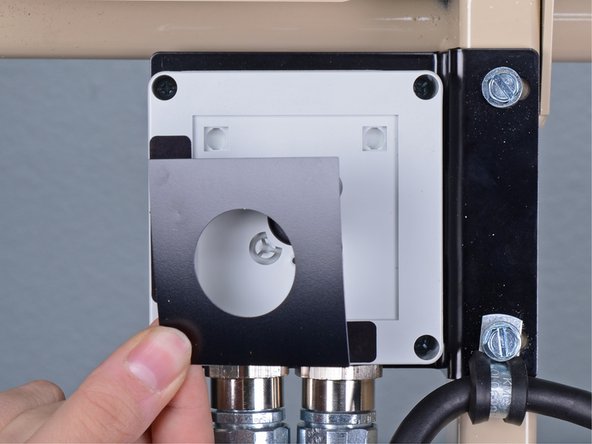
    • Remove the yellow switch guide from the switch assembly.

    • Remove the black plastic spacer from underneath the yellow switch guide.

  8. Power Cord Removal, Remove the on/off switch housing: step 8, image 1 of 1
    • Use a Phillips screwdriver to remove the four screws securing the upper half of the switch housing to the lower half.

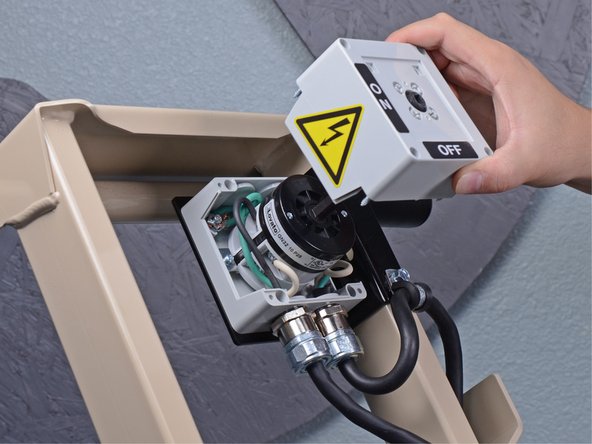
  9. Power Cord Removal: step 9, image 1 of 3 Power Cord Removal: step 9, image 2 of 3 Power Cord Removal: step 9, image 3 of 3
    • Lift the upper half of the housing straight up off of the lower half.

  10. Power Cord Removal, Remove the power cord: step 10, image 1 of 1
    • Use a 3/8 inch socket to remove the bolt securing the power cord loom clamp to the switch bracket.

  11. Power Cord Removal: step 11, image 1 of 3 Power Cord Removal: step 11, image 2 of 3 Power Cord Removal: step 11, image 3 of 3
    • Remove the loom clamp from the power cord.

  12. Power Cord Removal: step 12, image 1 of 3 Power Cord Removal: step 12, image 2 of 3 Power Cord Removal: step 12, image 3 of 3
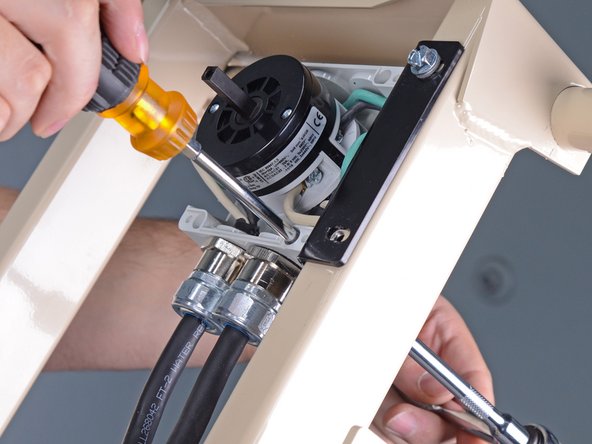
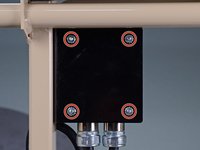
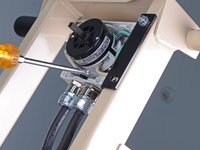
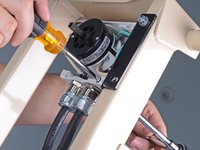
    • Use a 11/32 inch socket to remove the four nuts from the on/off switch bracket.

    • During reassembly, use a Phillips screwdriver in combination with the 11/32 inch socket wrench to tighten the bolts securing the switch to the bracket.

  13. Power Cord Removal: step 13, image 1 of 2 Power Cord Removal: step 13, image 2 of 2
    • Lift the switch assembly off the switch bracket.

  14. Power Cord Removal: step 14, image 1 of 2 Power Cord Removal: step 14, image 2 of 2
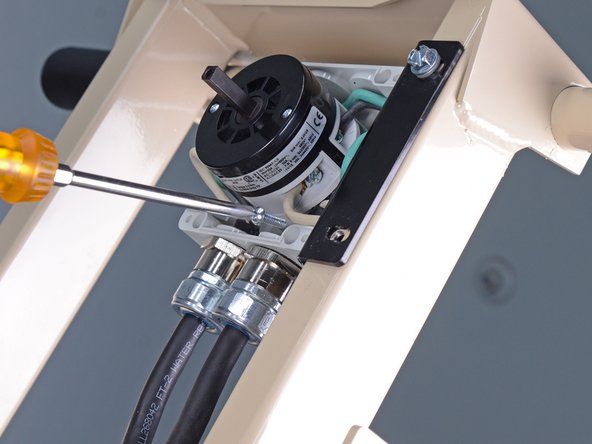
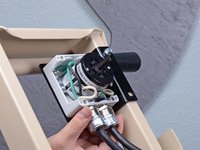
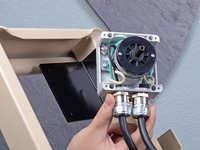
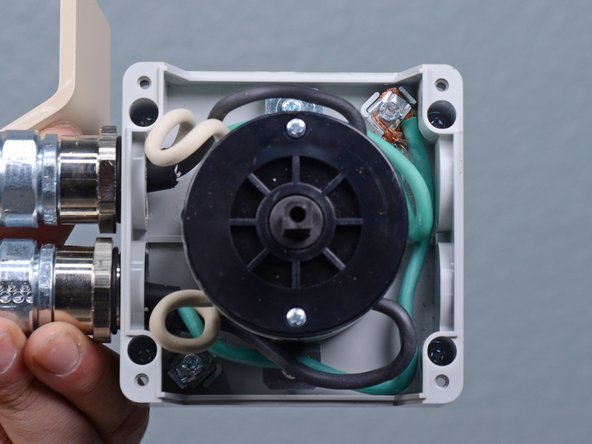
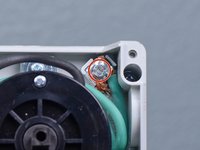
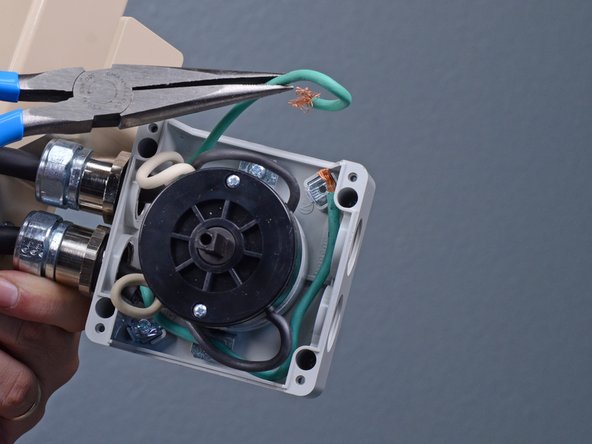
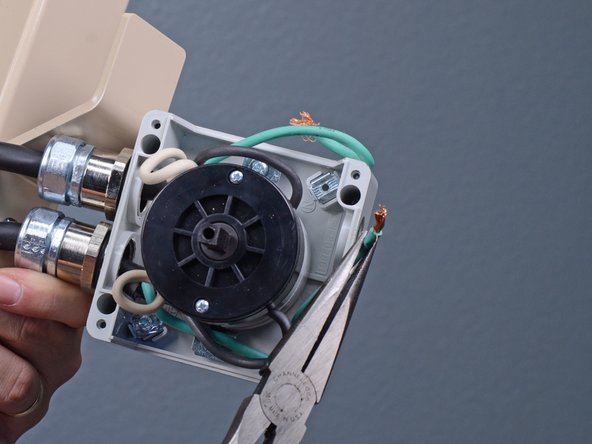
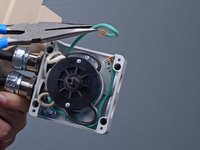
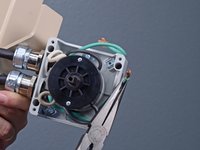
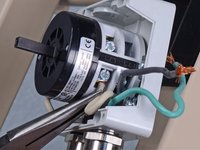
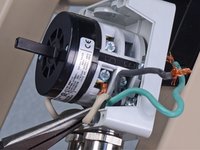
    • Use a flathead screwdriver to remove the screw securing the two green ground wires to the switch housing.

  15. Power Cord Removal: step 15, image 1 of 3 Power Cord Removal: step 15, image 2 of 3 Power Cord Removal: step 15, image 3 of 3
    • Separate the green wires from each other and move them away from the switch housing.

  16. Power Cord Removal: step 16, image 1 of 2 Power Cord Removal: step 16, image 2 of 2
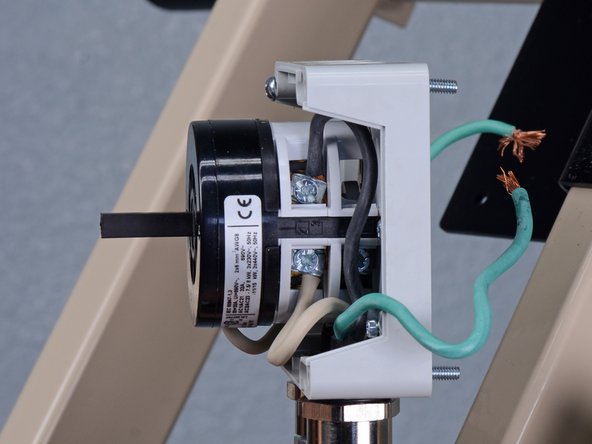
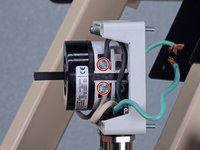
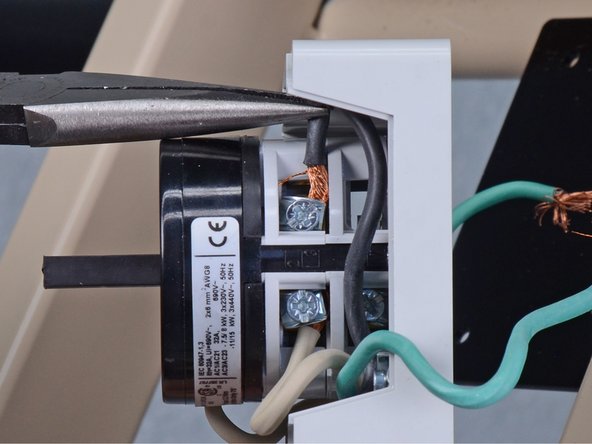
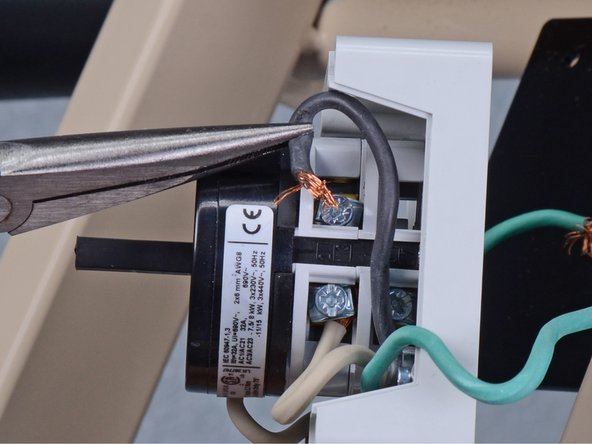
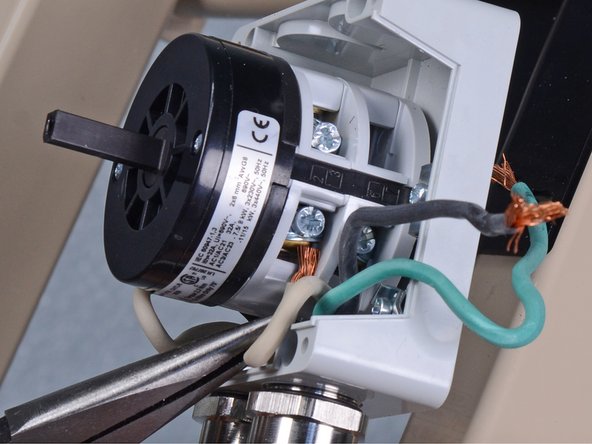
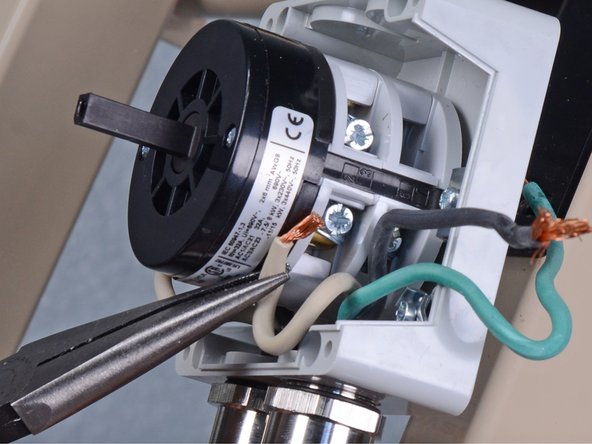
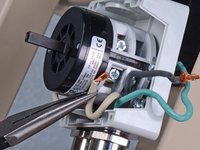
    • Use a flathead screwdriver to loosen the two screws securing the black and white wires running from the power cord to the switch.

    • During reassembly, ensure each wire in installed in its correct location on the switch.

  17. Power Cord Removal: step 17, image 1 of 3 Power Cord Removal: step 17, image 2 of 3 Power Cord Removal: step 17, image 3 of 3
    • Remove the black wire from the switch.

  18. Power Cord Removal: step 18, image 1 of 3 Power Cord Removal: step 18, image 2 of 3 Power Cord Removal: step 18, image 3 of 3
    • Remove the white wire from the switch.

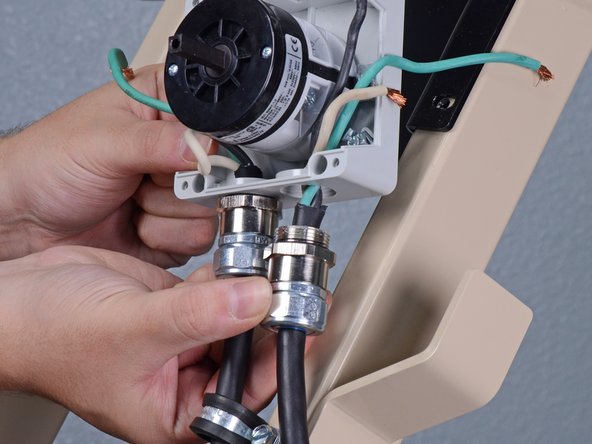
  19. Power Cord Removal: step 19, image 1 of 3 Power Cord Removal: step 19, image 2 of 3 Power Cord Removal: step 19, image 3 of 3
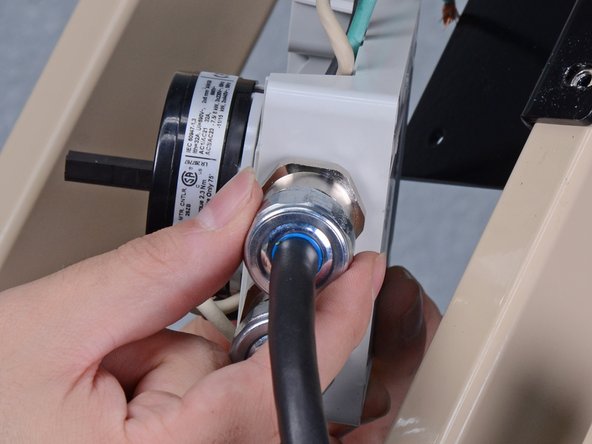
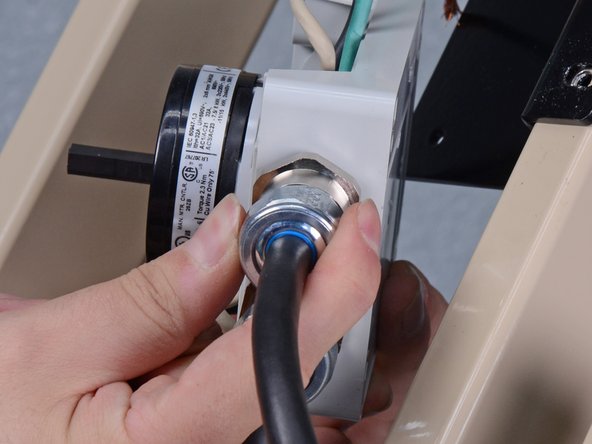
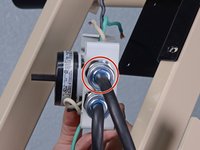
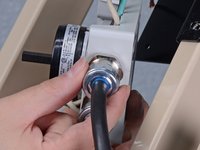
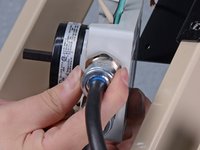
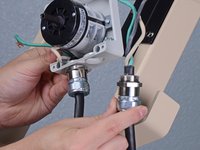
    • Use a 1-1/16 inch wrench or an adjustable wrench to loosen the power cord's strain relief fitting from the switch housing.

    • Once the fitting is loose enough to turn by hand, twist the power cord and fitting counterclockwise until it is fully unthreaded from the switch housing.

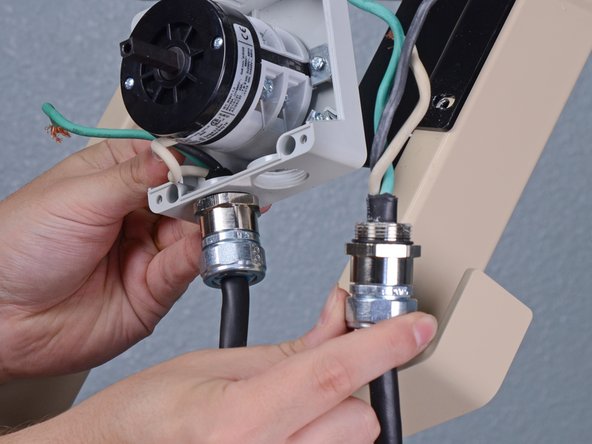
  20. Power Cord Removal: step 20, image 1 of 3 Power Cord Removal: step 20, image 2 of 3 Power Cord Removal: step 20, image 3 of 3
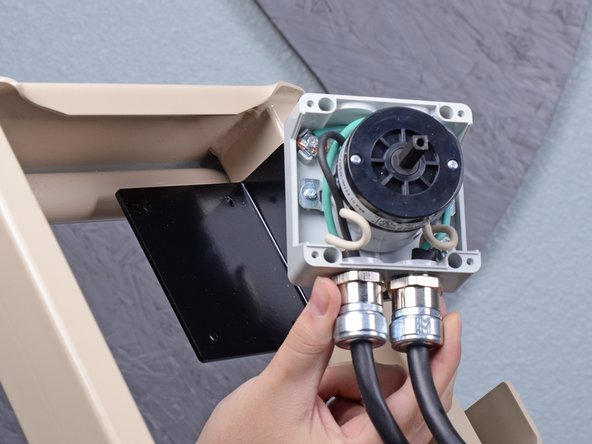
    • Remove the power cord from the switch.

Conclusion

To reassemble your device, follow these instructions in reverse order.

Sam Omiotek

Member since: 02/25/19

95,759 Reputation

290 Guides authored

0 Guide Comments

Add Comment

View Statistics:

Past 24 Hours: 0

Past 7 Days: 1

Past 30 Days: 13

All Time: 87