Shop the Holiday Gift Guide
Free Shipping on Domestic Orders $75+

Porter-Cable PCE211 Grip Replacement

Views: 582

View statistics:

Past 24 Hours:
3
Past 7 Days:
16
Past 30 Days:
59
All Time:
582
Comments: 0

No one has left comments on this guide. Will you be first?

Go to guide comments
Completed: 1

1 person has marked this guide "completed." Will you be next?

Favorites: 0

No one has favorited (and subscribed to) this guide. Will you be the first?

Time Required: 45 minutes - 1 hour
Difficulty: Moderate
Porter-Cable PCE211 Grip Replacement

Introduction

Go to step 1 ↓

If you need to replace the grip of your Porter-Cable PCE211 impact wrench, follow this guide. You'll need to remove the grip to access the switch as well.

Be sure to turn off the device and unplug from the power source prior to beginning this repair.

What you need

Tools

    1. Porter-Cable PCE211 Grip Replacement, Gearcase: step 1, image 1 of 2 Porter-Cable PCE211 Grip Replacement, Gearcase: step 1, image 2 of 2
      • Using the Hex Security SAE 7/32", remove the four 10 mm socket screws at the base of the gearcase.

      Ask FixBot

      Add Comment

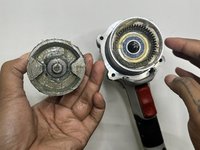
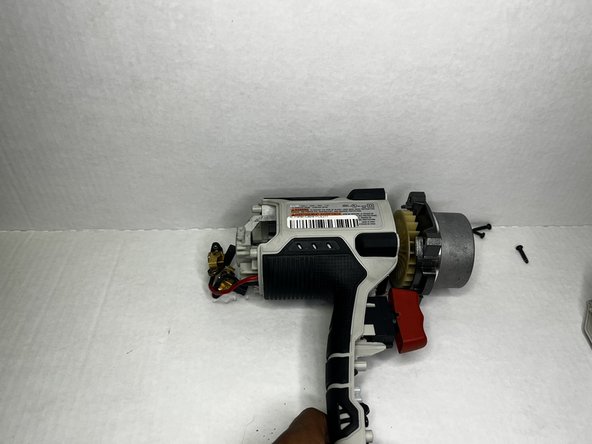
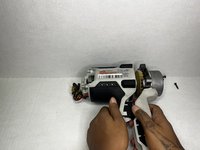
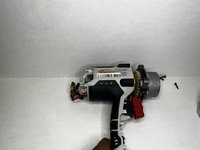
    2. Porter-Cable PCE211 Grip Replacement: step 2, image 1 of 3 Porter-Cable PCE211 Grip Replacement: step 2, image 2 of 3 Porter-Cable PCE211 Grip Replacement: step 2, image 3 of 3
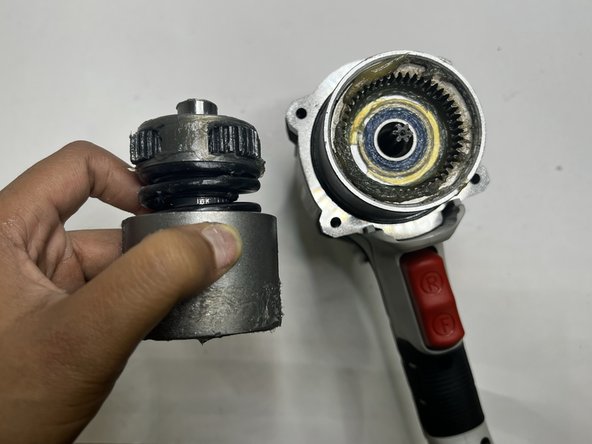
      • Grip the body of the impact wrench with one hand and the gearcase in the other and firmly pull to remove it.

      • Be careful about any loose parts when removing the head.

      Ask FixBot

      Add Comment

    1. Porter-Cable PCE211 Grip Replacement, Rear Housing: step 3, image 1 of 2 Porter-Cable PCE211 Grip Replacement, Rear Housing: step 3, image 2 of 2
      • Remove the four 6 mm screws using a Phillips #2 screwdriver.

      • The screws are tight so you will need to use a bit of arm strength.

      Ask FixBot

      Add Comment

    2. Porter-Cable PCE211 Grip Replacement: step 4, image 1 of 2 Porter-Cable PCE211 Grip Replacement: step 4, image 2 of 2
      • Pull the rear housing off the back of the impact wrench.

      • Be careful when removing the rear case that loose parts don't get damaged.

      Ask FixBot

      Add Comment

    1. Porter-Cable PCE211 Grip Replacement, Anvil: step 5, image 1 of 3 Porter-Cable PCE211 Grip Replacement, Anvil: step 5, image 2 of 3 Porter-Cable PCE211 Grip Replacement, Anvil: step 5, image 3 of 3
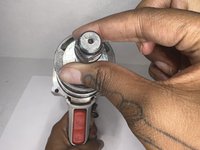
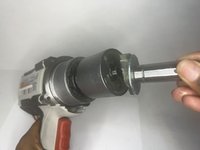
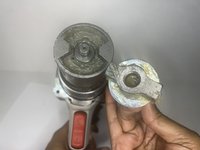
      • Firmly pull the to remove drill bit holder also known as the anvil.

      • Before replacing the anvil, lubricate the base for the best performance.

      Ask FixBot

      Add Comment

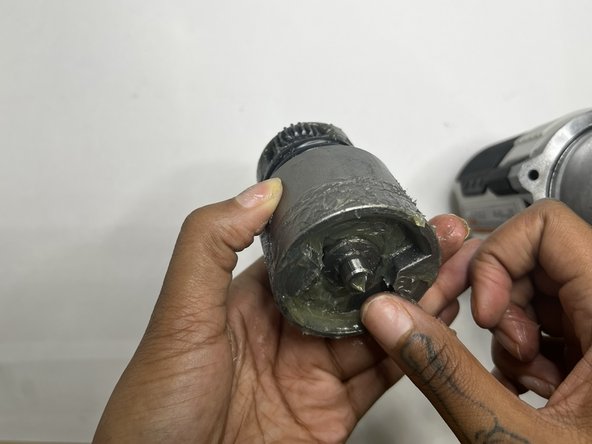
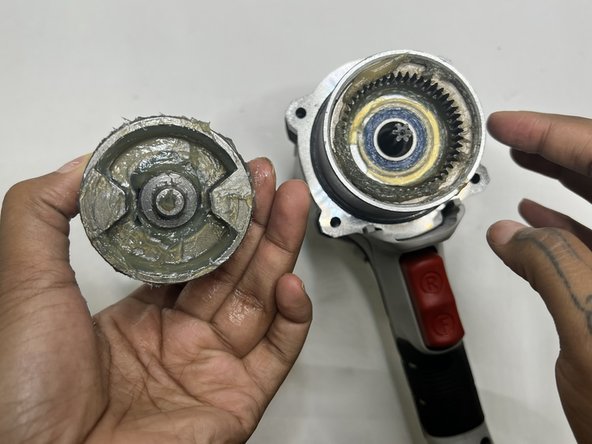
    1. Porter-Cable PCE211 Grip Replacement, Motor: step 6, image 1 of 3 Porter-Cable PCE211 Grip Replacement, Motor: step 6, image 2 of 3 Porter-Cable PCE211 Grip Replacement, Motor: step 6, image 3 of 3
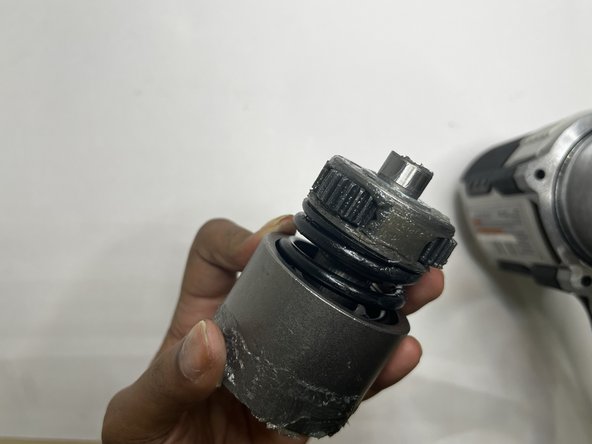
      • This section tends to get messy so it would be best to have a paper towel or microfiber towel handy.

      • Pull the motor out with your hands.

      Ask FixBot

      Add Comment

    2. Porter-Cable PCE211 Grip Replacement: step 7, image 1 of 3 Porter-Cable PCE211 Grip Replacement: step 7, image 2 of 3 Porter-Cable PCE211 Grip Replacement: step 7, image 3 of 3
      • Wipe out the old grease with a towel. Use the appropriate motor grease for electric tools to lubricate the top area, base of the motor, and the space the motor sits.

      Ask FixBot

      Add Comment

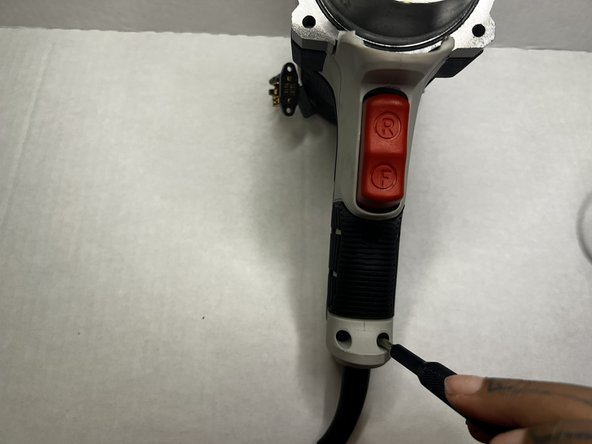
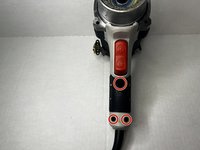
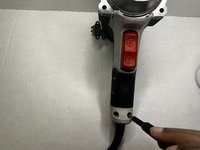
    1. Porter-Cable PCE211 Grip Replacement, Grip: step 8, image 1 of 2 Porter-Cable PCE211 Grip Replacement, Grip: step 8, image 2 of 2
      • Using the Phillips #2 screwdriver, remove the three 8 mm screws from the grip of the impact wrench.

      Ask FixBot

      Add Comment

    2. Porter-Cable PCE211 Grip Replacement: step 9, image 1 of 2 Porter-Cable PCE211 Grip Replacement: step 9, image 2 of 2
      • Pull the grip from the body of the impact wrench.

      Ask FixBot

      Add Comment

Conclusion

To reassemble your device, follow these instructions in reverse order.

Cancel: I did not complete this guide.

One other person completed this guide.

Author

with

Layla Berry

Member since: 09/19/22

678 Reputation

7 Guides authored

0 Guide Comments

Add Comment

View Statistics:

Past 24 Hours: 3

Past 7 Days: 16

Past 30 Days: 59

All Time: 582