
Playstation 3 Fan Replacement

iDeleted and
Last updated on Dec 14, 2017
Views: 3.1K
View statistics:
- Past 24 Hours:
- 3
- Past 7 Days:
- 19
- Past 30 Days:
- 47
- All Time:
- 3,069
Comments: 1
1 comment on steps.
Completed: 1 2
1 person has marked this guide "completed." Will you be next?
2 people have marked this guide "completed." Including you — great job!
Favorites: 2 3
2 people have favorited (and subscribed to) this guide. Will you be next?
3 people have favorited (and subscribed to) this guide — including you!
Archived Guide
This guide is retained solely for historical purposes. Use the updated version of the guide to perform your repair.
Community-Contributed Guide
An awesome member of our community made this guide. It was not created by iFixit staff.
Missing Steps
Oops! This guide is currently missing one or more important steps.
Introduction
Go to step 1 ↓The whole Playstation 3 is cooled by a single fan on its bottom side. In this guide, we will remove that fan so that it may be cleaned or replaced.
What you need
Tools
-
-
Spudger4.9


-
-
-
Remove the rubber screw cover near the hard drive cover with a spudger.
 Ask FixBot
-
-
-
-
-
-
Unplug the white wires connected to the wireless board. There are two sets of wires: one set in the front, one in the back.
-
Remove the two screws on the front of the power supply.
-
-
-
Remove the screws on the back of the power supply with a Phillips #2 screwdriver.
-
-
-
-
-
Unplug the optical drive power cable.
-
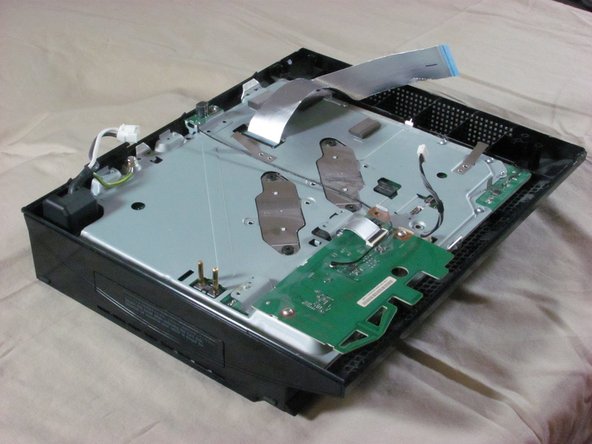
Detach the ribbon cable that connects the optical drive to the motherboard.
-
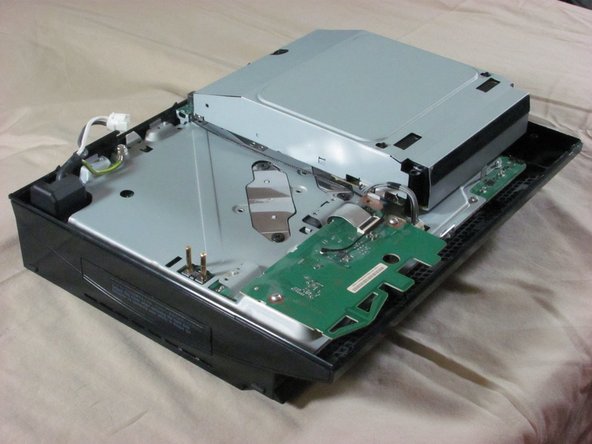
Set the optical drive aside.
-
-
-
Remove three screws (Phillips #2) from the wireless board and antenna.
-
Detach the ribbon cable that connects the wireless board to the motherboard.
-
-
-
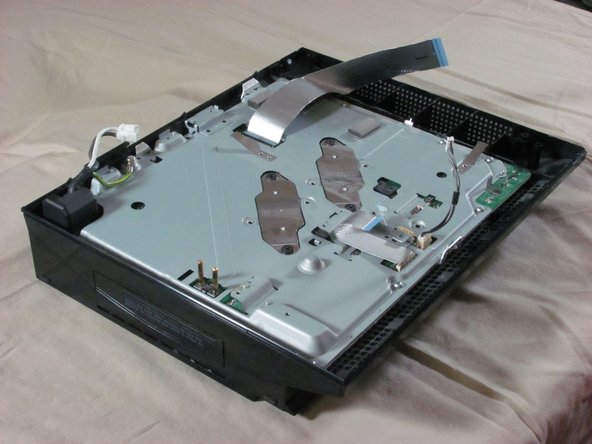
Remove nine screws (Phillips #2) from the perimeter of the metal plate covering the motherboard.
-
-
-
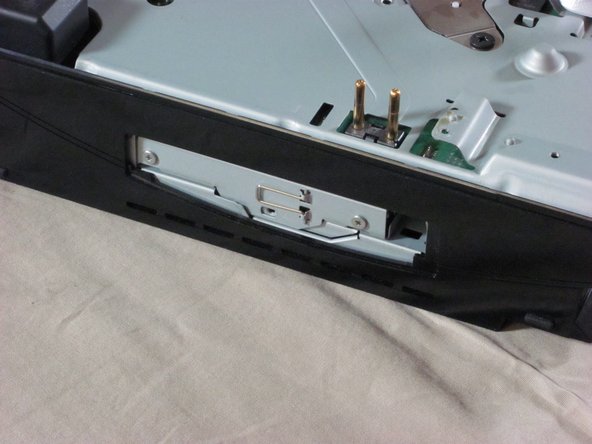
Remove the hard drive door with a spudger.
-
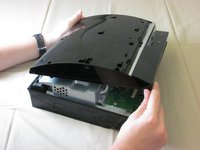
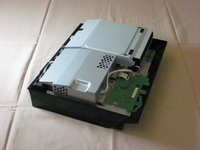
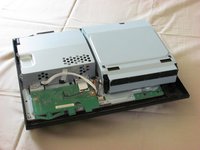
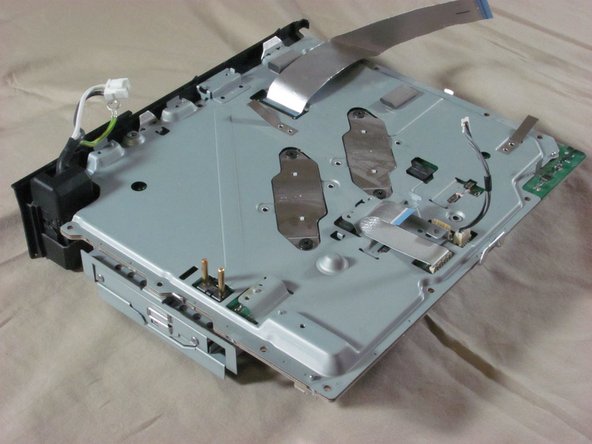
Lift the metal enclosure out of the plastic bottom case.
-
-
-
-
-
Remove the three screws (Phillips #2).
-
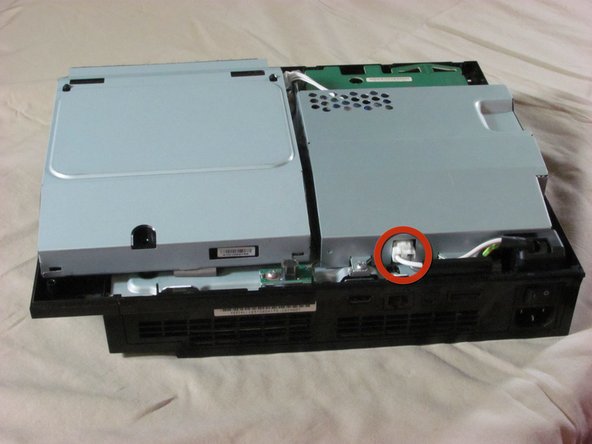
Disconnect the fan's power cable.
-
Lift the fan straight up and out.
-
-


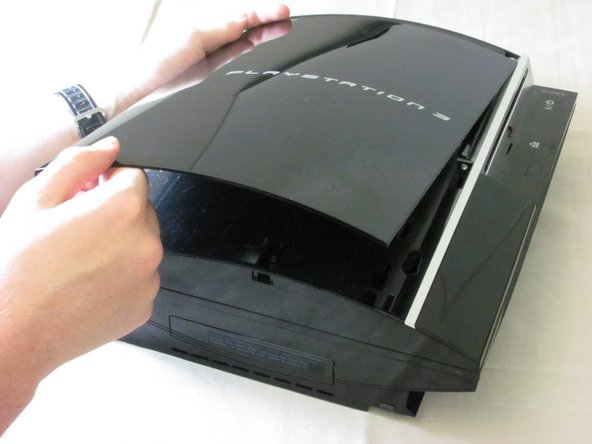

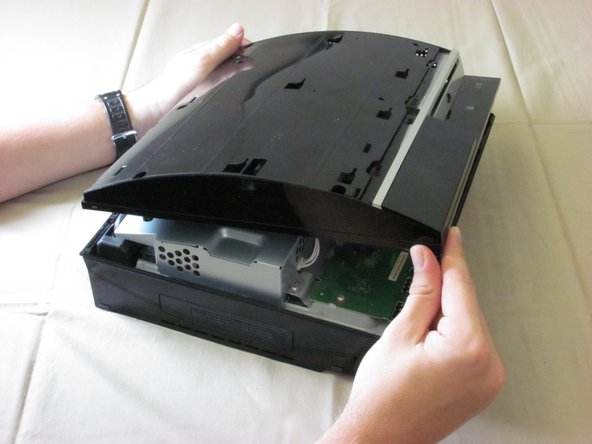
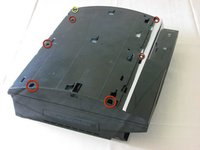
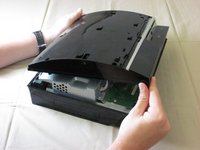

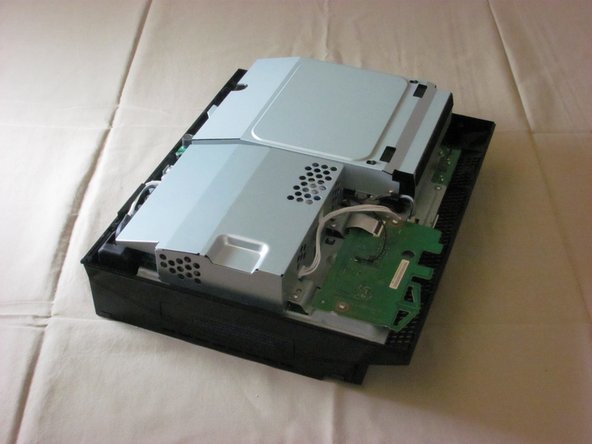
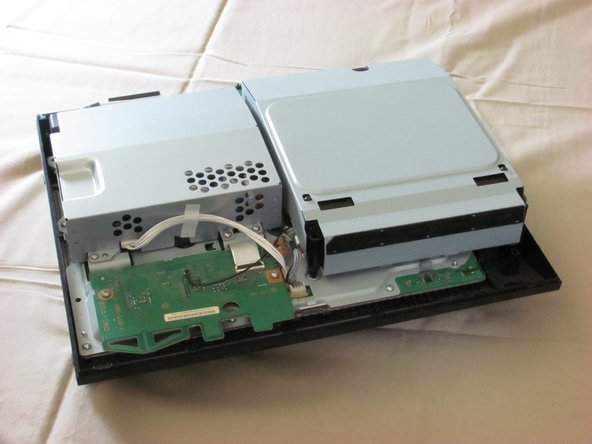











To reassemble your device, follow these instructions in reverse order.
Cancel: I did not complete this guide.
One other person completed this guide.

