
PlayStation VR Microphone Replacement

Elliott Ruoff and 3 other contributors
Last updated on Jun 16, 2021
Views: 1.8K
View statistics:
- Past 24 Hours:
- 2
- Past 7 Days:
- 15
- Past 30 Days:
- 74
- All Time:
- 1,814
Comments: 1
1 comment on steps.
Completed: 1 2
1 person has marked this guide "completed." Will you be next?
2 people have marked this guide "completed." Including you — great job!
Favorites: 0 1
No one has favorited (and subscribed to) this guide. Will you be the first?
1 person has favorited (and subscribed to) this guide — and that's you!
Needs More Images
A few more images would make this guide's procedures crystal clear.
Better Introduction
Improve this guide by completing or revising its introduction.
Introduction
Go to step 1 ↓This guide shows you how to disassemble and replace the microphone on your Playstation VR headset.
What you need
Tools


-
-
-
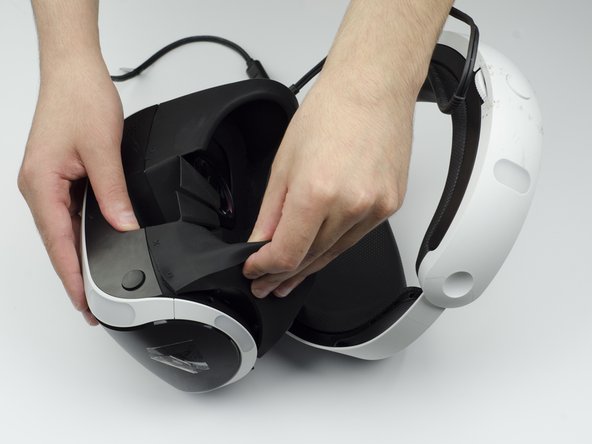
Peel back the rubber covering around the lenses to remove the surrounding plastic eyepieces.
 Ask FixBot
-
-
-
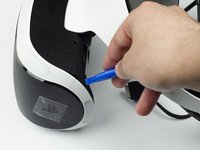
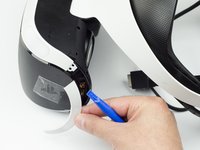
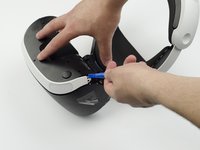
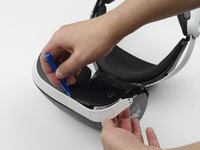
Using the plastic opening tool, carefully pry the white plastic panel free from the side of the headset. Repeat this action for the opposite side.
-
-
-
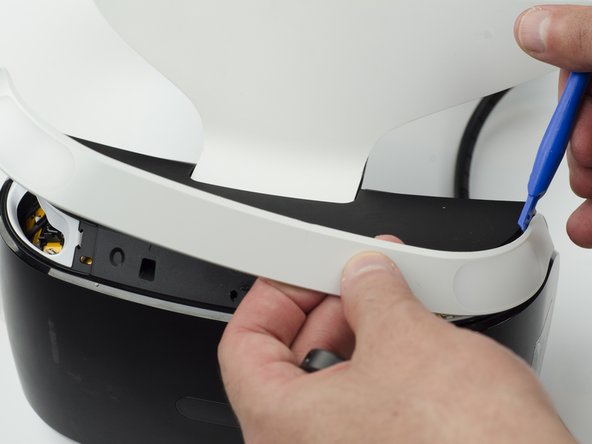
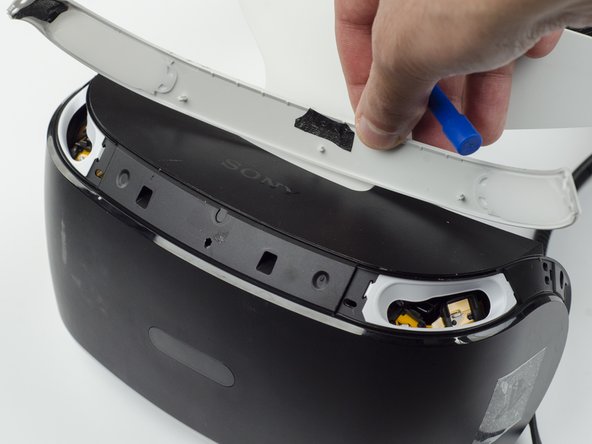
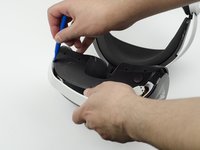
Use the plastic opening tool to pry the top white plastic panel free from the headset.
-
-
-
Flip the headset over.
-
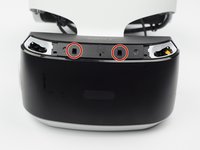
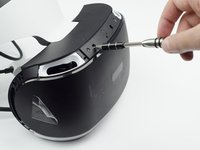
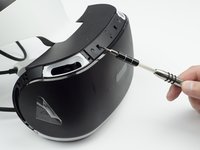
Using a PH #000, unscrew the 7 mm screw found on the bottom of the headset.
-
-
-
-
Using the plastic opening tool, pry the bottom white plastic panel loose and remove it from the headset.
-
-
-
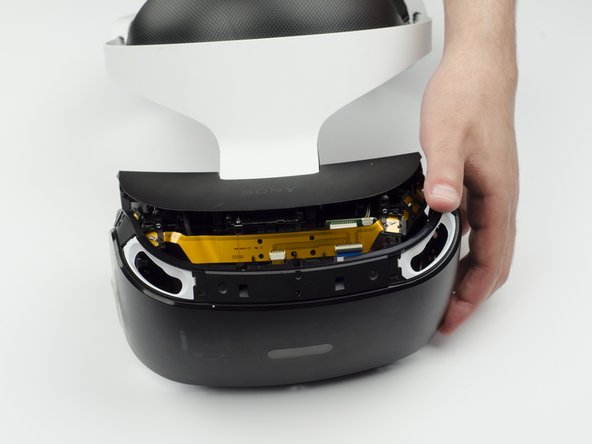
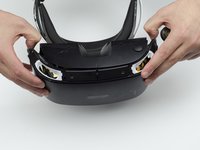
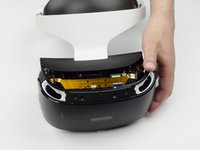
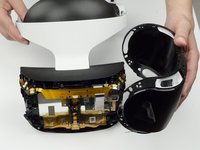
Using your fingers, carefully pry the black front panel free from the headset.
-
-
-
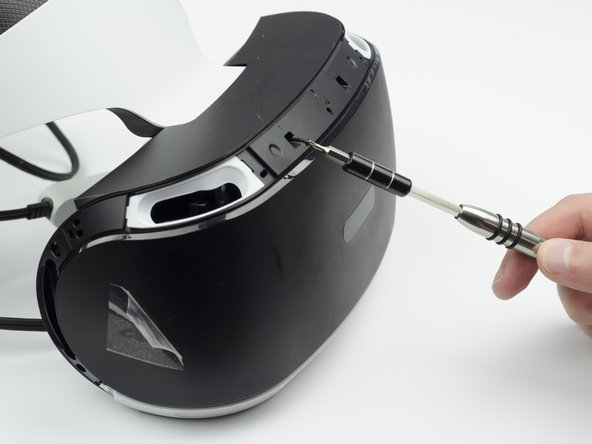
Unscrew the four silver 6 mm screws in each corner using a PH #000 screwdriver.
-
-
-
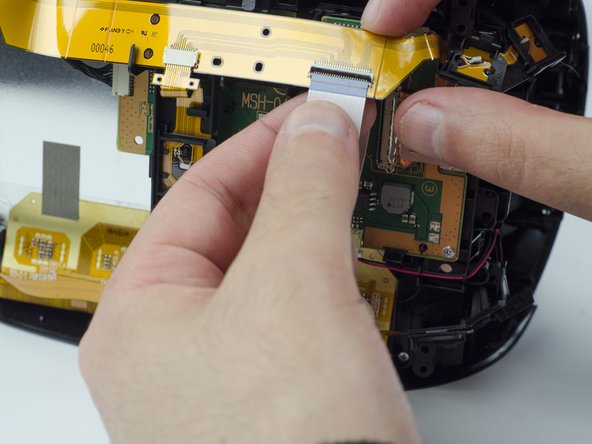
Lift the small silver latch attaching the ZIF (zero insertion force) connector to the circuit board.
-
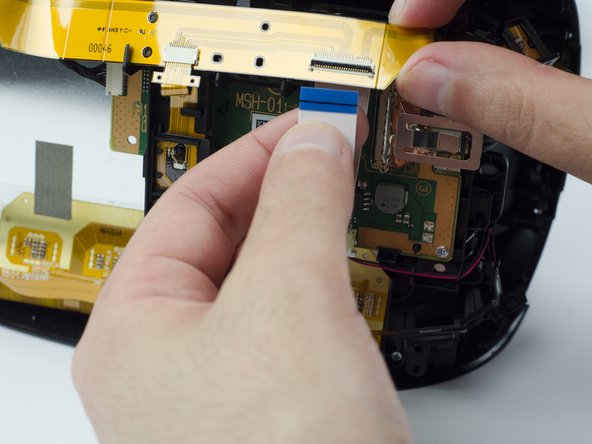
Carefully pull the end of the white ribbon connector from its slot.
-
-
-
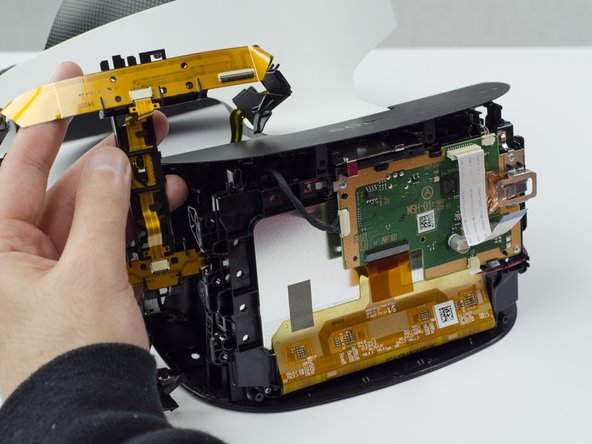
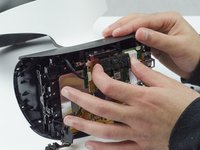
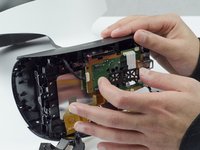
Carefully pry the black plastic piece attaching the yellow ribbon to the headset away from the green circuit board.
-
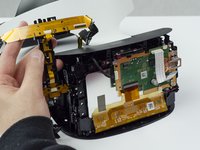
Remove the yellow LED ribbons and black plastic connecting piece from the headset.
-
-
-
-
-
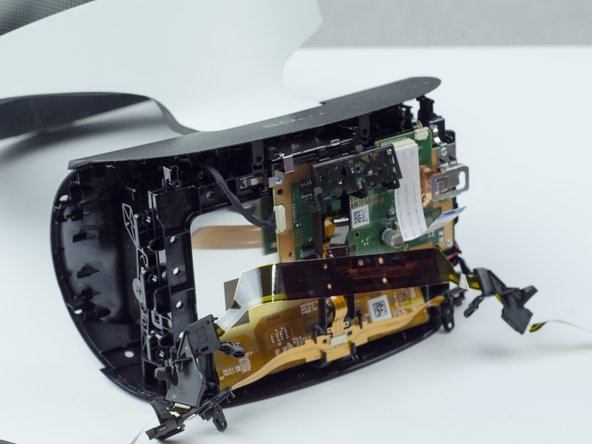
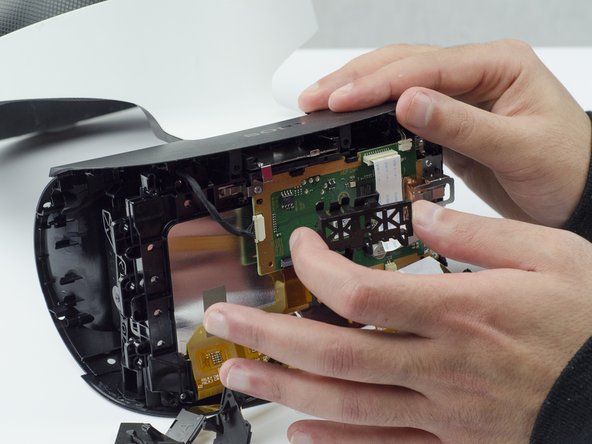
Pinch the small white cable connector and unplug it from the motherboard.
-
The microphone will be attached to the white cable connector on the bottom right of the motherboard.
-
-














To reassemble your device, follow these instructions in reverse order.
Cancel: I did not complete this guide.
One other person completed this guide.

Team

The Citadel Military College of South Carolina, Team S1-G10, Eggleston Spring 2021 Member of The Citadel Military College of South Carolina, Team S1-G10, Eggleston Spring 2021
CMCSC-EGGLESTON-S21S1G10
3 Members
36 Guides authored
