Introduction
The trigger on the Etha doesn't break often, but you may choose to replace it for a trigger you prefer or it may simply need cleaning.
What you need
-
-
-
Use the 5/64" hex key to remove the screw shown.
-
Remove the grip panel by gently holding the bottom of the panel and lifting the panel off.
 Ask FixBot
-
-
-
Flip the marker over and use the 5/64" hex key to remove the screw shown.
-
Remove the grip panel by gently holding the bottom of the panel and lifting the panel off.
-
-
-
-
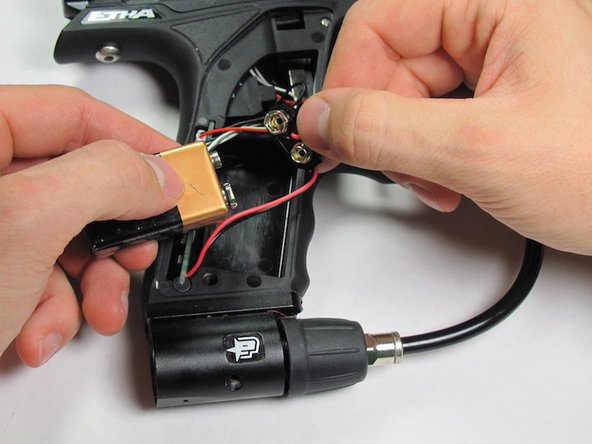
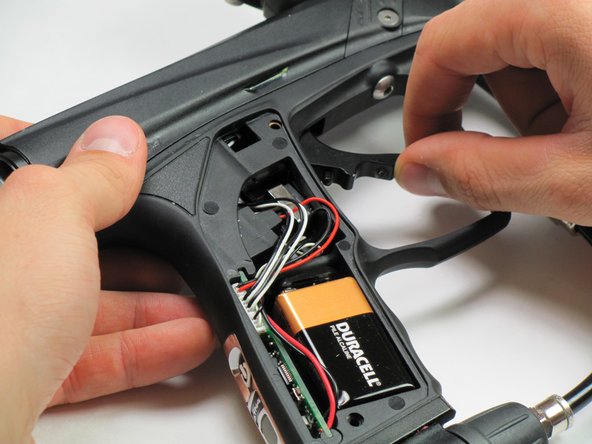
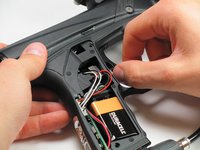
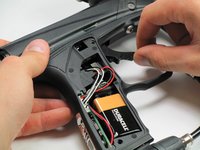
Carefully remove the 9V battery and connector.
-
Remove the 9V battery from the connector.
-
-
-
-
-
Use same hex key to push through trigger retention pin on the side of the gun.
-




To reassemble your device, follow these instructions in reverse order.
Cancel: I did not complete this guide.
One other person completed this guide.

Team

Cal Poly, Team 10-42, Amido Fall 2014 Member of Cal Poly, Team 10-42, Amido Fall 2014
CPSU-AMIDO-F14S10G42
5 Members
84 Guides authored
