Free Shipping on Domestic Orders $75+

Pixel 9 Battery Disconnection

Prerequisite Only
This is a prerequisite-only guide! This guide is part of another procedure and isn’t meant to be used alone.

What you need

    1. Pixel 9 Battery Disconnection, Prepare your Pixel for disassembly: step 1, image 1 of 3 Pixel 9 Battery Disconnection, Prepare your Pixel for disassembly: step 1, image 2 of 3 Pixel 9 Battery Disconnection, Prepare your Pixel for disassembly: step 1, image 3 of 3
      • Let your Pixel's battery drain below 25% before starting this repair. A charged lithium‑ion battery may catch fire if damaged.

      • Unplug all cables from your phone.

      • Completely power off your phone.

      • Press the power and volume up buttons at the same time to bring up the shutdown menu.

      Ask FixBot

      Add Comment

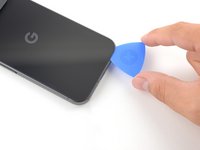
    1. Pixel 9 Battery Disconnection, Adhesive information: step 2, image 1 of 3 Pixel 9 Battery Disconnection, Adhesive information: step 2, image 2 of 3 Pixel 9 Battery Disconnection, Adhesive information: step 2, image 3 of 3
      • Adhesive secures the perimeter of the back glass to the frame.

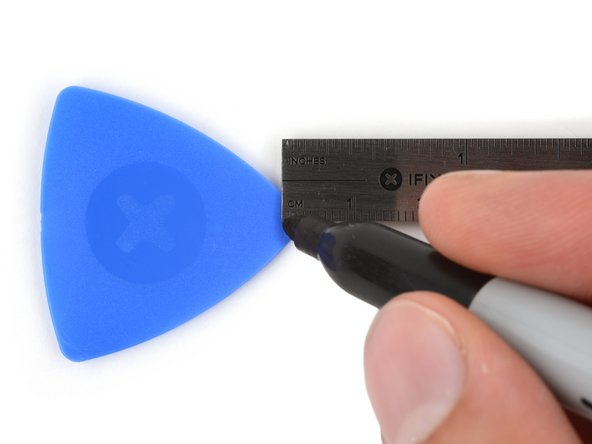
      • When separating the adhesive, don't insert your tool more than 3 mm under the back glass to avoid damaging the internal components.

      • To help, measure and mark 3 mm from the tip of an opening pick with a permanent marker.

      • If your screen or back glass is badly cracked, a suction cup may not perfectly adhere.

      • Lay overlapping strips of packing tape over the glass to protect yourself and make disassembly easier. Ensure there's a smooth area near the bottom edge that's large and smooth enough for a suction cup to stick to.

      Ask FixBot

      Add Comment

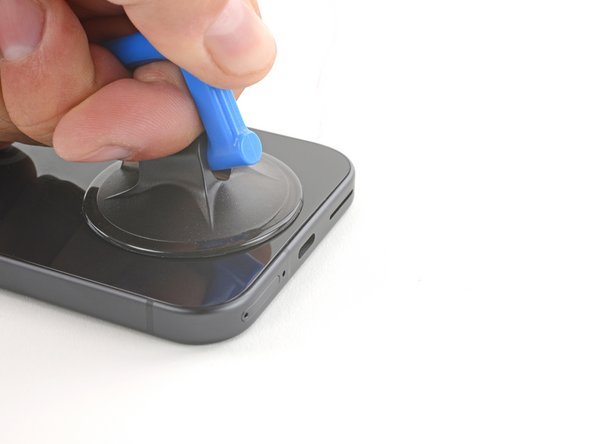
    2. Pixel 9 Battery Disconnection, Apply a suction handle: step 3, image 1 of 2 Pixel 9 Battery Disconnection, Apply a suction handle: step 3, image 2 of 2
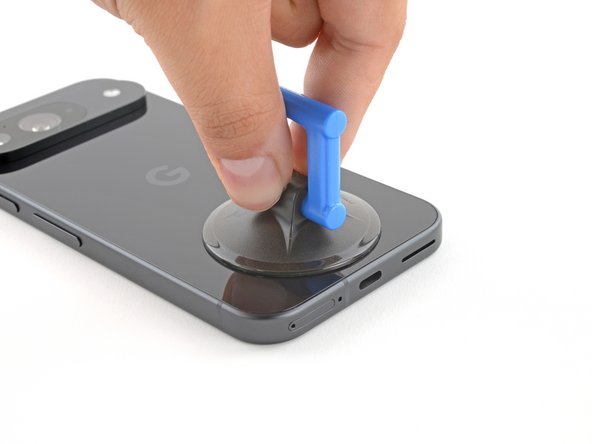
      • Place a suction handle at the bottom edge of the back glass, as close to the edge as possible.

      • Push down to attach the suction cup.

      Ask FixBot

      Add Comment

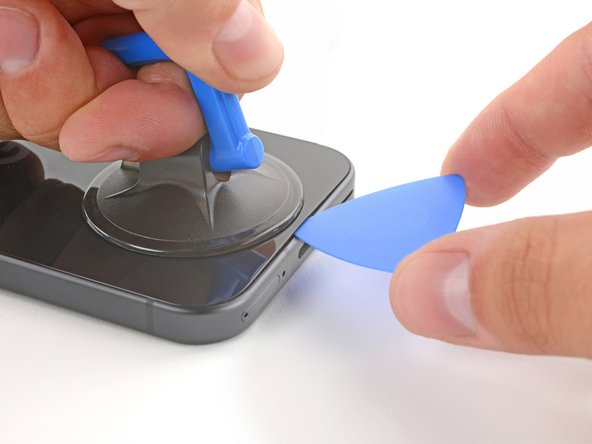
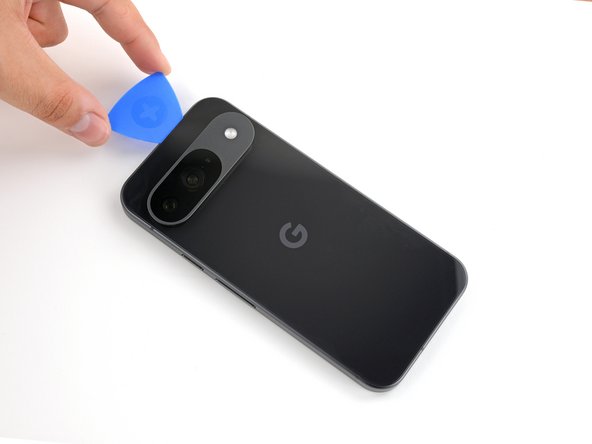
    3. Pixel 9 Battery Disconnection, Insert an opening pick: step 4, image 1 of 3 Pixel 9 Battery Disconnection, Insert an opening pick: step 4, image 2 of 3 Pixel 9 Battery Disconnection, Insert an opening pick: step 4, image 3 of 3
      • Pull up on the suction handle with strong, steady force to create a small gap under the back glass.

      • Insert the tip of an opening pick into the gap.

      Ask FixBot

      Add Comment

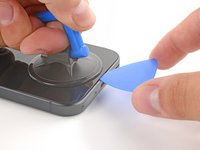
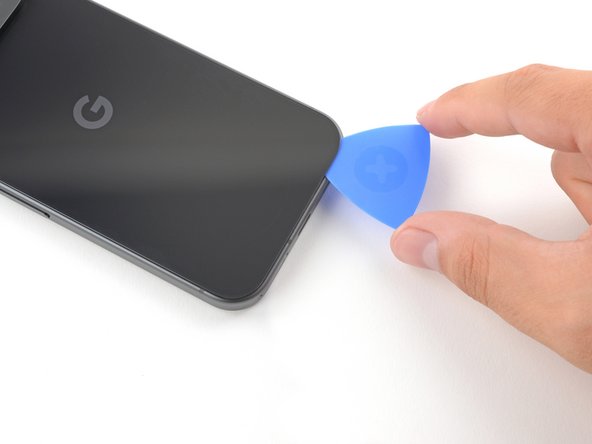
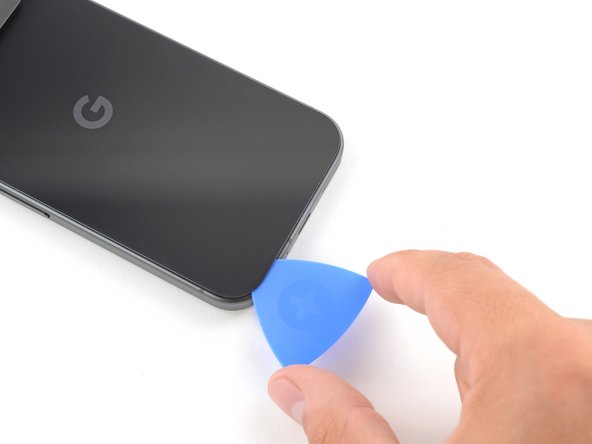
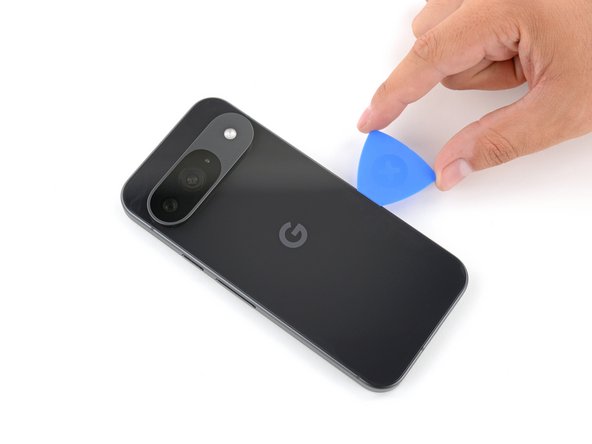
    4. Pixel 9 Battery Disconnection, Separate the back glass adhesive: step 5, image 1 of 3 Pixel 9 Battery Disconnection, Separate the back glass adhesive: step 5, image 2 of 3 Pixel 9 Battery Disconnection, Separate the back glass adhesive: step 5, image 3 of 3
      • Slide the opening pick back and forth along the bottom edge to separate the adhesive securing it.

      • Remember: don't insert the opening pick deeper than 3 mm.

      Ask FixBot

      Add Comment

    5. Pixel 9 Battery Disconnection: step 6, image 1 of 3 Pixel 9 Battery Disconnection: step 6, image 2 of 3 Pixel 9 Battery Disconnection: step 6, image 3 of 3
      • Slide the opening pick around the perimeter of the phone, slicing the rest of the adhesive.

      Ask FixBot

      Add Comment

    6. Pixel 9 Battery Disconnection: step 7, image 1 of 3 Pixel 9 Battery Disconnection: step 7, image 2 of 3 Pixel 9 Battery Disconnection: step 7, image 3 of 3
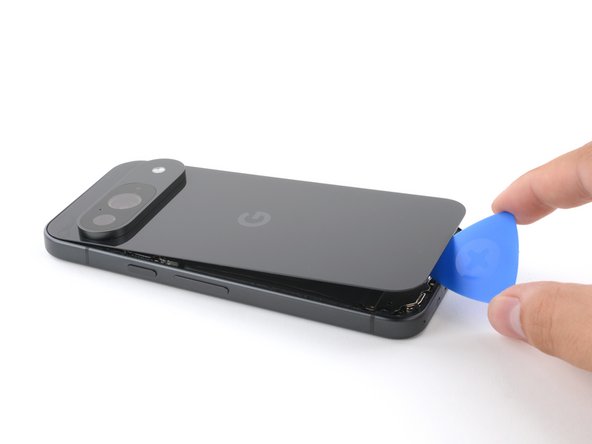
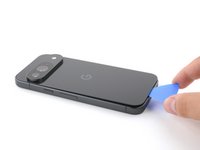
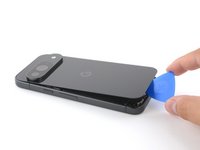
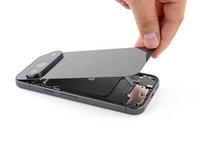
      • With most of the adhesive separated, lightly twist the opening pick at the bottom edge to lift the back glass up until you can grip it with your fingers.

      • Use the opening pick to separate any remaining sections of adhesive securing the back glass.

      Ask FixBot

      Add Comment

    7. Pixel 9 Battery Disconnection, Remove the back glass: step 8, image 1 of 1
      • Remove the back glass.

      • During reassembly:

      • Now is a good time to test your phone before sealing it up. Power it on and check that it works. Power it back down before you continue reassembly.

      • Follow this guide to apply new adhesive and install your back glass.

      Ask FixBot

      Add Comment

    1. Pixel 9 Battery Disconnection, Remove the upper board cover: step 9, image 1 of 1
      Tool used on this step:
      FixMat
      $36.95
      Buy
      • Throughout this repair, keep track of each screw and make sure it goes back exactly where it came from.

      • While the Pixel 9 uses Torx Plus screws, standard Torx bits also work. Make sure to apply constant, downward force to prevent stripping.

      • Use a 3IP Torx Plus driver to remove the single 5.4 mm‑long screw securing the upper board cover.

      Ask FixBot

      Add Comment

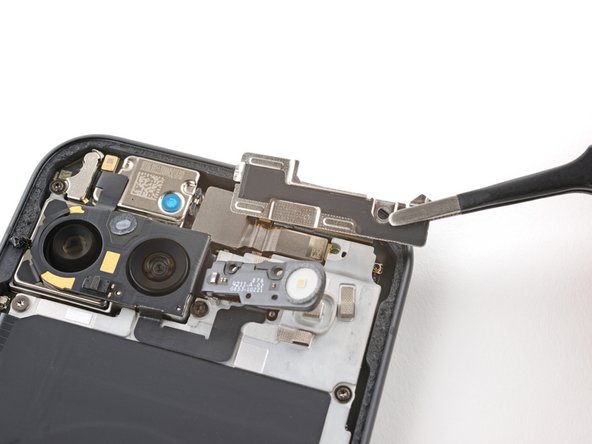
    2. Pixel 9 Battery Disconnection: step 10, image 1 of 2 Pixel 9 Battery Disconnection: step 10, image 2 of 2
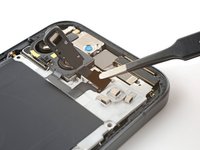
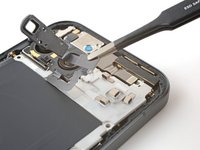
      • Use a pair of tweezers to remove the upper board cover.

      Ask FixBot

      Add Comment

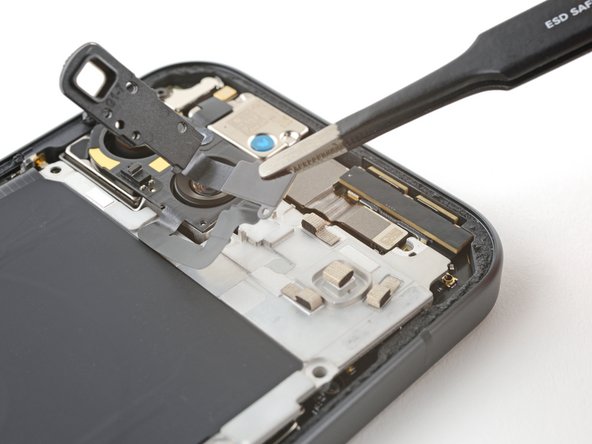
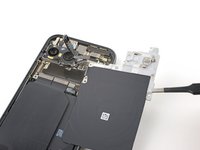
    3. Pixel 9 Battery Disconnection, Remove the midframe: step 11, image 1 of 1
      • Use a 3IP Torx driver to remove the five screws securing the midframe and wireless charging coil:

      • Four 5.4 mm-long screws

      • One 2.2 mm-long screw

      Ask FixBot

      Add Comment

    4. Pixel 9 Battery Disconnection, Peel up the flash cable: step 12, image 1 of 2 Pixel 9 Battery Disconnection, Peel up the flash cable: step 12, image 2 of 2
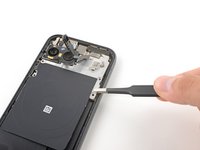
      • Use a pair of tweezers to peel the flash cable off of the metal midframe.

      Ask FixBot

      Add Comment

    5. Pixel 9 Battery Disconnection, Remove the midframe: step 13, image 1 of 2 Pixel 9 Battery Disconnection, Remove the midframe: step 13, image 2 of 2
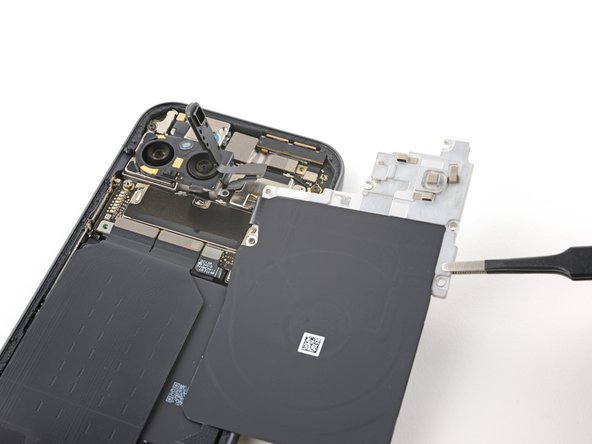
      • Remove the midframe, wireless charging coil, and NFC assembly.

      Ask FixBot

      Add Comment

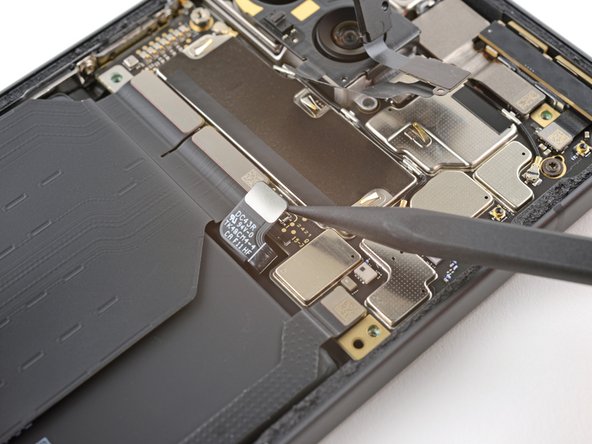
    6. Pixel 9 Battery Disconnection, Disconnect the battery: step 14, image 1 of 2 Pixel 9 Battery Disconnection, Disconnect the battery: step 14, image 2 of 2
      • Use the tip of a spudger to pry up and disconnect the battery connector.

      Ask FixBot

      Add Comment

Finish Line

Cancel: I did not complete this guide.

Carsten Frauenheim

Member since: 03/10/20

171,406 Reputation

442 Guides authored

Team

iFixit Member of iFixit

Staff

122 Members

72,401 Guides authored

0 Guide Comments

Add Comment

View Statistics:

Past 24 Hours: 1

Past 7 Days: 3

Past 30 Days: 18

All Time: 183