Free Shipping on Domestic Orders $75+

Pixel 10 Vibration Motor Installation

Prerequisite Only
This is a prerequisite-only guide! This guide is part of another procedure and isn’t meant to be used alone.

What you need

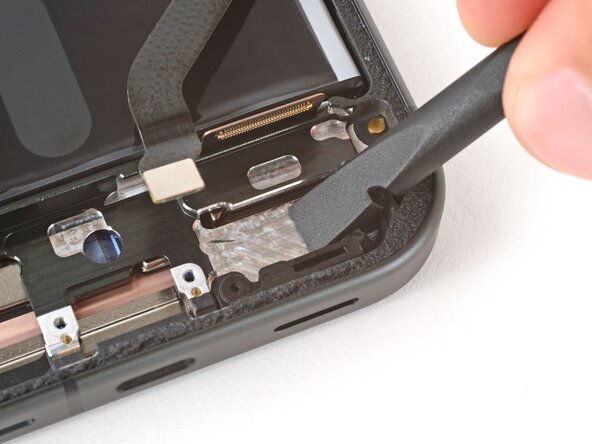
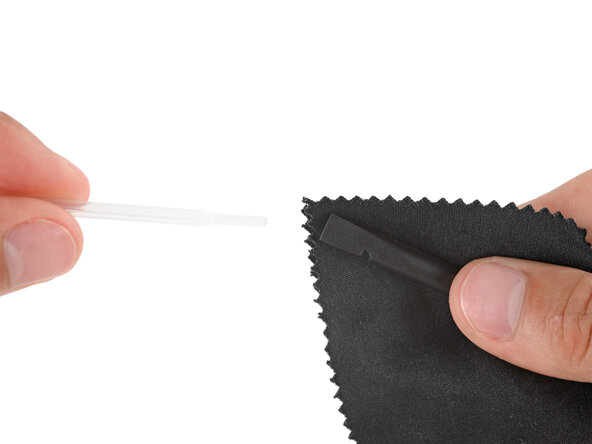
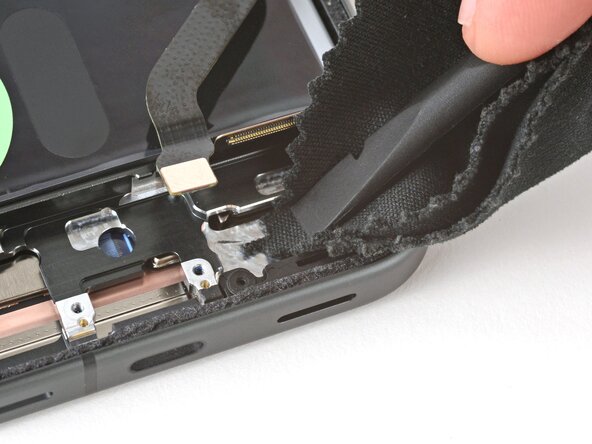
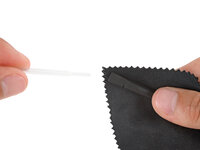
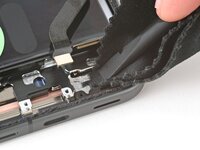
    1. Pixel 10 Vibration Motor Installation, Remove the old adhesive: step 1, image 1 of 3 Pixel 10 Vibration Motor Installation, Remove the old adhesive: step 1, image 2 of 3 Pixel 10 Vibration Motor Installation, Remove the old adhesive: step 1, image 3 of 3
      • Use a spudger to scrape up and remove any bits of vibration motor adhesive from the frame.

      • Wrap a spudger in a microfiber or lint‑free cloth and apply one drop of high‑concentration (>90%) isopropyl alcohol.

      • Use the spudger to clean up any adhesive residue from the vibration motor's spot on the frame.

      • Remember not to let any alcohol get into the cutout on the frame.

      • Allow the alcohol to dry completely before continuing.

      Ask FixBot

      Add Comment

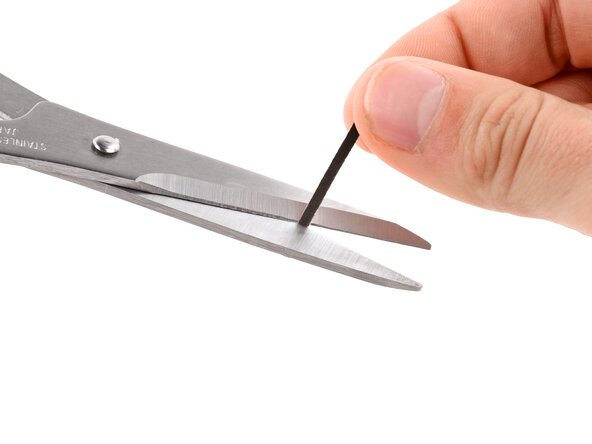
    2. Pixel 10 Vibration Motor Installation, Apply adhesive: step 2, image 1 of 1
      Tool used on this step:
      Tesa 61395 Tape
      $2.95
      Buy
      Ask FixBot

      Add Comment

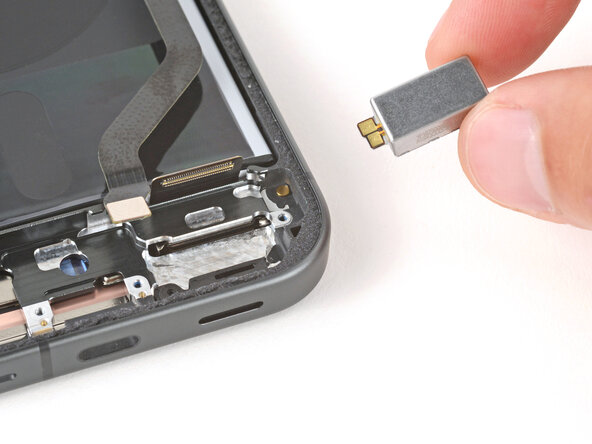
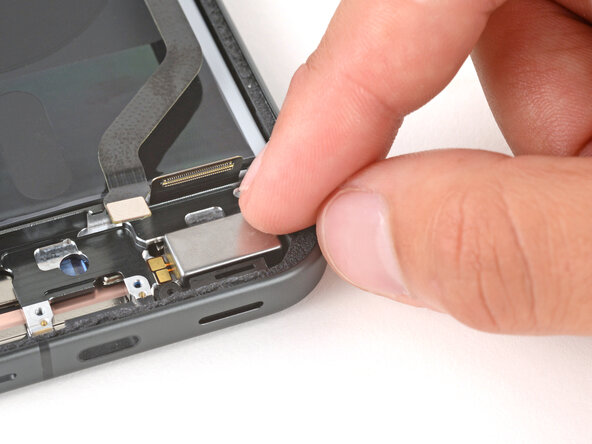
    3. Pixel 10 Vibration Motor Installation, Install the vibration motor: step 3, image 1 of 2 Pixel 10 Vibration Motor Installation, Install the vibration motor: step 3, image 2 of 2
      • Lay the vibration motor into its recess so the gold contacts are facing up on the left side.

      • Firmly press the vibration motor into place to secure it with the adhesive.

      Ask FixBot

      Add Comment

Finish Line

Cancel: I did not complete this guide.

Spencer Day

Member since: 09/14/22

206,026 Reputation

1,267 Guides authored

0 Guide Comments

Add Comment

View Statistics:

Past 24 Hours: 0

Past 7 Days: 0

Past 30 Days: 10

All Time: 94