
Pipo Smart S1 Speaker Replacement

Ali Alqallaf and
Last updated on Apr 15, 2022
Views: 701
View statistics:
- Past 24 Hours:
- 2
- Past 7 Days:
- 15
- Past 30 Days:
- 69
- All Time:
- 701
Comments: 0
No one has left comments on this guide. Will you be first?
Go to guide commentsCompleted: 0 1
No one has marked this guide "completed." Will you be the first?
1 person has marked this guide "completed." It's you — great job!
Favorites: 0 1
No one has favorited (and subscribed to) this guide. Will you be the first?
1 person has favorited (and subscribed to) this guide — and that's you!
Incorrect Tools
Help make this guide better by using the correct tools in images and/or text.
Needs Better Images
Better photos will improve this guide. Help out by taking, editing, or uploading new ones!
Step Trimmer
This guide has unnecessary steps. Trim them to be more concise!
Introduction
Go to step 1 ↓If your Pipo Smart S1 Speaker is not working or not producing clear audio (audio is buzzing, fuzzy, or otherwise unclear), this guide will show you how to replace the speaker in your device.
The speaker in your Pipo Smart S1 works by converting electrical signals into sound waves that you can hear. If any part of your speaker is defective, it will result in unclear or no audio.
Before replacing the speaker, turn off the device and disconnect it from any external power sources.
Replacing the speaker in the Pipo Smart S1 requires the use of a soldering iron. Follow this guide for information on how to solder connections.
What you need
Tools


-
-
-
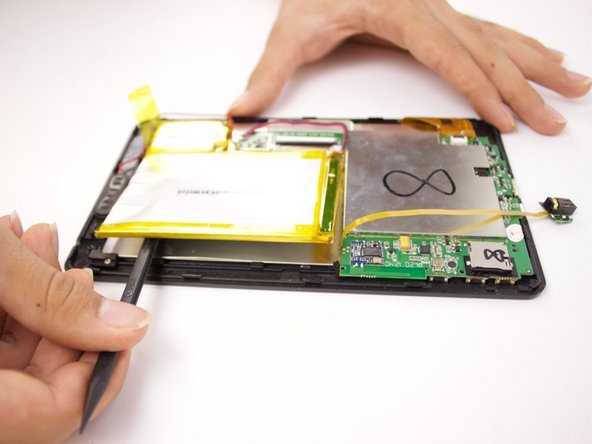
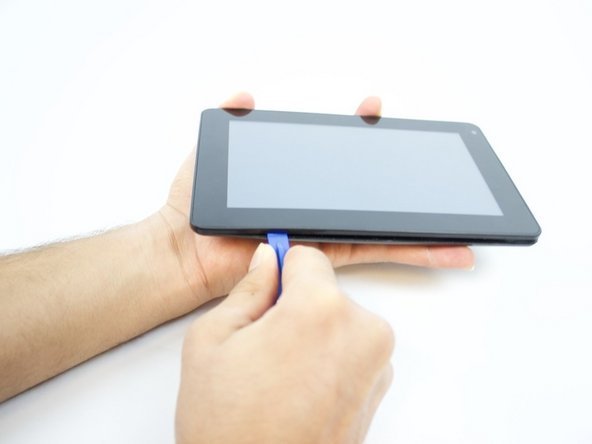
Insert an iFixit opening tool between the body and display of the tablet at the bottom of the device where the charging port is.
-
Slide the tool along the gap you are creating, moving to the right direction against the mini USB port.
 Ask FixBot
-
-
-
Gently pry the body of the tablet and pop the back cover open.
-
Lift the back cover of the device and place it on the side.
-
-
-
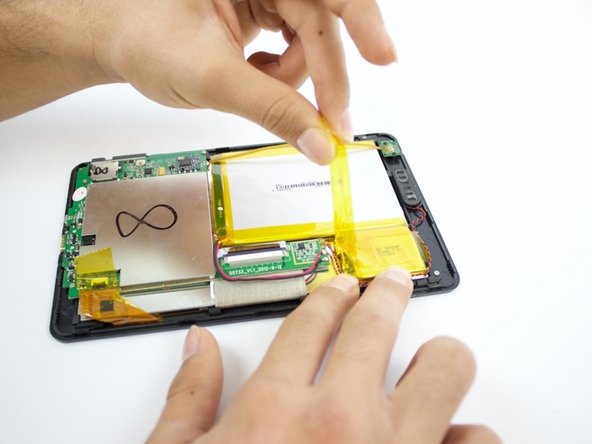
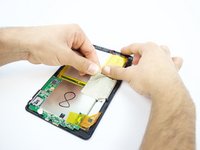
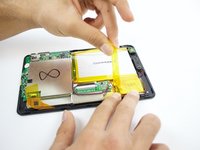
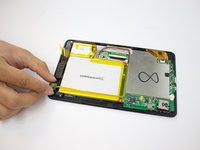
Lift the white tape with your fingers, then lift the yellow tape that holds the battery extension.
-
-
-
On the bottom of your tablet, use the Phillips #0 screwdriver to take the two 3mm screws out.
-
-
-
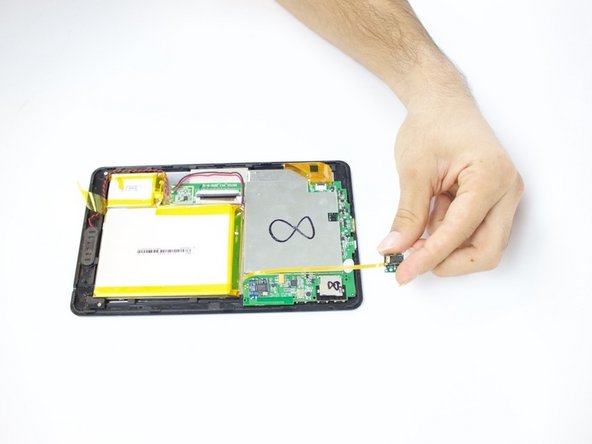
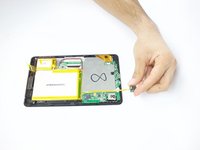
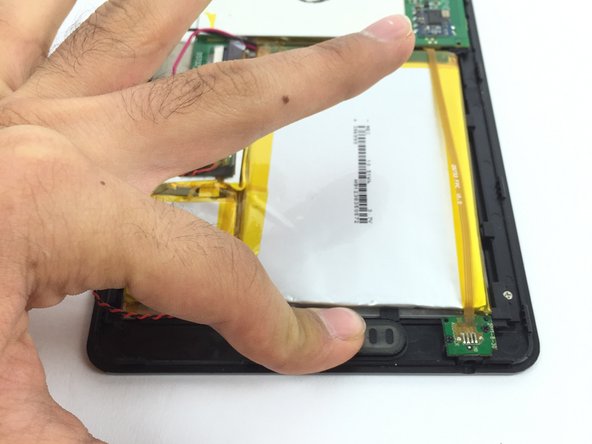
Lift the headphone jack and move it to the other side, placing it on the surface you are working on.
-
-
-
-
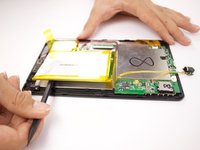
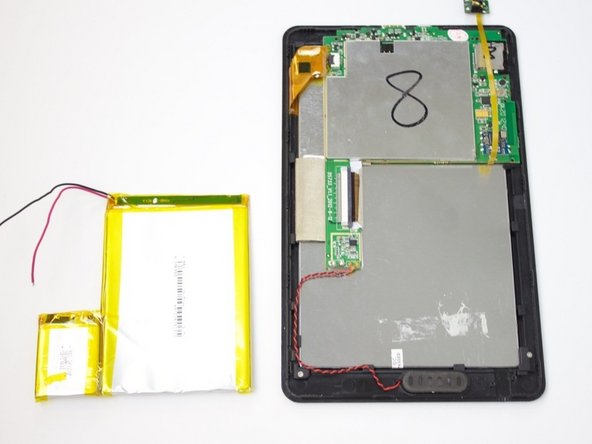
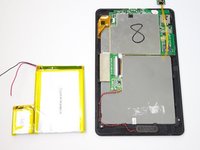
Lift the battery and place it a little further away from the positive and negative battery wires.
-
-
-
-
-
Find the charging port at the bottom of your device.
-
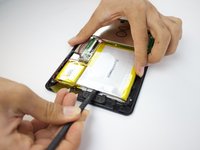
Insert the spudger into the seam between the front and back panels of the device.
-
-
-
Slide the spudger away from the charging port.
-
Continue doing this around the entire device to separate the front and back cover.
-
-
-
Using your fingers, pry off the back cover of the device once you have created a gap between the covers.
-
-
-
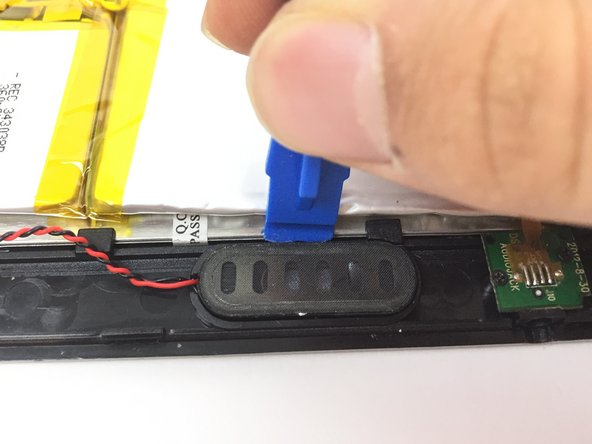
Find the speaker at the bottom of the tablet.
-
The speaker looks like a black oval with a red and black wire connected to it.
-
-
-
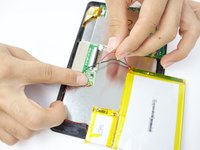
Disconnect the speaker's wires from the motherboard using the soldering iron.
-
-
-
Reconnect the new speaker's wires to the motherboard using the soldering iron.
-
-
-
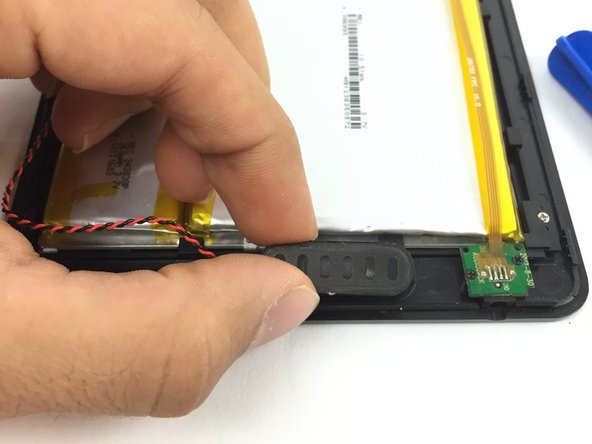
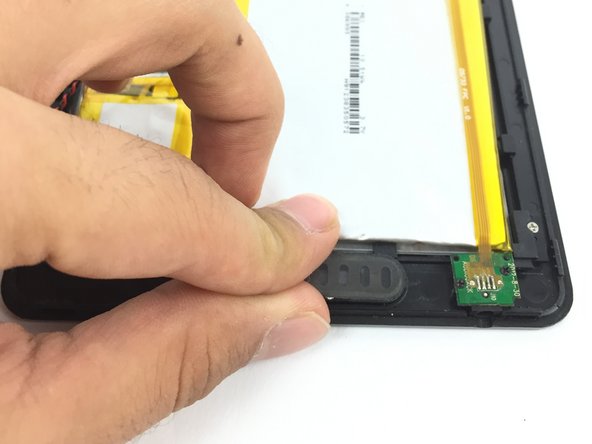
Carefully place the new speaker into the speaker port.
-
Gently push down on the new speaker to properly connect it to the port.
-
-

















To reassemble your device, follow these instructions in reverse order.

Team

USF Tampa, Team 3-6, Passmore Fall 2016 Member of USF Tampa, Team 3-6, Passmore Fall 2016
USFT-PASSMORE-F16S3G6
3 Members
36 Guides authored
