
Palm Treo 680 Back Panel Replacement

Maiya123 and 15 other contributors
Last updated on Jan 10, 2025
Views: 3.8K
View statistics:
- Past 24 Hours:
- 6
- Past 7 Days:
- 18
- Past 30 Days:
- 87
- All Time:
- 3,809
Comments: 4
4 comments on steps.
Completed: 2 3
2 people have marked this guide "completed." Will you be next?
3 people have marked this guide "completed." Including you — great job!
Favorites: 0 1
No one has favorited (and subscribed to) this guide. Will you be the first?
1 person has favorited (and subscribed to) this guide — and that's you!
Introduction
Go to step 1 ↓This guide shows you how to take off the back panel to the Palm Treo 680 in order to reach the other components within side the phone.
What you need
Tools
-
-
-
-
Spudger4.9
-


-
-
-
Remove the battery cover by pressing on the small rectangular button located on the back of the phone.
 Ask FixBot
-
-
-
-
-
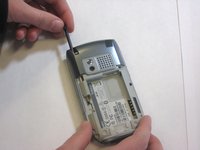
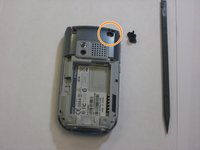
Remove the stylus in order to access the screw.
-
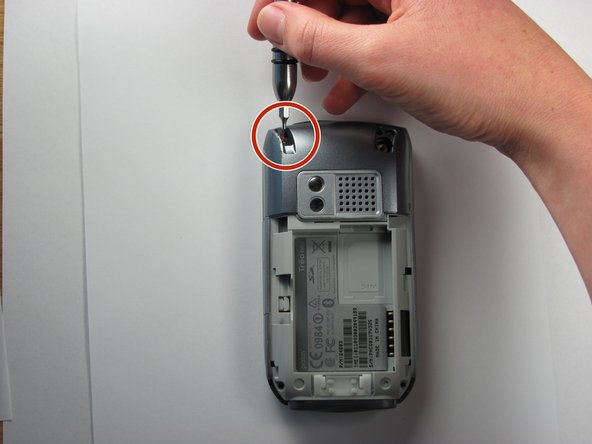
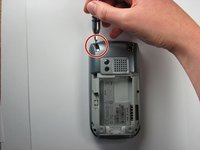
Remove the 27mm top-left screw using a T6 Torx screwdriver.
-
-
-
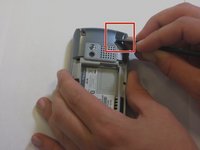
Using the spudger, remove the rubber rectangular cover located in the upper rear, right-hand corner.
-
Remove the 27mm screw using the T6 Torx screwdriver.
-
-
-
-
Remove the remaining two 27mm screws from the bottom using the T6 screwdriver.
-
-
-
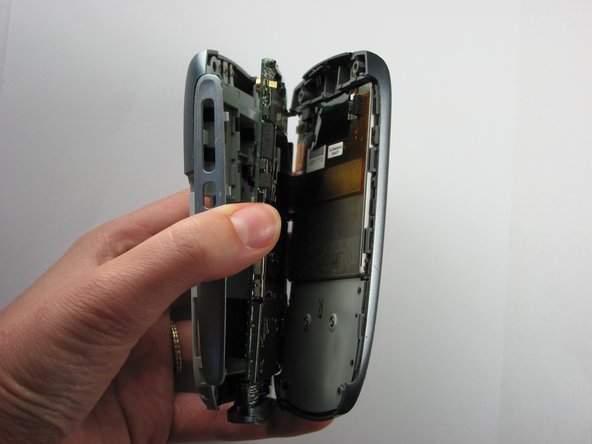
Turn the phone so the screen is facing the right side.
-
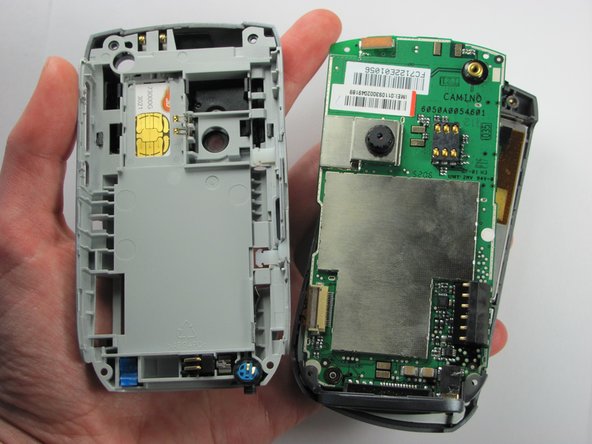
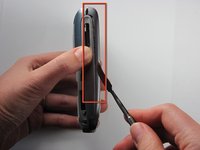
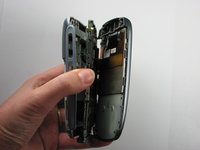
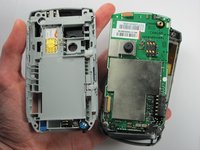
Use a spudger to carefully separate the back panel from the front panel to access components inside the phone.
-
Separate the covers from the left side of the device as indicated in the picture.
-
-






To reassemble your device, follow these instructions in reverse order.
Cancel: I did not complete this guide.
2 other people completed this guide.

Team

Cal Poly, Team 6-4, Maness Fall 2009 Member of Cal Poly, Team 6-4, Maness Fall 2009
CPSU-MANESS-F09S6G4
4 Members
72 Guides authored
