
Palm Pre 2 Keyboard Replacement

Elliott Van Hoy and 4 other contributors
Last updated on Jan 20, 2025
Views: 702
View statistics:
- Past 24 Hours:
- 2
- Past 7 Days:
- 18
- Past 30 Days:
- 79
- All Time:
- 702
Comments: 0
No one has left comments on this guide. Will you be first?
Go to guide commentsCompleted: 0 1
No one has marked this guide "completed." Will you be the first?
1 person has marked this guide "completed." It's you — great job!
Favorites: 0 1
No one has favorited (and subscribed to) this guide. Will you be the first?
1 person has favorited (and subscribed to) this guide — and that's you!
Needs Better Images
Better photos will improve this guide. Help out by taking, editing, or uploading new ones!
Better Introduction
Improve this guide by completing or revising its introduction.
Introduction
Go to step 1 ↓The following guide will show readers how to properly remove the keyboard from the Palm Pre 2.
What you need
Tools
-
Spudger4.9
-


-
-
-
Snap off the back panel to reveal the battery using the opening tool.
 Ask FixBot
-
-
-
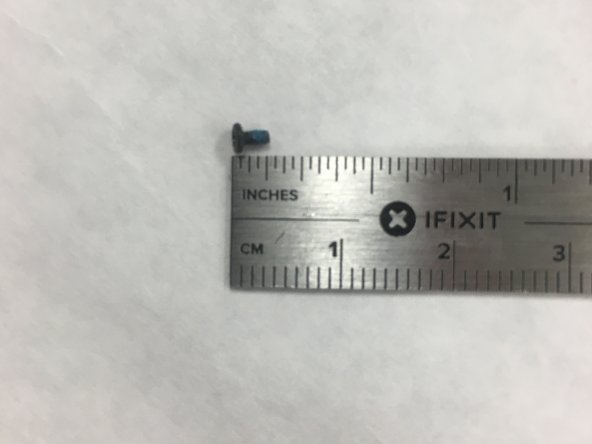
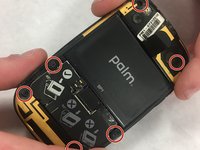
Use the T5 Torx Screwdriver to remove the six screws that hold the back of the frame in place.
-
-
-
Tool used on this step:Tweezers$4.99
-
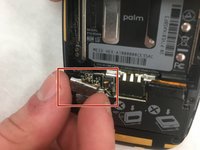
Use a spudger to open the hinge that covers the black and white GPS and DIV antennas.
-
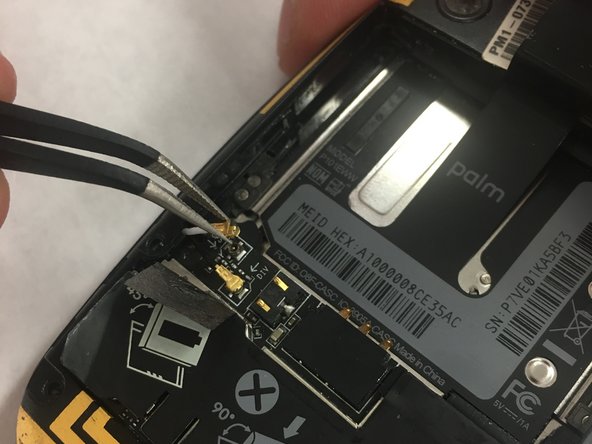
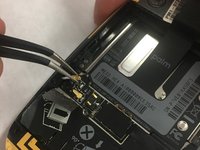
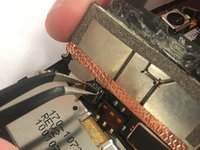
Use tweezers to remove the two antennas from the keypad control board.
-
-
-
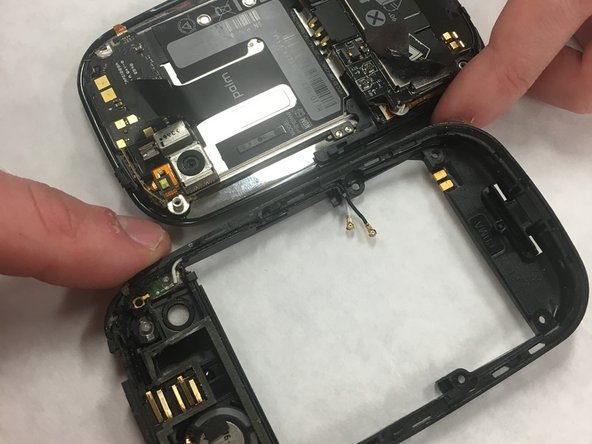
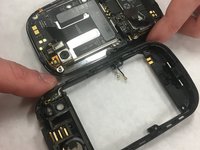
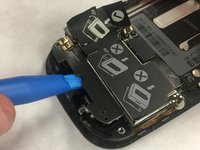
Use the opening tool to remove the panel on the main part of the phone.
-
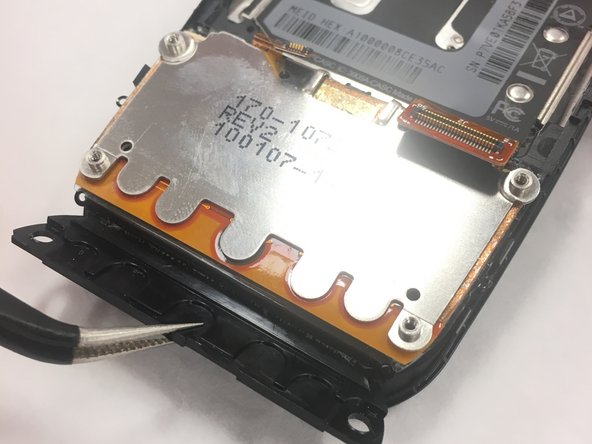
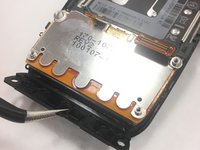
Use the tweezers to get access to remove the panel giving access to the cable connectors.
-
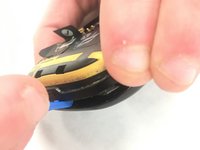
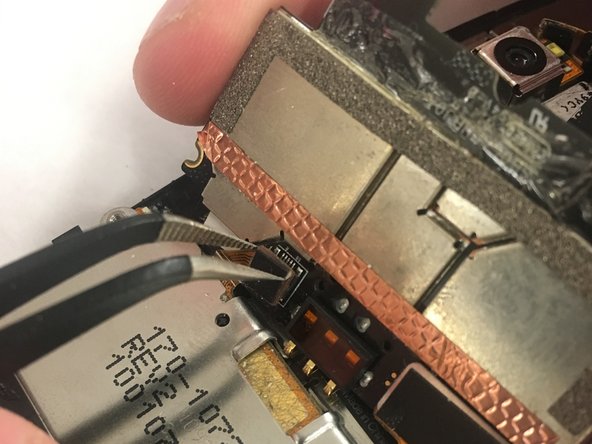
Remove the two ribbon cable connectors using the tweezers.
-
-






To reassemble your device, follow these instructions in reverse order.

Team

IUPUI, Team S1-G6, Freund Spring 2018 Member of IUPUI, Team S1-G6, Freund Spring 2018
IUPUI-FREUND-S18S1G6
2 Members
36 Guides authored
