
PlayStation 3 Hard Drive Replacement

iDeleted and 7 other contributors
Last updated on Dec 13, 2017
Views: 2.2K
View statistics:
- Past 24 Hours:
- 0
- Past 7 Days:
- 4
- Past 30 Days:
- 26
- All Time:
- 2,182
Comments: 2
1 comment on steps, 1 guide comment.
Go to guide commentsCompleted: 4 5
4 people have marked this guide "completed." Will you be next?
5 people have marked this guide "completed." Including you — great job!
Favorites: 3 4
3 people have favorited (and subscribed to) this guide. Will you be next?
4 people have favorited (and subscribed to) this guide — including you!
Community-Contributed Guide
An awesome member of our community made this guide. It was not created by iFixit staff.
Introduction
Go to step 1 ↓How to replace the hard drive in a PS3.
What you need
Tools
-
Spudger4.9


-
-
-
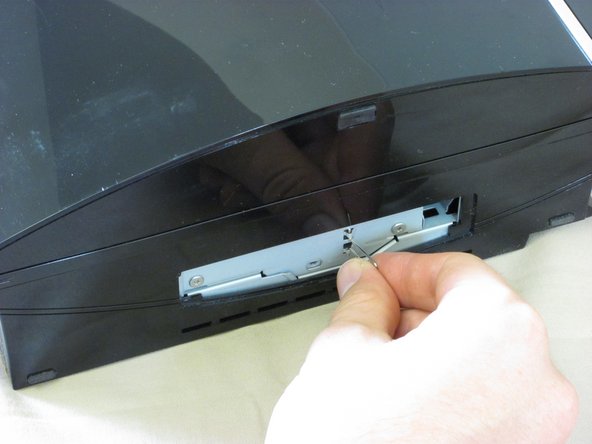
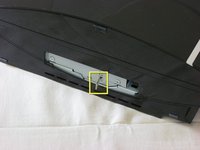
Lift the metal tab on the hard drive enclosure.
-
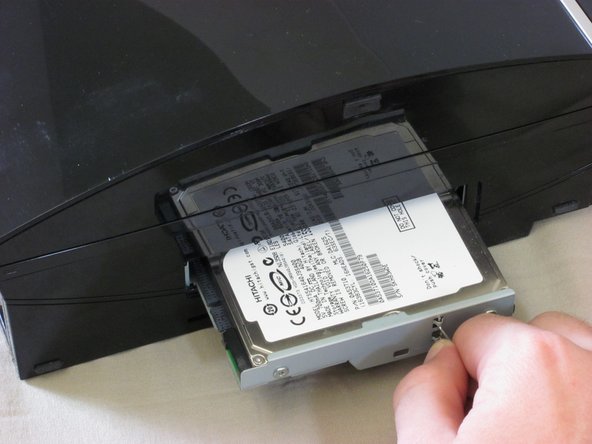
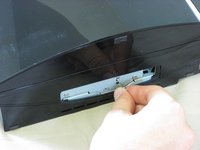
Pull the tab to slide the hard drive enclosure to the right.
-
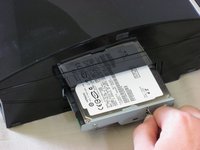
Pull the hard drive enclosure out of the PS3.
-
-
-
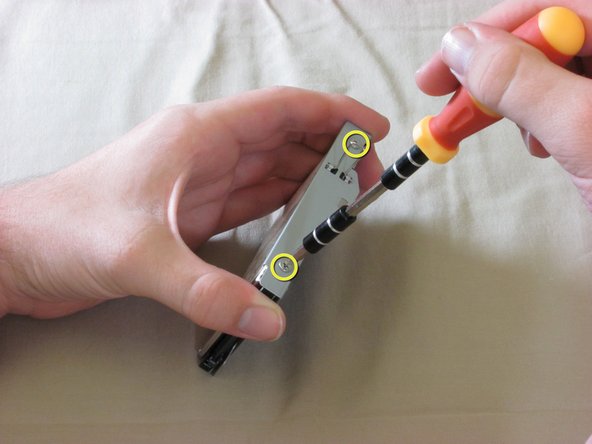
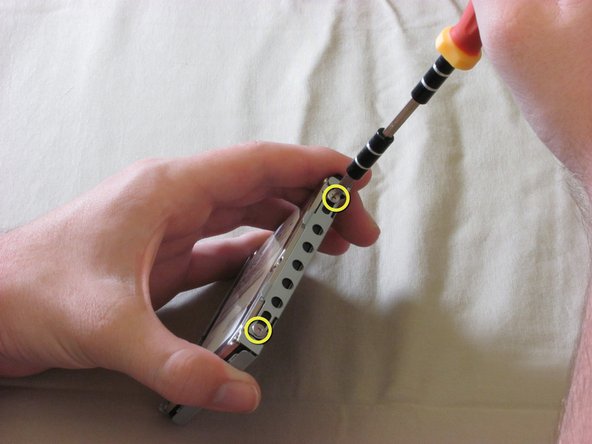
There are four screws on the side of the hard drive enclosure.
-
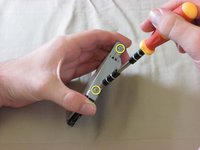
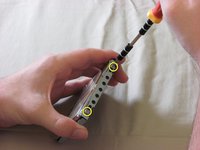
Remove the two screws on one side of the hard drive enclosure with a Phillips #1 screwdriver.
-
Flip over the hard drive enclosure and remove the remaining two screws on the other side.
-
-

 Ask FixBot




To reassemble your device, follow these instructions in reverse order.
Cancel: I did not complete this guide.
4 other people completed this guide.

1 Guide Comment
I dont suppose u can do one for a lughtning zapped power bs upply replace me nt all of my gran turismo amd well all games i play ma6be with a upgrade the speed power and make it ps4 with out the crap of online
