Introduction
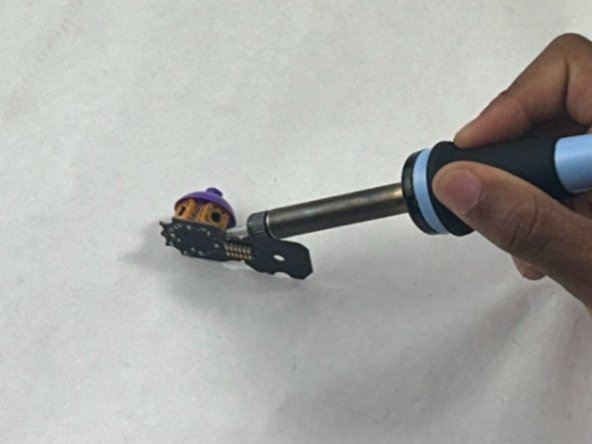
This is the guide for replacing the joysticks on your gaming controller, the PDP Victrix Pro BFG. Whether you're customizing your controller or fixing unresponsive buttons, this guide will walk you through the process. You can use this guide to replace the buttons aswell. Be sure to check the troubleshooting section for any related issues and handle parts with care to avoid damage or injury. Let's get started!
What you need
-
-
Use the purple Module Swap Tool that comes with the device to remove the 4 hex screws.
-
Remove the joystick/button modules from the controller.
-
-


To reassemble your device, follow these instructions in reverse order.


Team

UMass Dartmouth, Team 1-1, Santin Spring 2024 Member of UMass Dartmouth, Team 1-1, Santin Spring 2024
UMASSD-SANTIN-S24S1G1
3 Members
3 Guides authored
