Introduction
The Joystick is an essential part of the PDP Rematch controller. Over time, the joysticks may stop working due to wear and tear. If they need replacing, you can buy them separately.
What you need
-
-
-
Grip one side of the controller firmly.
-
Insert an opening pick into the crease between the faceplate and the body of the controller.
-
Once the pick creates a gap in the crease, gently insert another pick into a different section of the crease.
-
Carefully move the picks along the controller's crease line until you hear a popping sound.
-
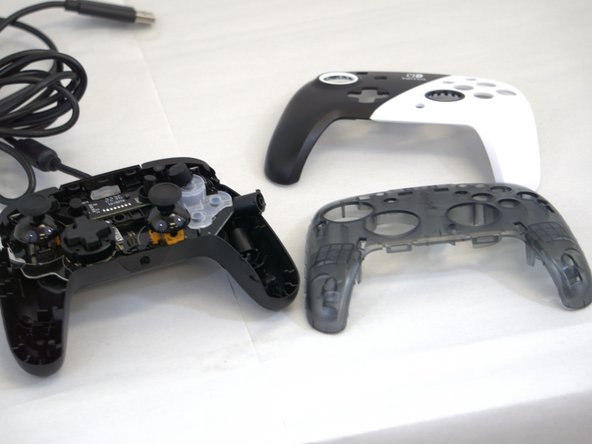
Gently lift off the faceplate by hand.
 Ask FixBot
-
-
-
-
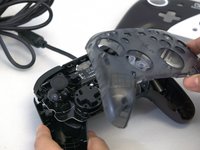
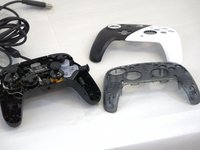
Gently lift off the hard cover with your hand; it should not need much force.
-
-
-
-
-
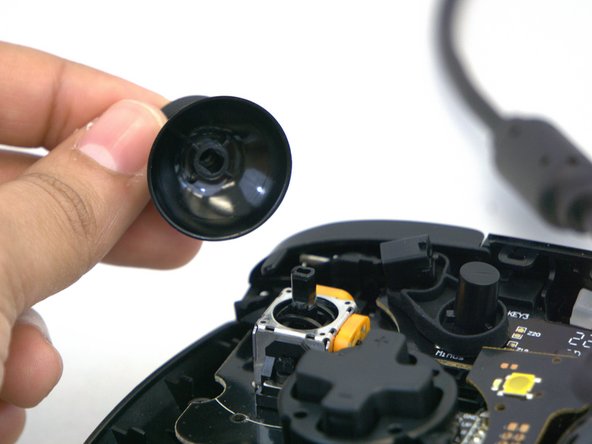
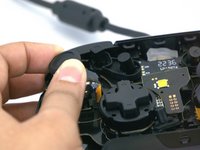
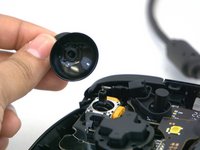
Gently rotate or twist the joystick(s) you want to replace.
-
Apply some force and pull upward towards you.
-




To reassemble your device, follow these instructions in reverse order.
Cancel: I did not complete this guide.
One other person completed this guide.

Team

Tennessee Tech University, Team 1-3, Pickering Spring 2024 Member of Tennessee Tech University, Team 1-3, Pickering Spring 2024
TNTECH-PICKERING-S24S1G3
4 Members
60 Guides authored
