Introduction
Triggers may need to be replaced if they become worn out or too sensitive. If you need to replace the triggers on your PDP Rematch Advanced controller, follow this guide. The triggers can be taken out by unscrewing them from the motherboard.
What you need
-
-
-
Orient the controller so the back side is facing you.
-
Use a Phillips #000 screwdriver to remove the seven 9 mm screws that secure the back shell.
 Ask FixBot
-
-
-
-
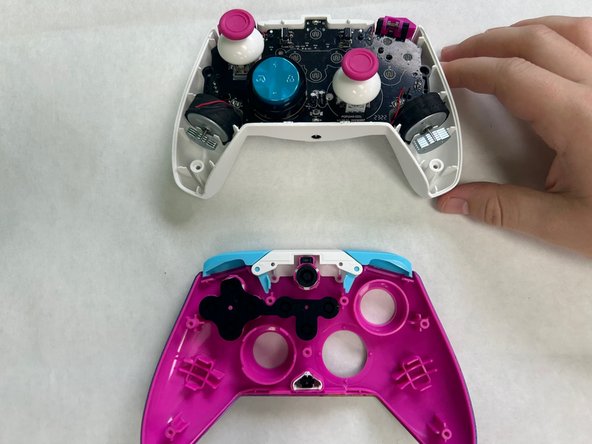
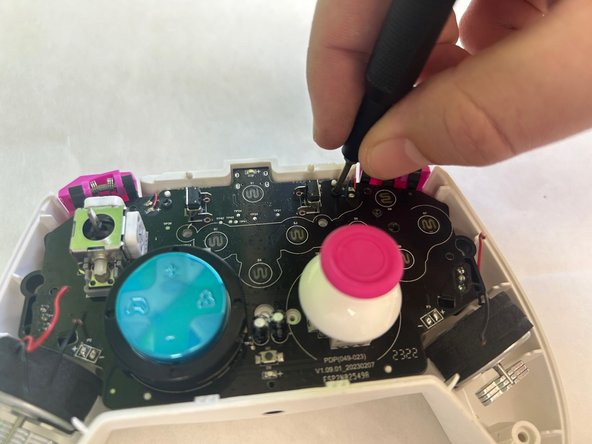
Use a Phillips #00 screwdriver to remove the two 5 mm screws that secure the motherboard.
-
-
-
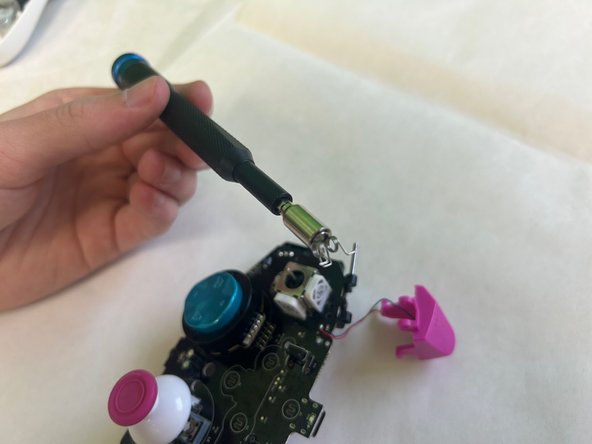
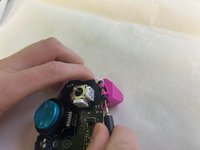
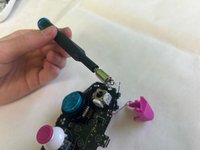
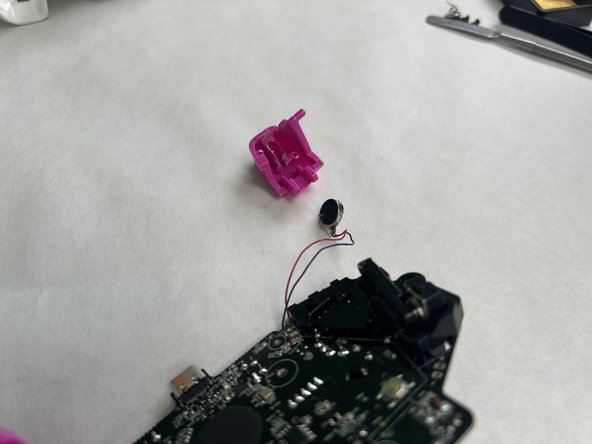
Use a Phillips #00 screwdriver to remove the two trigger springs from the motherboard.
-
-







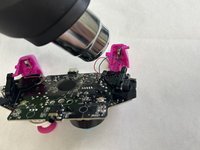
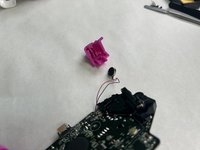
To reassemble your device, follow these instructions in reverse order.

Team

University of North Texas, Team 3-3, Coppersmith Fall 2024 Member of University of North Texas, Team 3-3, Coppersmith Fall 2024
UNT-COPPERSMITH-F24S3G3
3 Members
36 Guides authored
