15% Off Selected iFixit Tools — Limited Time
Free Shipping on Domestic Orders $75+

PDP Rematch Advanced Trigger Springs Replacement

What you need

  1. PDP Rematch Advanced Trigger Springs Replacement, Trigger Springs: step 1, image 1 of 2 PDP Rematch Advanced Trigger Springs Replacement, Trigger Springs: step 1, image 2 of 2
    • Orient the controller so the back side is facing you.

    • Use a Phillips #000 screwdriver to remove the seven 9 mm screws that secure the back shell.

    Ask FixBot

    Add Comment

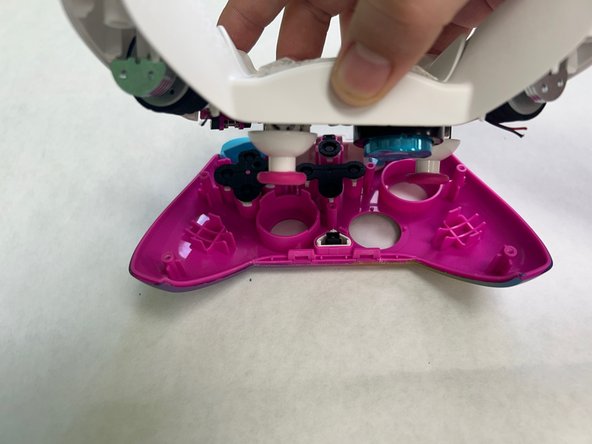
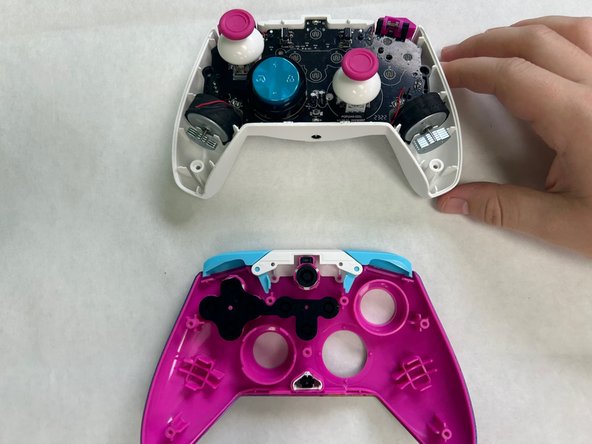
  2. PDP Rematch Advanced Trigger Springs Replacement: step 2, image 1 of 3 PDP Rematch Advanced Trigger Springs Replacement: step 2, image 2 of 3 PDP Rematch Advanced Trigger Springs Replacement: step 2, image 3 of 3
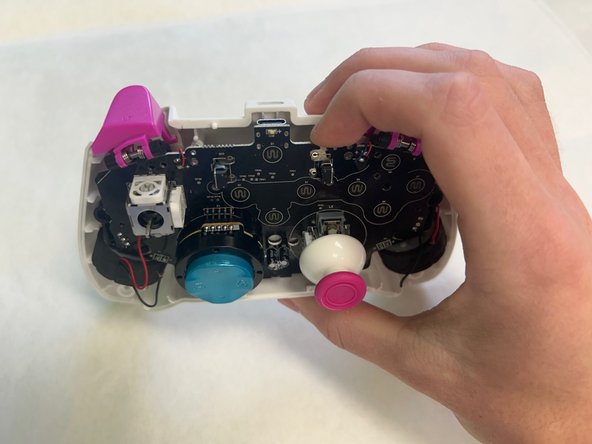
    • Pull apart the controller's front and back shells with moderate force.

    • Orient the controller so that the front shell is facing the floor to prevent the face buttons from falling out.

    Ask FixBot

    Add Comment

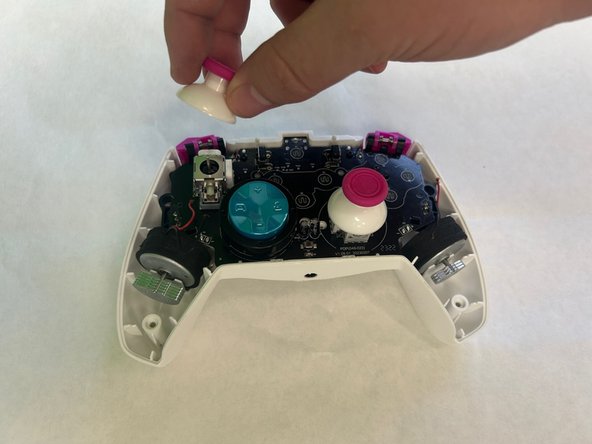
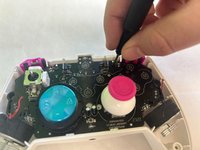
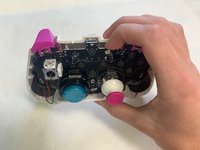
  3. PDP Rematch Advanced Trigger Springs Replacement: step 3, image 1 of 2 PDP Rematch Advanced Trigger Springs Replacement: step 3, image 2 of 2
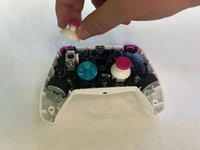
    • Twist the thumbstick to remove it from the motherboard.

    Ask FixBot

    Add Comment

  4. PDP Rematch Advanced Trigger Springs Replacement: step 4, image 1 of 3 PDP Rematch Advanced Trigger Springs Replacement: step 4, image 2 of 3 PDP Rematch Advanced Trigger Springs Replacement: step 4, image 3 of 3
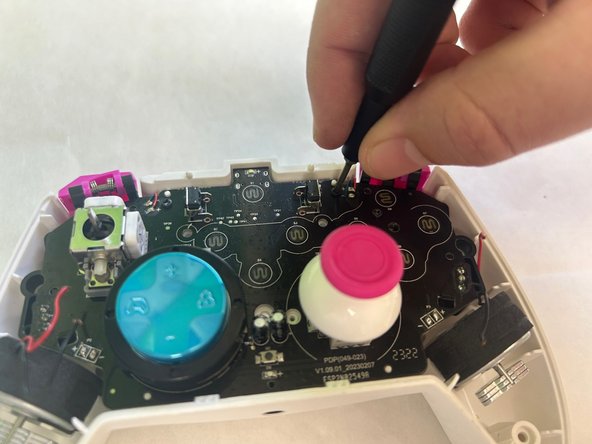
    • Use a Phillips #000 screwdriver to remove the two 5 mm screws that secure the motherboard.

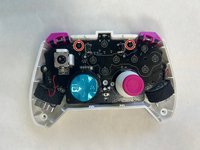
    • Remove the motherboard from the back shell using moderate force.

    Ask FixBot

    Add Comment

  5. PDP Rematch Advanced Trigger Springs Replacement: step 5, image 1 of 3 PDP Rematch Advanced Trigger Springs Replacement: step 5, image 2 of 3 PDP Rematch Advanced Trigger Springs Replacement: step 5, image 3 of 3
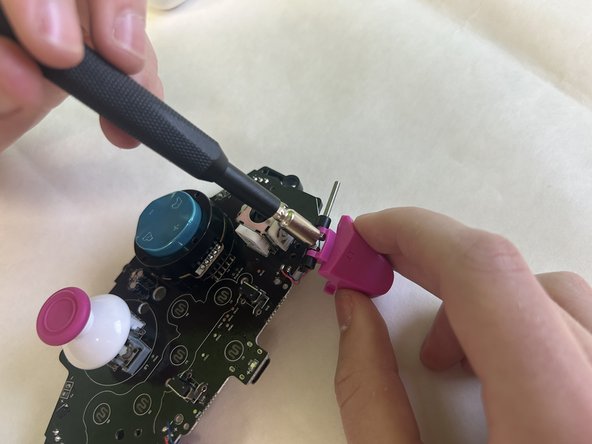
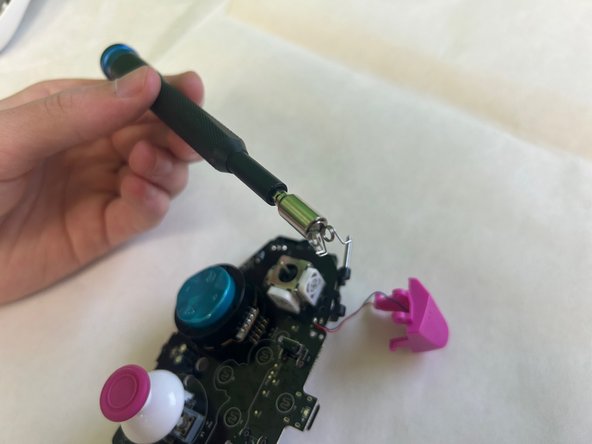
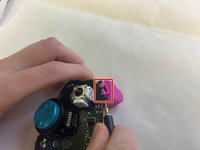
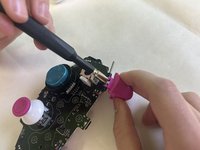
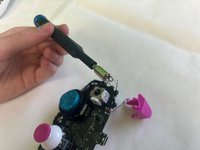
    • Punch out the metal pin holding in the trigger and the trigger spring. Repeat for both triggers.

    • Remove the trigger and the trigger springs.

    • Using a punch or a small tool allows pin removal to be easier.

    Ask FixBot

    Add Comment

Conclusion

To reassemble your device, follow these instructions in reverse order.

Cancel: I did not complete this guide.

Jacob Thomas Wolgamott

Member since: 09/23/24

121 Reputation

1 Guide authored

0 Guide Comments

Add Comment

View Statistics:

Past 24 Hours: 1

Past 7 Days: 9

Past 30 Days: 28

All Time: 563