PDP Rematch Advanced Shoulder Buttons Replacement

What you need

  1. PDP Rematch Advanced Shoulder Buttons Replacement, Front Housing Shell: step 1, image 1 of 3 PDP Rematch Advanced Shoulder Buttons Replacement, Front Housing Shell: step 1, image 2 of 3 PDP Rematch Advanced Shoulder Buttons Replacement, Front Housing Shell: step 1, image 3 of 3
    • Orient the controller so the back side is facing you.

    • Use a Phillips #000 screwdriver to remove the seven 9 mm screws that secure the back shell.

  2. PDP Rematch Advanced Shoulder Buttons Replacement: step 2, image 1 of 3 PDP Rematch Advanced Shoulder Buttons Replacement: step 2, image 2 of 3 PDP Rematch Advanced Shoulder Buttons Replacement: step 2, image 3 of 3
    • Pull apart the controller's front and back shells with moderate force.

    • Orient the controller so that the front shell is facing the floor to prevent the face buttons from falling out.

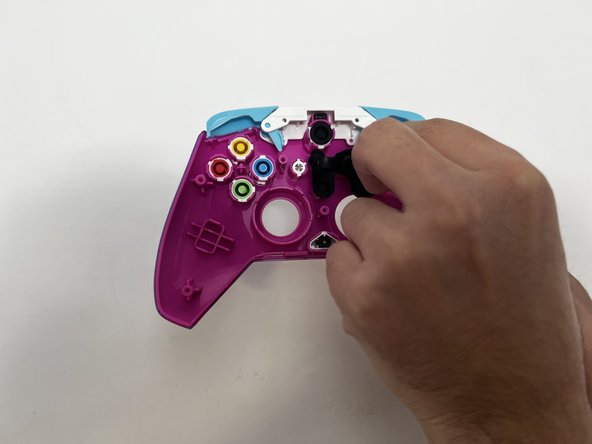
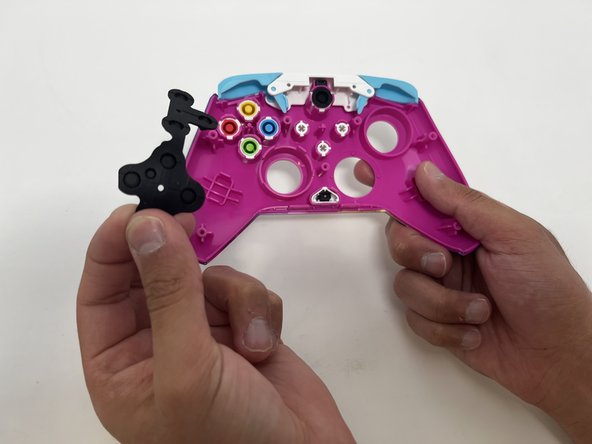
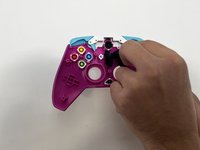
  3. PDP Rematch Advanced Shoulder Buttons Replacement: step 3, image 1 of 3 PDP Rematch Advanced Shoulder Buttons Replacement: step 3, image 2 of 3 PDP Rematch Advanced Shoulder Buttons Replacement: step 3, image 3 of 3
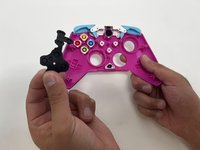
    • Peel the rubber piece off the back of the face buttons.

  4. PDP Rematch Advanced Shoulder Buttons Replacement: step 4, image 1 of 3 PDP Rematch Advanced Shoulder Buttons Replacement: step 4, image 2 of 3 PDP Rematch Advanced Shoulder Buttons Replacement: step 4, image 3 of 3
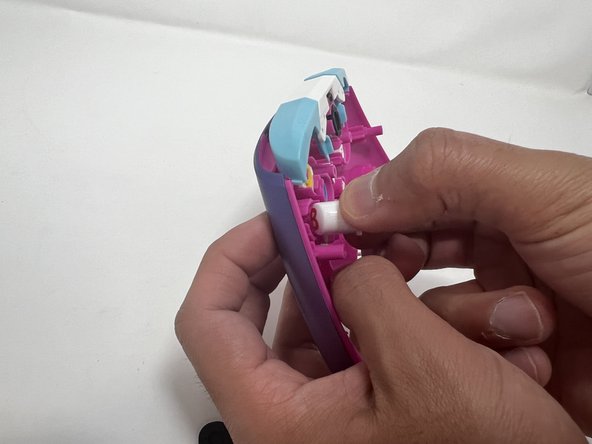
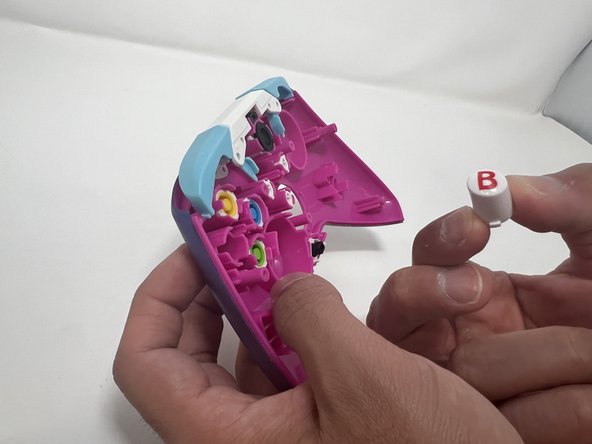
    • Push all the face buttons out from the front of the shell.

  5. PDP Rematch Advanced Shoulder Buttons Replacement: step 5, image 1 of 3 PDP Rematch Advanced Shoulder Buttons Replacement: step 5, image 2 of 3 PDP Rematch Advanced Shoulder Buttons Replacement: step 5, image 3 of 3
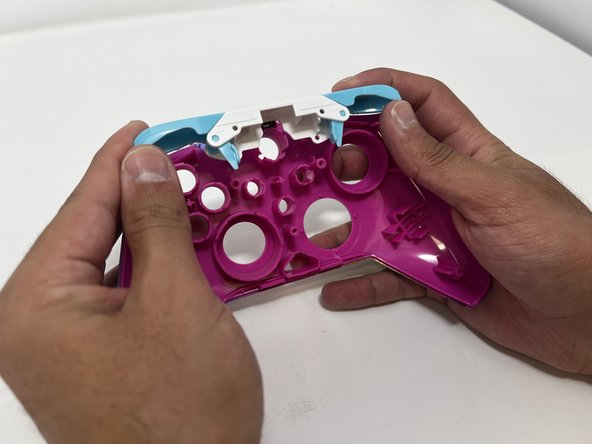
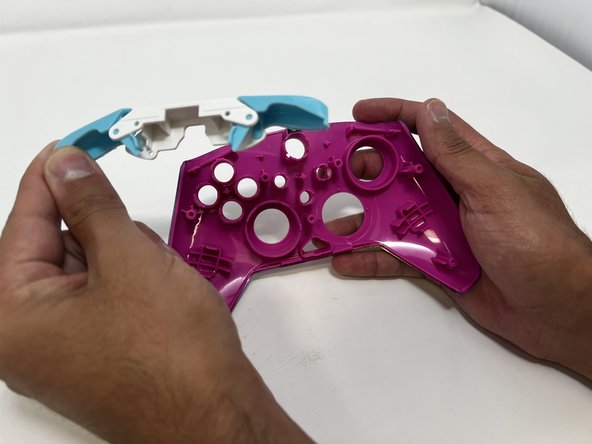
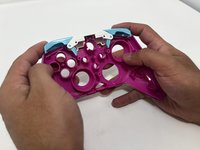
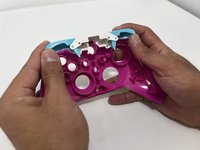
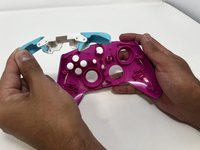
    • Put two fingers behind the bumpers and push upwards to remove them.

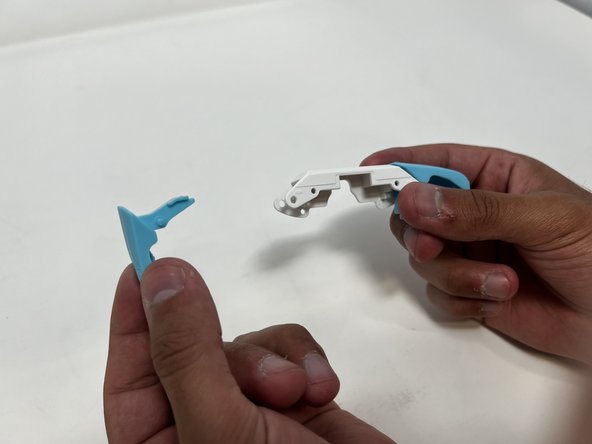
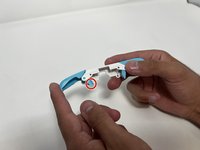
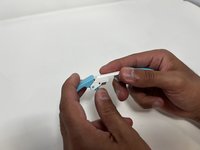
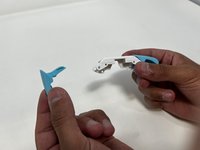
  6. PDP Rematch Advanced Shoulder Buttons Replacement, Shoulder Buttons: step 6, image 1 of 3 PDP Rematch Advanced Shoulder Buttons Replacement, Shoulder Buttons: step 6, image 2 of 3 PDP Rematch Advanced Shoulder Buttons Replacement, Shoulder Buttons: step 6, image 3 of 3
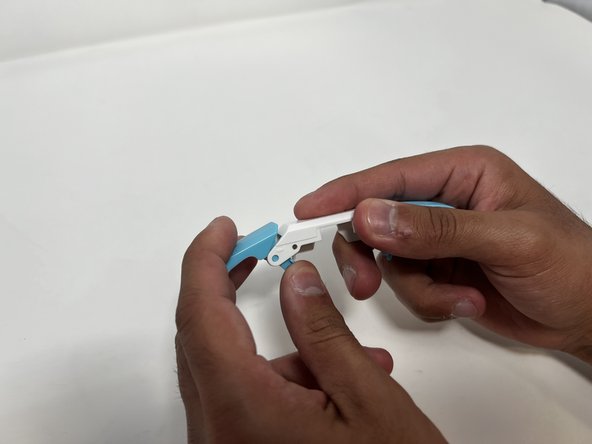
    • Push down on the trigger's long paddle.

    • Carefully twist the bumper out to remove it from the bumper frame.

Conclusion

To reassemble your device, follow these instructions in reverse order.

One other person completed this guide.

Angel Velasquez

Member since: 01/30/24

360 Reputation

3 Guides authored

0 Guide Comments

Add Comment

View Statistics:

Past 24 Hours: 0

Past 7 Days: 6

Past 30 Days: 23

All Time: 436