This translation was generated by a machine and has not been reviewed by a person yet. Speak this language? Review it.
Introduction
This tutorial explains how to remove a hard drive from a P775DM3 model.
-
-
-
-
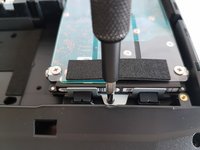
Unscrew the two screws circled in red.
-
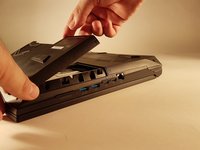
Slide the plate in the direction of the arrow.
-
-
-
-
-
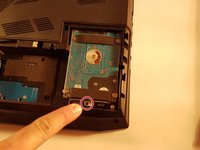
Unscrew the screw circled in red.
-
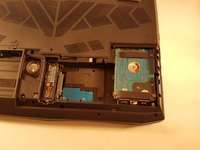
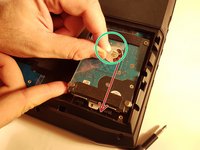
Lift the disk using the tab circled in green.
-
Remove the disk in the direction of the arrow.
-
-


 Ask FixBot




To reassemble your device, follow the instructions in reverse order.
Cancel: I did not complete this guide.
One other person completed this guide.
Special thanks to these translators:
100%


These translators are helping us fix the world! Want to contribute?
Start translating ›

