Free Shipping on Domestic Orders $75+

Oster 3905 Lever Spring Replacement

What you need

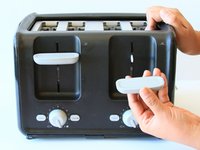
  1. Oster 3905 Lever Spring Replacement, Slot Levers: step 1, image 1 of 1
    • Firmly grip your hand around the slot lever.

    Ask FixBot

    Add Comment

  2. Oster 3905 Lever Spring Replacement: step 2, image 1 of 1
    • Stabilize the toaster by placing your hand on top.

    Ask FixBot
    Add Comment

  3. Oster 3905 Lever Spring Replacement: step 3, image 1 of 2 Oster 3905 Lever Spring Replacement: step 3, image 2 of 2
    • Forcefully pull the slot lever away from the toaster by keeping parallel to the table.

    Ask FixBot
    Add Comment

  4. Oster 3905 Lever Spring Replacement: step 4, image 1 of 1
    • Both slot levers can be removed.

    Ask FixBot
    Add Comment

  5. Oster 3905 Lever Spring Replacement, Outer Shell: step 5, image 1 of 1
    • Place the toaster upside down so the bottom is facing the ceiling.

    Ask FixBot

    Add Comment

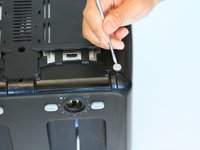
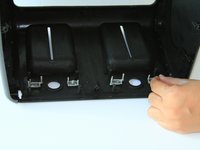
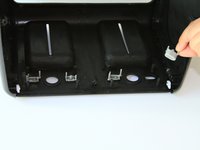
  6. Oster 3905 Lever Spring Replacement: step 6, image 1 of 2 Oster 3905 Lever Spring Replacement: step 6, image 2 of 2
    • Take off both rubber feet using a small metal spudger.

    • Wedge a spudger under the feet and pull up to pop off.

    Ask FixBot
    Add Comment

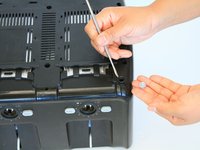
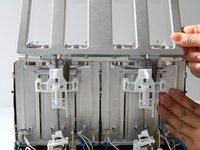
  7. Oster 3905 Lever Spring Replacement: step 7, image 1 of 1
    • Use a PH#2 screw bit to remove eight 12mm screws that are located around the perimeter.

    • There are two screws under the rubber feet.

    Ask FixBot
    Add Comment

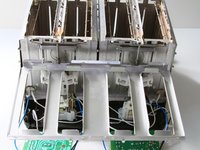
  8. Oster 3905 Lever Spring Replacement: step 8, image 1 of 1
    • Place the toaster right side up.

    Ask FixBot
    Add Comment

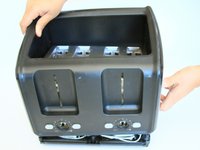
  9. Oster 3905 Lever Spring Replacement: step 9, image 1 of 2 Oster 3905 Lever Spring Replacement: step 9, image 2 of 2
    • Grab the outer shell firmly and pull up towards the face of the toaster.

    Ask FixBot

    Add Comment

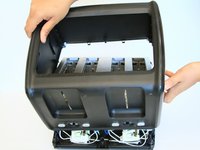
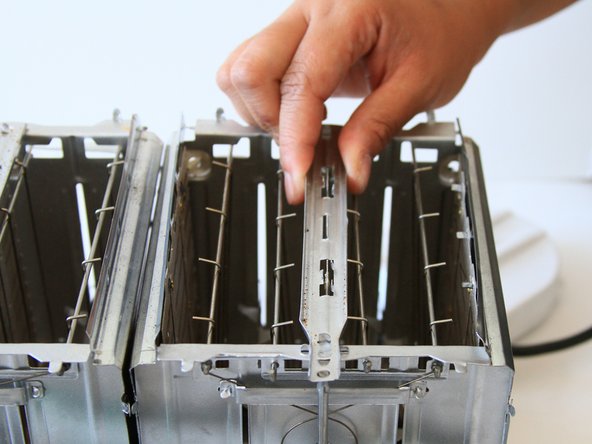
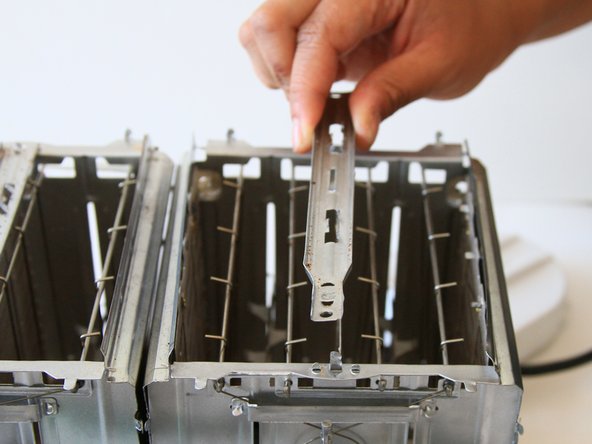
  10. Oster 3905 Lever Spring Replacement: step 10, image 1 of 1
    • For this part, you might need to wiggle the toaster to get the outer shell off.

    • The shell will not completely come off until the motherboard is removed in the next step.
    Ask FixBot

    Add Comment

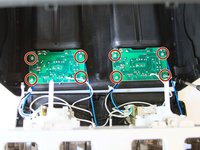
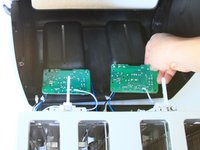
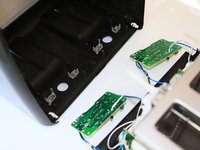
  11. Oster 3905 Lever Spring Replacement: step 11, image 1 of 3 Oster 3905 Lever Spring Replacement: step 11, image 2 of 3 Oster 3905 Lever Spring Replacement: step 11, image 3 of 3
    • Use a J1 screw bit to unscrew eight 8mm screws from the motherboard.

    Ask FixBot

    Add Comment

  12. Oster 3905 Lever Spring Replacement: step 12, image 1 of 2 Oster 3905 Lever Spring Replacement: step 12, image 2 of 2
    • Take out the grey “cancel” and “bagel” buttons from the shell.

    Ask FixBot

    Add Comment

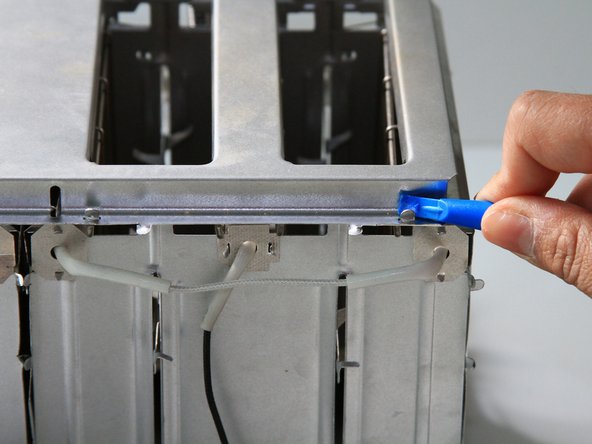
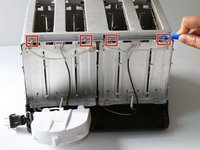
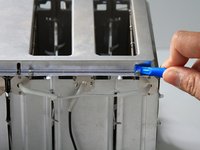
  13. Oster 3905 Lever Spring Replacement, Lever Spring: step 13, image 1 of 2 Oster 3905 Lever Spring Replacement, Lever Spring: step 13, image 2 of 2
    • Use the plastic opening tool to remove the top metal panel by prying the 4 top metal tabs upwards. They will be able to slide through the openings and be pulled upwards.

    Ask FixBot

    Add Comment

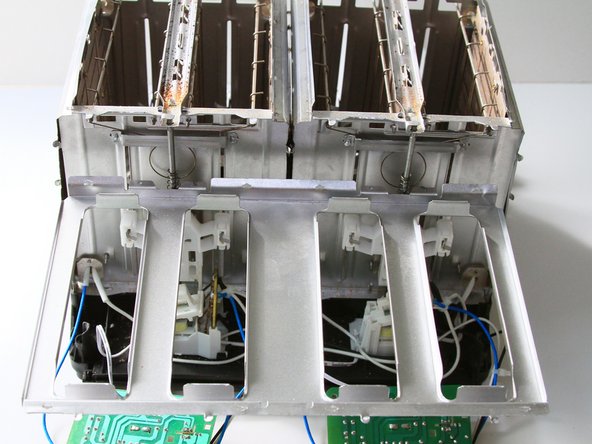
  14. Oster 3905 Lever Spring Replacement: step 14, image 1 of 2 Oster 3905 Lever Spring Replacement: step 14, image 2 of 2
    • Once the top metal panel is unhooked, lift and let it hang off the side of the toaster.

    Ask FixBot

    Add Comment

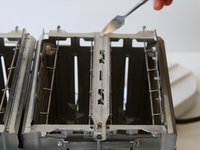
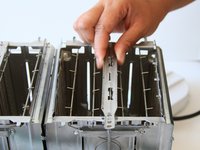
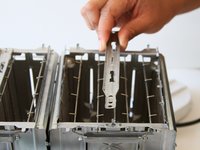
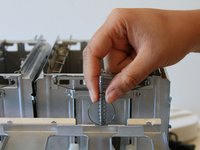
  15. Oster 3905 Lever Spring Replacement: step 15, image 1 of 3 Oster 3905 Lever Spring Replacement: step 15, image 2 of 3 Oster 3905 Lever Spring Replacement: step 15, image 3 of 3
    • Use a metal spudger to pry the 8 tabs upwards along the metal that separates the two slots.

    • Pull the metal spacer upwards to release from the toaster.

    Ask FixBot

    Add Comment

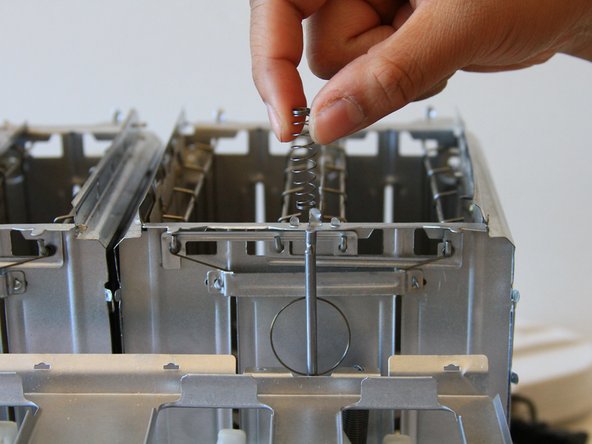
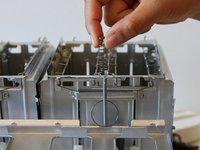
  16. Oster 3905 Lever Spring Replacement: step 16, image 1 of 2 Oster 3905 Lever Spring Replacement: step 16, image 2 of 2
    • Remove the spring wrapped around a metal rod at the front of the toaster, located behind the white plastic lever holder.

    Ask FixBot

    Add Comment

Conclusion

To reassemble your device, follow these instructions in reverse order.

Cancel: I did not complete this guide.

One other person completed this guide.

Sydney Alcaraz

Member since: 09/12/16

601 Reputation

3 Guides authored

Team

CSU Fullerton, Team 2-1, Bruce Fall 2016 Member of CSU Fullerton, Team 2-1, Bruce Fall 2016

CSUF-BRUCE-F16S2G1

5 Members

6 Guides authored

2 Guide Comments

Where's the fix?

D Unger - Reply Share

Yeah. You just remove the spring? And then what? Surely removing the spring is not the fix.

kryshu - Reply Share

Add Comment

View Statistics:

Past 24 Hours: 1

Past 7 Days: 10

Past 30 Days: 36

All Time: 3,432