This translation was generated by a machine and has not been reviewed by a person yet. Speak this language? Review it.

Open the phone

Alpc360 and
Last updated on Sep 2, 2026
Views: 641
View statistics:
- Past 24 Hours:
- 3
- Past 7 Days:
- 31
- Past 30 Days:
- 160
- All Time:
- 641
Comments: 0
No one has left comments on this guide. Will you be first?
Go to guide commentsCompleted: 0 1
No one has marked this guide "completed." Will you be the first?
1 person has marked this guide "completed." It's you — great job!
Favorites: 0 1
No one has favorited (and subscribed to) this guide. Will you be the first?
1 person has favorited (and subscribed to) this guide — and that's you!
Community-Contributed Guide
An awesome member of our community made this guide. It was not created by iFixit staff.
-
-
-
To pry open the phone cover you will need a small suction cup and a plastic opening tool.
 Ask FixBot
-
-
-


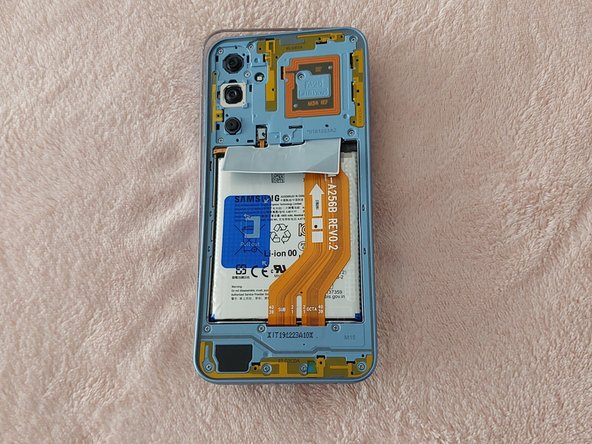


To reassemble your device, follow these instructions in reverse order.

