Free Shipping on Domestic Orders $75+

One Education Infinity:One Camera Assembly Replacement

What you need

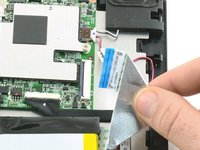
  1. One Education Infinity:One Camera Assembly Replacement, Battery: step 1, image 1 of 2 One Education Infinity:One Camera Assembly Replacement, Battery: step 1, image 2 of 2
    • Use a spudger to disconnect the black bundled cable connector from the motherboard.

    Ask FixBot

    Add Comment

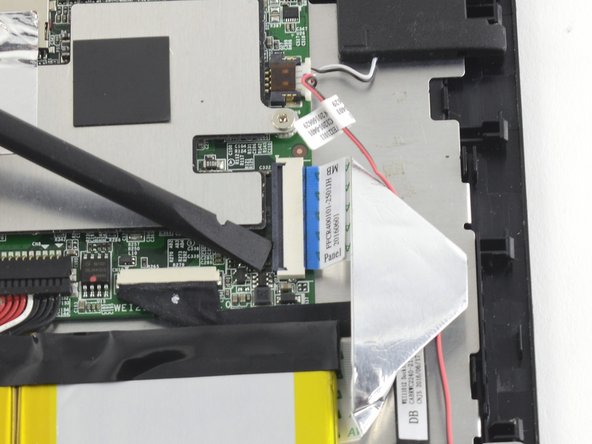
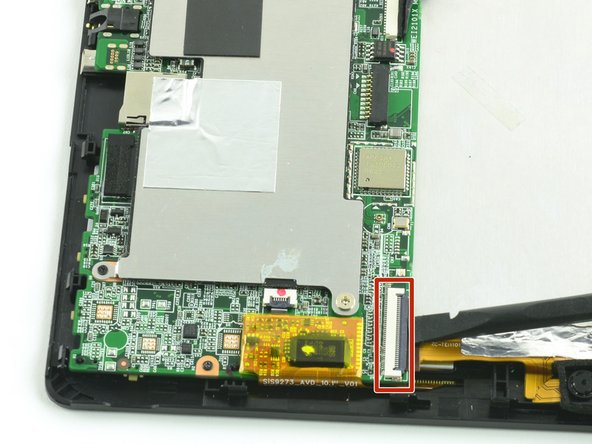
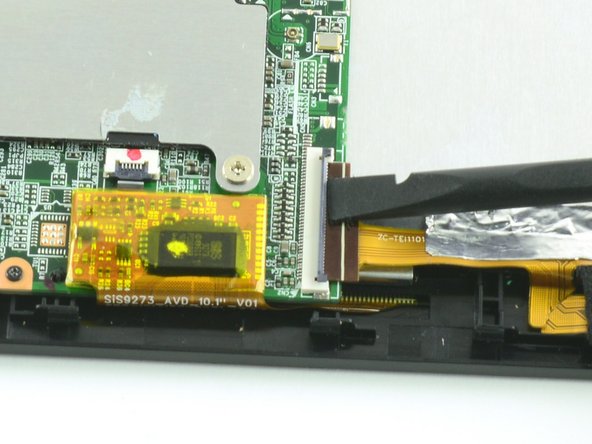
  2. One Education Infinity:One Camera Assembly Replacement: step 2, image 1 of 3 One Education Infinity:One Camera Assembly Replacement: step 2, image 2 of 3 One Education Infinity:One Camera Assembly Replacement: step 2, image 3 of 3
    • Use a spudger to lift the black tab on top of the ZIF connector.

    • Slide the ribbon cable out of the connector.

    Ask FixBot

    Add Comment

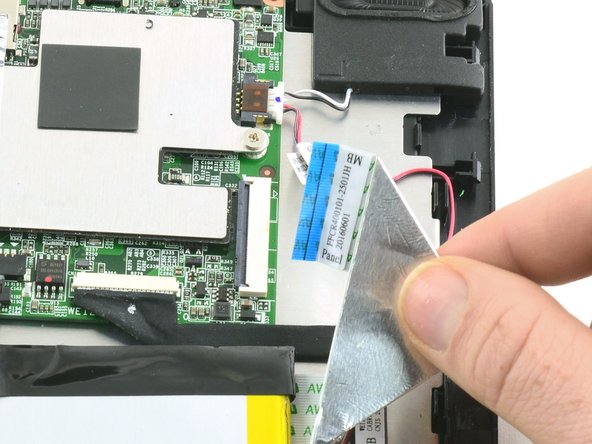
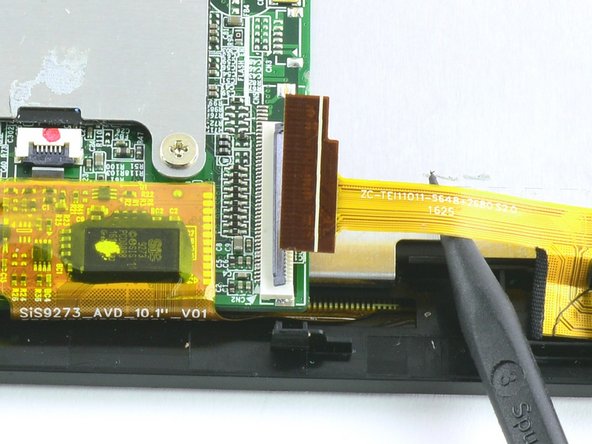
  3. One Education Infinity:One Camera Assembly Replacement: step 3, image 1 of 3 One Education Infinity:One Camera Assembly Replacement: step 3, image 2 of 3 One Education Infinity:One Camera Assembly Replacement: step 3, image 3 of 3
    • Use a spudger to flip up the black retaining flap on the ZIF connector.

    • Pull the folded ribbon cable straight out of the connector.

    • This ribbon cable must be disconnected before removing the battery because it is attached to the battery with adhesive.

    Ask FixBot

    Add Comment

  4. One Education Infinity:One Camera Assembly Replacement: step 4, image 1 of 1
    • Use a spudger to pry the battery away from the device.

    • Always use ESD safe tools when working with delicate electrical components.

    Ask FixBot

    Add Comment

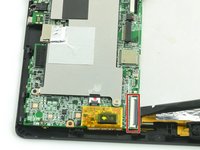
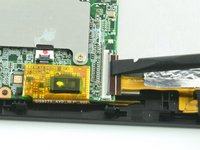
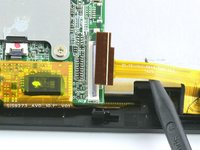
  5. One Education Infinity:One Camera Assembly Replacement, Camera Assembly: step 5, image 1 of 3 One Education Infinity:One Camera Assembly Replacement, Camera Assembly: step 5, image 2 of 3 One Education Infinity:One Camera Assembly Replacement, Camera Assembly: step 5, image 3 of 3
    • Use a spudger to flip up the black flap on the camera's ZIF connector.

    • Pull the ribbon cable straight out of the connector.

    Ask FixBot

    Add Comment

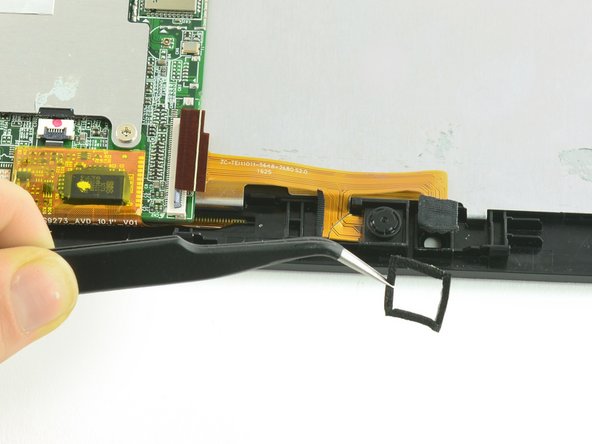
  6. One Education Infinity:One Camera Assembly Replacement: step 6, image 1 of 2 One Education Infinity:One Camera Assembly Replacement: step 6, image 2 of 2
    Tool used on this step:
    Tweezers
    $4.99
    Buy
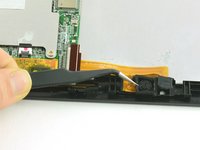
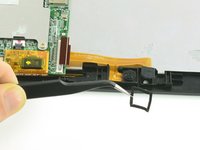
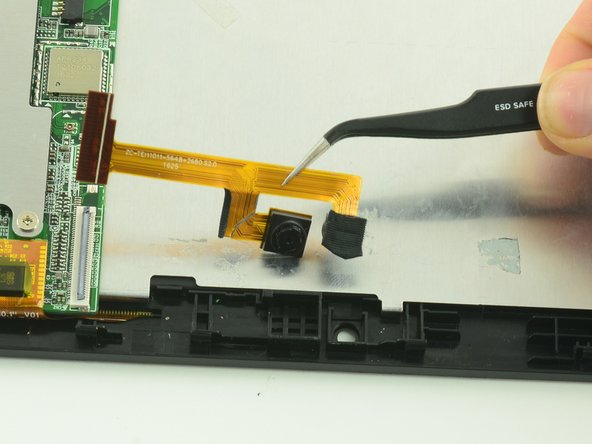
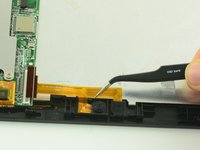
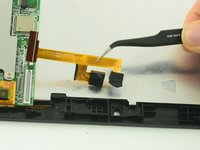
    • Use tweezers to remove the black cushion surrounding the camera lens.

    Ask FixBot

    Add Comment

  7. One Education Infinity:One Camera Assembly Replacement: step 7, image 1 of 2 One Education Infinity:One Camera Assembly Replacement: step 7, image 2 of 2
    • Use tweezers to lift the camera assembly away from the device.

    • Lift straight up to avoid tearing the delicate ribbon cable on the retaining wall.

    Ask FixBot

    Add Comment

Conclusion

To reassemble your device, follow these instructions in reverse order.

Cancel: I did not complete this guide.

One other person completed this guide.

Taylor Bratsch

Member since: 09/06/16

6,150 Reputation

14 Guides authored

0 Guide Comments

Add Comment

View Statistics:

Past 24 Hours: 1

Past 7 Days: 7

Past 30 Days: 59

All Time: 497