Free Shipping on Domestic Orders $75+

Omaker M4 Port Cover Replacement

What you need

  1. Omaker M4 Port Cover Replacement, Back Case: step 1, image 1 of 1
    • Flip the device over so the front of the speaker is facing down. Make sure to place the speaker on a flat surface

    Ask FixBot
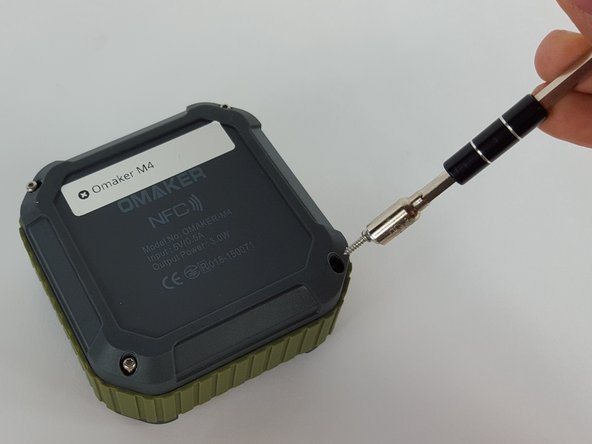
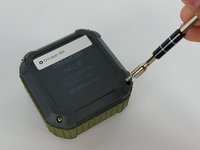
  2. Omaker M4 Port Cover Replacement: step 2, image 1 of 2 Omaker M4 Port Cover Replacement: step 2, image 2 of 2
    • Use a T6 Torx screwdriver to remove the four 9mm screws from the back of the device.

    Ask FixBot
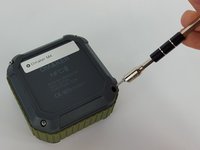
  3. Omaker M4 Port Cover Replacement: step 3, image 1 of 2 Omaker M4 Port Cover Replacement: step 3, image 2 of 2
    • Use a magnet to remove the screws after unscrewing them and place them aside.

    Ask FixBot
  4. Omaker M4 Port Cover Replacement: step 4, image 1 of 1
    • Carefully remove the back cover without breaking the battery wire.

    Ask FixBot
  5. Omaker M4 Port Cover Replacement: step 5, image 1 of 2 Omaker M4 Port Cover Replacement: step 5, image 2 of 2
    Tool used on this step:
    Tweezers
    $4.99
    Buy
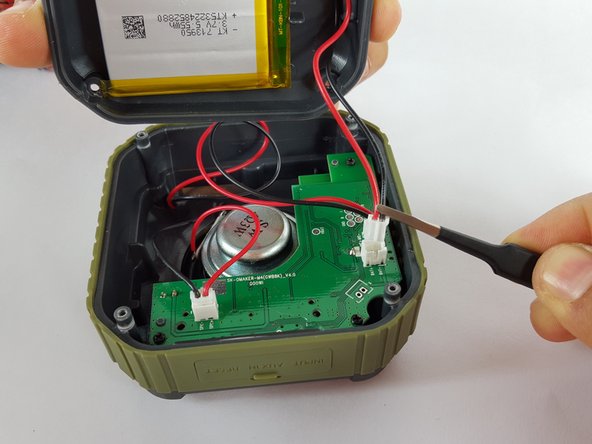
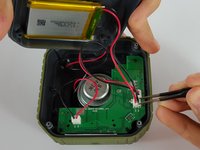
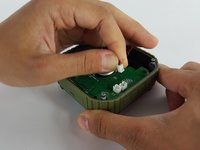
    • Remove the end of the battery connection from the motherboard by holding the end of the wire and carefully pulling it out of the socket using tweezers.

    • The battery is still attached to the back cover.

    Ask FixBot
  6. Omaker M4 Port Cover Replacement, Motherboard: step 6, image 1 of 2 Omaker M4 Port Cover Replacement, Motherboard: step 6, image 2 of 2
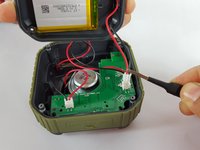
    • Remove the mic wire by carefully pulling the plug out of the socket.

    Ask FixBot
  7. Omaker M4 Port Cover Replacement: step 7, image 1 of 1
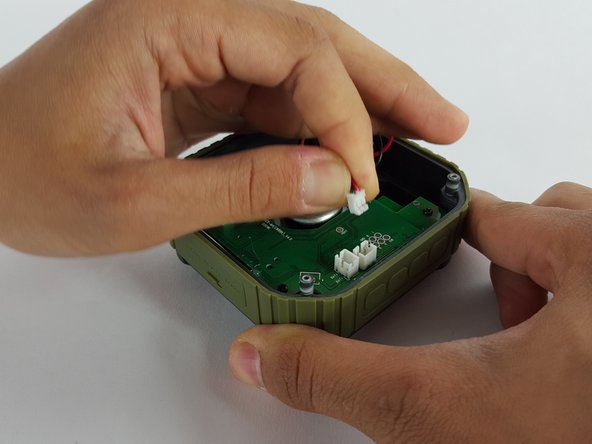
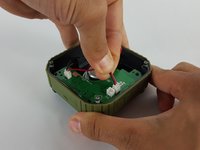
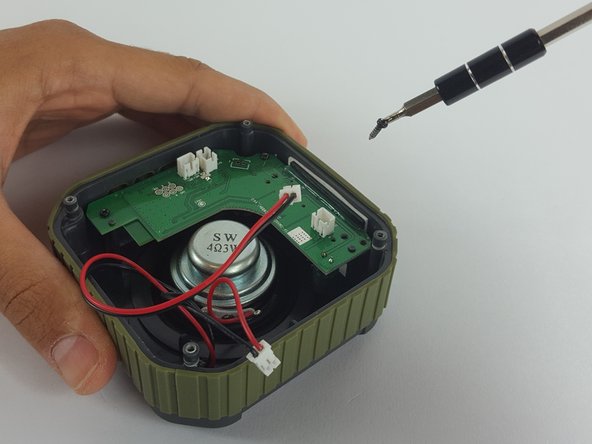
    • Remove the speaker wire by carefully pulling the plug out of the socket on the motherboard.

    Ask FixBot
  8. Omaker M4 Port Cover Replacement: step 8, image 1 of 2 Omaker M4 Port Cover Replacement: step 8, image 2 of 2
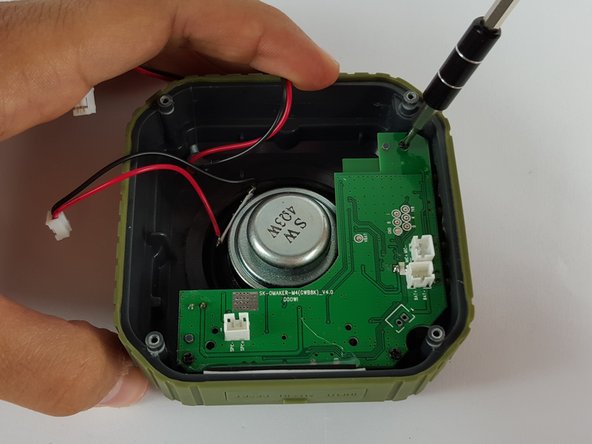
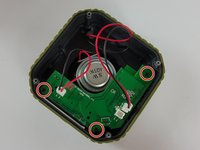
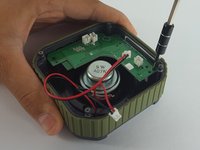
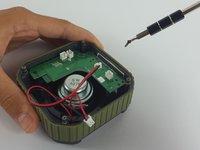
    • Use Phillips PH00 screwdriver to remove the three screws holding the motherboard in place.

    Ask FixBot
  9. Omaker M4 Port Cover Replacement: step 9, image 1 of 2 Omaker M4 Port Cover Replacement: step 9, image 2 of 2
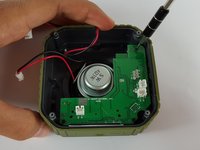
    • Remove the screws using the screwdriver.

    • Since the screws that hold the motherboard in place are smaller, the screwdriver is able to pick them up.

    Ask FixBot
  10. Omaker M4 Port Cover Replacement: step 10, image 1 of 2 Omaker M4 Port Cover Replacement: step 10, image 2 of 2
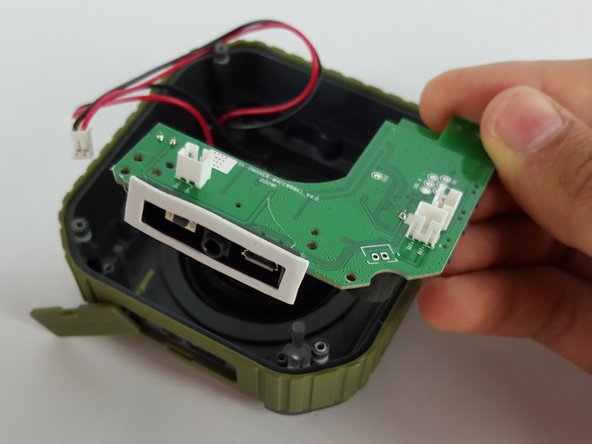
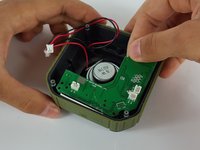
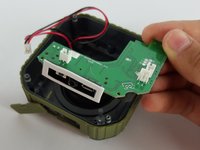
    • Carefully remove the motherboard with your hand by lifting it from the device.

    Ask FixBot
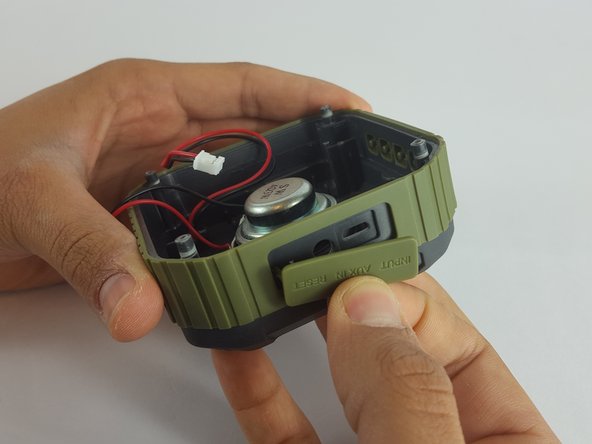
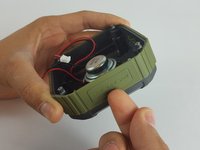
  11. Omaker M4 Port Cover Replacement, Port Cover: step 11, image 1 of 2 Omaker M4 Port Cover Replacement, Port Cover: step 11, image 2 of 2
    • Separate the port cover from the device using your hands.

    Ask FixBot
  12. Omaker M4 Port Cover Replacement: step 12, image 1 of 1
    • Orient the device so the port cover is on your left.

    Ask FixBot
  13. Omaker M4 Port Cover Replacement: step 13, image 1 of 2 Omaker M4 Port Cover Replacement: step 13, image 2 of 2
    Tool used on this step:
    Tweezers
    $4.99
    Buy
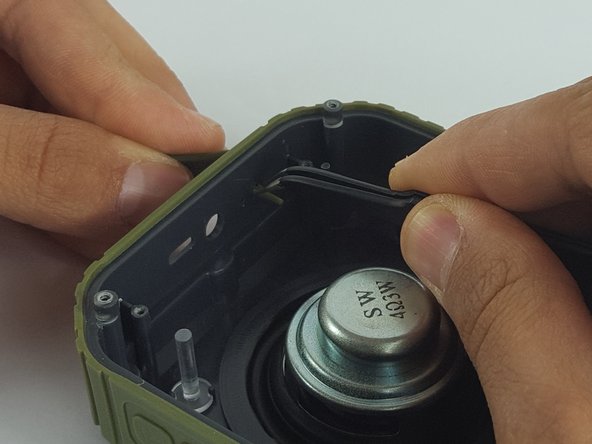
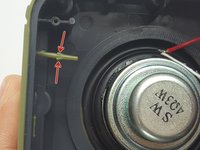
    • Using Tweezers, pinch the larger part of the stem

    Ask FixBot
  14. Omaker M4 Port Cover Replacement: step 14, image 1 of 1
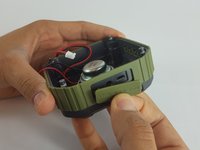
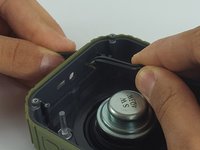
    • Use your left hand to pull while at the same time use the tweezers to compress the stem, carefully remove the port cover from the device.

    Ask FixBot
Conclusion

To reassemble your device, follow these instructions in reverse order.

2 other people completed this guide.

Obaida Matar

Member since: 02/17/16

119 Reputation

1 Guide authored

Team

USF Tampa, Team 2-2, Sullivan Spring 2016 Member of USF Tampa, Team 2-2, Sullivan Spring 2016

USFT-SULLIVAN-S16S2G2

3 Members

2 Guides authored

0 Guide Comments

Add Comment

View Statistics:

Past 24 Hours: 0

Past 7 Days: 8

Past 30 Days: 69

All Time: 715