
Nokia Lumia 520 Touchscreen Replacement

Smilzo and
Last updated on Dec 19, 2017
Views: 2.5K
View statistics:
- Past 24 Hours:
- 4
- Past 7 Days:
- 26
- Past 30 Days:
- 101
- All Time:
- 2,464
Comments: 1
1 guide comment.
Go to guide commentsCompleted: 5 6
5 people have marked this guide "completed." Will you be next?
6 people have marked this guide "completed." Including you — great job!
Favorites: 4 5
4 people have favorited (and subscribed to) this guide. Will you be next?
5 people have favorited (and subscribed to) this guide — including you!
Community-Contributed Guide
An awesome member of our community made this guide. It was not created by iFixit staff.
Introduction
Go to step 1 ↓Follow this guide to repair the glass and frame.
-
-
-
-
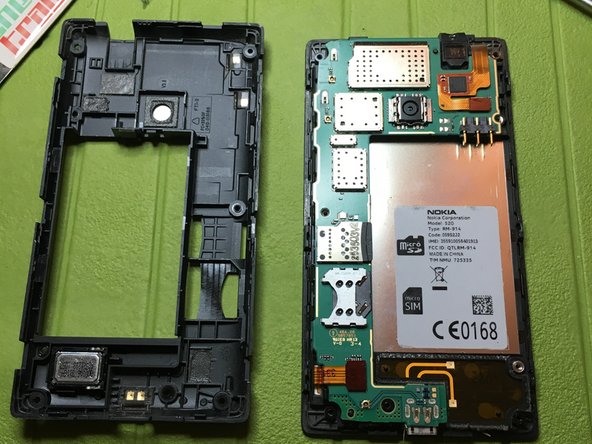
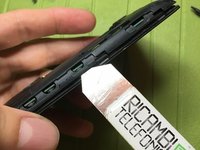
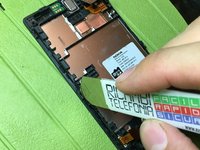
With a thin tool, unhook the central body from the back cover, along the entire profile of the phone
-
-
-
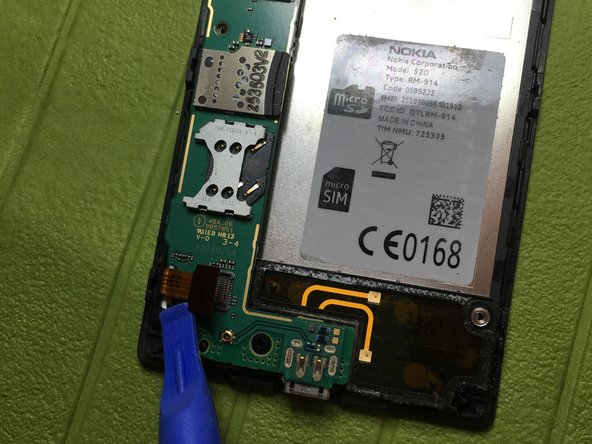
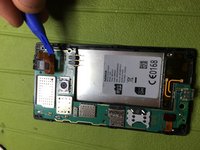
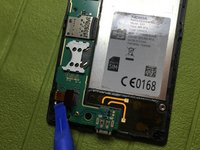
Unclip the touchscreen connector
-
Unhook the display connector
-
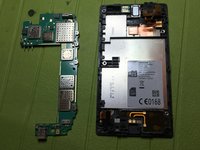
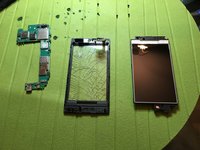
Unhook the motherboard from the central phone body
-
-
-
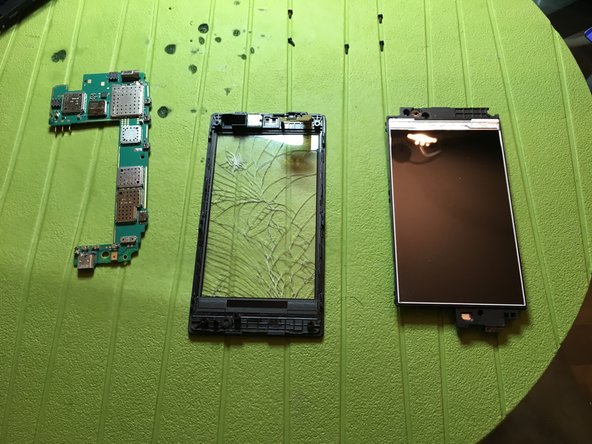
Pull up the central frame from the touchscreen assembly by lifting the clips on the perimeter with a thin tool.
-
-
-
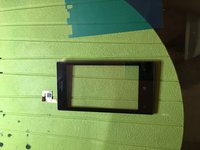
Remove the light sensor from the old frame with the help of a heat source.
-
Insert the sensor in the new frame.
-
-
-
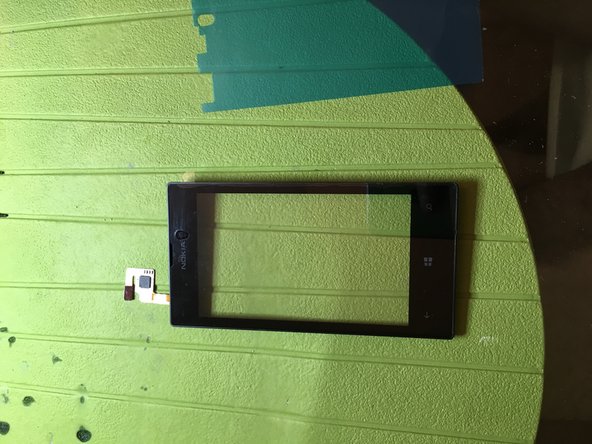
Remove film that protects double-sided adhesive from the new touchscreen glass
-
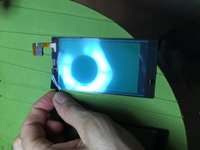
Insert flat touchscreen into the frame slot and adhere the double sided adhesive to the frame by placing it in the correct position
-

 Ask FixBot








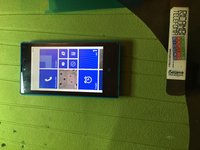
To reassemble the device, follow these instructions in reverse order.
Cancel: I did not complete this guide.
5 other people completed this guide.
Special thanks to these translators:
100%


These translators are helping us fix the world! Want to contribute?
Start translating ›

