What you need
-
-
-
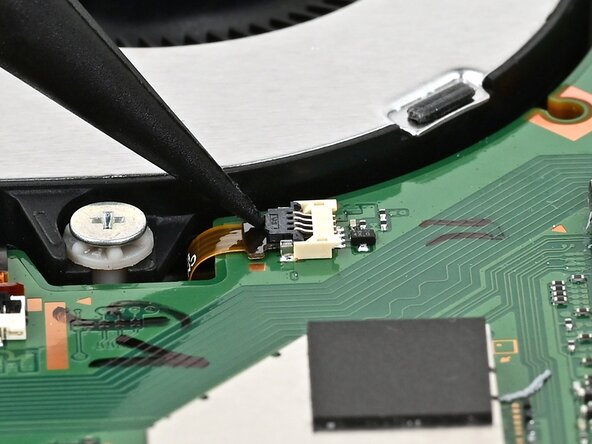
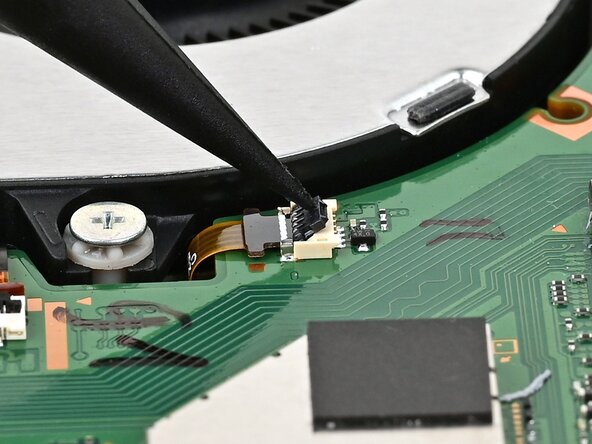
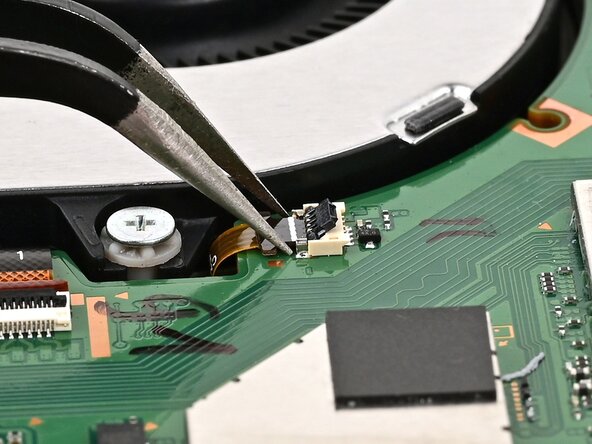
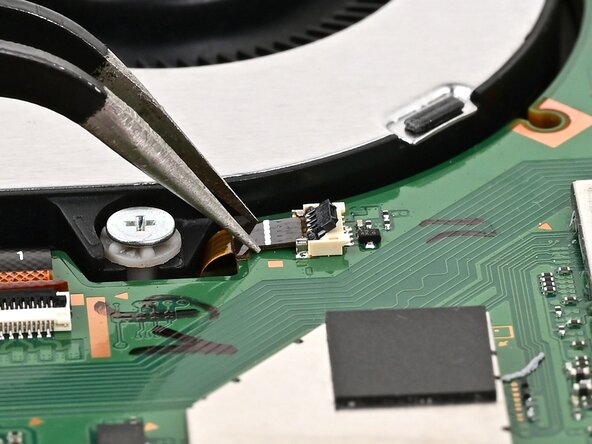
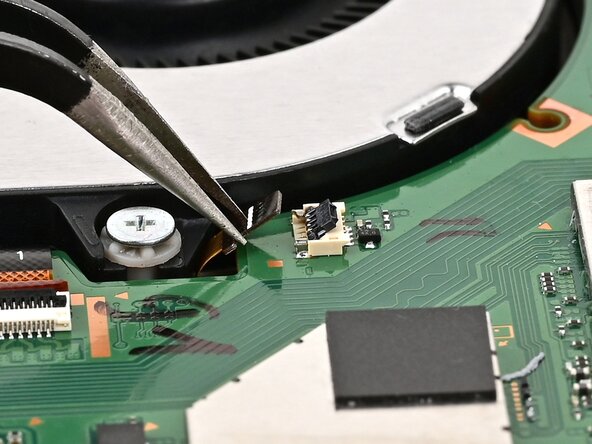
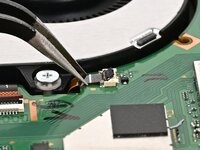
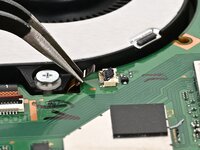
Use the point of a spudger to flip up the locking flap on the fan cable ZIF connector, located next to the fan on the console's board.
 Ask FixBot
-
-
-
-
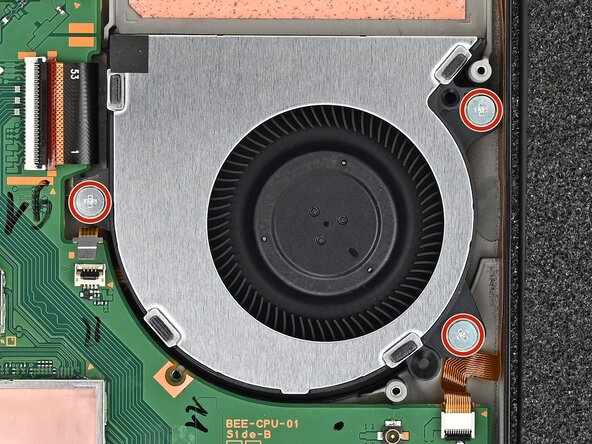
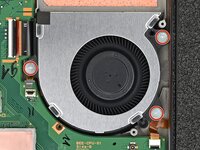
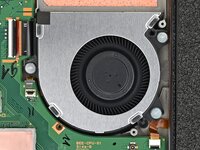
Use a JIS 00 driver to remove the three 5.2 mm‑long silver screws securing the fan.
-
-
-
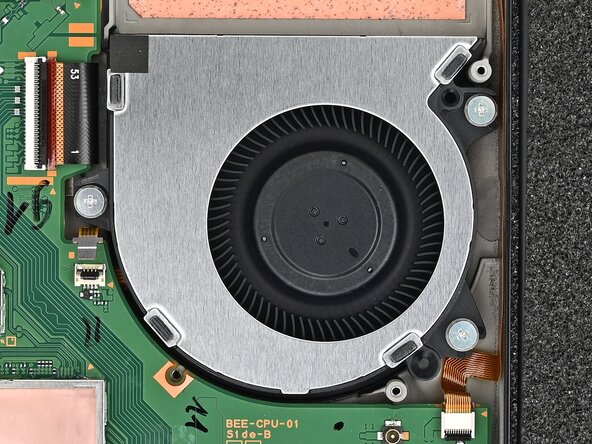
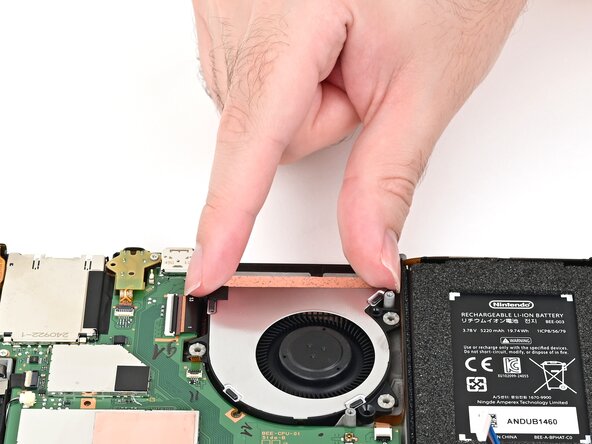
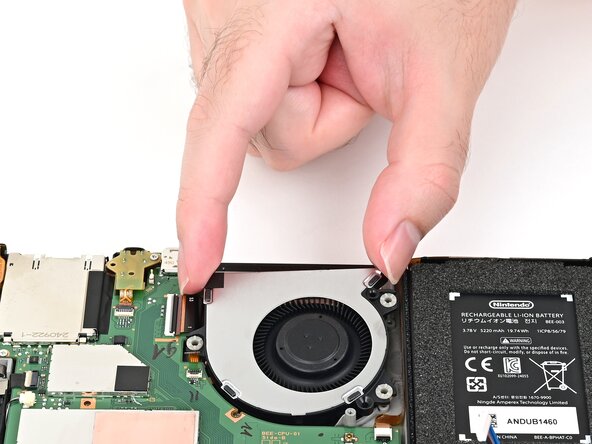
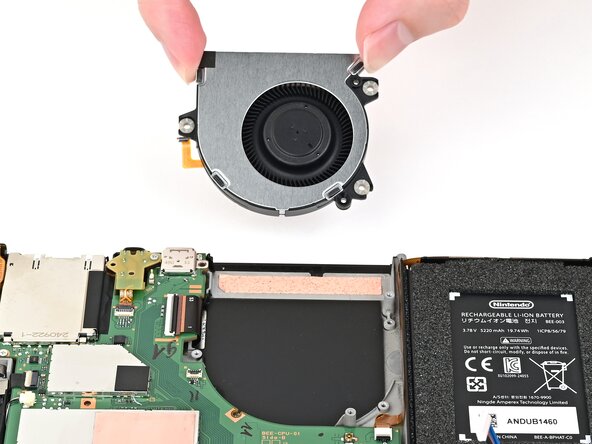
Slide the fan out of its recess to free its cable, then pick it up to remove it.
-
-
Conclusion
To reassemble your device, follow these instructions in reverse order.

