Nintendo Game Boy Advance SP Power Switch Cover Replacement

Archived Guide
This guide is retained solely for historical purposes. Use the updated version of the guide to perform your repair.

What you need

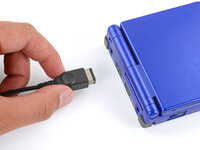
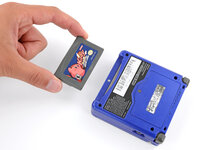
  1. Nintendo Game Boy Advance SP Power Switch Cover Replacement, Prepare your Game Boy for disassembly: step 1, image 1 of 3 Nintendo Game Boy Advance SP Power Switch Cover Replacement, Prepare your Game Boy for disassembly: step 1, image 2 of 3 Nintendo Game Boy Advance SP Power Switch Cover Replacement, Prepare your Game Boy for disassembly: step 1, image 3 of 3
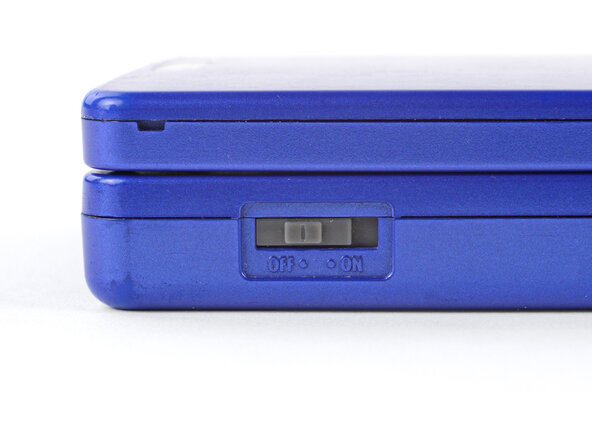
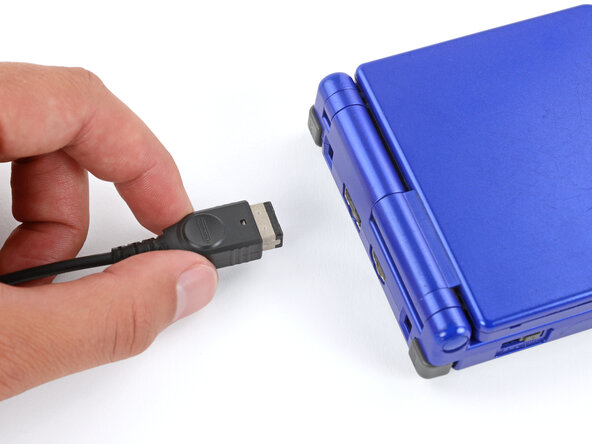
    • Slide the power switch to the OFF position and unplug any cables.

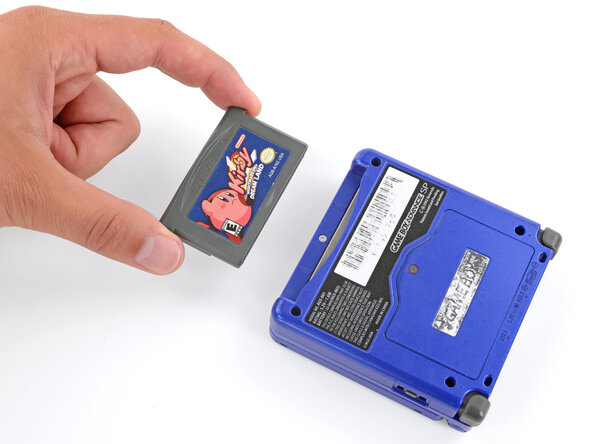
    • If you have a game cartridge in, remove it.

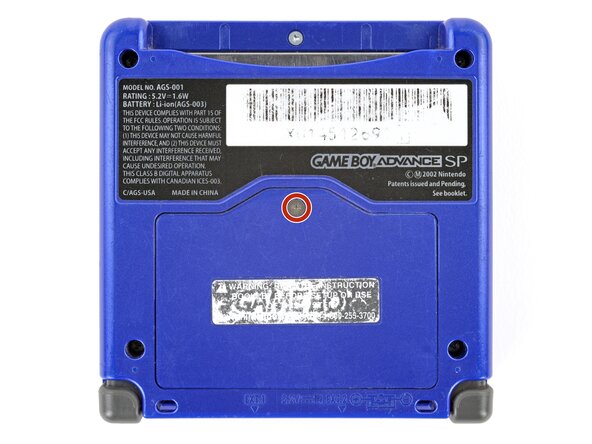
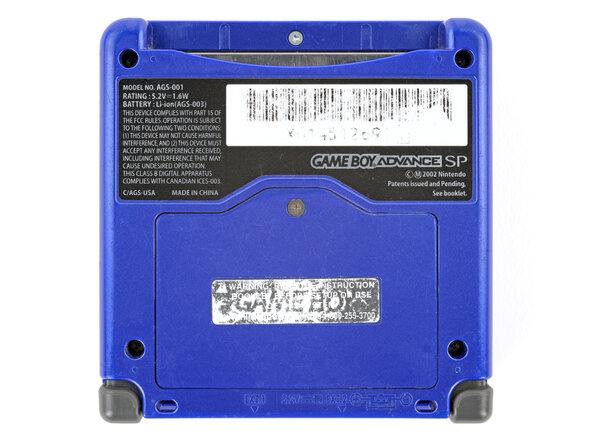
  2. Nintendo Game Boy Advance SP Power Switch Cover Replacement, Remove the battery cover: step 2, image 1 of 2 Nintendo Game Boy Advance SP Power Switch Cover Replacement, Remove the battery cover: step 2, image 2 of 2
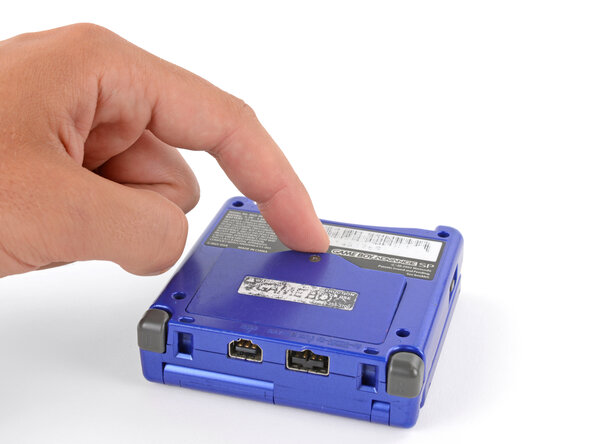
    • Use a JIS 00 screwdriver to loosen the captive screw securing the battery cover.

    • You can try to use a non-iFixit Phillips driver in a pinch, but you risk damaging or stripping the screw. Push down firmly on the driver and twist slowly.

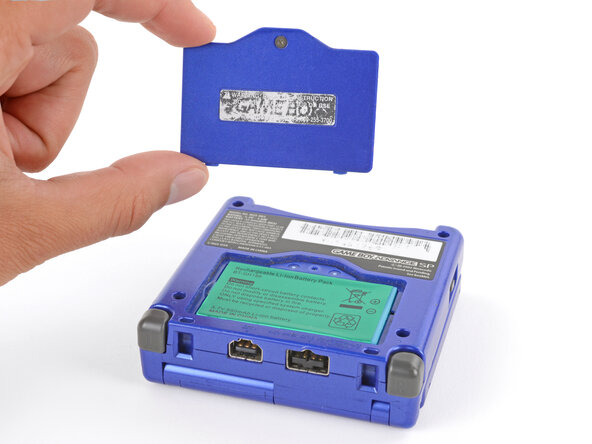
  3. Nintendo Game Boy Advance SP Power Switch Cover Replacement: step 3, image 1 of 3 Nintendo Game Boy Advance SP Power Switch Cover Replacement: step 3, image 2 of 3 Nintendo Game Boy Advance SP Power Switch Cover Replacement: step 3, image 3 of 3
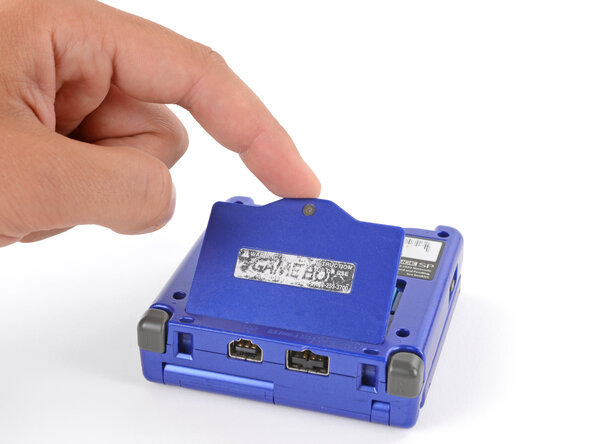
    • Lift the edge of the cover near the screw and remove the cover.

    • During reassembly, hook the tabs on the bottom edge of the cover into their slots and lay the cover into place.

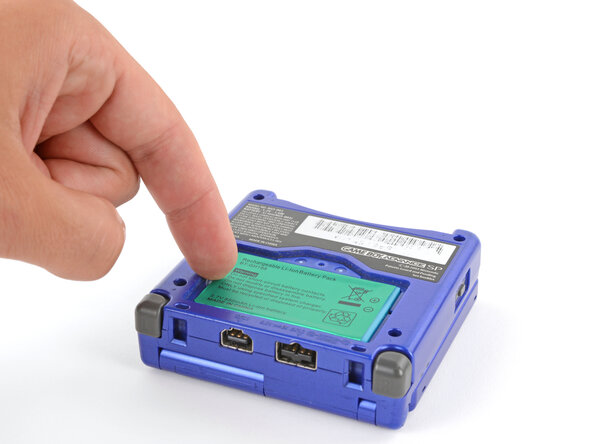
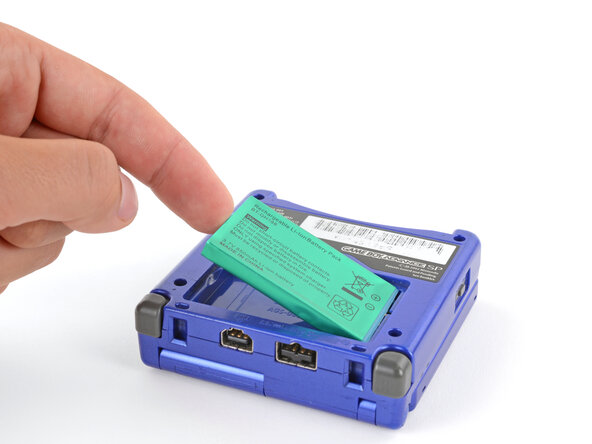
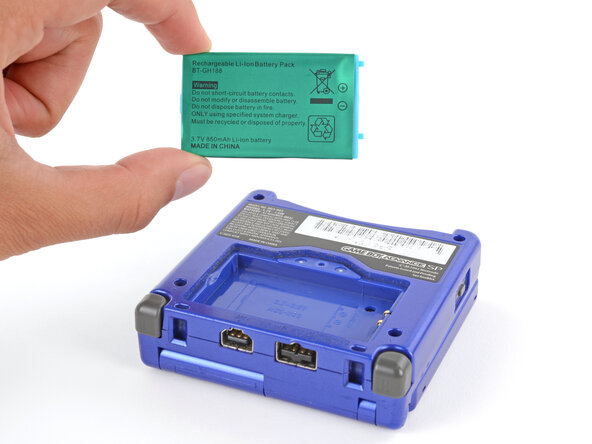
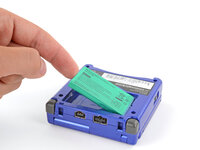
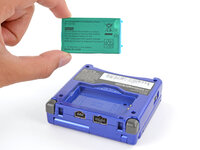
  4. Nintendo Game Boy Advance SP Power Switch Cover Replacement, Remove the battery: step 4, image 1 of 3 Nintendo Game Boy Advance SP Power Switch Cover Replacement, Remove the battery: step 4, image 2 of 3 Nintendo Game Boy Advance SP Power Switch Cover Replacement, Remove the battery: step 4, image 3 of 3
    • Use your finger to lift the battery by the tab on its left edge, then remove it.

    • During reassembly:

    • Never reuse a deformed or damaged battery—it's a fire hazard. Replace it with a new battery.

    • Your replacement battery may come with a plastic enclosure that slides over the battery.

    • Insert the edge of the battery with contacts at a slight downward angle—aligning the contacts with their prongs in the recess—and press the battery into place.

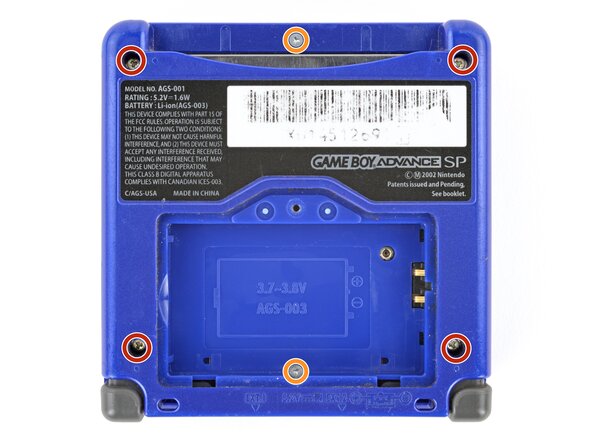
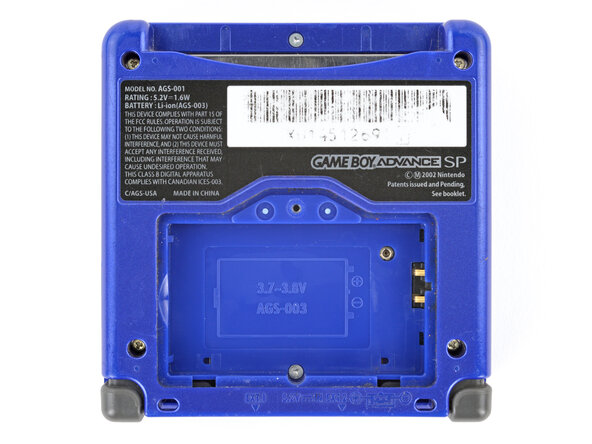
  5. Nintendo Game Boy Advance SP Power Switch Cover Replacement, Remove the bottom shell: step 5, image 1 of 2 Nintendo Game Boy Advance SP Power Switch Cover Replacement, Remove the bottom shell: step 5, image 2 of 2
    • Use a tri‑point Y0 screwdriver to remove the six screws securing the bottom shell:

    • Four 6.3 mm‑long recessed screws

    • Two 4.6 mm‑long screws

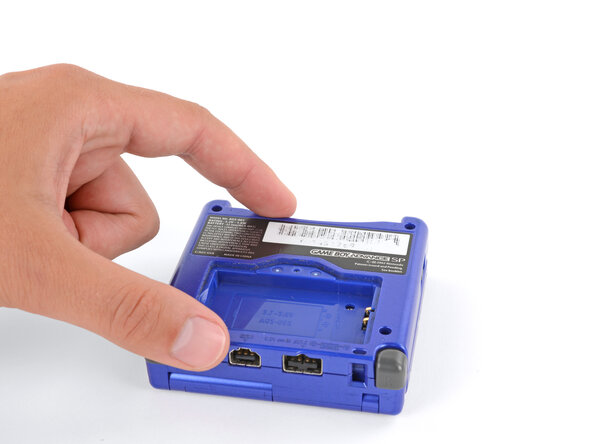
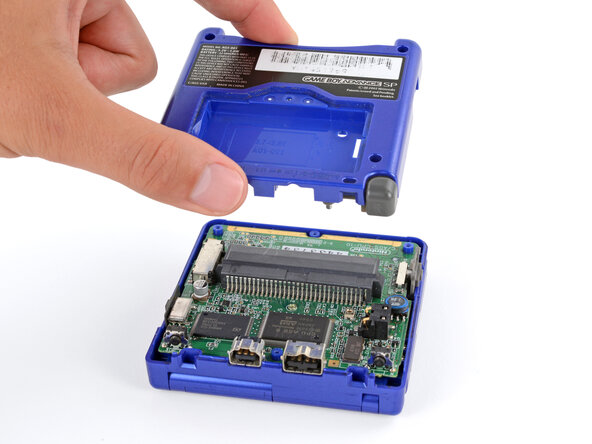
  6. Nintendo Game Boy Advance SP Power Switch Cover Replacement: step 6, image 1 of 2 Nintendo Game Boy Advance SP Power Switch Cover Replacement: step 6, image 2 of 2
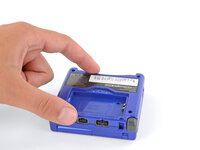
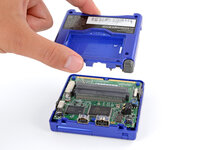
    • Lift the bottom shell straight up and remove it.

  7. Nintendo Game Boy Advance SP Power Switch Cover Replacement, Power Switch Cover: step 7, image 1 of 2 Nintendo Game Boy Advance SP Power Switch Cover Replacement, Power Switch Cover: step 7, image 2 of 2
    Tool used on this step:
    Tweezers
    $4.99
    Buy
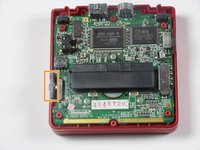
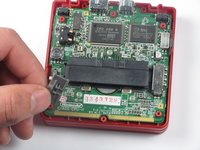
    • Lift the power switch cover away from the left side of the device using your fingers or tweezers.

Conclusion

To reassemble your device, follow these instructions in reverse order.

17 other people completed this guide.

DJ Pantone

Member since: 01/11/13

1,992 Reputation

4 Guides authored

Team

Cal Poly, Team 17-22, Forte Winter 2013 Member of Cal Poly, Team 17-22, Forte Winter 2013

CPSU-FORTE-W13S17G22

4 Members

32 Guides authored

3 Guide Comments

This doesn't explain anything about how to replace the switch

Michael - Reply

Maybe the guide was for replacing the power switch cover?

Dominick Scheible - Reply

where to buy invidual y00,y0 or y1 bit?

Coola Nillon - Reply

Add Comment

View Statistics:

Past 24 Hours: 0

Past 7 Days: 7

Past 30 Days: 52

All Time: 22,618