Introduction
Go to step 1 ↓This tear down includes a complete photographic guide for the removal of all internal components of a RIM Blackberry 8700c.
What you need
Tools


-
-
-
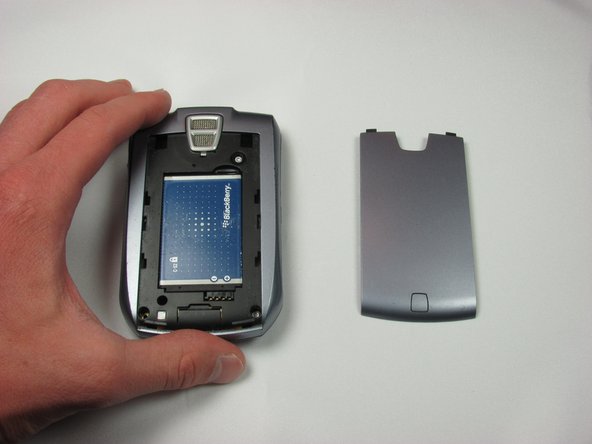
In this first step you will remove the battery cover by pushing down on the button on the cover and sliding towards the bottom of the phone.
-
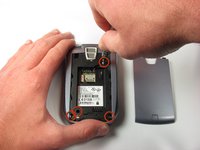
To do this unscrew all four T6 screws
-
Once this is done gently remove the back cover of the phone by pulling first from the bottom towards you, then from the top upwards.
 Ask FixBot
-
-
-
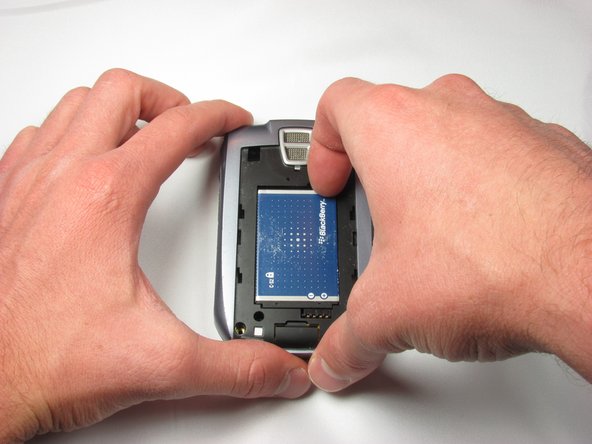
To remove the battery, place your fingernail in the slot at the top right of the battery and pull up.
-
-
-
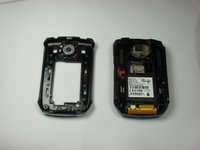
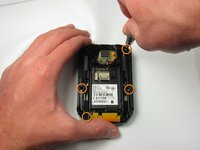
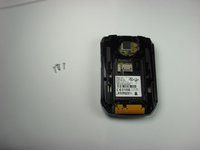
Next, remove the back portion of the phone by removing four T6 Screws.
-
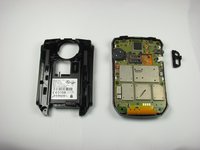
Once the screws have been removed, firmly grab the back cover and pull back from the front cover.
-
-
-
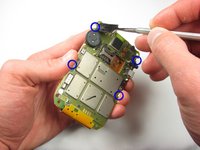
To remove the middle portion of the phone you will again remove four T6 screws.
-
Follow the removal of the screws, you can now pull the front face plate away from the middle portion.
-
-
-
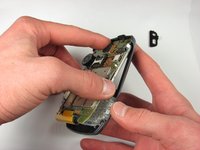
Follow the removal of the screws, you can now pull the middle portion away from the main logic board.
-
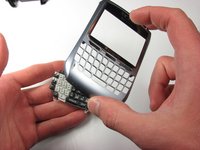
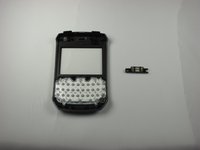
Next, hold the logic board and remove the front face plate of the phone
-
-
-
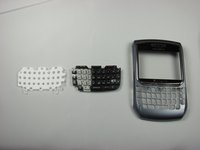
When the front face plate has been pulled away, be sure to grab the keypad as it may fall out.
-
-
-
-
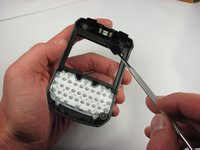
Next, use a metal spudger to unhook the earpiece from the inside of the front panel.
-
-
-
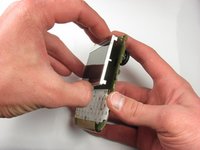
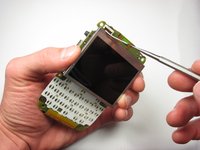
Using a metal spudger, push back on the four clips holding the LCD screen to the logic board.
-
Next gradually pull the screen away from the board so that none of the clips are engaged.
-
Last, use a metal spudger to push back on the clip locking in the ribbon cable for the screen.
-
-














Team

Cal Poly, Team 18-4, Maness Fall 2009 Member of Cal Poly, Team 18-4, Maness Fall 2009
CPSU-MANESS-F09S18G4
4 Members
60 Guides authored
