Introduction
This guide will show you how to replace the volume slider of your Nintendo 2DS. The volume slider may not break often but if you find yourself with a slider that is stuck in place or you're unable to control the level of volume, this guide may help.
Before beginning this repair, turn off the device.
What you need
-
-
-
Turn the 2DS over so that the backside is facing upwards.
-
Identify the two Phillips #00 screws on the upper rear panel.
 Ask FixBot
-
-
-
Loosen the two screws on the upper back panel using a Phillips #00 screwdriver.
-
Use a spudger to pry the upper back panel off, starting at the indent at the center top of the panel.
-
Use a spudger and work your way around the perimeter to release the clips and then lift the panel off.
-
-
-
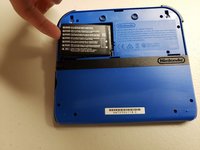
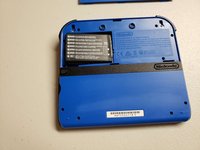
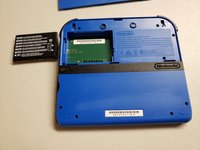
Use your finger or a spudger to lift and pull the battery outwards from the side closest to the outer edge.
-
-
-
-
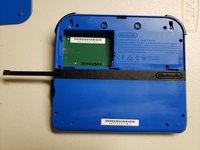
Pull the stylus out from the middle of the left edge of the device.
-
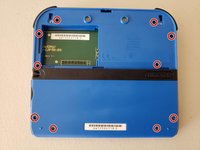
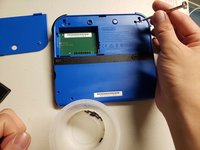
Use a Phillips #00 screwdriver to remove ten 2.0 mm screws from the back panel.
-
-
-
Use a spudger to pry the back case off by working around the perimeter of the device, starting from the bottom of the 2DS.
-
Use the tip of a spudger, an opening tool, or your fingernail to flip up the small, hinged locking flap on the camera cable.
-
Use your spudger to gently slide the cable out of the connector.
-
Remove the back case.
-
-
-
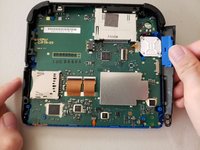
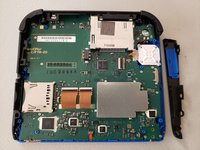
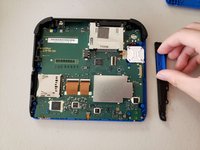
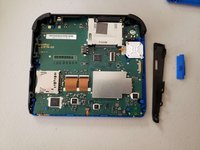
Remove the volume slider from the sidebar housing.
-
When reassembling, ensure that the volume slider is volume slider is connected to the slider on the motherboard labeled VR1.
-
-




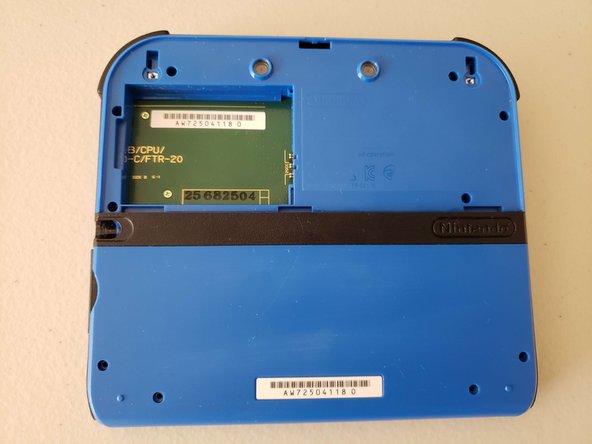


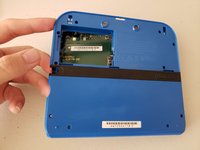
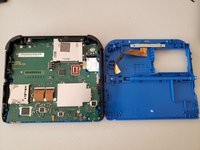


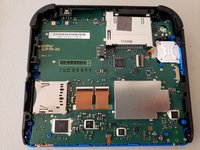
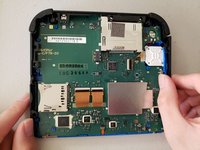


To reassemble your device, follow these instructions in reverse order.
Cancel: I did not complete this guide.
One other person completed this guide.

