Free Shipping on Domestic Orders $75+

Nexus 6P Rear Camra&Front Camera&Headphone Jack Replacement

What you need
    1. Nexus 6P Rear Camra&Front Camera&Headphone Jack Replacement, Rear Camra&Front Camera&Headphone Jack: step 1, image 1 of 2 Nexus 6P Rear Camra&Front Camera&Headphone Jack Replacement, Rear Camra&Front Camera&Headphone Jack: step 1, image 2 of 2
      • Remove SIM card tray.

      Ask FixBot

      Add Comment

    2. Nexus 6P Rear Camra&Front Camera&Headphone Jack Replacement: step 2, image 1 of 3 Nexus 6P Rear Camra&Front Camera&Headphone Jack Replacement: step 2, image 2 of 3 Nexus 6P Rear Camra&Front Camera&Headphone Jack Replacement: step 2, image 3 of 3
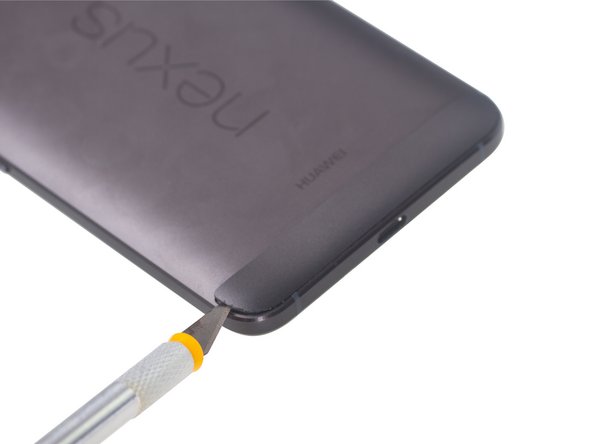
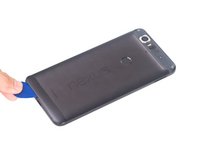
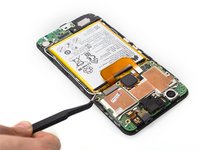
      • Heat up back glass panel.

      • Use hobby knife to open a gap and cut the fierce sticker underneath rear glass panel.

      • The back glass panel is easily shattered and the adhesive underneath is fierce. So be careful to pry this part.
      Ask FixBot

      Add Comment

    3. Nexus 6P Rear Camra&Front Camera&Headphone Jack Replacement: step 3, image 1 of 3 Nexus 6P Rear Camra&Front Camera&Headphone Jack Replacement: step 3, image 2 of 3 Nexus 6P Rear Camra&Front Camera&Headphone Jack Replacement: step 3, image 3 of 3
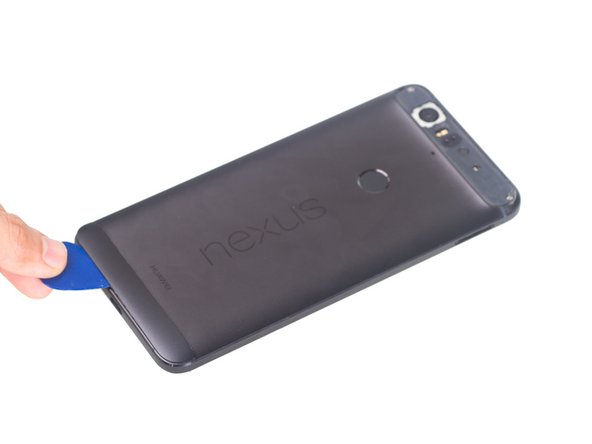
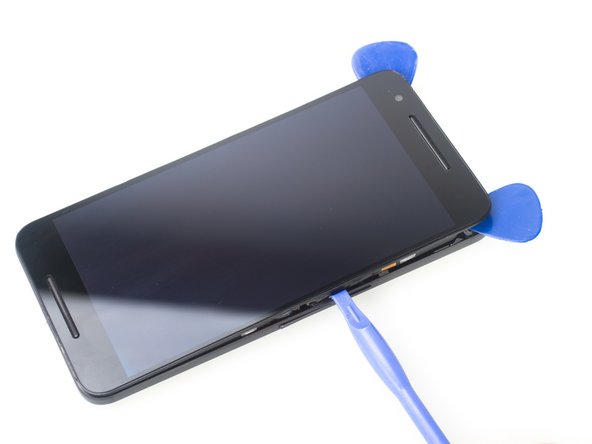
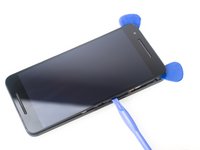
      • Heat up bottom plastic panel.

      • Use hobby knife to open a gap and insert guitar picks to cut adhesive underneath.

      Ask FixBot

      Add Comment

    4. Nexus 6P Rear Camra&Front Camera&Headphone Jack Replacement: step 4, image 1 of 3 Nexus 6P Rear Camra&Front Camera&Headphone Jack Replacement: step 4, image 2 of 3 Nexus 6P Rear Camra&Front Camera&Headphone Jack Replacement: step 4, image 3 of 3
      Tool used on this step:
      Heavy-Duty Suction Cups (Pair)
      $16.95
      Buy
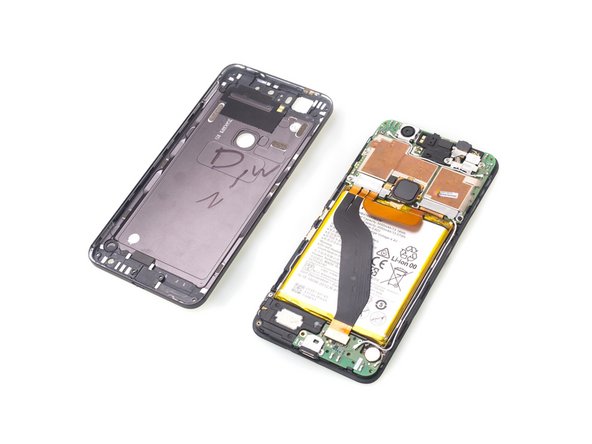
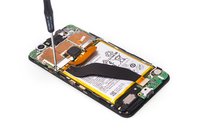
      • Twist off 6 Phillips screws together.

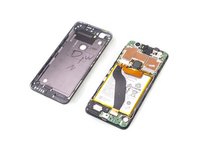
      • Insert guitar picks and plastic opening tool to separate front assembly from back cover.

      • Attention: These two parts fit tightly.It is very difficult to separate them. You can also try using heavy-duty suction cup to disassemble them.

      Ask FixBot

      Add Comment

    5. Nexus 6P Rear Camra&Front Camera&Headphone Jack Replacement: step 5, image 1 of 3 Nexus 6P Rear Camra&Front Camera&Headphone Jack Replacement: step 5, image 2 of 3 Nexus 6P Rear Camra&Front Camera&Headphone Jack Replacement: step 5, image 3 of 3
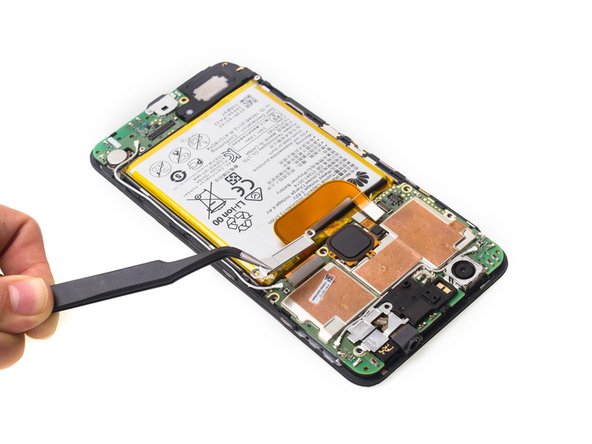
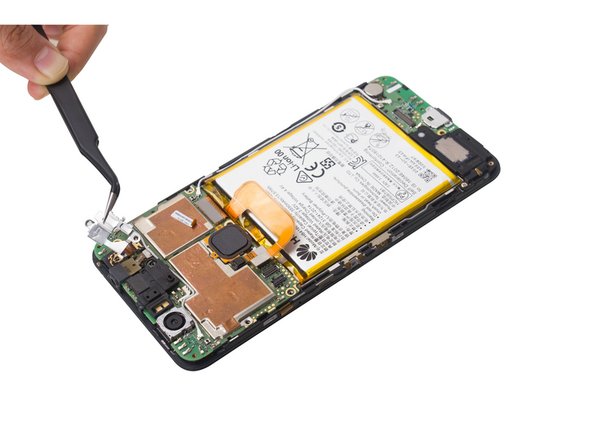
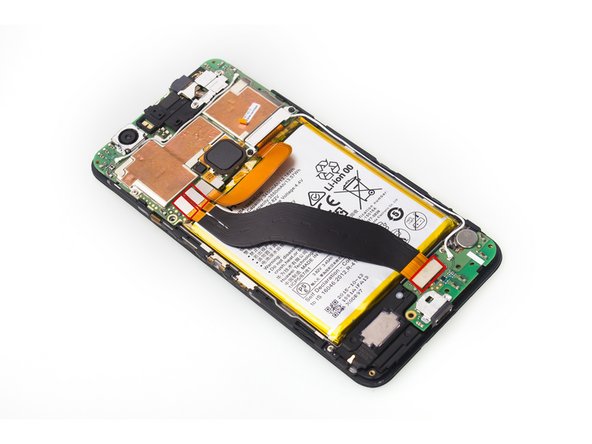
      • Unscrew one Phillips screw.

      • Remove metal bracket securing flex contactors.

      • Release 3 flex contactors and remove it .

      Ask FixBot

      Add Comment

    6. Nexus 6P Rear Camra&Front Camera&Headphone Jack Replacement: step 6, image 1 of 3 Nexus 6P Rear Camra&Front Camera&Headphone Jack Replacement: step 6, image 2 of 3 Nexus 6P Rear Camra&Front Camera&Headphone Jack Replacement: step 6, image 3 of 3
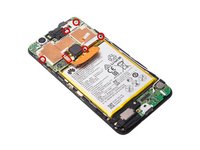
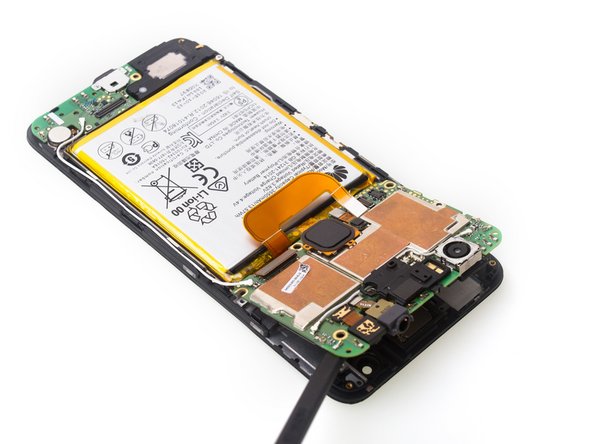
      • Twist off 5 Phillips screws together and release battery contactor.

      • Remove metal bracket securing LCD contactor.

      • Release metal bracket securing front camera contactor and headphone jack contactor.

      Ask FixBot

      Add Comment

    7. Nexus 6P Rear Camra&Front Camera&Headphone Jack Replacement: step 7, image 1 of 3 Nexus 6P Rear Camra&Front Camera&Headphone Jack Replacement: step 7, image 2 of 3 Nexus 6P Rear Camra&Front Camera&Headphone Jack Replacement: step 7, image 3 of 3
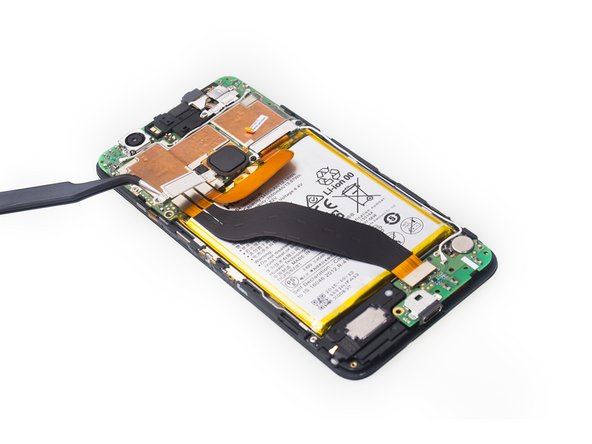
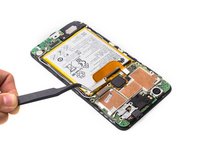
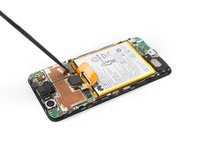
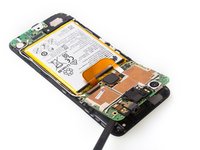
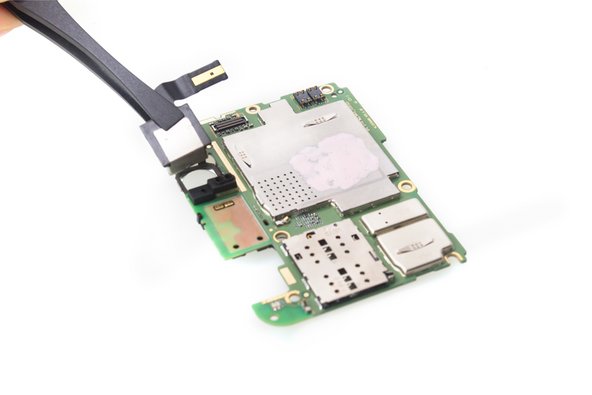
      • Disconnect signal cable contactor.

      • Release LCD contactor.

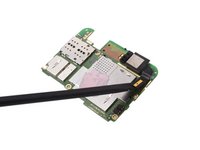
      • Pry up and remove motherboard.

      Ask FixBot

      Add Comment

    8. Nexus 6P Rear Camra&Front Camera&Headphone Jack Replacement: step 8, image 1 of 2 Nexus 6P Rear Camra&Front Camera&Headphone Jack Replacement: step 8, image 2 of 2
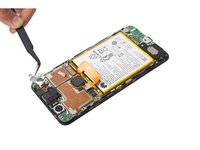
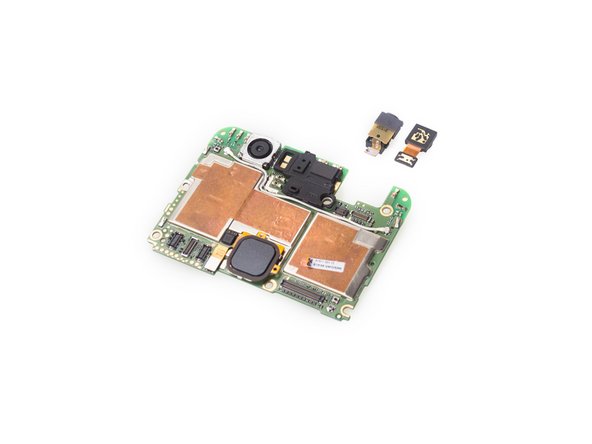
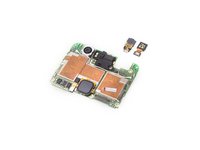
      • Remove headphone jack and front camera.

      Ask FixBot

      Add Comment

    9. Nexus 6P Rear Camra&Front Camera&Headphone Jack Replacement: step 9, image 1 of 3 Nexus 6P Rear Camra&Front Camera&Headphone Jack Replacement: step 9, image 2 of 3 Nexus 6P Rear Camra&Front Camera&Headphone Jack Replacement: step 9, image 3 of 3
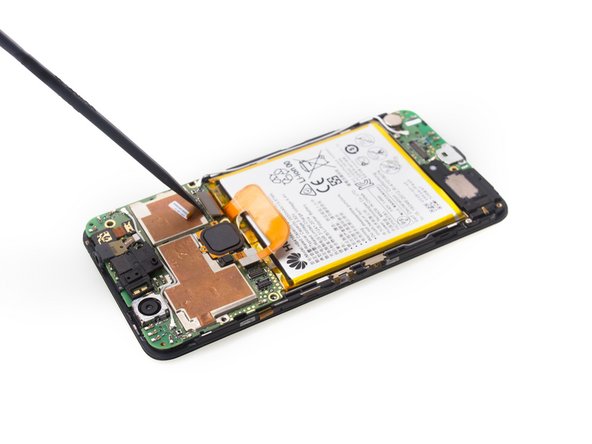
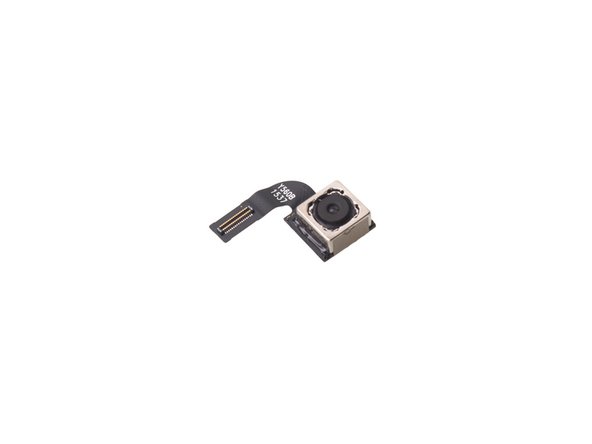
      • Release rear camera contactor, then remove it.

      Ask FixBot

      Add Comment

Conclusion

To reassemble your device, follow these instructions in reverse order.

Cancel: I did not complete this guide.

11 other people completed this guide.

Witrigs

Member since: 11/24/15

71,097 Reputation

377 Guides authored

4 Guide Comments

Does the headphone jack have a part number?

I can't find the replacement part anywhere online.

Luke Redfern - Reply Share

Headphone jack part number 9-HU-2909

I am searching all over the www for headphone jack. It's listed at two stores for $9.99. But, no stock.

Headphone jacks for every other silly phone are available all over the internet for couple of $.

http://www.repairsuniverse.com/huawei-ne...

isaac_kmgm - Reply Share

Awesome guide! I used this guide to replace my rear camera because the old camera’s focus was stuck in one position (which is a common problem with 6p’s apparently). The guide was spot on, and it has good pictures showing you what to do. It only took me about 30-40 minutes to complete.

Jacob Higgins - Reply Share

Very useful, even multiple years later. I used it to complete a full mainboard swap as I corrupted the partitions on my original board. I followed this guide and it worked perfectly. Patience is key for the glass camera lens.

Chaney Goldstein - Reply Share

Add Comment

View Statistics:

Past 24 Hours: 4

Past 7 Days: 11

Past 30 Days: 45

All Time: 6,580