
Nextbook NX008HD8G Screen Replacement

Austin Mack and 2 other contributors
Last updated on Dec 21, 2015
Views: 4.2K
View statistics:
- Past 24 Hours:
- 3
- Past 7 Days:
- 25
- Past 30 Days:
- 95
- All Time:
- 4,185
Comments: 4
1 comment on steps, 3 guide comments.
Go to guide commentsCompleted: 8 9
8 people have marked this guide "completed." Will you be next?
9 people have marked this guide "completed." Including you — great job!
Favorites: 8 9
8 people have favorited (and subscribed to) this guide. Will you be next?
9 people have favorited (and subscribed to) this guide — including you!
Introduction
Go to step 1 ↓Use this guide to replace a broken screen. Sliding the plastic opening tool between the back panel and the front glass can be difficult. This guide is relatively simple, mainly unscrewing and disconnecting a ribbon connector.
What you need
Tools
-
Spudger4.9


-
-
-
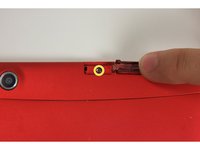
Using your finger, open the plastic tab to the right of the rear-facing camera.
-
Wedge your fingernail in between the back panel and the plastic tab and pull the plastic tab towards your body.
 Ask FixBot
-
-
-
Using your finger, remove the SD card by pressing down on top of it (toward the bottom of the device) until you hear a clicking sound.
-
Once the card pops out, use your finger to pull the card completely out of the SD card slot.
-
-
-
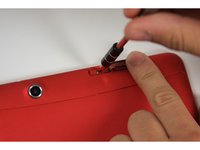
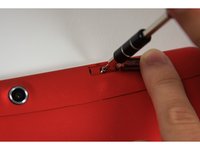
Remove the 5 mm screw using the Phillips PH00 bit in the iFixit metal Screwdriver.
-
-
-
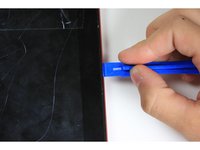
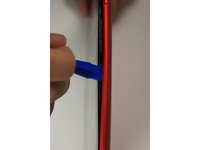
Use the plastic opening tool to separate the back panel by carefully sliding the narrow end of the tool between the front glass and back panel.
-
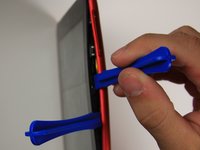
Use a second plastic opening tool to help pry the front glass from the back panel.
-
-
-
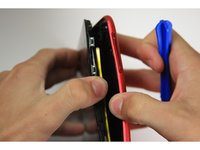
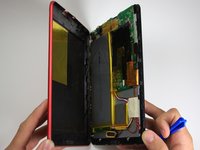
Use your hands to completely separate the rest of the front glass from the back panel.
-
-
-
-
-
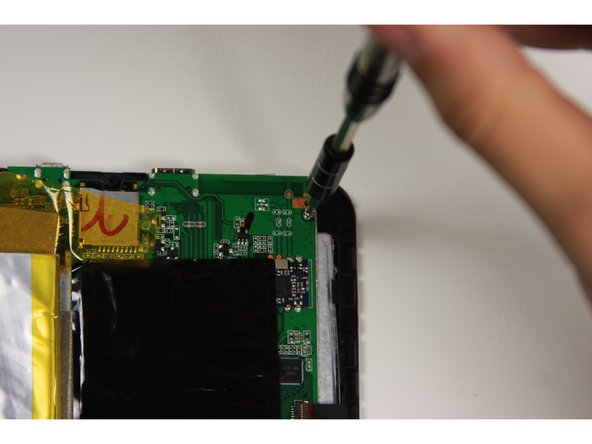
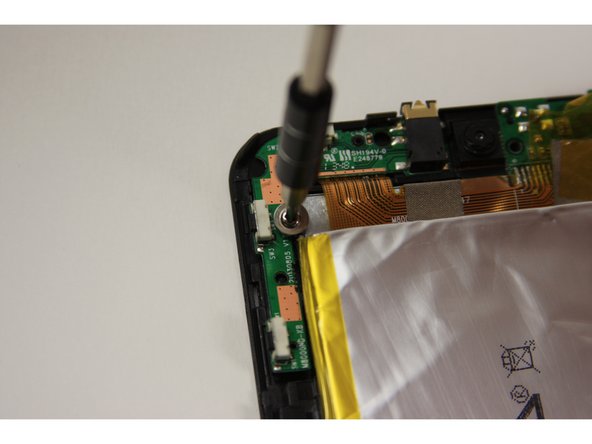
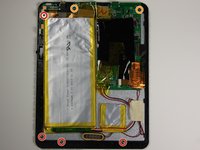
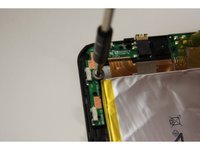
Using the Phillips #0 bit with the iFixit screwdriver, remove the four 5 mm screws with the washers around them connecting the digitizer to the screen.
-
Using the Phillips #0 bit with the iFixit screwdriver, remove the two 5 mm screws connecting the motherboard to the back of the digitizer.
-
-
-
-
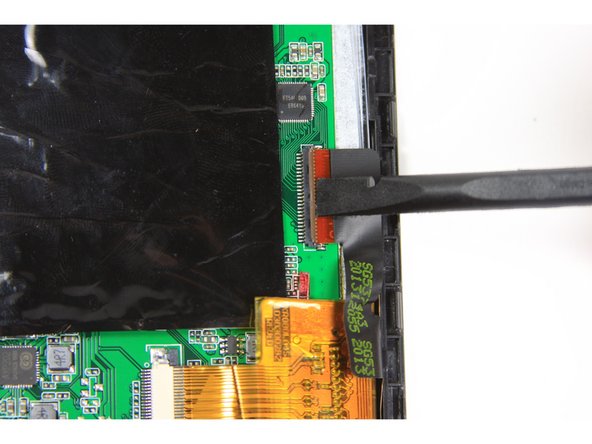
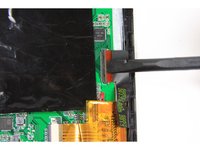
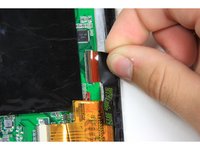
Using the flat end of the plastic spudger, open the black ribbon connector door on the right side of the motherboard.
-
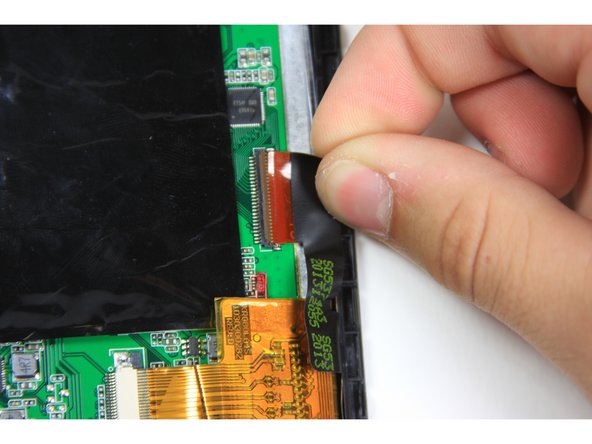
Pull the ribbon out of the ribbon connector using your finger.
-
-
-
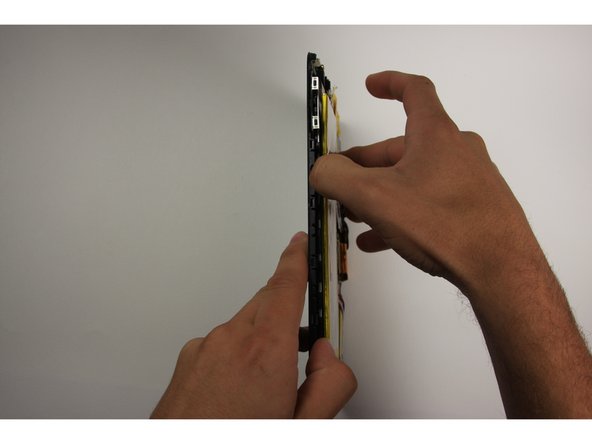
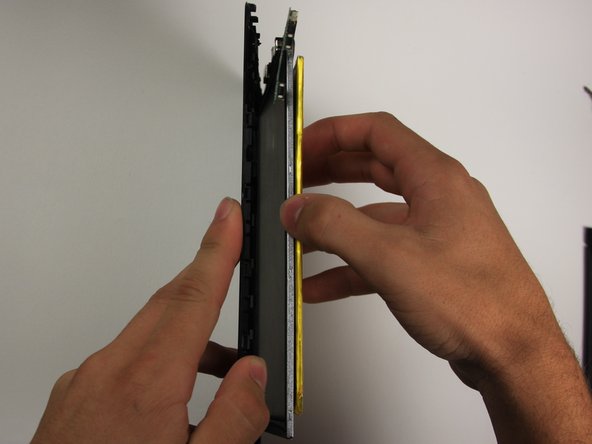
To separate the digitizer from the screen, tilt the device on its right side and use your other hand to pull the battery to the right.
-
-









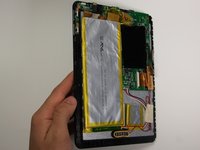
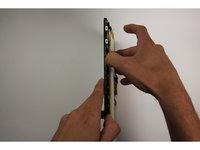
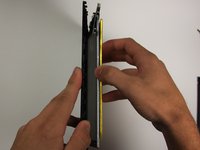
To reassemble your device, follow these instructions in reverse order.
Cancel: I did not complete this guide.
8 other people completed this guide.

Team

Baylor, Team 10-15, Williams Fall 2015 Member of Baylor, Team 10-15, Williams Fall 2015
BU-WILLIAMS-F15S10G15
3 Members
48 Guides authored
3 Guide Comments
No parts? Except the replacement screen. No link to buy the replacement screen. What are you doing putting the same broken screen back on?
