15% Off Selected iFixit Tools — Limited Time
Free Shipping on Domestic Orders $75+

MyFirst Camera Insta 2 teardown

What you need

  1. MyFirst Camera Insta 2 teardown, Prepare teardown: step 1, image 1 of 3 MyFirst Camera Insta 2 teardown, Prepare teardown: step 1, image 2 of 3 MyFirst Camera Insta 2 teardown, Prepare teardown: step 1, image 3 of 3
    • Remove SD card, carry strap and paper cartridge

    Ask FixBot

    Add Comment

  2. MyFirst Camera Insta 2 teardown, Lift the front panel: step 2, image 1 of 2 MyFirst Camera Insta 2 teardown, Lift the front panel: step 2, image 2 of 2
    • Remove the front panel

    • The panel is simply clipped and can be declipped easily by using a mediator as lever

    Ask FixBot

    Add Comment

  3. MyFirst Camera Insta 2 teardown, Unscrew front panel: step 3, image 1 of 2 MyFirst Camera Insta 2 teardown, Unscrew front panel: step 3, image 2 of 2
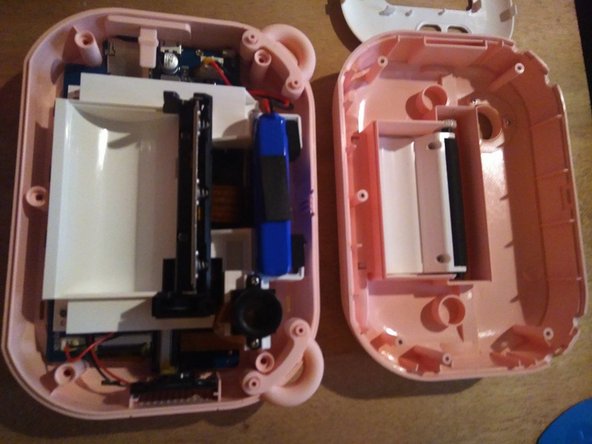
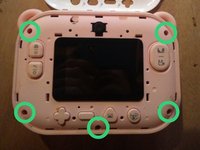
    • The toy is closed by 5 Philips-head screws, size 0

    • Unscrew them all and open the product

    Ask FixBot

    Add Comment

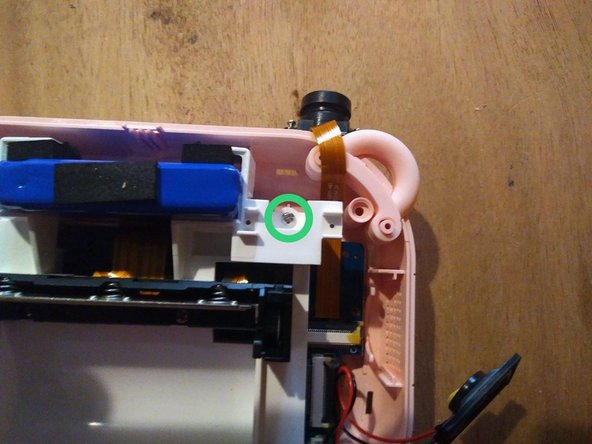
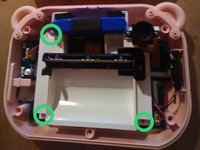
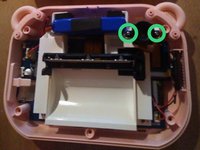
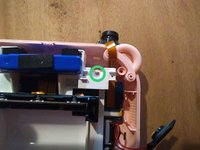
  4. MyFirst Camera Insta 2 teardown, Remove the cartridge-holding piece: step 4, image 1 of 3 MyFirst Camera Insta 2 teardown, Remove the cartridge-holding piece: step 4, image 2 of 3 MyFirst Camera Insta 2 teardown, Remove the cartridge-holding piece: step 4, image 3 of 3
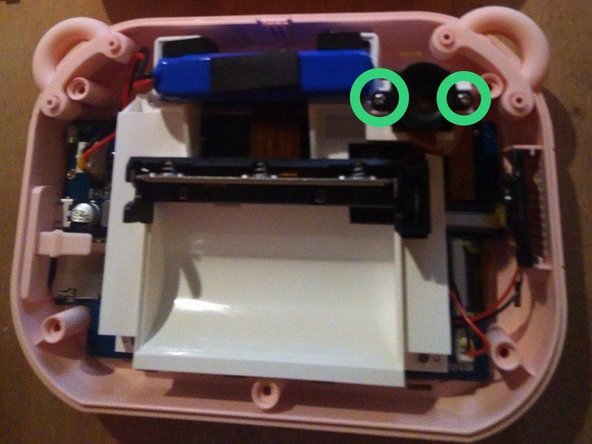
    • The white piece is held by 4 Philips-head screws

    • Unscrew the three screws you can already access

    • Unscrew the selfie camera, held by two smaller screws

    • Under the camera, unscrew the forth screw holding the piece

    Ask FixBot

    Add Comment

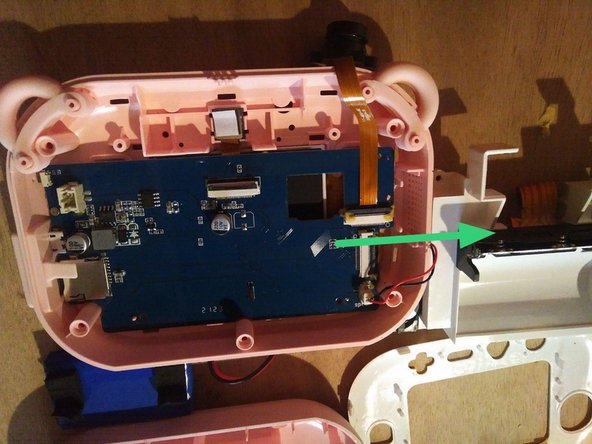
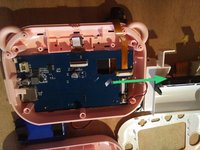
  5. MyFirst Camera Insta 2 teardown, Disconnect the screen: step 5, image 1 of 1
    • Remove the glue around the screen connector

    • Disconnect by lifting the connector clip upward

    Ask FixBot

    Add Comment

  6. MyFirst Camera Insta 2 teardown, Unscrew the PCB: step 6, image 1 of 2 MyFirst Camera Insta 2 teardown, Unscrew the PCB: step 6, image 2 of 2
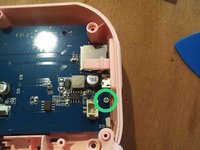
    • The board is held by the 4 previously removed screws, plus another screw close to USB connector

    • Once all those are removed and the screen is disconnected, pull the card from its compartment by sliding it on the side opposite to USB connector

    Ask FixBot

    Add Comment

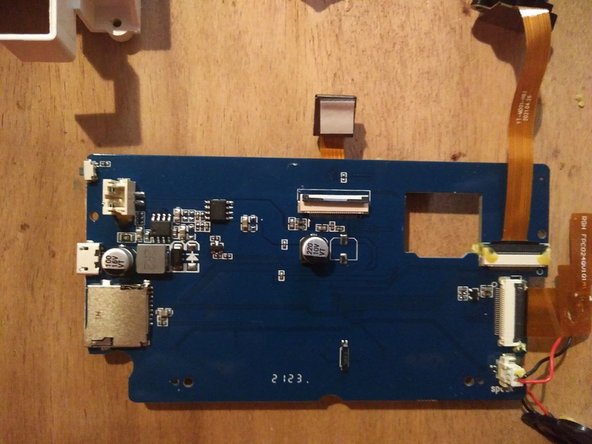
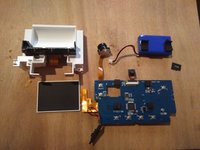
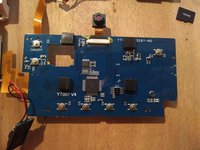
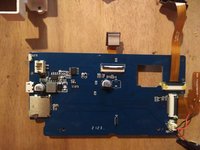
  7. MyFirst Camera Insta 2 teardown, Teardown view: step 7, image 1 of 3 MyFirst Camera Insta 2 teardown, Teardown view: step 7, image 2 of 3 MyFirst Camera Insta 2 teardown, Teardown view: step 7, image 3 of 3
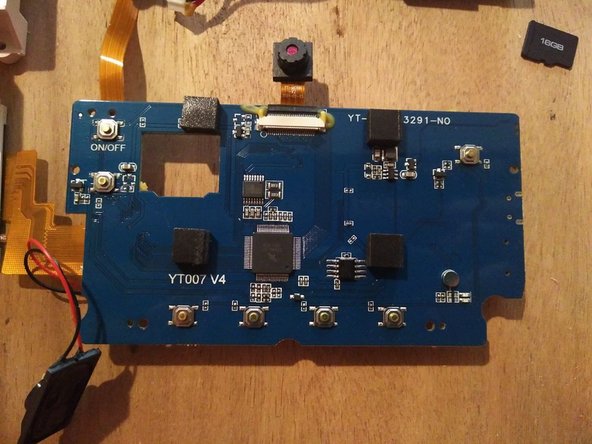
    • Unknown microcontrolleur, QFP80 package , with reference "2104G-91"

    • Princeton Technology PT5139-HT motor driver

    • Syncrown PT48D 2-inch thermal printer

    • Thinksum 123050 7.4V 750mAh li-ion battery

    • Screen, speaker, two photo modules

    Ask FixBot

    Add Comment

Conclusion

To reassemble your device, follow the unmounting instructions in reverse order.

Cancel: I did not complete this guide.

Special thanks to these translators:

fr en

100%

These translators are helping us fix the world! Want to contribute?
Start translating ›

Eve Redero

Member since: 02/28/22

3,210 Reputation

10 Guides authored

1 Guide Comment

Hi,

Where can I purchase a replacement lcd screen for the “myfirst camera insta 2” model no. FC2401

Christian Juul Henriksen - Reply Share

Add Comment

View Statistics:

Past 24 Hours: 0

Past 7 Days: 17

Past 30 Days: 81

All Time: 1,067