Free Shipping on Domestic Orders $75+

Motorola W385 Camera Replacement

What you need

    1. Motorola W385 Camera Replacement, Battery: step 1, image 1 of 1
      • Using your finger, press down on the clip holding the back cover on.

      Ask FixBot

      Add Comment

    2. Motorola W385 Camera Replacement: step 2, image 1 of 1
      • Using the spudger or your finger, gently pull the battery out from the top.

      Ask FixBot

      Add Comment

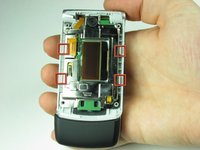
    1. Motorola W385 Camera Replacement, Front Casing: step 3, image 1 of 1
      • Remove the four rubber pieces from the face of the phone using the sharp end of the spudger.

      • The rubber pieces are held in with a mild adhesive.

      Ask FixBot

      Add Comment

    2. Motorola W385 Camera Replacement: step 4, image 1 of 1
      • Remove the four Torx-6 screws from underneath the rubber pieces.

      Ask FixBot

      Add Comment

    3. Motorola W385 Camera Replacement: step 5, image 1 of 2 Motorola W385 Camera Replacement: step 5, image 2 of 2
      • Close the phone before proceeding.

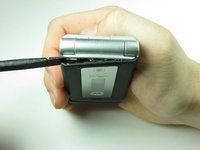
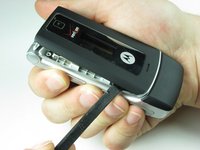
      • Using the flat end of the spudger, insert it under the plastic at the top left of the phone.

      • Gently, although a small amount of force is required, use a twisting motion to pull the plastic casing away from the body of the phone.

      • Continue to move around the phone counter clockwise until the casing is separated from the body.

      • It is not unusual for it to pop off before making it back to the starting point.

      Ask FixBot

      Add Comment

    4. Motorola W385 Camera Replacement: step 6, image 1 of 1
      • If the casing has not popped off of the body, remove it carefully from the the phone.

      Ask FixBot

      Add Comment

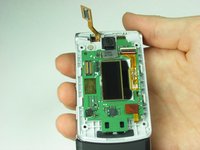
    1. Motorola W385 Camera Replacement, Top Logic Board: step 7, image 1 of 1
      • After completing Steps 3-6 in the casing repair guide, your phone should look like this.

      Ask FixBot

      Add Comment

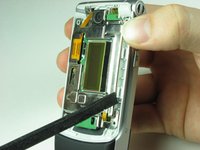
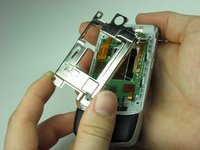
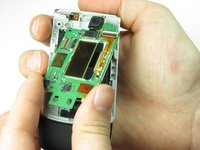
    2. Motorola W385 Camera Replacement: step 8, image 1 of 3 Motorola W385 Camera Replacement: step 8, image 2 of 3 Motorola W385 Camera Replacement: step 8, image 3 of 3
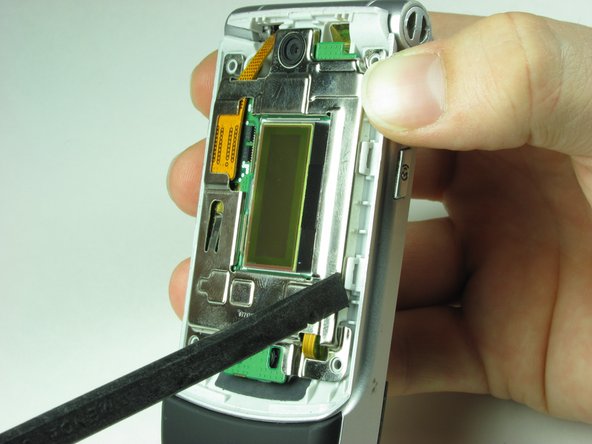
      • Use the spudger to unhinge the four clips around the metal casing of the top logic board.

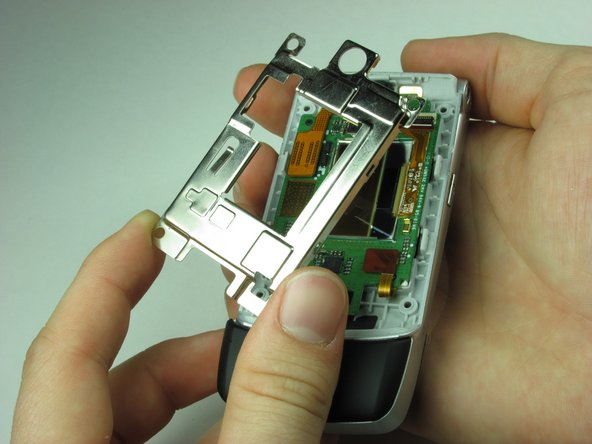
      • Gently take off the metal casing of the logic board.

      Ask FixBot

      Add Comment

    3. Motorola W385 Camera Replacement: step 9, image 1 of 3 Motorola W385 Camera Replacement: step 9, image 2 of 3 Motorola W385 Camera Replacement: step 9, image 3 of 3
      • Use spudger to gently disconnect the ribbon cable from phone.

      • Gently remove Logic Board making sure not to damage any other components.

      Ask FixBot

      Add Comment

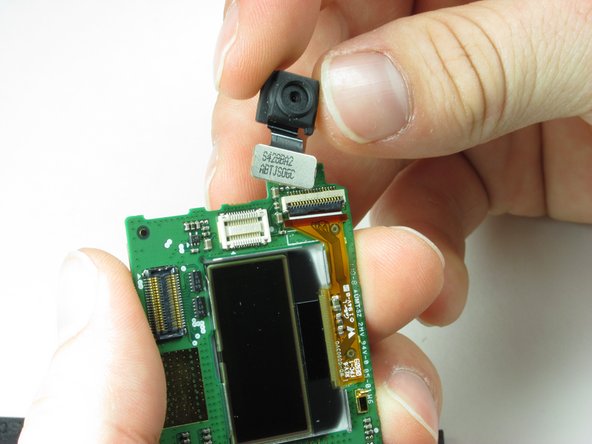
    1. Motorola W385 Camera Replacement, Camera: step 10, image 1 of 1
      • Find the camera on the board.

      Ask FixBot

      Add Comment

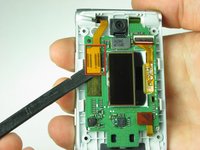
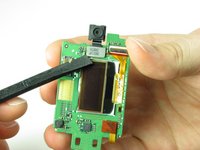
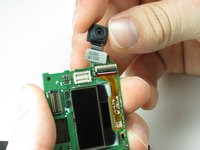
    2. Motorola W385 Camera Replacement: step 11, image 1 of 2 Motorola W385 Camera Replacement: step 11, image 2 of 2
      • Take your spudger and place it just under the camera as shown.

      • With a small force, the camera should remove easily.

      Ask FixBot

      Add Comment

Conclusion

To reassemble your device, follow these instructions in reverse order.

Cancel: I did not complete this guide.

One other person completed this guide.

Koedy Brant

Member since: 01/26/10

41 Reputation

2 Guides authored

Team

Cal Poly, Team 8-50, Regan Winter 2010 Member of Cal Poly, Team 8-50, Regan Winter 2010

CPSU-REGAN-W10S8G50

3 Members

63 Guides authored

0 Guide Comments

Add Comment

View Statistics:

Past 24 Hours: 1

Past 7 Days: 9

Past 30 Days: 32

All Time: 2,520