Free Shipping on Domestic Orders $75+

Motorola E815 interiorscreen replacement

What you need

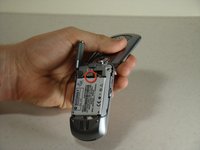
    1. Motorola E815 interiorscreen replacement, Battery: step 1, image 1 of 1
      • Locate the back cover release slide.

      • Use your finger to slide it down.

      Ask FixBot

      Add Comment

    2. Motorola E815 interiorscreen replacement: step 2, image 1 of 1
      • Remove the back cover by pulling it away from the phone.

      Ask FixBot

      Add Comment

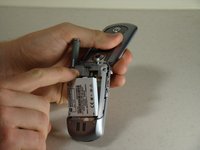
    3. Motorola E815 interiorscreen replacement: step 3, image 1 of 2 Motorola E815 interiorscreen replacement: step 3, image 2 of 2
      • Locate the battery removal slot.

      • Use your finger to pull the battery out from the top.

      • Remove the battery.

      Ask FixBot

      Add Comment

    1. Motorola E815 interiorscreen replacement, Disassembling Motorola E815 Antenna: step 4, image 1 of 1
      • Locate the antenna port on the top of the phone.

      Ask FixBot

      Add Comment

    2. Motorola E815 interiorscreen replacement: step 5, image 1 of 2 Motorola E815 interiorscreen replacement: step 5, image 2 of 2
      • Grip the plastic support post and unscrew the apparatus using a counterclockwise twist.

      • Pull the apparatus up and out of the phone.

      Ask FixBot

      Add Comment

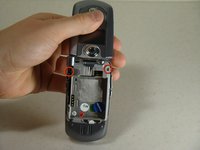
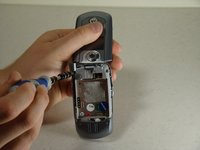
    1. Motorola E815 interiorscreen replacement, Front Screen: step 6, image 1 of 3 Motorola E815 interiorscreen replacement, Front Screen: step 6, image 2 of 3 Motorola E815 interiorscreen replacement, Front Screen: step 6, image 3 of 3
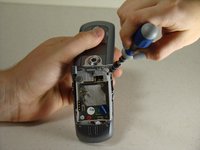
      • Locate the two screws on the backside of the phone.

      • Unscrew the two screws using your T6 screwdriver.

      Ask FixBot

      Add Comment

    2. Motorola E815 interiorscreen replacement: step 7, image 1 of 3 Motorola E815 interiorscreen replacement: step 7, image 2 of 3 Motorola E815 interiorscreen replacement: step 7, image 3 of 3
      Tool used on this step:
      Tweezers
      $4.99
      Buy
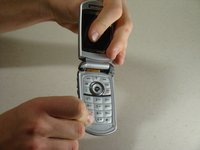
      • Grasp the top of the phone near the speaker.

      • Gently pull the top section of the phone upwards until you feel some resistance.

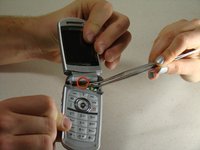
      • Locate the brown connector that runs from the top section of the phone to the circuit board under the keypad.

      • Using tweezers, gently pry the connector from the circuit board.

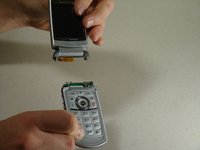
      • Detach the top section of the phone from the keypad section.

      Ask FixBot

      Add Comment

    3. Motorola E815 interiorscreen replacement: step 8, image 1 of 2 Motorola E815 interiorscreen replacement: step 8, image 2 of 2
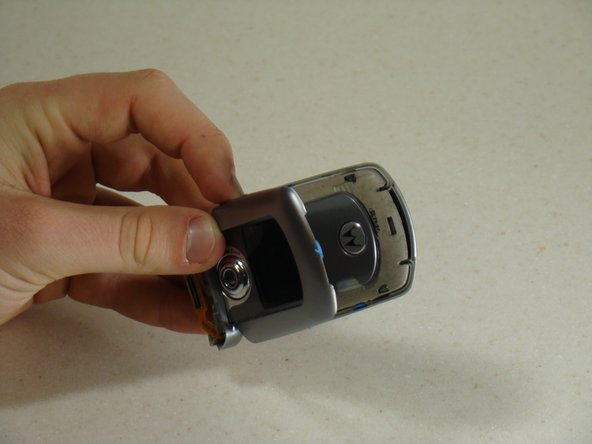
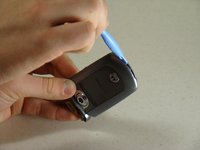
      • Carefully insert the blue pry tool into the notch between the two halves of the top section of the phone.

      • Gently pry the two halves apart.

      Ask FixBot

      Add Comment

    4. Motorola E815 interiorscreen replacement: step 9, image 1 of 1
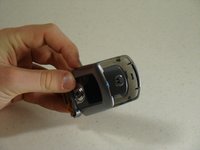
      • Rotate the top section of the phone around so that you are looking at the outer screen.

      • Disconnect the cover from the outer screen side of the phone.

      Ask FixBot

      Add Comment

    5. Motorola E815 interiorscreen replacement: step 10, image 1 of 3 Motorola E815 interiorscreen replacement: step 10, image 2 of 3 Motorola E815 interiorscreen replacement: step 10, image 3 of 3
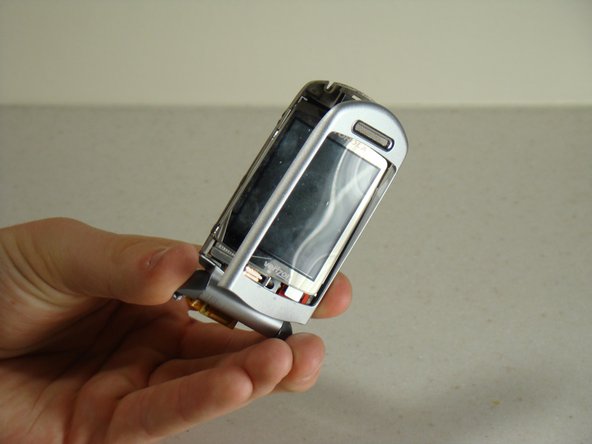
      • Rotate the top section of the phone around so you are looking at the large screen.

      • Using your fingers, lift the protector off of the screen.

      Ask FixBot

      Add Comment

    6. Motorola E815 interiorscreen replacement: step 11, image 1 of 1
      • Using the blue pry tool, gently remove the screen cover.

      • Since it is glued into place, it may take some maneuvering to remove.

      Ask FixBot

      Add Comment

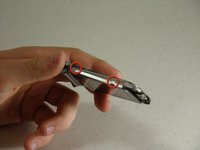
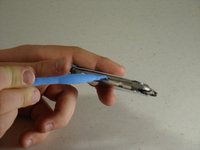
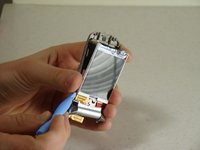
    7. Motorola E815 interiorscreen replacement: step 12, image 1 of 3 Motorola E815 interiorscreen replacement: step 12, image 2 of 3 Motorola E815 interiorscreen replacement: step 12, image 3 of 3
      • Turn the phone so that you can see the side metal clasps.

      • Using the blue lifter tool, snap the metal clasps off of screen body.

      • Proceed to snap all four corners of the metal cover off of the screen body.

      Ask FixBot

      Add Comment

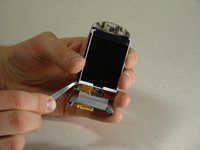
    8. Motorola E815 interiorscreen replacement: step 13, image 1 of 2 Motorola E815 interiorscreen replacement: step 13, image 2 of 2
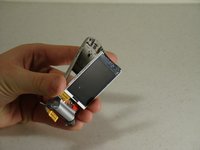
      • Using tweezers, gently detach the brown connecting strip from the back of the screen.

      • Separate the screen from the phone frame.

      • The front screen can now be accessed and replaced!

      Ask FixBot

      Add Comment

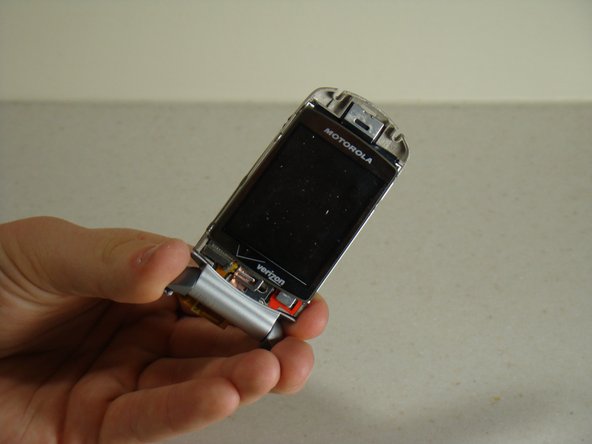
    1. Motorola E815 interiorscreen replacement, Inside Screen: step 14, image 1 of 1
      • The inside screen can now be accessed for repair or replacement!

      Ask FixBot

      Add Comment

Conclusion

To reassemble your device, follow these instructions in reverse order.

Cancel: I did not complete this guide.

One other person completed this guide.

Zoie E

Member since: 01/12/11

603 Reputation

5 Guides authored

Team

Cal Poly, Team 14-8, Forte Winter 2011 Member of Cal Poly, Team 14-8, Forte Winter 2011

CPSU-FORTE-W11S14G8

5 Members

60 Guides authored

0 Guide Comments

Add Comment

View Statistics:

Past 24 Hours: 2

Past 7 Days: 12

Past 30 Days: 41

All Time: 2,585