Free Shipping on Domestic Orders $75+

Monster Soundstage S2 Front Panel Replacement

What you need

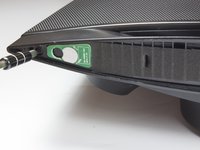
  1. Monster Soundstage S2 Front Panel Replacement, Speaker Grille: step 1, image 1 of 2 Monster Soundstage S2 Front Panel Replacement, Speaker Grille: step 1, image 2 of 2
    • Use a spudger or your fingers to pry off and remove the rubber pad on the bottom of the speaker.

    Ask FixBot
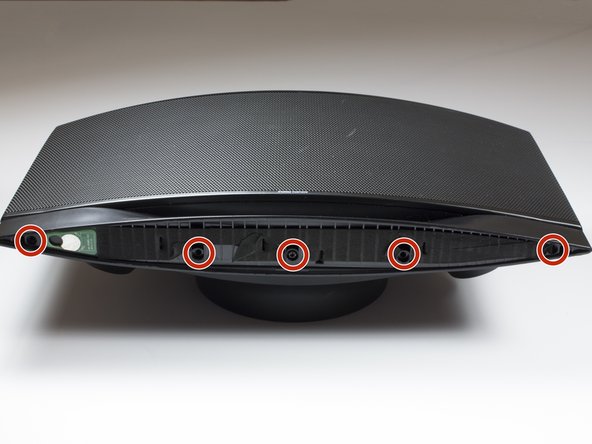
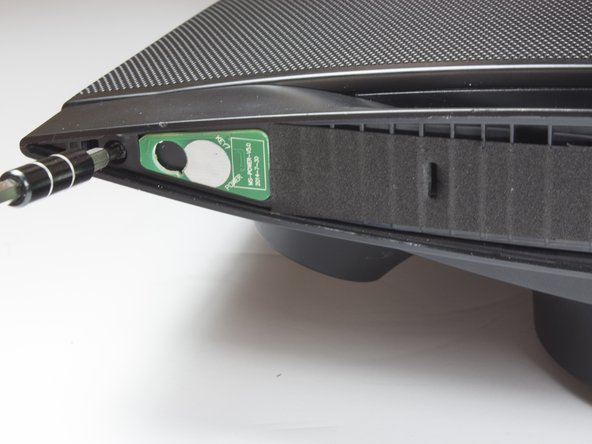
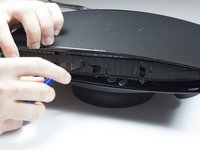
  2. Monster Soundstage S2 Front Panel Replacement: step 2, image 1 of 3 Monster Soundstage S2 Front Panel Replacement: step 2, image 2 of 3 Monster Soundstage S2 Front Panel Replacement: step 2, image 3 of 3
    • Remove the five 10mm screws with a TR 10 screwdriver.

    • Use a spudger to break the remaining adhesive holding the grille to the speaker body.

    • Be sure you don't bend the grille; it is not free from the speaker yet.

    Ask FixBot
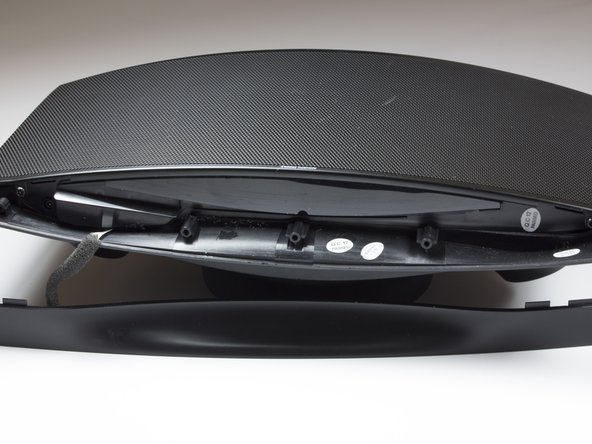
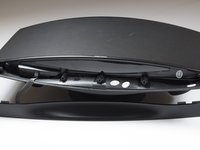
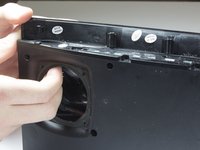
  3. Monster Soundstage S2 Front Panel Replacement: step 3, image 1 of 1
    • Flip speaker around and use a plastic opening tool to remove the top panel from the speaker.

    Ask FixBot
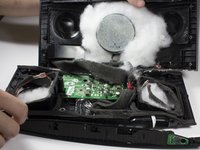
  4. Monster Soundstage S2 Front Panel Replacement: step 4, image 1 of 3 Monster Soundstage S2 Front Panel Replacement: step 4, image 2 of 3 Monster Soundstage S2 Front Panel Replacement: step 4, image 3 of 3
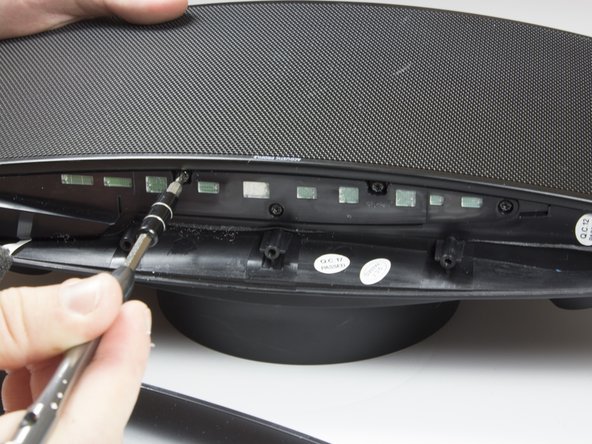
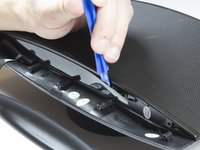
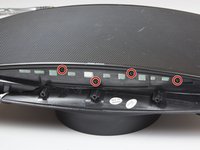
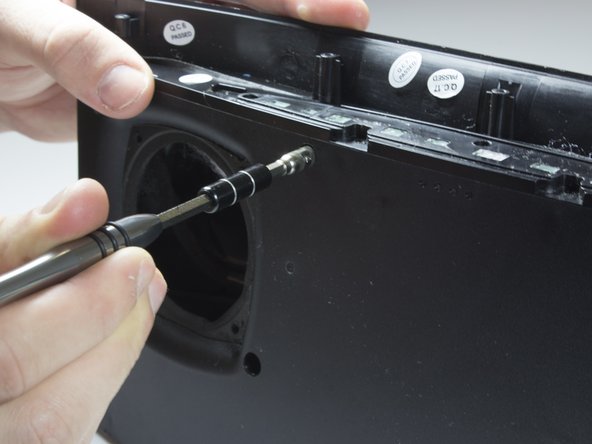
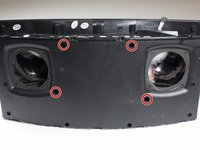
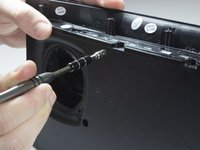
    • Use a plastic opening tool to remove the foam and uncover four more screws.

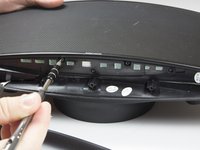
    • Use a TR 10 screwdriver to remove the five 10mm screws on the top of the speaker.

    Ask FixBot
  5. Monster Soundstage S2 Front Panel Replacement: step 5, image 1 of 2 Monster Soundstage S2 Front Panel Replacement: step 5, image 2 of 2
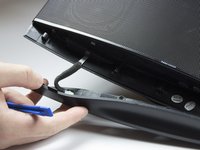
    • Carefully remove the top cover.

    • Be careful not to tear or stress the cable that provides power to the power LED.

    Ask FixBot
  6. Monster Soundstage S2 Front Panel Replacement: step 6, image 1 of 2 Monster Soundstage S2 Front Panel Replacement: step 6, image 2 of 2
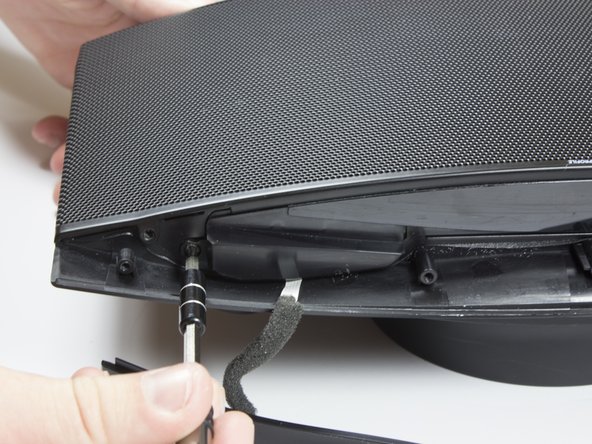
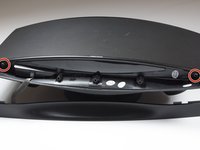
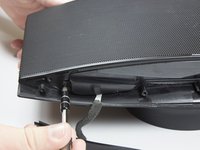
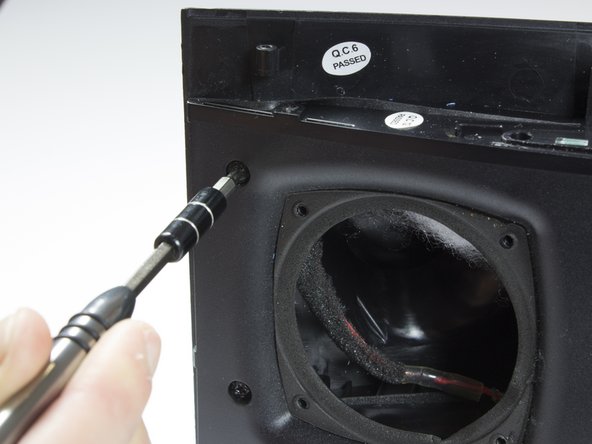
    • Use a TR 10 screwdriver to remove two of the 10mm screws that secure the speaker grille.

    • Do not attempt to remove the grille just yet.

    Ask FixBot
  7. Monster Soundstage S2 Front Panel Replacement: step 7, image 1 of 3 Monster Soundstage S2 Front Panel Replacement: step 7, image 2 of 3 Monster Soundstage S2 Front Panel Replacement: step 7, image 3 of 3
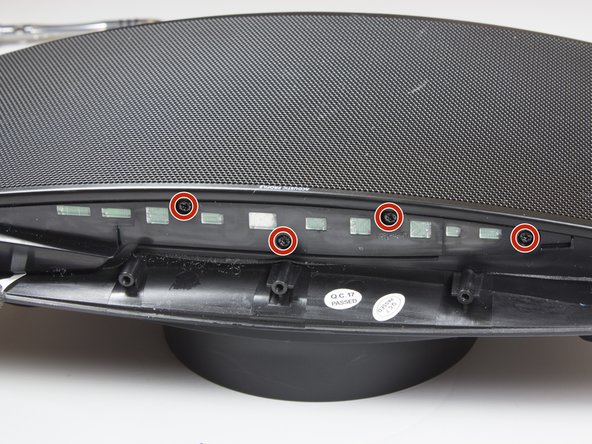
    • With the top panel removed, use a spudger to remove the display panel.

    • The clips on the display panel are quite fragile. Pry up both edges of the display before attempting removal.

    • Use a TR 10 screwdriver to remove the four final 10mm screws securing the speaker grille.

    Ask FixBot
  8. Monster Soundstage S2 Front Panel Replacement: step 8, image 1 of 1
    • Remove the front speaker grille.

    Ask FixBot
  9. Monster Soundstage S2 Front Panel Replacement, Front Speakers: step 9, image 1 of 3 Monster Soundstage S2 Front Panel Replacement, Front Speakers: step 9, image 2 of 3 Monster Soundstage S2 Front Panel Replacement, Front Speakers: step 9, image 3 of 3
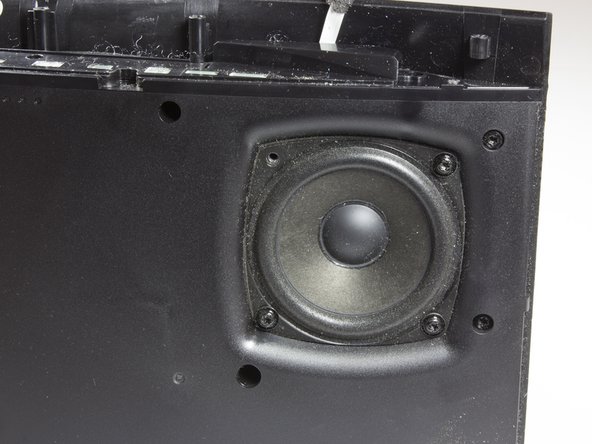
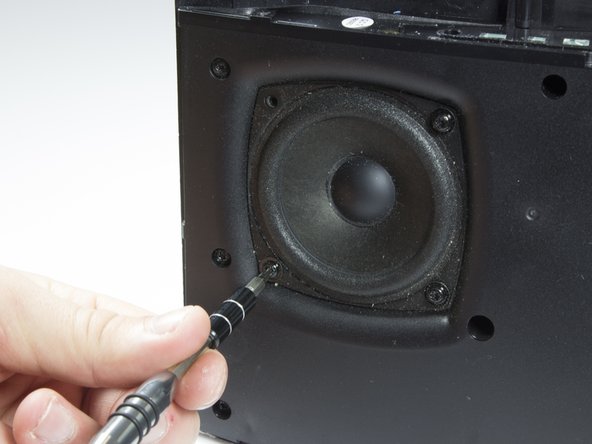
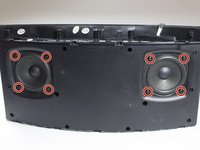
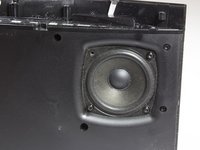
    • After removing grille, you will see the speakers.

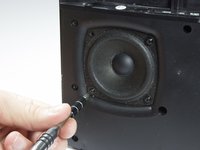
    • Remove the eight 10mm screws that surround the speakers. There will be four around each speaker.

    Ask FixBot
  10. Monster Soundstage S2 Front Panel Replacement: step 10, image 1 of 2 Monster Soundstage S2 Front Panel Replacement: step 10, image 2 of 2
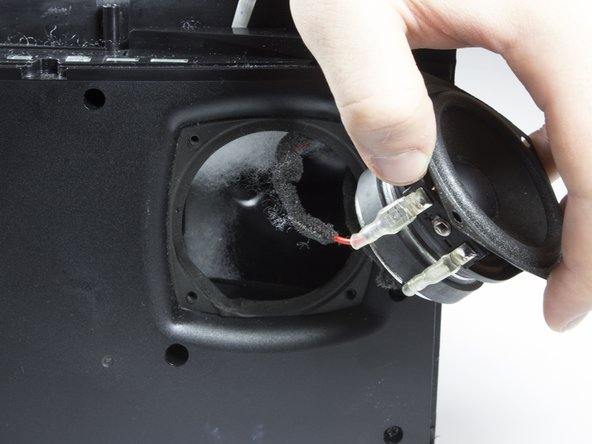
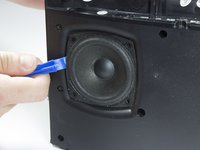
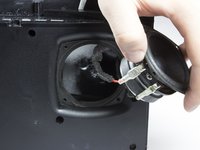
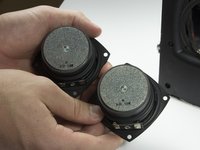
    • Carefully lift each speaker from the housing. It may be necessary to break a light adhesive seal.

    • Be aware of the two wires that are connected to each speaker.

    • Set each speaker beside the main housing.

    Ask FixBot
  11. Monster Soundstage S2 Front Panel Replacement: step 11, image 1 of 3 Monster Soundstage S2 Front Panel Replacement: step 11, image 2 of 3 Monster Soundstage S2 Front Panel Replacement: step 11, image 3 of 3
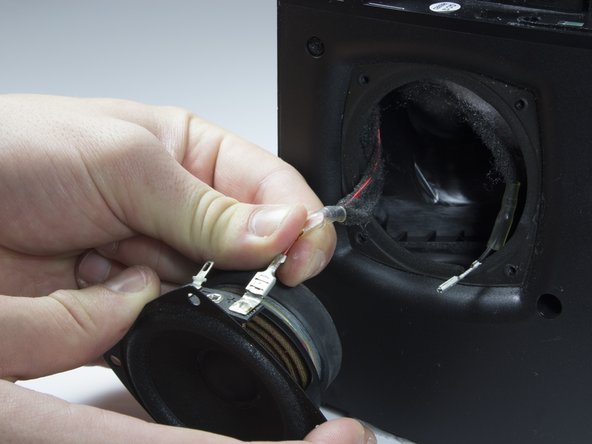
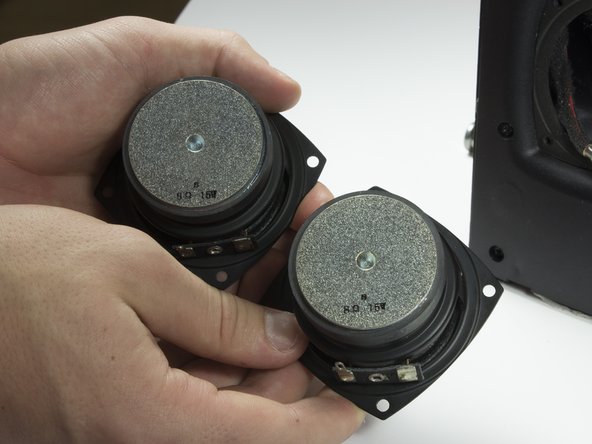
    • Carefully but firmly unplug the two wires from each driver.

    • The front speakers can now be removed.

    Ask FixBot
  12. Monster Soundstage S2 Front Panel Replacement, Front Panel: step 12, image 1 of 2 Monster Soundstage S2 Front Panel Replacement, Front Panel: step 12, image 2 of 2
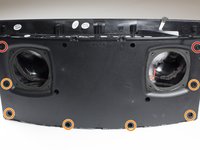
    • Identify the eight screws around the border of the front panel.

    • Using the TR 10 driver, remove the two 8mm screws.

    • Using the TR 10 driver, remove the six 12mm screws.

    Ask FixBot
  13. Monster Soundstage S2 Front Panel Replacement: step 13, image 1 of 1
    • Use a 5 mm hex driver to extend the TR 10 driver. This allows the driver to access screws with deeper countersinks.

    Ask FixBot
  14. Monster Soundstage S2 Front Panel Replacement: step 14, image 1 of 2 Monster Soundstage S2 Front Panel Replacement: step 14, image 2 of 2
    • Identify the remaining four screws in the front panel.

    • Use the extended driver from the previous step to remove the four 12mm TR 10 screws.

    Ask FixBot
  15. Monster Soundstage S2 Front Panel Replacement: step 15, image 1 of 2 Monster Soundstage S2 Front Panel Replacement: step 15, image 2 of 2
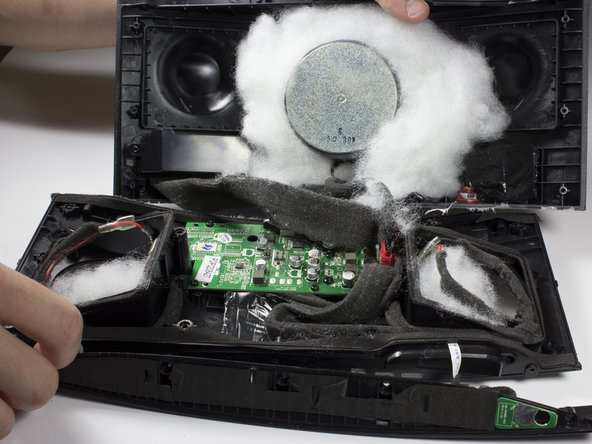
    • Gently pull the front panel away from the back panel.

    • There are wires that connect the front and back panels. The two sides can be safely folded away from each other and laid flat on the table.

    • Remove the white sound dampening material from the speaker. Note the location of the material and set aside.

    Ask FixBot
Conclusion

To reassemble your device, follow these instructions in reverse order.

2 other people completed this guide.

Shaw Hughes

Member since: 01/30/17

831 Reputation

5 Guides authored

Team

Cal Poly, Team 21-5, Maness Winter 2017 Member of Cal Poly, Team 21-5, Maness Winter 2017

CPSU-MANESS-W17S21G5

4 Members

12 Guides authored

0 Guide Comments

Add Comment

View Statistics:

Past 24 Hours: 1

Past 7 Days: 4

Past 30 Days: 30

All Time: 820