Introduction
Follow this guide to replace a broken or damaged kickstand on your Surface Pro 8 tablet.
What you need
-
-
-
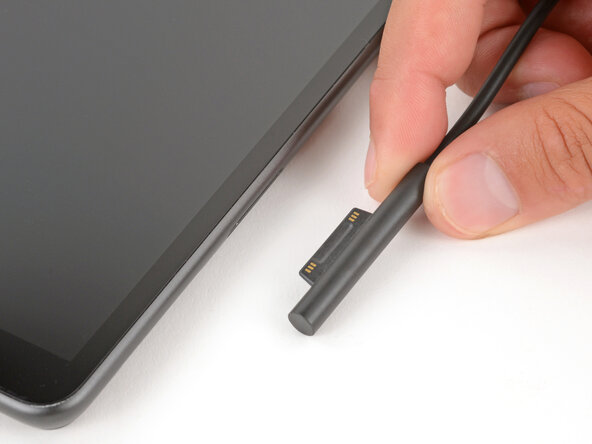
Before starting your repair, unplug all cables and fully shut down your Surface Pro.
 Ask FixBot
-
-
-
-
-
-
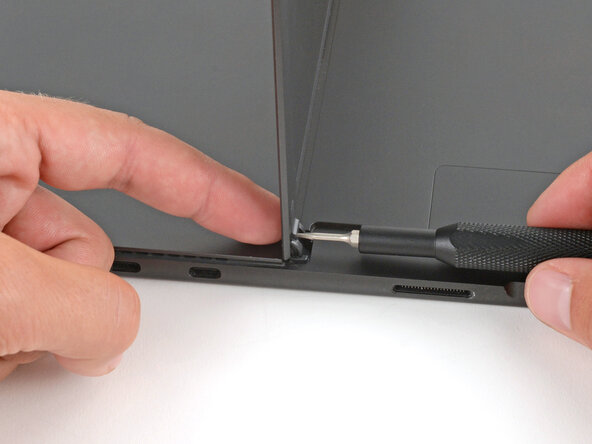
While holding the kickstand behind the hinge with your finger, use a Torx Plus 3IP screwdriver to remove the 2.4 mm‑long screw from each hinge (two total).
-
-
-
Firmly grip the hinges and kickstand between your thumb and index fingers.
-
Lower the kickstand down to about 45 degrees.
-
-
-
Firmly secure the device to your work surface with one hand.
-
With your free hand, pull the kickstand out slightly and rotate it up so both hinges slide out.
-
-




To reassemble your device, follow these instructions in reverse order.
Repair didn’t go as planned? Try some basic troubleshooting, or ask our Answers community for help.

