Free Shipping on Domestic Orders $75+

Microsoft Surface Pen Tip Replacement

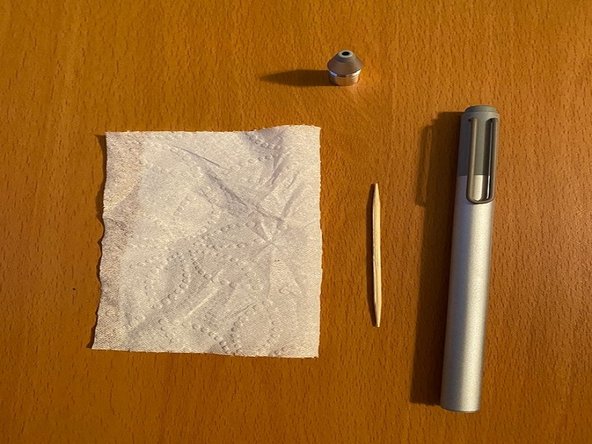
What you need

    1. Microsoft Surface Pen Tip Replacement, Tip: step 1, image 1 of 3 Microsoft Surface Pen Tip Replacement, Tip: step 1, image 2 of 3 Microsoft Surface Pen Tip Replacement, Tip: step 1, image 3 of 3
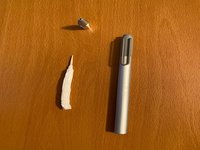
      • Order the Microsoft Surface Pen tip replacement kit.

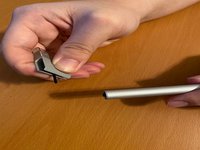
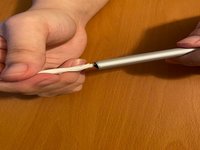
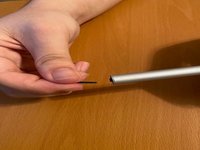
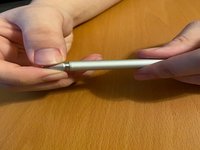
      • Hold your pen at an angle and unscrew the top part of the pen.

      Ask FixBot

      Add Comment

    2. Microsoft Surface Pen Tip Replacement: step 2, image 1 of 3 Microsoft Surface Pen Tip Replacement: step 2, image 2 of 3 Microsoft Surface Pen Tip Replacement: step 2, image 3 of 3
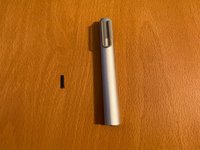
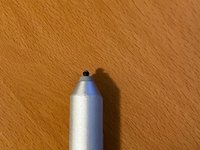
      • Extract the tip now that it is fully exposed.

      • When you extract the tip, make sure don't do it too hard. The inside of the pen can be broken.

      Ask FixBot

      Add Comment

    3. Microsoft Surface Pen Tip Replacement: step 3, image 1 of 3 Microsoft Surface Pen Tip Replacement: step 3, image 2 of 3 Microsoft Surface Pen Tip Replacement: step 3, image 3 of 3
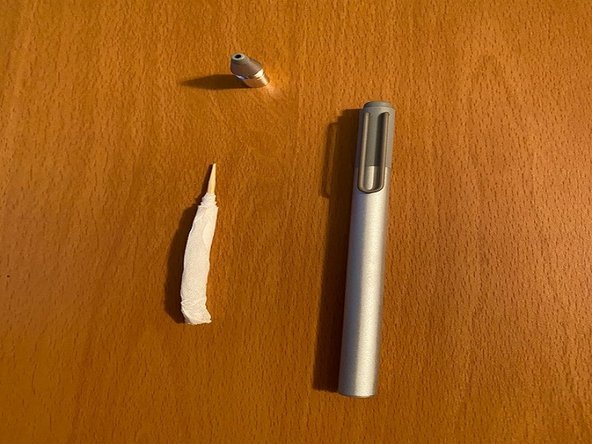
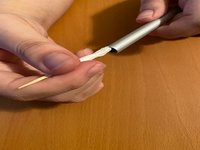
      • After you extract the tip, roll the tissue on toothpick.

      • I recommend cutting the tissue in half.

      Ask FixBot

      Add Comment

    4. Microsoft Surface Pen Tip Replacement: step 4, image 1 of 3 Microsoft Surface Pen Tip Replacement: step 4, image 2 of 3 Microsoft Surface Pen Tip Replacement: step 4, image 3 of 3
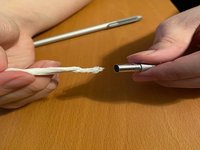
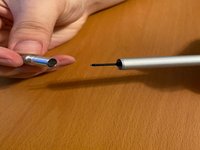
      • Clean the inside of the top detachable part of the pen with a toothpick covered with tissue.

      • Make sure there is no residue on the edge.

      Ask FixBot

      Add Comment

    5. Microsoft Surface Pen Tip Replacement: step 5, image 1 of 3 Microsoft Surface Pen Tip Replacement: step 5, image 2 of 3 Microsoft Surface Pen Tip Replacement: step 5, image 3 of 3
      • Choose the tip that you would like to use and insert in a hole.

      Ask FixBot

      Add Comment

    6. Microsoft Surface Pen Tip Replacement: step 6, image 1 of 3 Microsoft Surface Pen Tip Replacement: step 6, image 2 of 3 Microsoft Surface Pen Tip Replacement: step 6, image 3 of 3
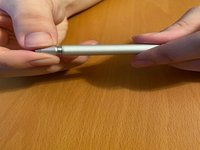
      • Screw the detachable part of the pen back on.

      Ask FixBot

      Add Comment

Conclusion

To reassemble your device, follow these instructions in reverse order.

Cancel: I did not complete this guide.

One other person completed this guide.

0 Guide Comments

Add Comment

View Statistics:

Past 24 Hours: 0

Past 7 Days: 11

Past 30 Days: 69

All Time: 7,461