Introduction
If the microswitches in your Mayflash Arcade Stick F300 are broken or damaged, use this guide to replace them.
Each direction (up, down, left, right) in the joystick corresponds to a microswitch. When the joystick is moved, it physically presses the associated microswitch, closing its circuit and signaling to the console the direction.
Because each microswitch corresponds to a different direction, make sure you are replacing the correct microswitch, and be careful to keep track of the wires to ensure everything is reconnected properly.
What you need
-
-
-
Flip the controller upside down so that the metal panel is facing you.
-
Remove the six 11 mm screws securing the metal panel using a Phillips #2 screwdriver.
-
Once all screws are removed, lift off the panel.
 Ask FixBot
-
-
-
-
-
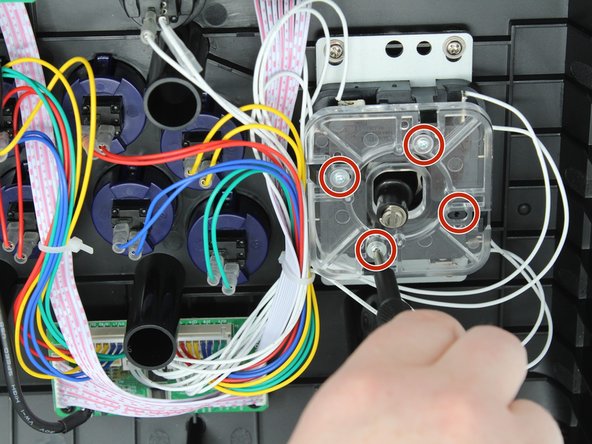
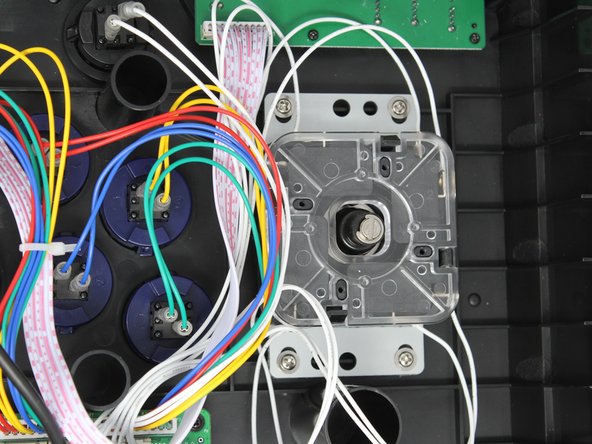
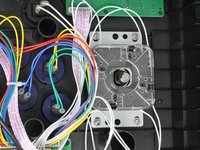
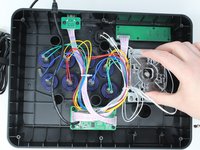
Remove the four 9 mm truss head screws fastening the clear plastic square joystick gate to the casing underneath using a Phillips #1 screwdriver.
-
-
-
-
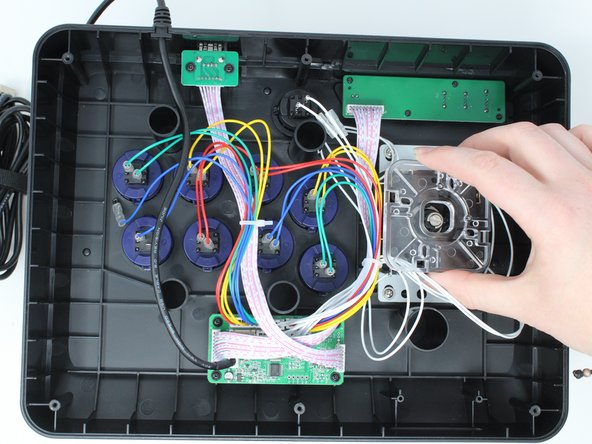
Gently push back on each of the four black locking tabs securing the joystick gate to the casing.
-
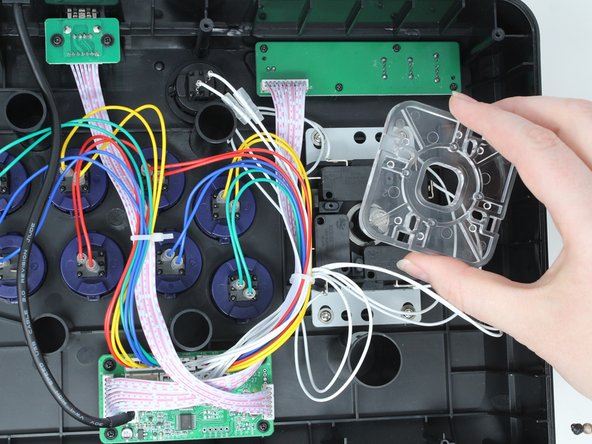
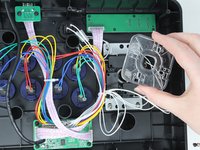
Remove the joystick gate.
-
-
-
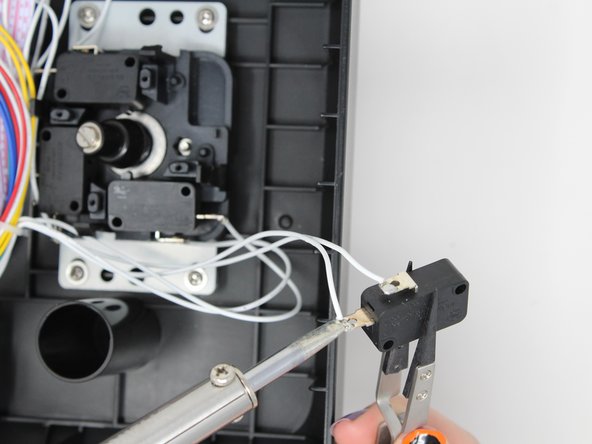
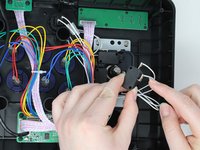
Lift the chosen microswitch vertically off the rod holding it in position.
-
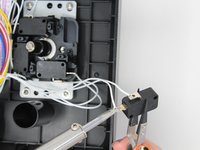
Desolder the wire from the terminal (metal connection point).
-
-





To reassemble your device, follow these instructions in reverse order.
Cancel: I did not complete this guide.
One other person completed this guide.

Team

Utah Tech University, Team 1-4, Crenshaw Fall 2024 Member of Utah Tech University, Team 1-4, Crenshaw Fall 2024
UTAHTECH-CRENSHAW-F24S1G4
3 Members
72 Guides authored
