Free Shipping on Domestic Orders $75+

Martian Victory Watch Face Replacement

What you need

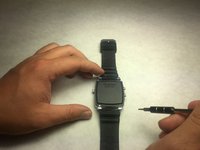
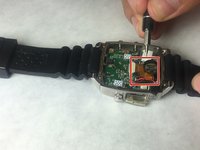
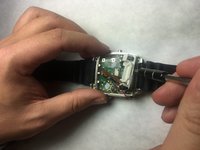
    1. Martian Victory Watch Face Replacement, Back Plate: step 1, image 1 of 2 Martian Victory Watch Face Replacement, Back Plate: step 1, image 2 of 2
      • Unscrew the four 3.4 mm flat head screws

      Ask FixBot
      Add Comment

    2. Martian Victory Watch Face Replacement: step 2, image 1 of 1
      • Carefully lift the back plate off the watch. You will notice a lithium battery and rubber gasket attached to the back plate.

      Ask FixBot

      Add Comment

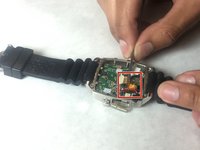
    1. Martian Victory Watch Face Replacement, Lithium Battery: step 3, image 1 of 1
      • If not replacing lithium battery, skip down two steps.

      • Using the plastic removal tool, pry the battery from the backing plate. The battery is simply attached with glue.

      Ask FixBot

      Add Comment

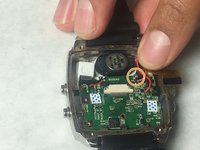
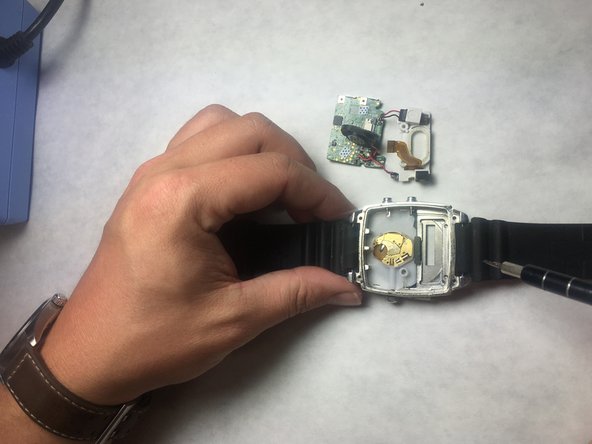
    2. Martian Victory Watch Face Replacement: step 4, image 1 of 1
      • Desolder the battery connections from the motherboard. Learn how to solder components here!

      Ask FixBot
      Add Comment

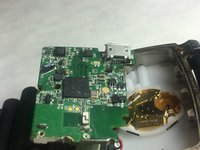
    1. Martian Victory Watch Face Replacement, Motherboard: step 5, image 1 of 1
      • Use PH00 screw driver to remove two 2.4mm Phillips head screws.

      Ask FixBot
      Add Comment

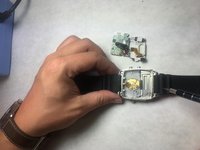
    2. Martian Victory Watch Face Replacement: step 6, image 1 of 1
      Tool used on this step:
      Tweezers
      $4.99
      Buy
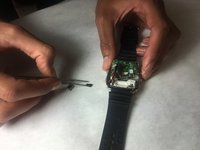
      • Use a spudger or tweezers to remove a white sticker that covers a Phillips head screw.

      Ask FixBot
      Add Comment

    3. Martian Victory Watch Face Replacement: step 7, image 1 of 1
      • Use PH00 screwdriver to remove 5.2mm Phillips head screw

      Ask FixBot

      Add Comment

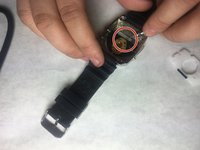
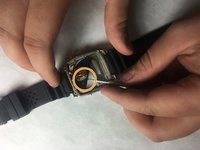
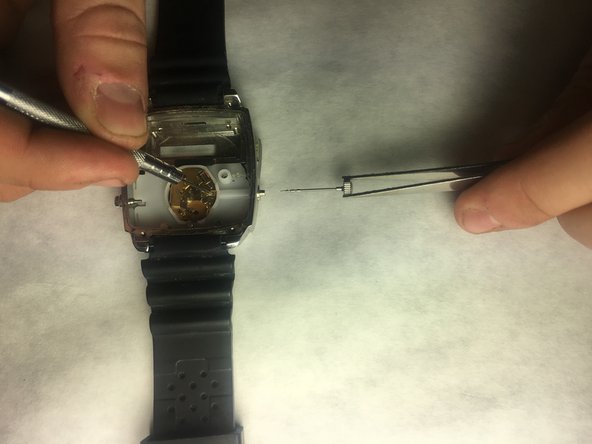
    4. Martian Victory Watch Face Replacement: step 8, image 1 of 3 Martian Victory Watch Face Replacement: step 8, image 2 of 3 Martian Victory Watch Face Replacement: step 8, image 3 of 3
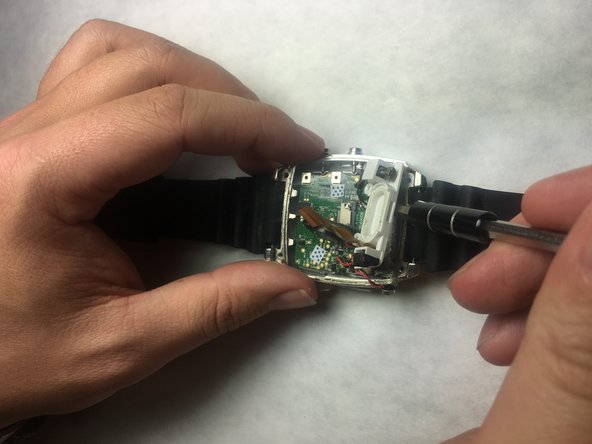
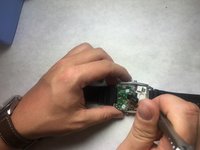
      • Use ESD safe tweezers to remove the gold ribbon cable.

      • This will expose a second 5.2mm Phillips head screw that can be removed with a PH00 screwdriver.

      Ask FixBot
      Add Comment

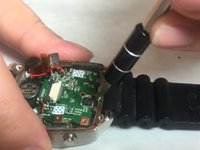
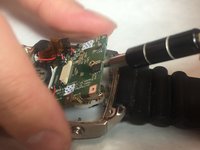
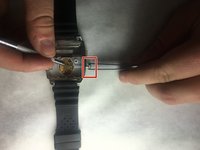
    5. Martian Victory Watch Face Replacement: step 9, image 1 of 2 Martian Victory Watch Face Replacement: step 9, image 2 of 2
      • Use a spudger to gently pry on the motherboard towards the top of the watch, being towards the 12 o'clock position to loosen the motherboard.

      • You can now access the parts and pieces on the bottom of, and below the motherboard.

      Ask FixBot
      Add Comment

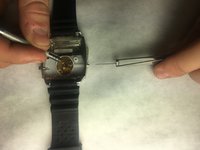
    1. Martian Victory Watch Face Replacement, LED Screen: step 10, image 1 of 1
      • Locate the ribbon connection, and use remove the clips holding the strip on each side using needle tool.

      Ask FixBot
      Add Comment

    2. Martian Victory Watch Face Replacement: step 11, image 1 of 1
      Tool used on this step:
      Tweezers
      $4.99
      Buy
      • With a pair of tweezers, carefully remove the ribbon strip connection.

      Ask FixBot

      Add Comment

    3. Martian Victory Watch Face Replacement: step 12, image 1 of 1
      • Remove the screw driver holding the LED screen and Speaker in place.

      Ask FixBot

      Add Comment

    4. Martian Victory Watch Face Replacement: step 13, image 1 of 1
      • Insert a small flat screw driver under the speaker in order to remove it.

      Ask FixBot

      Add Comment

    5. Martian Victory Watch Face Replacement: step 14, image 1 of 2 Martian Victory Watch Face Replacement: step 14, image 2 of 2
      • Using tweezers, remove the speaker and move off to the side.

      Ask FixBot

      Add Comment

    6. Martian Victory Watch Face Replacement: step 15, image 1 of 2 Martian Victory Watch Face Replacement: step 15, image 2 of 2
      • Place a small flat head screwdriver under the LED screen, and carefully push it out of it's socket.

      Ask FixBot

      Add Comment

    7. Martian Victory Watch Face Replacement: step 16, image 1 of 1
      • Remove final connection to accelerometer. The LED screen is now separated from the device.

      Ask FixBot

      Add Comment

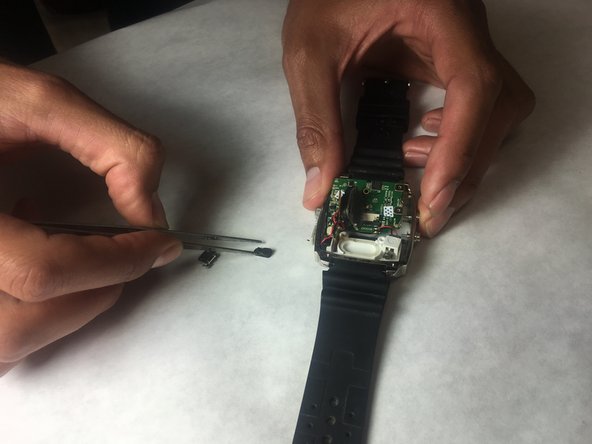
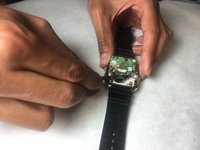
    1. Martian Victory Watch Face Replacement, Watch Face: step 17, image 1 of 2 Martian Victory Watch Face Replacement, Watch Face: step 17, image 2 of 2
      Tool used on this step:
      Tweezers
      $4.99
      Buy
      • Grab the motherboard with tweezers and remove from watch cavity.

      Ask FixBot

      Add Comment

    2. Martian Victory Watch Face Replacement: step 18, image 1 of 2 Martian Victory Watch Face Replacement: step 18, image 2 of 2
      • Stabilize watch with the metal prove. Place tweezers around crown and pull outward, so that the crown can be removed.

      Ask FixBot

      Add Comment

    3. Martian Victory Watch Face Replacement: step 19, image 1 of 1
      • Insert the spudger under plastic panel cover in order to access watch face.

      Ask FixBot

      Add Comment

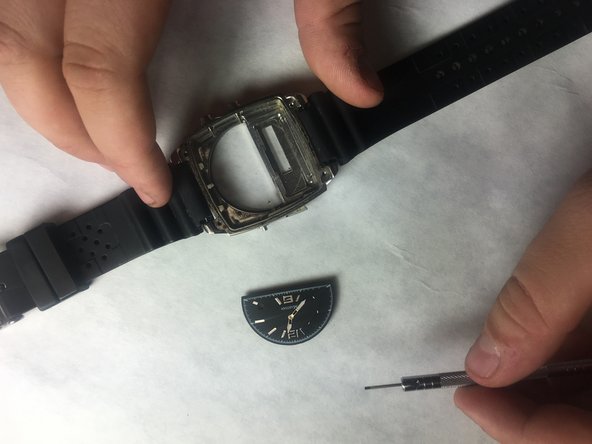
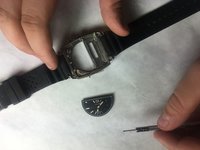
    4. Martian Victory Watch Face Replacement: step 20, image 1 of 3 Martian Victory Watch Face Replacement: step 20, image 2 of 3 Martian Victory Watch Face Replacement: step 20, image 3 of 3
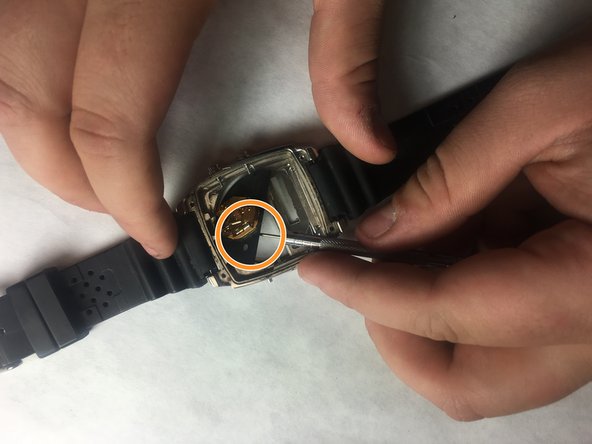
      • Insert a spudger under the black watch face. Gently push up, so that it can be raised out of the watch.

      • Use tweezers or pin tool in order to remove from watch.

      Ask FixBot

      Add Comment

Conclusion

To reassemble your device, follow these instructions in reverse order.

Cancel: I did not complete this guide.

Robert Sanchez

Member since: 10/31/16

201 Reputation

2 Guides authored

Team

IUPUI, Team 3-3, Baechle Fall 2016 Member of IUPUI, Team 3-3, Baechle Fall 2016

IUPUI-BAECHLE-F16S3G3

4 Members

24 Guides authored

0 Guide Comments

Add Comment

View Statistics:

Past 24 Hours: 2

Past 7 Days: 9

Past 30 Days: 30

All Time: 711