Introduction
Use this guide to remove and replace the click buttons
What you need
-
-
-
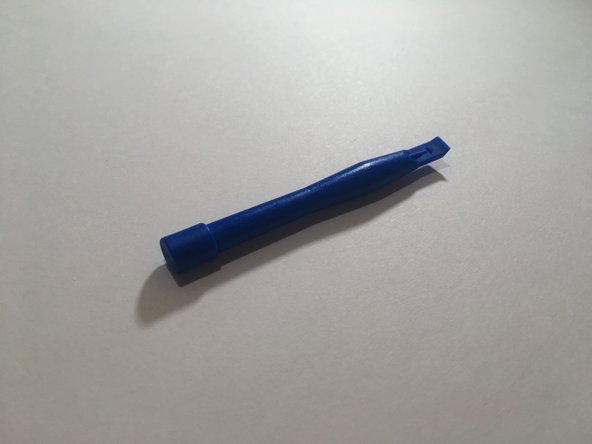
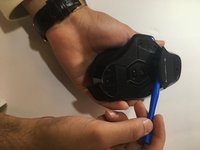
Use a blue spudger to pry all 4 mouse feet off the bottom of the mouse.
 Ask FixBot
-
-
-
Use a #00 screwdriver (3x5mm) to unscrew all 6 screws from under the mouse feet.
-
-
-
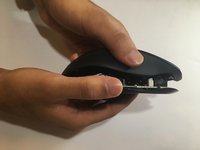
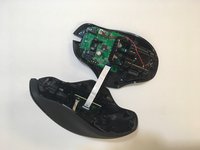
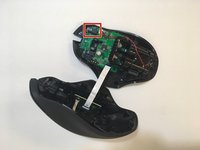
Lift the top of the mouse from the base of the mouse (separate mouse in half) to expose the internal hardware.
-
-
-
-
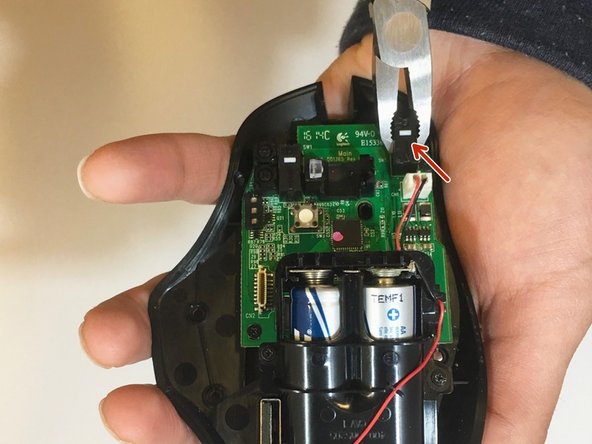
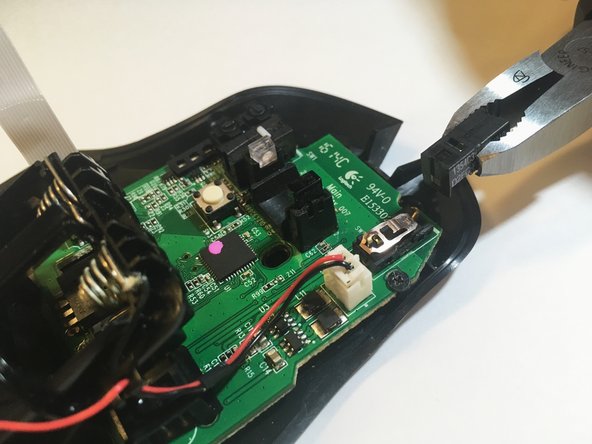
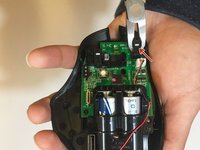
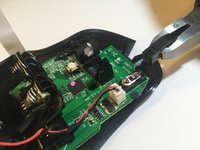
Use pliers to grip and remove the black covers over the button — the black cover and the button, a small white plastic piece, should come off).
-
-
-
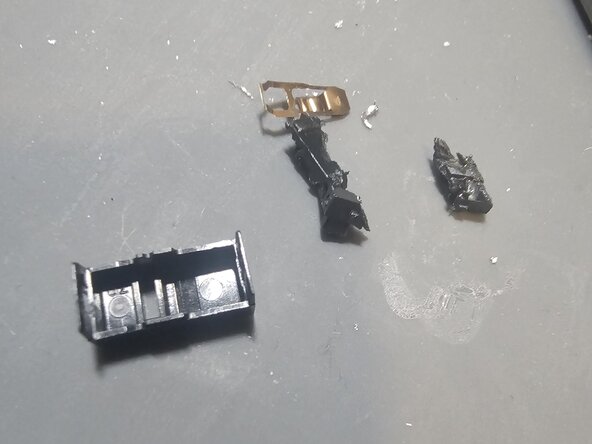
use side cutters to carefully diassasemble remaining plastic part of switch careful not to damage motherboard
-
-
-
heat metal parts of switch with soldering iron until solder fully melting adding solder as needed to melt then pull through the top of the motherboard where the switch was with pliers.
-
-
-
putting soldering iron on one side of the motherboard use a solder sucker on the opposite side to pull solder out of the holes
-
-
-
place new switch into the set of 3 holes careful to retain original orientation.
-
-
-
add solder to the new switch. (sorry for a lack of good photos, I didnt realize how easy it was to edit Ifixit guides and found the original lacking.)
-
-







To reassemble your device, follow these instructions in reverse order.
Cancel: I did not complete this guide.
18 other people completed this guide.

Team

Eastern Washington University, Team S1-G1, Ramos Winter 2018 Member of Eastern Washington University, Team S1-G1, Ramos Winter 2018
EWU-RAMOS-W18S1G1
4 Members
60 Guides authored
6 Guide Comments
you have to buy new ones… i’m more concerned of using pliers to take the switch apart, when ideally you should desolder it and replace it with a proper omron switch (not made in china)
He is only removing the cover, not the whole button. But doing it with pliers is skipping that it has two clips, one at each end and you could damage the board just twisting and pulling
What do you do after step 5? And that copper spring looks wrong. It shouldn’t look like that. The correct positioning is this: https://community.pcgamingwiki.com/galle...
