
Macintosh Powerbook 5300cs RAM Replacement

Ronan and 6 other contributors
Last updated on May 1, 2014
Views: 1.5K
View statistics:
- Past 24 Hours:
- 2
- Past 7 Days:
- 27
- Past 30 Days:
- 92
- All Time:
- 1,487
Comments: 2
2 comments on steps.
Completed: 0 1
No one has marked this guide "completed." Will you be the first?
1 person has marked this guide "completed." It's you — great job!
Favorites: 1 2
1 person has favorited (and subscribed to) this guide. Will you be next?
2 people have favorited (and subscribed to) this guide — including you!
Needs Better Images
Better photos will improve this guide. Help out by taking, editing, or uploading new ones!
What you need
Tools

-
-
-
The battery compartment is located in the front-right side of the laptop.
 Ask FixBot
-
-
-
To insert the battery, gently slide it into the compartment until it clicks in place.
-
To remove, slide the button highlighted in the red rectangle to the right to release the battery and slide it from the compartment.
-
-
-
-
-
-
With the laptop upside down and with the battery removed, use a Torx #9 screw driver to remove the three .84 in. screws shown.
-
-
-
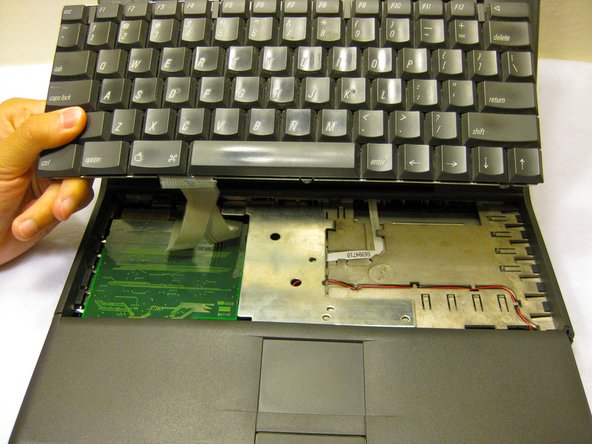
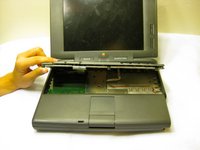
Carefully pull up on the front of the keyboard to pop it out from the case.
-
Then slide the back out so the keyboard becomes nearly free.
-
-
-
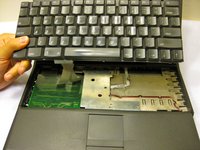
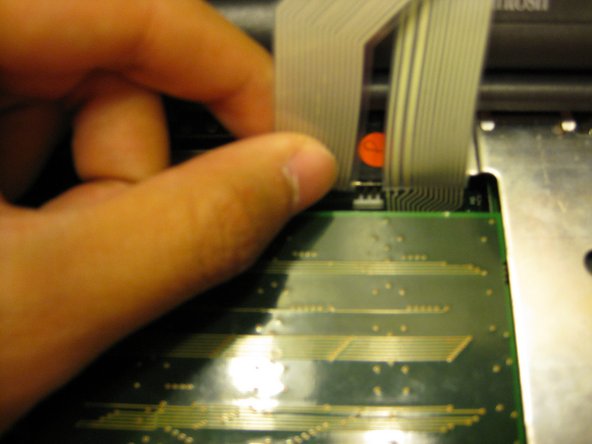
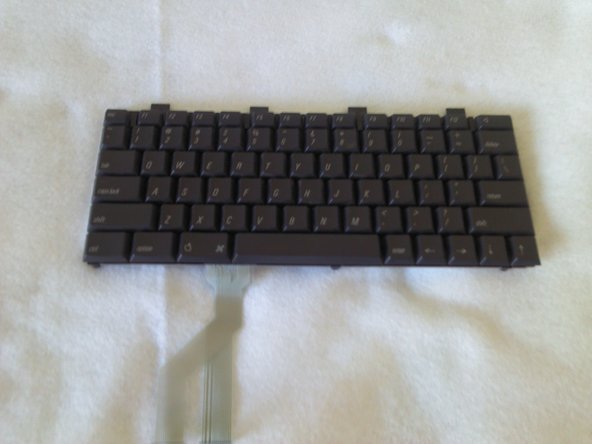
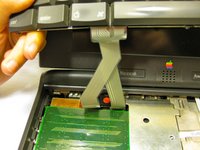
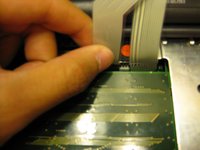
Disconnect the ribbon that is connecting the keyboard to the rest of the computer.
-
Pull the keyboard out and repair or replace as needed.
-
-
-
-
-
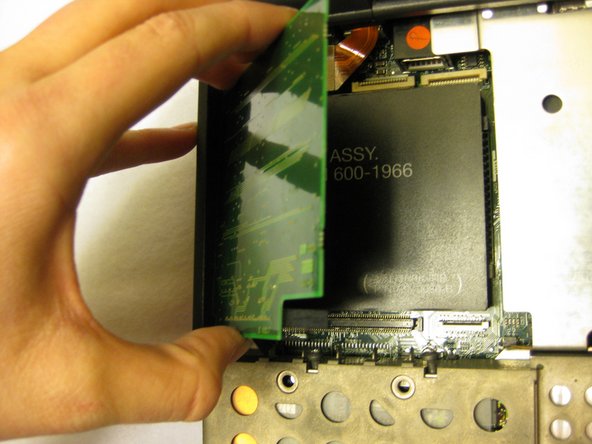
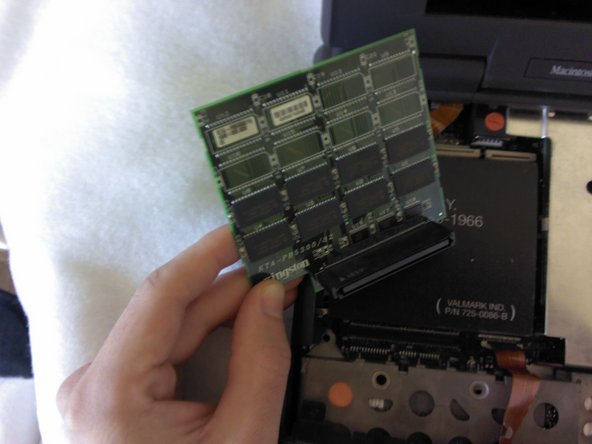
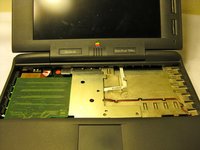
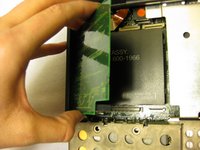
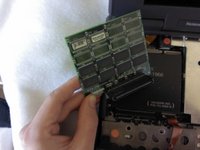
Remove the RAM board located underneath the keyboard by carefully popping it out from its connection. Reinstall or replace as necessary.
-
-




To reassemble your device, follow these instructions in reverse order.

Team

Cal Poly, Team 6-1, Regan Fall 2011 Member of Cal Poly, Team 6-1, Regan Fall 2011
CPSU-REGAN-F11S6G1
4 Members
72 Guides authored
