Introduction
Hearing things? Not hearing things? Use this guide to replace the right speaker in your 15" Mid 2015 MacBook Pro Retina.
Note that the right speaker is on the right of the machine while you're using it, and on the left while you're working on it.
What you need
-
-
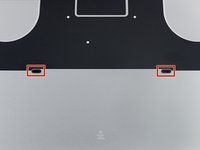
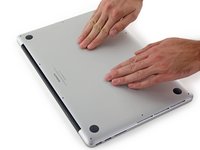
Remove the following P5 pentalobe screws securing the lower case to the MacBook Pro:
-
Eight 3.1 mm
-
Two 2.3 mm
-
-
Tool used on this step:Tweezers$4.99
-
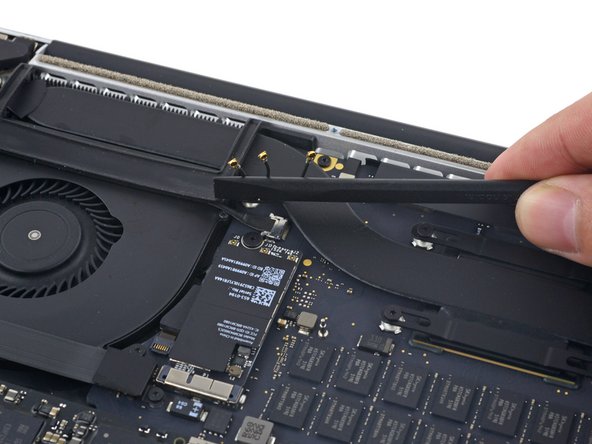
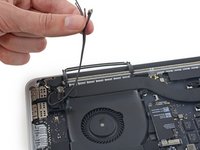
Use a spudger or tweezers to pry the three AirPort antenna cables straight up off of their sockets on the AirPort board, and bend them up and out of the way.
-
-
-
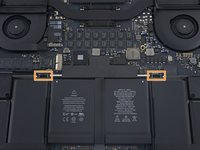
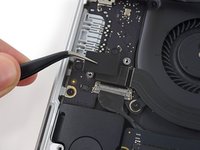
Remove the four 2.2 mm T5 Torx screws securing the I/O board cable connector covers.
-
-
-
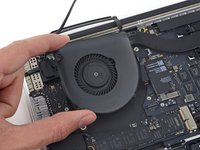
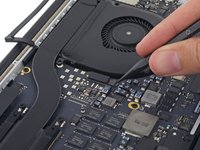
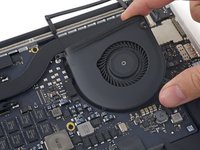
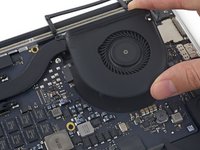
Use a T5 Torx driver to remove the following three screws securing the right fan to the logic board:
-
One 5.0 mm screw with a 2.0 mm long shoulder
-
One 4.0 mm screw with a wide head
-
One 4.4 mm screw
-
-
-
-
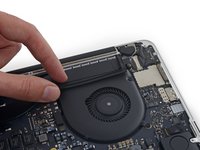
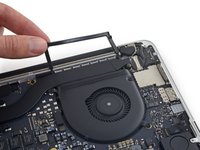
Remove the two 2.2 mm Torx T5 screws securing the touchpad cable connector cover to the logic board.
-
Remove the cover.
-
-
-
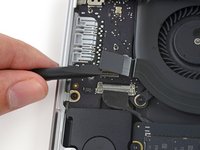
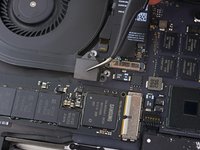
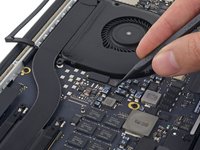
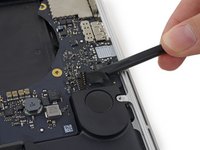
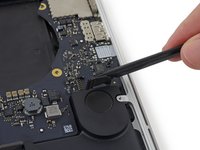
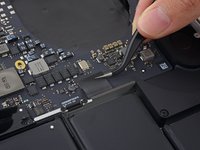
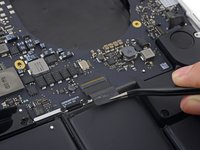
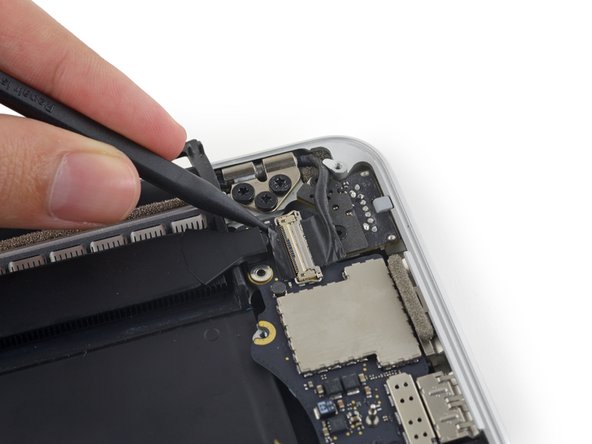
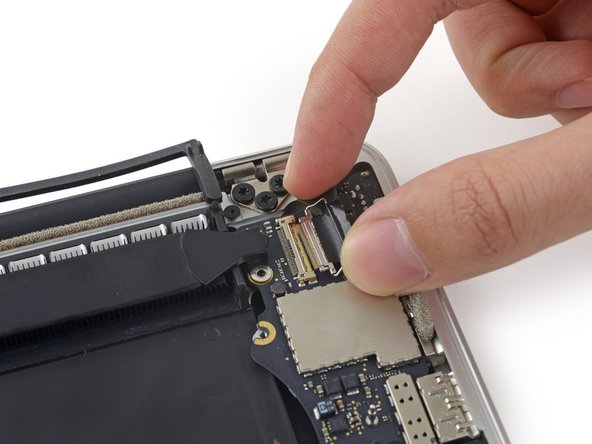
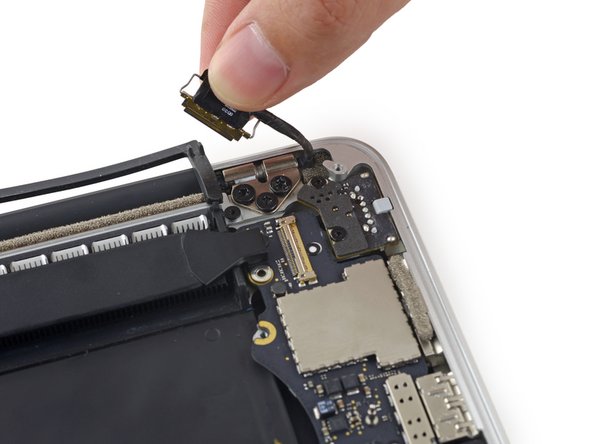
The following steps will detail disconnecting these six connectors. Be sure to read each step, as these connectors come in different styles that disconnect differently.
-
Microphone cable
-
Left speaker cable
-
Keyboard data cable
-
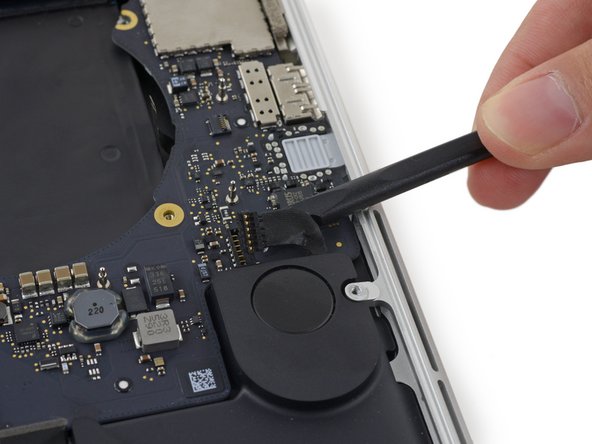
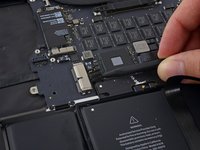
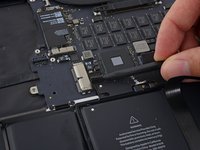
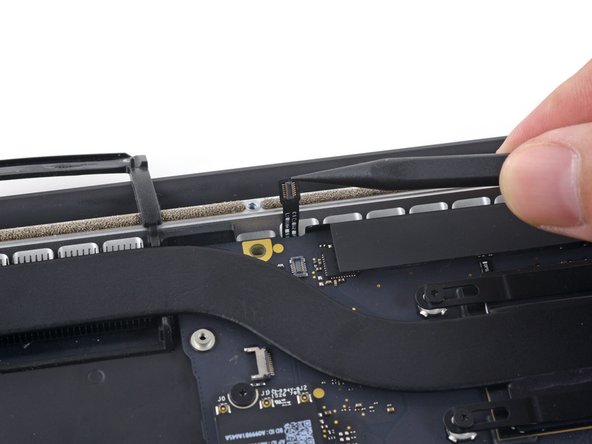
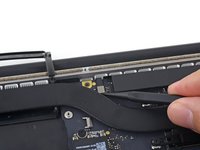
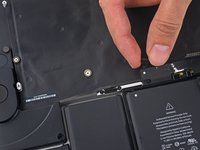
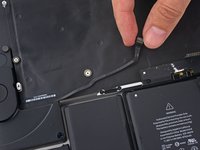
Right speaker cable
-
Keyboard backlight cable
-
Display data cable
-
-
-
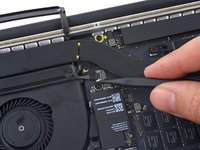
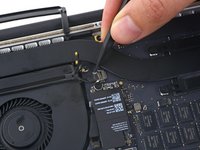
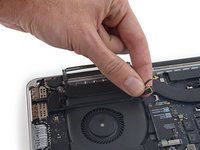
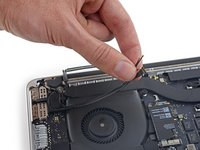
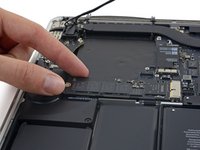
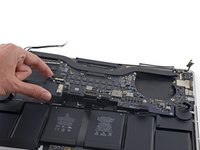
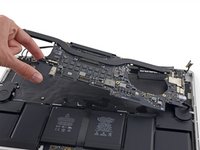
Remove the following screws securing the right speaker to the upper case:
-
2.7 mm T5 Torx screw
-
6.9 mm T5 Torx screw (with 4.5 mm shoulder)
-
5.6 mm T5 Torx screw
-












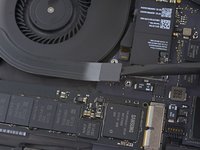


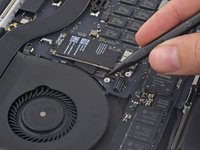
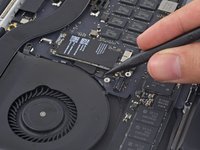
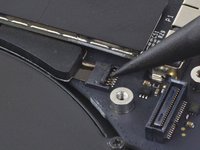










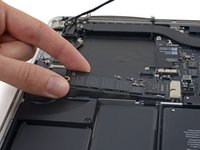
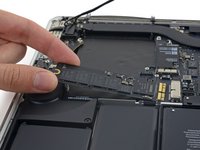


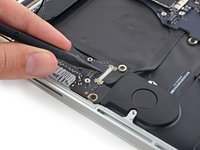
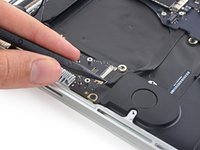
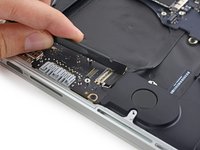


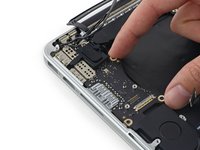
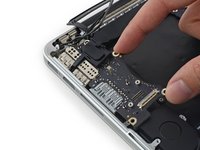


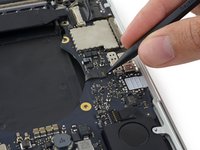






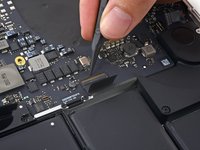
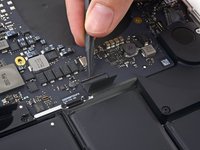
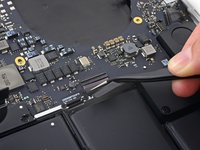


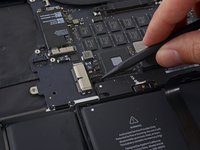







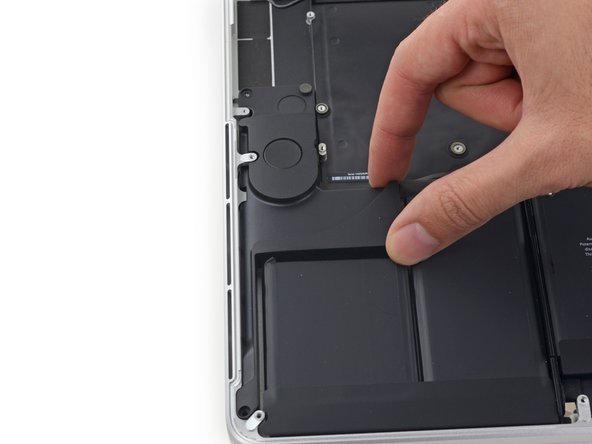
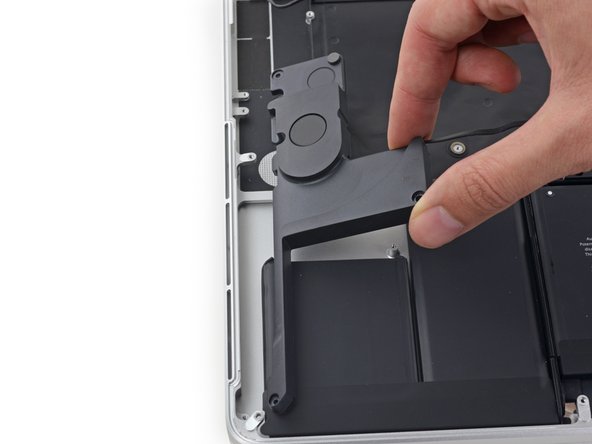
To reassemble your device, follow these instructions in reverse order.
Cancel: I did not complete this guide.
120 other people completed this guide.




40 Guide Comments
My Mac book pro 15” Mid 2015 got the right side speaker issue. I have ordered the speaker from iFixit and I am able to replace the speaker by following the steps given above. Thanks to iFixit.
Is there any way replace right speaker without remove the mainboard? Can we cut off the cable socket of fail speaker to get speaker out without remove the mainboard, and then when reassembling, we put the cable wire lie on the mainboard?
Thank you!
Tai Le.
I know this is 2 years too late probably, but you can by removing just the IO board and a few screws from the right side of the motherboard. You should be able to flex it enough without damaging it to gently pull the speaker cable out from under the board.
Zach -
thanks zach. was super easy this way.
Chris J -
