Free Shipping on Domestic Orders $75+

General Electric Telephone 2-9710A 3V Headset Battery Replacement

What you need

  1. General Electric Telephone 2-9710A 3V Headset Battery Replacement, Phone Cord: step 1, image 1 of 2 General Electric Telephone 2-9710A 3V Headset Battery Replacement, Phone Cord: step 1, image 2 of 2
    • Unplug the device before proceeding.

    • Using a plastic opening tool, remove the phone cord from the phone jack at the base of the headset.

    • To release the cable, gently press down on the top plastic tab of the connector.

    Ask FixBot

    Add Comment

  2. General Electric Telephone 2-9710A 3V Headset Battery Replacement: step 2, image 1 of 3 General Electric Telephone 2-9710A 3V Headset Battery Replacement: step 2, image 2 of 3 General Electric Telephone 2-9710A 3V Headset Battery Replacement: step 2, image 3 of 3
    • Remove the 7.5 mm screw.

    • Remove the screw cap.

    • Pull up the phone cord to remove it from the base.

    Ask FixBot

    Add Comment

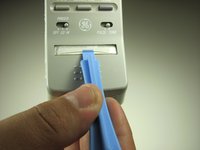
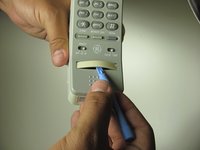
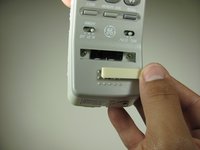
  3. General Electric Telephone 2-9710A 3V Headset Battery Replacement, General Electric Telephone 2-9710A Handset: step 3, image 1 of 2 General Electric Telephone 2-9710A 3V Headset Battery Replacement, General Electric Telephone 2-9710A Handset: step 3, image 2 of 2
    • Remove the plastic cover with a plastic opening tool by gently sliding the tool underneath the plastic and pry the cover off.

    Ask FixBot

    Add Comment

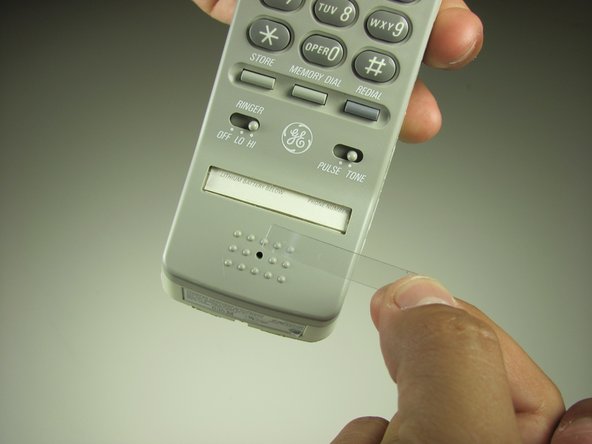
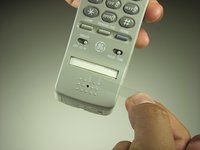
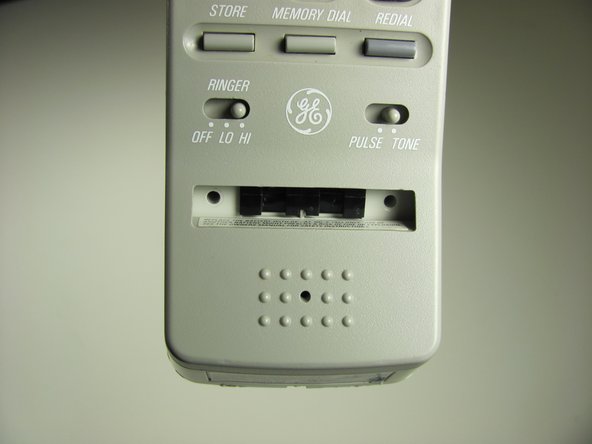
  4. General Electric Telephone 2-9710A 3V Headset Battery Replacement: step 4, image 1 of 1
    • Remove the paper with a plastic opening tool by gently sliding the tool underneath and prying the paper away from the phone.

    Ask FixBot

    Add Comment

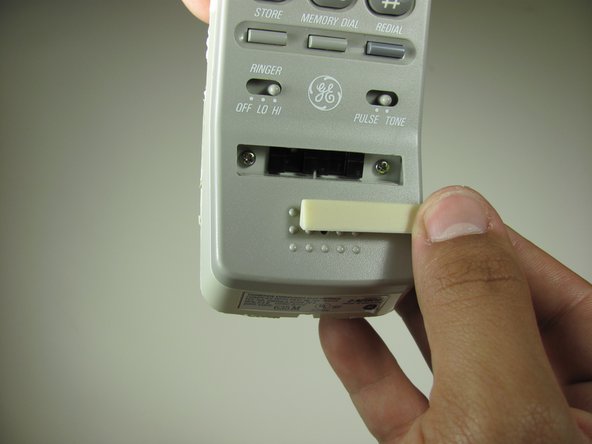
  5. General Electric Telephone 2-9710A 3V Headset Battery Replacement: step 5, image 1 of 2 General Electric Telephone 2-9710A 3V Headset Battery Replacement: step 5, image 2 of 2
    • Remove the rubber stopper with a plastic opening tool by gently sliding the tool underneath and pry away from the phone.

    Ask FixBot

    Add Comment

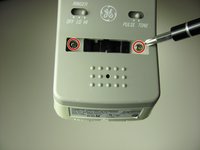
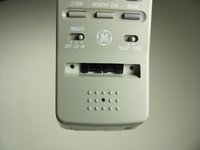
  6. General Electric Telephone 2-9710A 3V Headset Battery Replacement: step 6, image 1 of 2 General Electric Telephone 2-9710A 3V Headset Battery Replacement: step 6, image 2 of 2
    • Remove the two 2.1 mm screws with a Phillips #1 screwdriver.

    Ask FixBot

    Add Comment

  7. General Electric Telephone 2-9710A 3V Headset Battery Replacement: step 7, image 1 of 1
    • Pull apart the handset by pulling the top shell away from the other half of the phone.

    Ask FixBot

    Add Comment

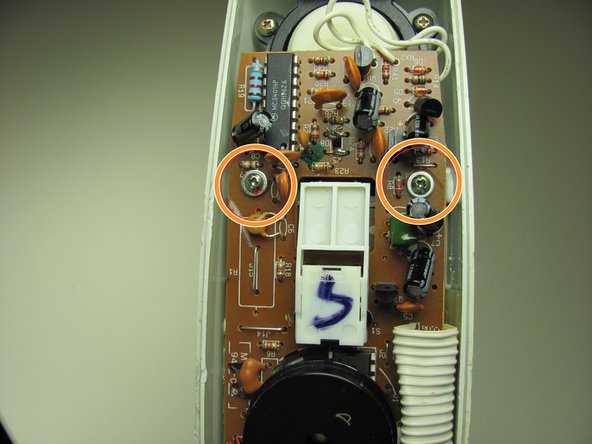
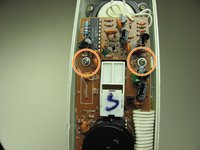
  8. General Electric Telephone 2-9710A 3V Headset Battery Replacement: step 8, image 1 of 2 General Electric Telephone 2-9710A 3V Headset Battery Replacement: step 8, image 2 of 2
    • Remove 3 screws attaching the motherboard to shell.

    • Remove the 13 mm screw with a Philips #1 screwdriver.

    • Remove the two 13 mm screws with washers with a Philips #1 screwdriver.

    Ask FixBot

    Add Comment

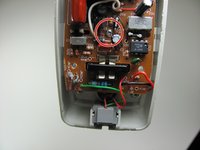
  9. General Electric Telephone 2-9710A 3V Headset Battery Replacement: step 9, image 1 of 2 General Electric Telephone 2-9710A 3V Headset Battery Replacement: step 9, image 2 of 2
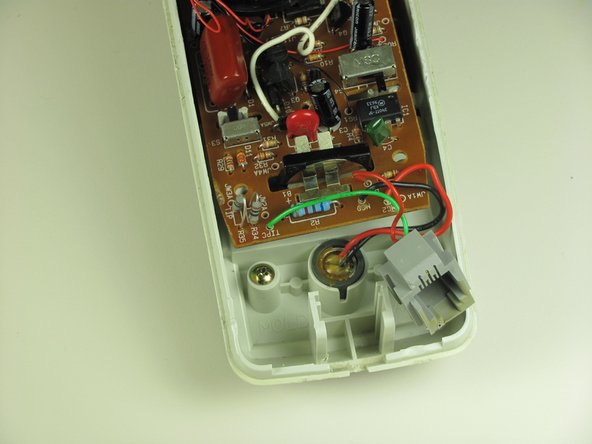
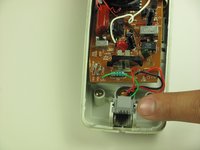
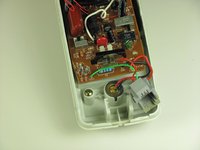
    • Slide the phone jack out from the shell by gently lifting up the female phone jack connector.

    Ask FixBot

    Add Comment

  10. General Electric Telephone 2-9710A 3V Headset Battery Replacement: step 10, image 1 of 1
    • Without removing the motherboard completely, pull up slightly and pivot the motherboard out of the shell.

    • Be careful not to pull the connectors out.

    Ask FixBot

    Add Comment

  11. General Electric Telephone 2-9710A 3V Headset Battery Replacement, 3V Headset Battery: step 11, image 1 of 1
    Tool used on this step:
    Tweezers
    $4.99
    Buy
    • Use tweezers to apply pressure on battery holder tabs.

    • Apply pressure directly on battery holder to slide it through the shell.

    • Battery is going to slide through the bottom.

    Ask FixBot

    Add Comment

  12. General Electric Telephone 2-9710A 3V Headset Battery Replacement: step 12, image 1 of 2 General Electric Telephone 2-9710A 3V Headset Battery Replacement: step 12, image 2 of 2
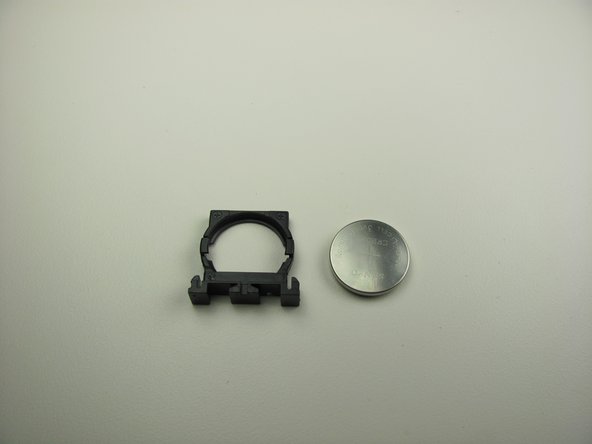
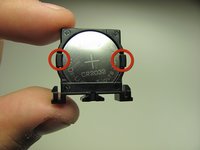
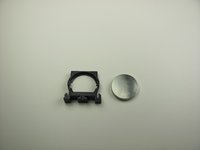
    • Lift tabs on the side of the holder by putting your fingers directly on the tab to pull it apart.

    • While holding the battery, remove it from the holder.

    Ask FixBot

    Add Comment

  13. General Electric Telephone 2-9710A 3V Headset Battery Replacement: step 13, image 1 of 1
    • Now insert the new battery.

    • Ensure that the positive side of the battery is facing the tabs.

    Ask FixBot

    Add Comment

Conclusion

To reassemble your device, follow these instructions in reverse order.

Cancel: I did not complete this guide.

One other person completed this guide.

Norberto Sanchez

Member since: 09/26/12

70 Reputation

5 Guides authored

Team

Cal Poly, Team 16-59, Forte Fall 2012 Member of Cal Poly, Team 16-59, Forte Fall 2012

CPSU-FORTE-F12S16G59

4 Members

17 Guides authored

0 Guide Comments

Add Comment

View Statistics:

Past 24 Hours: 3

Past 7 Days: 12

Past 30 Days: 42

All Time: 1,732