Free Shipping on Domestic Orders $75+

Sony Walkman A-45 Battery Replacement

Views: 4.2K

View statistics:

Past 24 Hours:
14
Past 7 Days:
67
Past 30 Days:
357
All Time:
4,161
Comments: 0

No one has left comments on this guide. Will you be first?

Go to guide comments
Completed: 3

3 people have marked this guide "completed." Will you be next?

Favorites: 0

No one has favorited (and subscribed to) this guide. Will you be the first?

Time Required: 1 - 2 hours
Difficulty: Difficult
Featured Student Guide

This guide has been the hard work of our awesome students and is found to be exceptionally cool by the iFixit staff.

Sony Walkman A-45 Battery Replacement

Introduction

Go to step 1 ↓

Use this guide to remove and replace a worn out or dead battery in a Sony Walkman NW-A45.

For your safety, turn on your Sony Walkman NW-A45 and allow the battery to fully discharge before starting this procedure. A charged lithium-ion battery can be very dangerous if accidentally punctured.

Remember: follow general electrostatic discharge (ESD) safety procedures while repairing your device.

Don't reuse the battery after it's been removed, as doing so is a potential safety hazard. Replace it with a new battery.

What you need

Parts

Tools

    1. Sony Walkman A-45 Battery Replacement, Battery Replacement: step 1, image 1 of 1
      • Turn on your Walkman and allow the battery to discharge below 5% before starting any repairs, as a charged Lithium Battery can be dangerous if accidentally punctured.

      • Turn off the device.

      Ask FixBot

      Add Comment

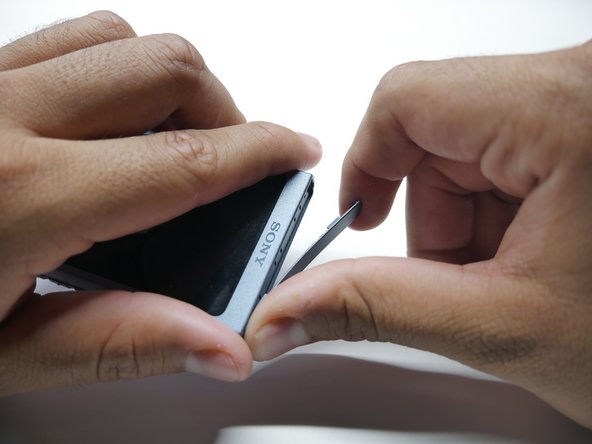
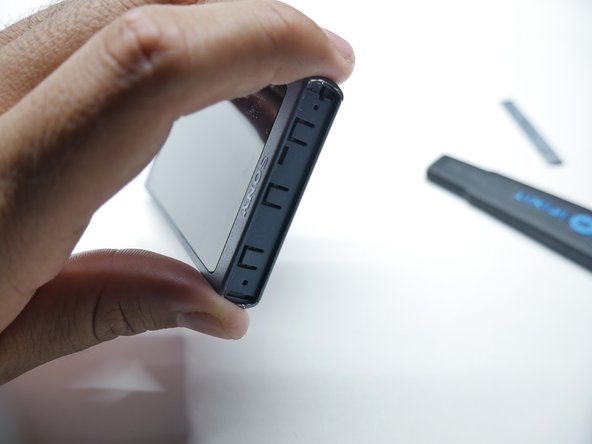
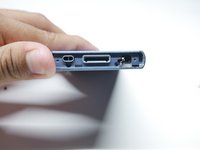
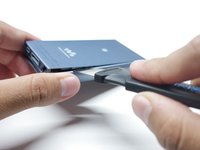
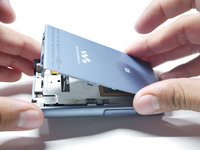
    2. Sony Walkman A-45 Battery Replacement: step 2, image 1 of 3 Sony Walkman A-45 Battery Replacement: step 2, image 2 of 3 Sony Walkman A-45 Battery Replacement: step 2, image 3 of 3
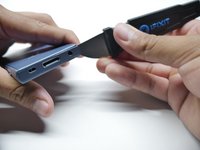
      • Insert a Jimmy into the thin gap between the shell and the side of the top cover, along the edge of one of the panels.

      • Pry up on the top cover to release it from the adhesive.

      • Once the adhesive doesn't stick from one edge, the rest disconnects easily. It will take a couple tries.

      Ask FixBot
      Add Comment

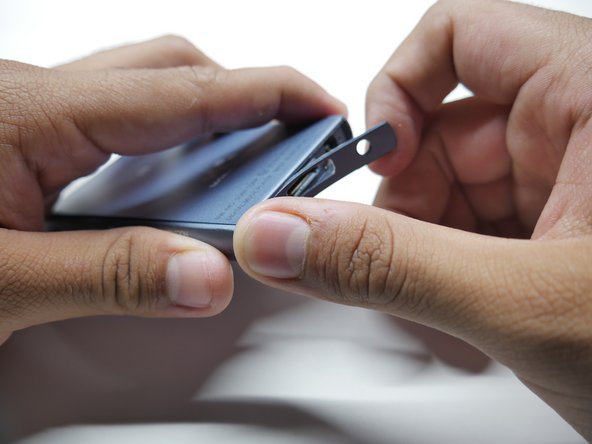
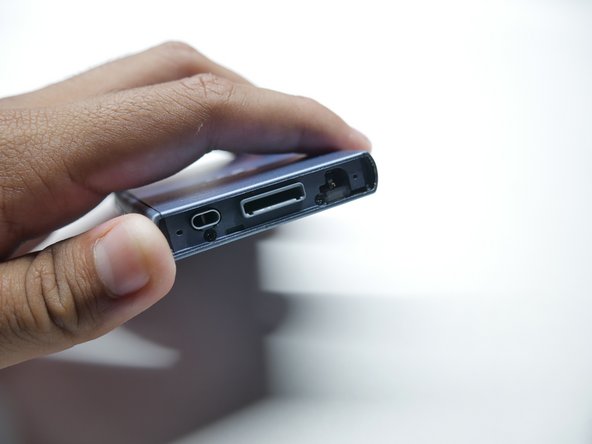
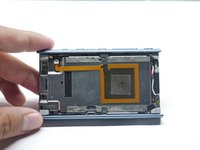
    3. Sony Walkman A-45 Battery Replacement: step 3, image 1 of 3 Sony Walkman A-45 Battery Replacement: step 3, image 2 of 3 Sony Walkman A-45 Battery Replacement: step 3, image 3 of 3
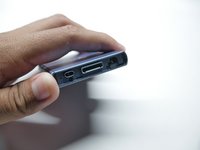
      • Insert a Jimmy into the thin gap between the shell and the side of the bottom cover, along the edge of one of the panels.

      • Pry up on the bottom cover to release it from the adhesive.

      • Once the adhesive doesn't stick from one edge, the rest disconnects easily. It will take a couple tries.

      Ask FixBot
      Add Comment

    4. Sony Walkman A-45 Battery Replacement: step 4, image 1 of 2 Sony Walkman A-45 Battery Replacement: step 4, image 2 of 2
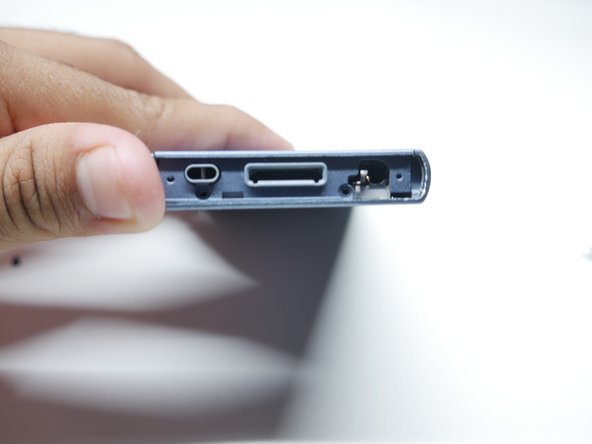
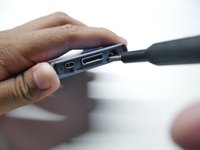
      • Remove the two bottom screws holding the chassis using a Phillips #00 screwdriver.

      Ask FixBot
      Add Comment

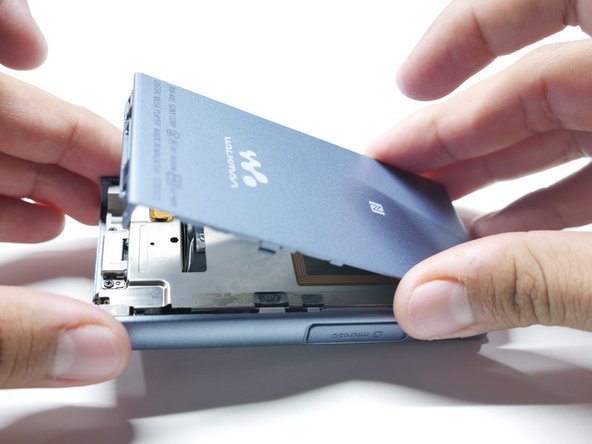
    5. Sony Walkman A-45 Battery Replacement: step 5, image 1 of 3 Sony Walkman A-45 Battery Replacement: step 5, image 2 of 3 Sony Walkman A-45 Battery Replacement: step 5, image 3 of 3
      • Flip the walkman on its screen.

      • Insert a Jimmy into the thin gap between the side panel and shell, along the edge of the panel.

      • Slowly pry up the back cover to release it from its adhesive.

      • If you have difficulty keeping the gap up, insert opening picks to prop it open.

      Ask FixBot
      Add Comment

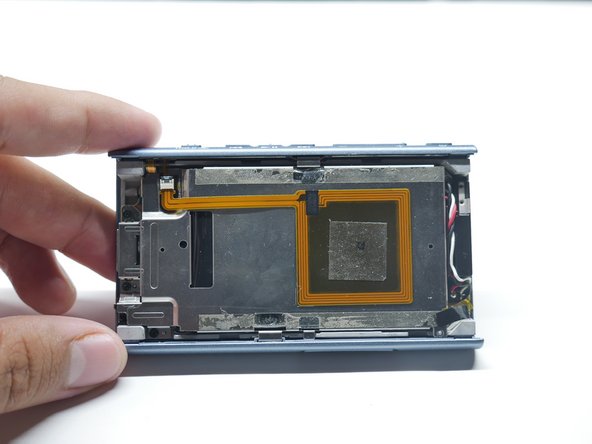
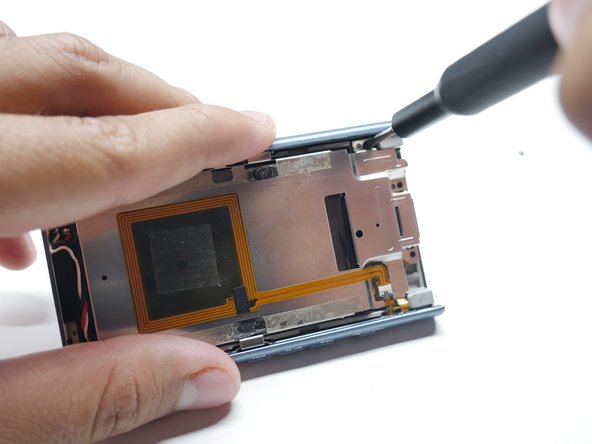
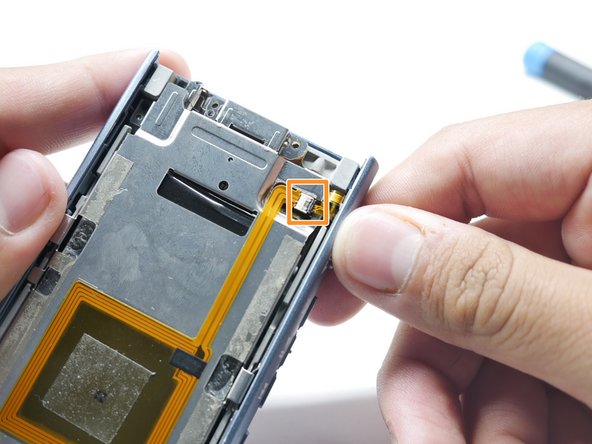
    6. Sony Walkman A-45 Battery Replacement: step 6, image 1 of 3 Sony Walkman A-45 Battery Replacement: step 6, image 2 of 3 Sony Walkman A-45 Battery Replacement: step 6, image 3 of 3
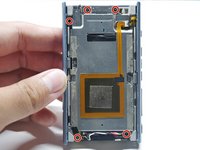
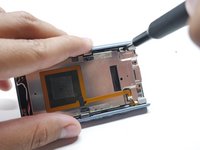
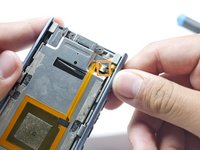
      • Remove the five screws holding down the battery and NFC Module using a Phillips #00 screwdriver.

      • Detach the ribbon cable connecting the NFC Module by pulling outward.

      • Don't pull too hard or else the ribbon cable will rip.

      Ask FixBot
      Add Comment

    7. Sony Walkman A-45 Battery Replacement, Remove the Battery: step 7, image 1 of 3 Sony Walkman A-45 Battery Replacement, Remove the Battery: step 7, image 2 of 3 Sony Walkman A-45 Battery Replacement, Remove the Battery: step 7, image 3 of 3
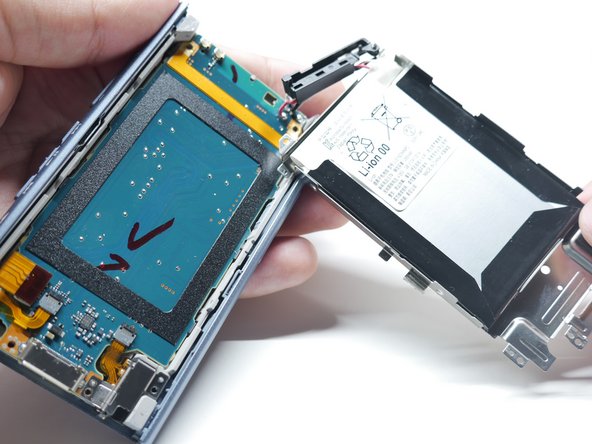
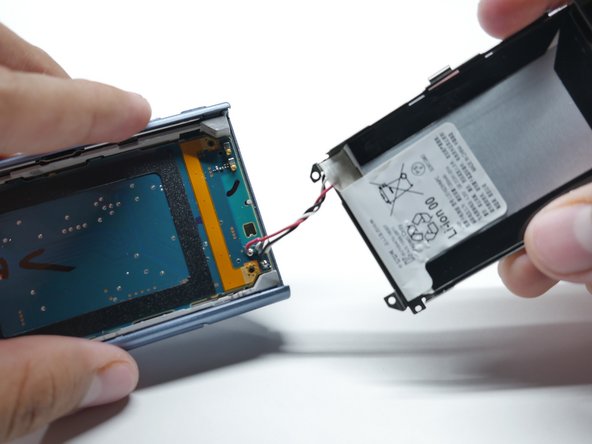
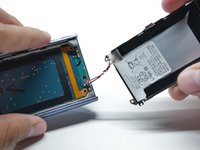
      • Lift up the metal chassis carefully.

      • There will be a block piece which holds the wires. Pull it up carefully and it should come off.

      Ask FixBot

      Add Comment

    8. Sony Walkman A-45 Battery Replacement: step 8, image 1 of 3 Sony Walkman A-45 Battery Replacement: step 8, image 2 of 3 Sony Walkman A-45 Battery Replacement: step 8, image 3 of 3
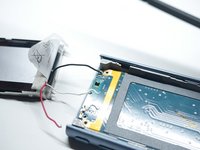
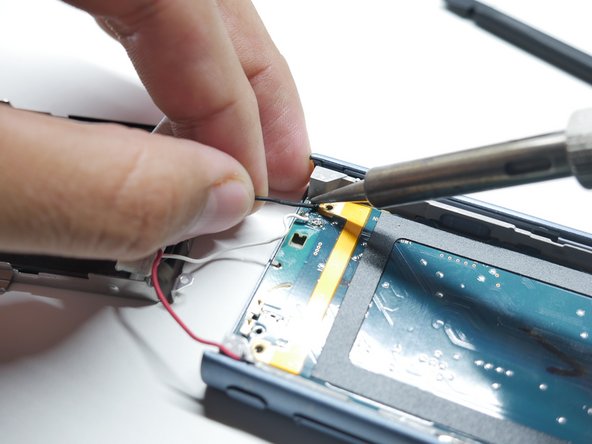
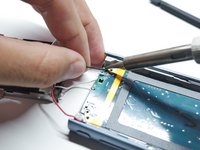
      • Heat a soldering iron to 420 degrees Celsius.

      • Heat up the old solder in the Walkman and remove the wire from its terminal.

      • This process will take time to remove the wires.

      Ask FixBot
      Add Comment

    9. Sony Walkman A-45 Battery Replacement: step 9, image 1 of 1
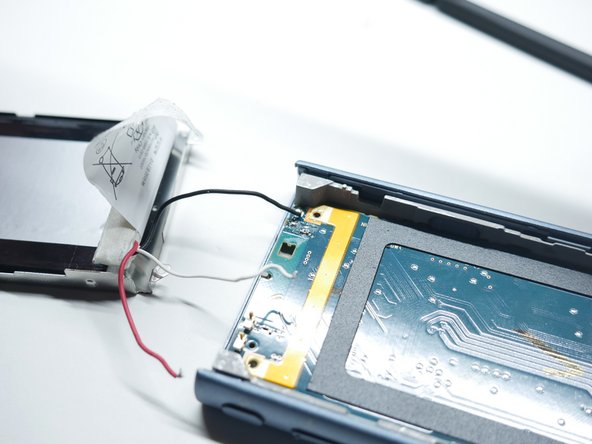
      • Loosen the battery adhesive by using isopropyl alcohol.

      • Use Isopropyl Alcohol 90% or greater.

      • Pry out the battery using plastic cards.

      • Make sure to NOT bend the battery, Take your time during this process.

      • Remove the battery.

      Ask FixBot
      Add Comment

Conclusion

To reassemble your device, follow these instructions in reverse order.

Cancel: I did not complete this guide.
3 other people completed this guide.

Edwin Ruiz

Member since: 10/24/24

250 Reputation

1 Guide authored

Team

CSU Los Angeles, Team 3-86, Harris Fall 2024 Member of CSU Los Angeles, Team 3-86, Harris Fall 2024

CSULA-HARRIS-F24S3G86

2 Members

12 Guides authored

0 Guide Comments

Add Comment
View Statistics:

Past 24 Hours: 14

Past 7 Days: 67

Past 30 Days: 357

All Time: 4,161