Introduction
The interconnect board hosts connections to the logic board, IO board, and both GPUs. Use this guide to remove and replace the interconnect board.
What you need
-
-
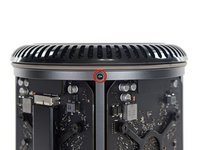
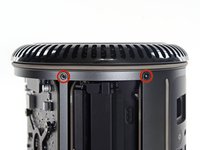
Remove five 5.1 mm T10 Torx screws from around the outer perimeter of the fan assembly.
-
-
-
-
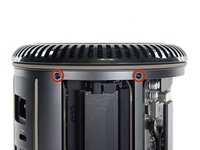
Remove five 5.1 mm T10 Torx screws from the outer perimeter of the lower case.
-
-
-
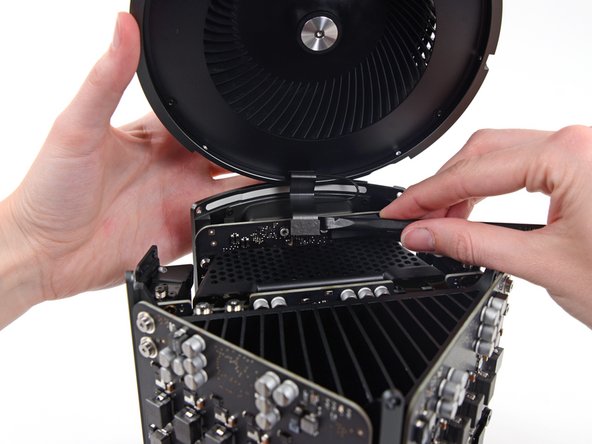
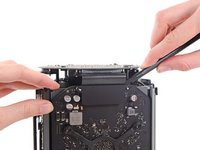
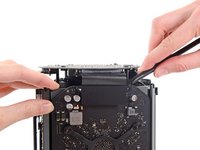
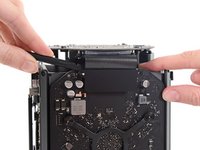
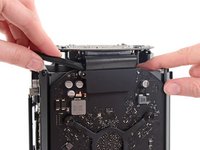
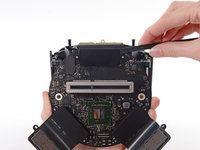
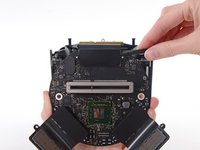
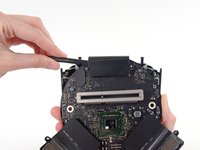
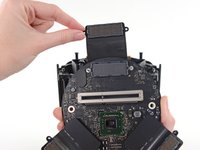
Use the flat end of a spudger and a twisting motion to gently separate one side of the graphics card data connection.
-










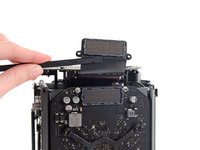


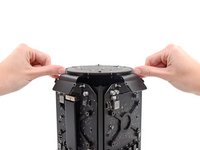
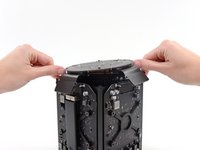
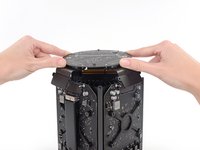




To reassemble your device, follow these instructions in reverse order.
Cancel: I did not complete this guide.
8 other people completed this guide.




5 Guide Comments
Why is it necessary to remove the fan?
I'm asking me the same question. Maybe it's for protecting the upper part and to have a stable stand when turning it around to remove the bottom part. I need to access the EFI Chip in the near future, I will see then.
