Introduction
Accessing the GPU is easy and requires no tools. Use this guide to add or replace RAM for your Mac Pro.
-
-
Tool used on this step:Anti-Static Wrist Strap$7.95
-
Remove the side panel of the Mac Pro.
-
-
-
-
-
Locate the graphics card in the open panel side of your Mac Pro.
-
-
-
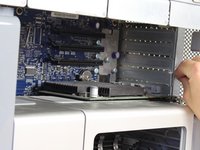
Unscrew the two thumb screws by twisting counterclockwise using your fingers until the slide lock is released.
-
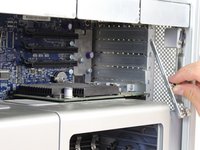
Remove the slide lock.
-
-
-
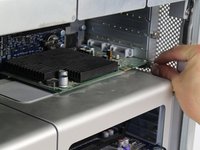
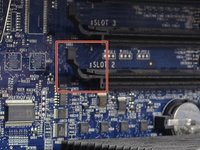
Push up on the clip directly behind the graphics card to release it from its slot.
-
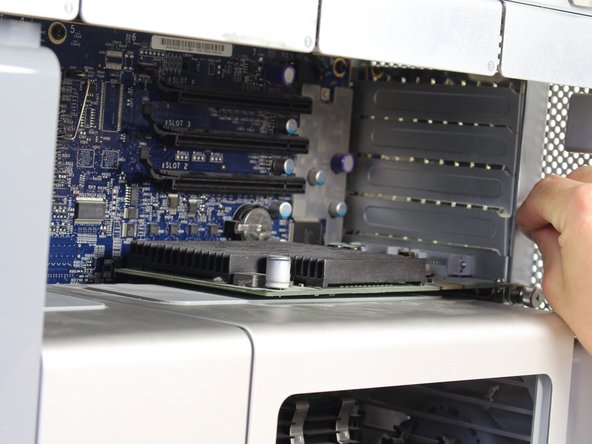
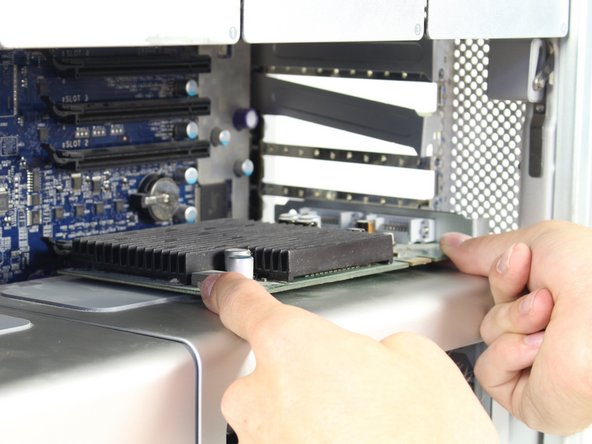
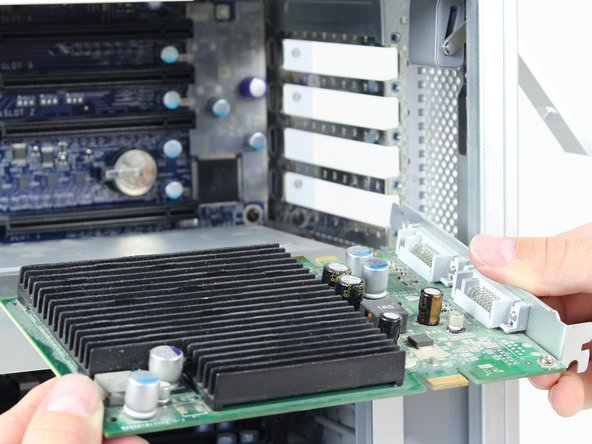
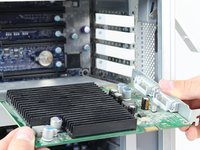
Slide the graphics card out of the slot using both hands by firmly holding the corners of the top of the card as shown.
-
-

 Ask FixBot




To reassemble your device, follow these instructions in reverse order.
Cancel: I did not complete this guide.
23 other people completed this guide.

Team

Cal Poly, Team 6-24, Maness Fall 2014 Member of Cal Poly, Team 6-24, Maness Fall 2014
CPSU-MANESS-F14S6G24
4 Members
72 Guides authored
8 Guide Comments
I have a first generation Mac Pro (1,1 – 2 x 3GHz Dual-Core Intel Xeon) that I purchased in November 2007.
I still love it.
THANK YOU for your valuable User Guides, and parts replacement guides!
Hi, I just installed Mac OS X High Sierra in my 2010 Mac Pro. The first monitor is active with the ATI Radeon HD5770. However the #2 screen is inactive with its ATI Radeon HD3870. Should I get another HD5770 or a different card so I can use the second screen?
For starters this is the first generation forum while your 2010 is a fifth generation model.
Nevertheless I had an interesting situation with the 5770 in a first gen machine that only ran under strange circumstances—a situation wroth sharing nevertheless.:
Ati Radeon X1900Xt had to be installed on bay 1 for the 5770 to work on bay 4
But for your situation, the question is: does the 3870 work standalone in its bay if the 5770 is taken out completely?
And if you swap the graphics cards into each others’ position, what’s the result?
Hi. My 1st Gen Mac Pro is maxed out with OS X Lion 10.7. I heard I may be able to make it a 5th Gen by switching a chip. Is anyone familiar with this?
Hi, I have a first generation MacBook Pro which is maxed out with OS X Lion 10.7. I heard I may be able to upgrade it to a generation 5 by switching out a chip. Is anyone familiar with this?
