Introduction
Use this guide to restore wireless connectivity to your MNT Reform by replacing the WiFi card. Reform uses a standard mPCIe socket for WiFi cards.
What you need
-
-
-
Remove the following screws securing the transparent acrylic bottom plate to the main box:
-
Ten M2×6mm silver Phillips screws
 Ask FixBot
-
-
-
-
-
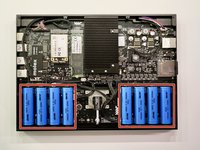
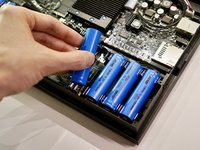
Pull out the eight battery cells one by one, and set them aside safely.
-
-
-
-
-
-
Unplug the UI1 (keyboard) and UI2 (trackball or trackpad) cables from the motherboard.
-
-
-
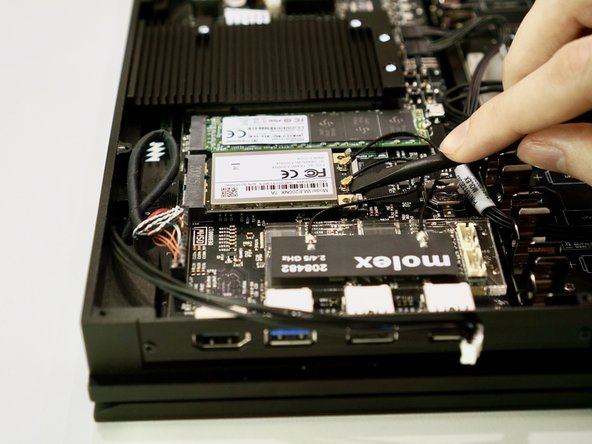
Use the flat end of a spudger or a clean fingernail to pry both antenna connectors up from their sockets.
-
-
-
Lift the acrylic holder with the Molex MIMO antenna out and set it aside.
-
-
-
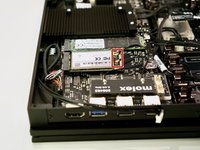
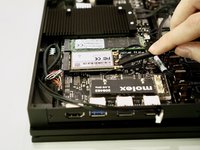
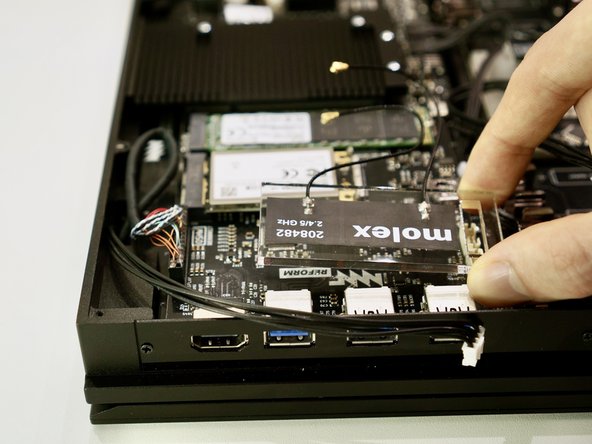
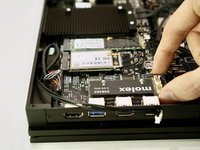
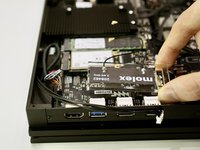
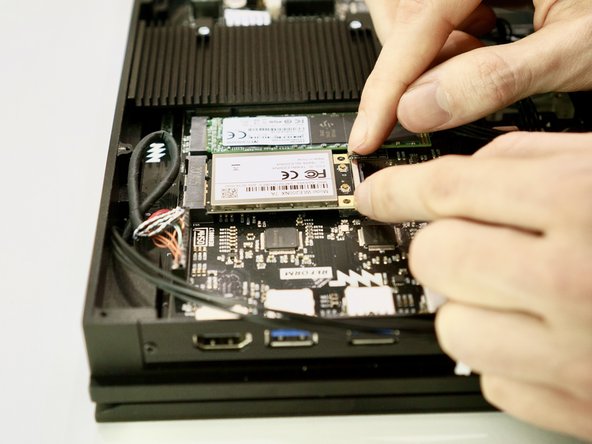
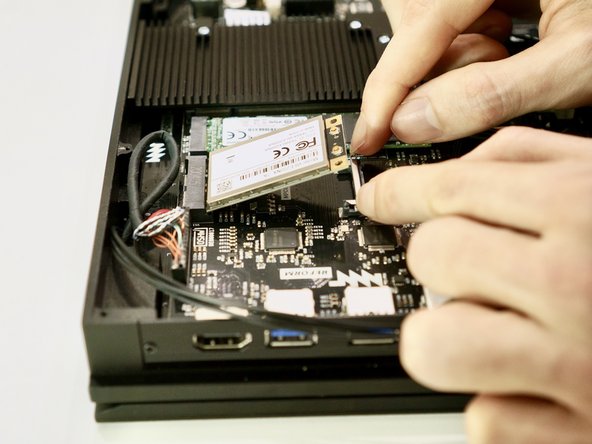
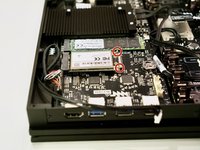
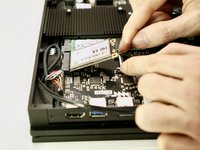
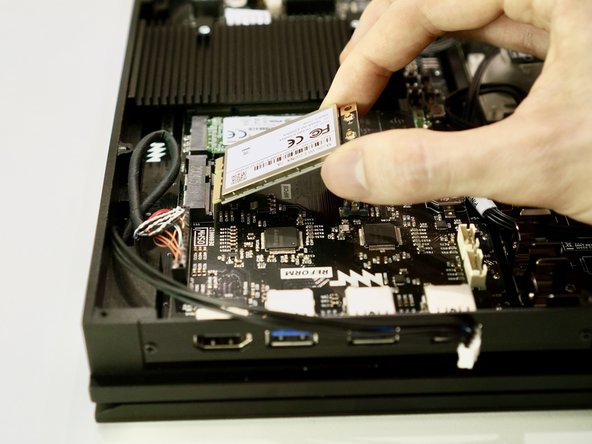
Pull the two metal tabs holding the WiFi card away from the mPCIe socket. The WiFi card will spring up on its own.
-
-
-
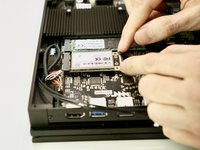
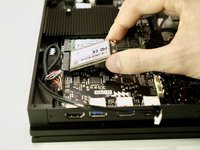
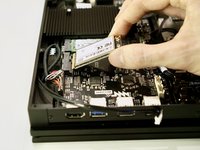
Pull the WiFi card out of its mPCIe socket on the motherboard.
-
-







To reassemble your device, follow these instructions in reverse order. Ensure that no cables are squeezed when replacing the bottom plate. Don’t overtighten screws.
Cancel: I did not complete this guide.
One other person completed this guide.

